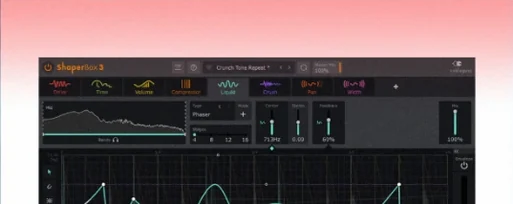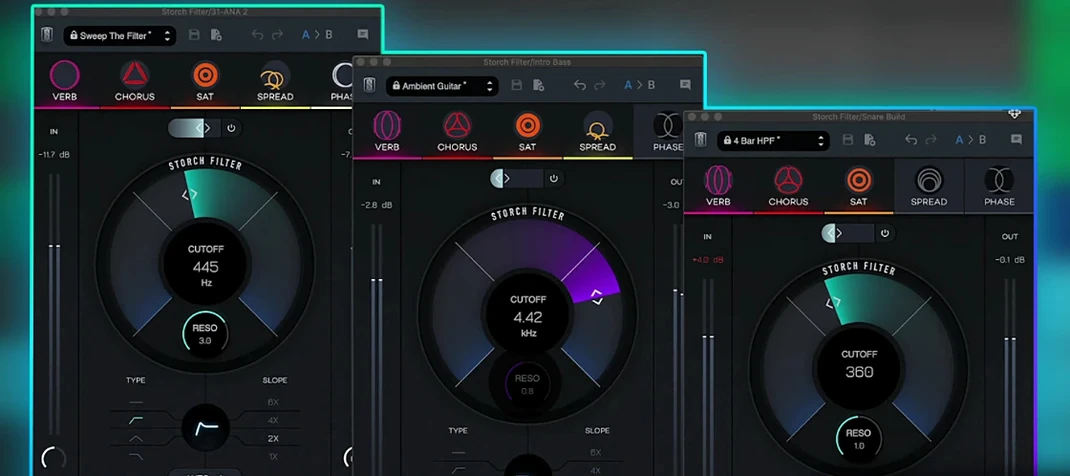
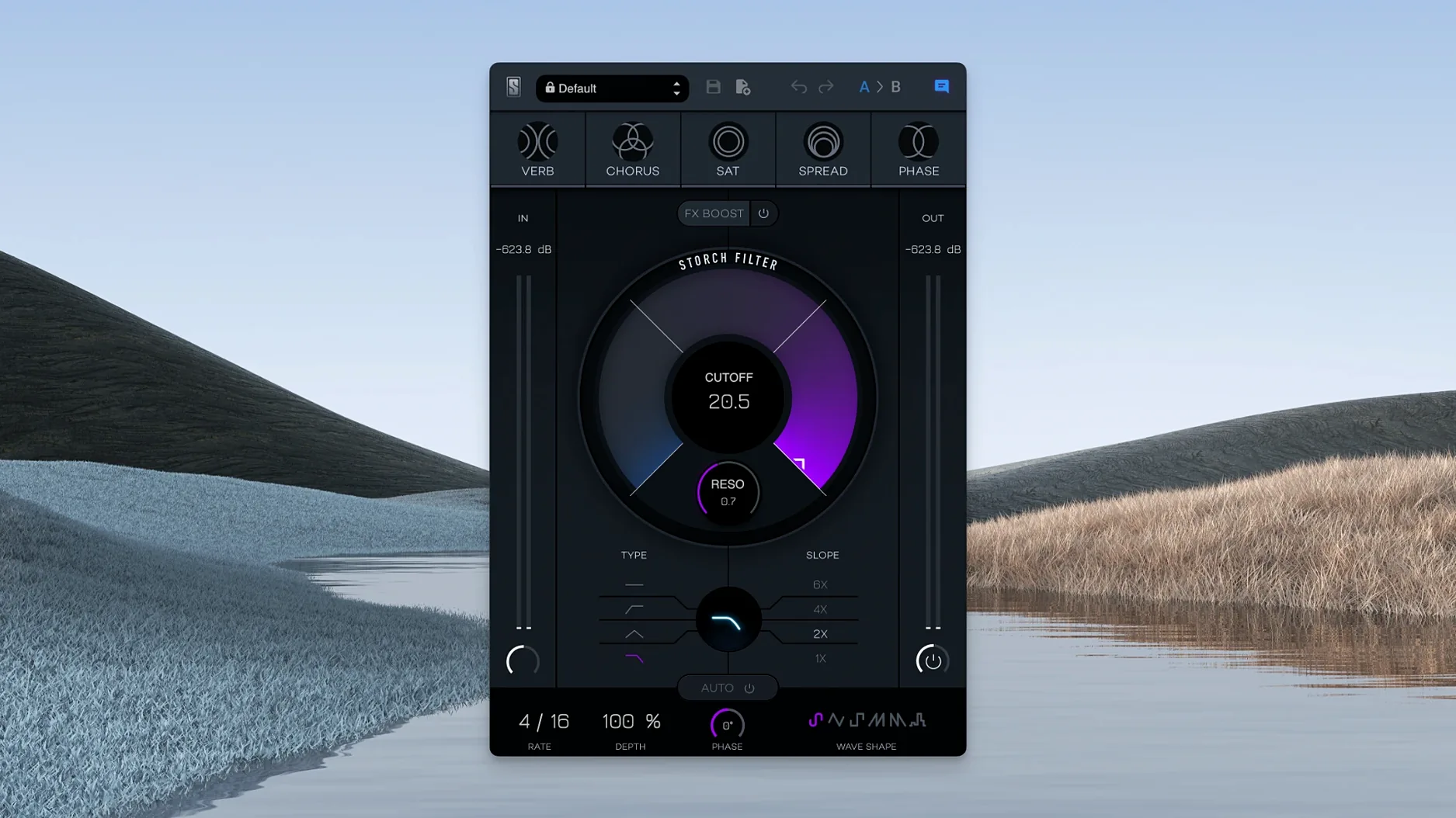
You pull up a vocal track that needs movement — not just an EQ curve, but something that breathes. That's where the Storch Filter sits, a tool built around a filter that doesn't just cut frequencies, it drags reverb, chorus, saturation, stereo width, and phaser along with it.
Format — works inside any DAW that hosts VST or AU plugins on macOS 11 or later, native on Apple Silicon.
Hosts — Logic Pro, Ableton Live, FL Studio, Cubase, Pro Tools (via compatible wrapper or AAX version), and others that support the format.
Sound engine — the cutoff and resonance knobs aren't just a filter. They're tied to all five effects at once. Turn the cutoff, and the reverb tail changes; push resonance, and the phaser sweeps harder. The FX Boost slider brings the whole effect chain forward without changing your dry/wet balance.
What I'd use it for — transitions, intros, or anytime a static loop needs to feel like it's traveling somewhere. It's less about surgical mixing and more about coloring a sound in motion.
Give yourself a couple of days to just twist knobs before you try to slot it into a serious mix. The plugin is more of an instrument than a processor, and it rewards aimless fiddling. Pick a preset you'd never normally choose, drag the cutoff slowly while a loop plays, and notice how the saturation thickens at one end while the reverb blooms at the other. That's the relationship you'll lean on later.
Map the cutoff to a MIDI knob or a fader on your controller early. The modulation section is great, but there are moments when you'll want to ride it by hand — especially on vocal ad-libs or a synth pad that needs to open up over four bars. A physical control makes that feel natural instead of programmed.
Another thing worth doing on day one: save a handful of your own starting points. The Scott Storch presets are flashy and musical, but they're designed to show off what the engine can do. Building three or four stripped-back patches — just a touch of phaser, a narrow filter range, the FX Boost pulled low — gives you a grab-and-go toolkit for later sessions when you don't want to start from scratch.
FX Boost isn't a volume knob
The biggest one is treating the FX Boost slider like a volume control. It's not. It pushes all five effects forward in the chain simultaneously, and on a dense mix element that can turn into mud fast. Beginners often dime it and then wonder why the snare disappeared. Start with it at noon or lower, and only nudge it up once the filter movement already sounds right.
Another common misstep is leaving the resonance too high with a steep LFO wave — say, a square shape sweeping a narrow range. It sounds exciting in solo, but in the context of a full arrangement it pokes out in unpleasant ways. If the track suddenly feels sharp or whistle-y, pull the resonance back before you touch anything else.
Some producers also forget that the stereo width effect lives inside the filter engine, not after it. If you're feeding a narrow mono source into a wide preset, the result can feel disconnected from the rest of the mix. Try the plugin on a bus or a send for stereo work, and keep it inline for mono sources where you mostly want the saturation and chorus to do the heavy lifting.
Built for beatmakers and hip-hop textures
Beatmakers and hip-hop producers tend to click with this plugin fastest. The Scott Storch DNA is baked into the preset design — think dark, sweeping filter throws on an 808, or a keys sample that morphs from lo-fi to wide and chorus-soaked over two bars. If your workflow leans on vibe over precision, the Storch Filter fits the speed of that process. You're not dialing in three separate plugins to get movement; you're turning one knob and hearing the whole picture shift.
Electronic producers working with long arrangement sections get a lot of mileage from the autofilter. Six LFO shapes give you enough variety to avoid the same old sine sweep, and syncing the movement to tempo means a pad can evolve for 16 bars without manual automation. The adjustable low pass filter here isn't clinical — it colors the sound as it closes, which works better for breakdowns than a transparent utility filter ever would.
Sound designers and sample makers will find it useful for resampling. Run a static texture through the Storch Filter, print a few passes with different LFO shapes and FX Boost settings, and you've got a folder of evolving one-shots that don't need additional processing. The phaser and chorus especially sound distinct from what you'd get with separate plugins, because they react to the same cutoff and resonance that the filter does. That interdependence is the whole point of the design, and it's what makes the results feel cohesive rather than layered.
Version 1.0.6 is a maintenance build that keeps things stable and current.
- macOS 11 or later
- Apple Silicon native support
- Interface language: English
Notes from other shops 0
Sign in or open a shop account to leave a note.
No notes yet. If you've used this on a shop Mac, tell me how it went.