Version 27 draws a hard line: Intel Macs and Boot Camp are both gone. It needs an Apple Silicon Mac on macOS 26 or later, and it is the first Microsoft-authorized solution for running Windows on that architecture.
Look for an M-series chip in About This Mac
Open “About This Mac” and look for a chip that starts with “M” followed by the macOS version. If you see an Intel processor, this release simply will not install.
Set up Windows without a restart
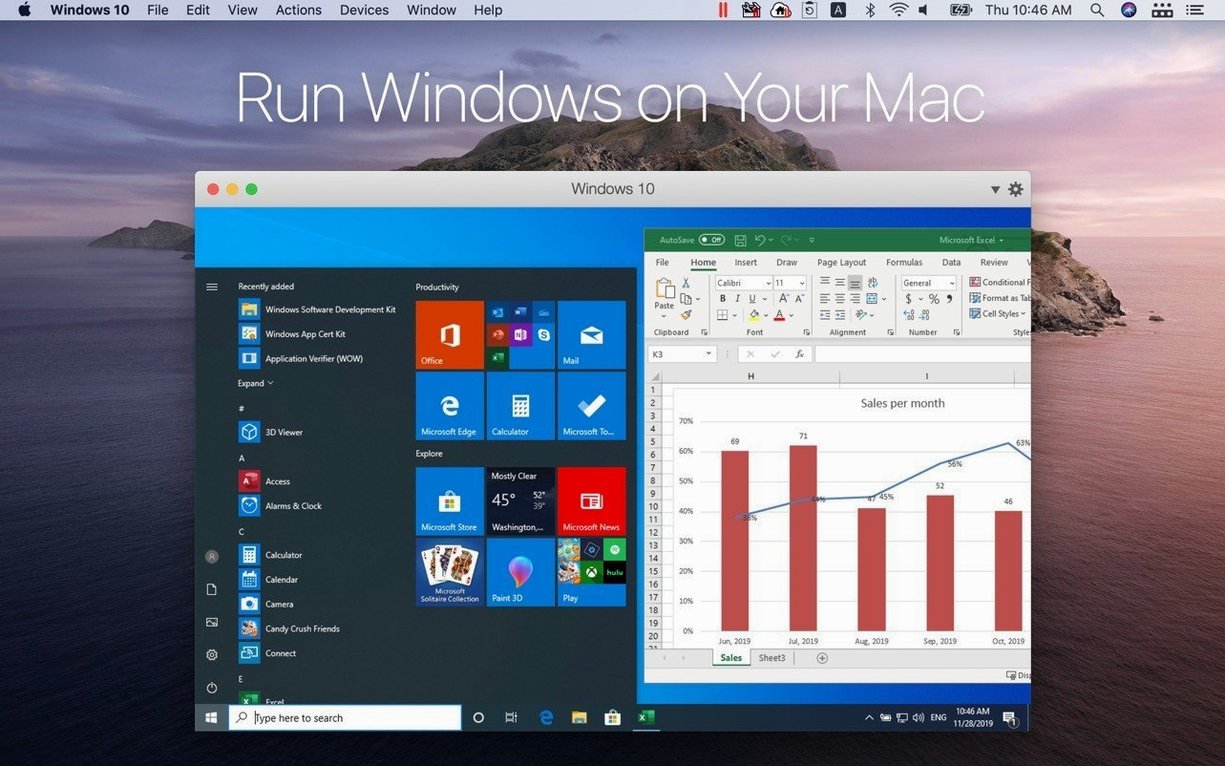
Once installed, Windows runs alongside macOS. Coherence mode hides the Windows desktop entirely so you drag files between the two systems as if they were one.
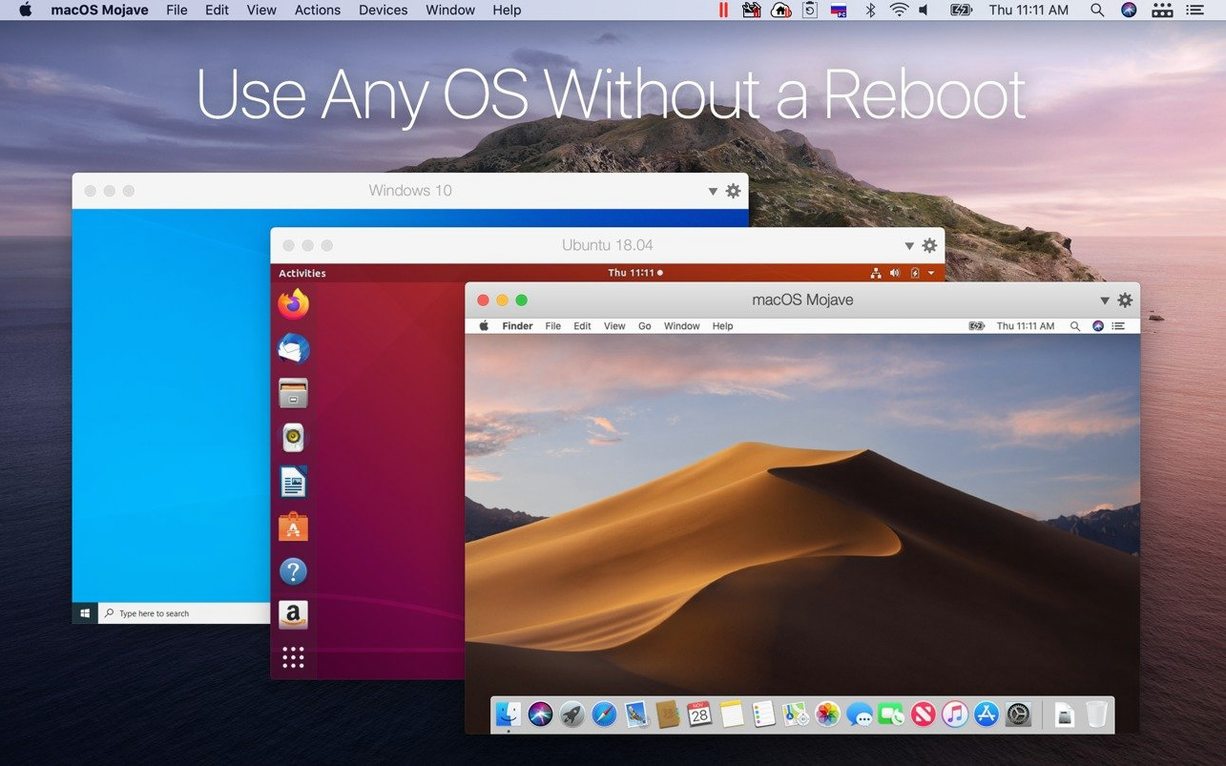
Pick a ready-made Linux guest
The 27.0.2 update adds instant support for Ubuntu 26.04 LTS (including x86_64 emulation), Fedora 44, Debian 13.6, and Kali Linux 2026.2, with ARM SystemReady SR 3.1 certification keeping the virtual hardware predictable.
Mistakes beginners make that slow things down
Most of the headaches I see come down to three things people do before they even launch a virtual machine.
Skipping the Parallels Tools install. After Windows finishes setting up, a prompt appears offering to install Parallels Tools. New users dismiss it because the VM already works. Without those tools, you lose shared folders, coherent copy-paste between Mac and Windows, and proper screen resizing. Dragging feels clunky, and the mouse gets trapped inside the window. Installing them later is easy — the menu item sits right under "Actions" — but people spend weeks thinking the product is just sluggish.
Assigning too much RAM to the virtual machine. On an Apple Silicon Mac with 16GB of unified memory, giving Windows 12GB seems generous. Then the Mac side starts swapping, and everything crawls. A Windows 11 VM for office apps runs fine with 4–6GB. Leave the rest for macOS. Parallels lets you adjust this after the fact in the configuration panel; the sweet spot depends on what you actually run, not on the highest number the slider allows.
Storing the virtual disk on an external drive without checking speed. A slow USB-C thumb drive will make Windows boot times painful. If you need the VM on an external disk, use a Thunderbolt or fast NVMe SSD. Even then, some backup utilities try to snapshot the entire multi-gigabyte VM file while it's running, which grinds disk I/O to a crawl. Exclude the .pvm bundle from real-time backup scans.
Windows activation fails after you move a VM
One common stumble: Windows won't activate after migration. People move a VM from an Intel Mac backup, or carry over a Boot Camp partition from an older setup, and activation fails because the virtual hardware signature changed. Microsoft ties the license to the hardware ID, and Apple Silicon VMs present a different fingerprint. You'll need to run the activation troubleshooter inside Windows and select "I changed hardware on this device recently." If that route stalls, a phone activation usually clears it in under ten minutes.
Another friction point: USB device pass-through. A printer or scanner shows up in macOS but stays invisible inside Windows. Check the Devices menu and make sure the device isn't already claimed by macOS. For stubborn peripherals, unplugging and re-plugging while the VM window is focused often triggers the connection prompt that got dismissed the first time.
Networking gets tangled when you switch between Wi-Fi and Ethernet. The VM might cling to the old adapter. In the VM's configuration, under Hardware > Network, toggle the source from "Shared Network" to "Bridged" and back. That forces the virtual adapter to refresh. If you're on a corporate VPN, Bridged mode usually works better because it gives the VM its own IP on the local network, though you'll need to handle firewall rules yourself.
Open any file from Finder straight into its Windows app
Right-click a file in the Mac Finder and you'll see an "Open with Parallels Desktop" option. It launches the corresponding Windows application directly — no need to open the VM, find the program, and navigate to the file manually. The same trick works in reverse from Windows Explorer if shared folders are enabled.
Coherence mode has a subtle extra: individual Windows apps can be pinned to the macOS Dock. Once a Windows app is running in Coherence, right-click its Dock icon and choose "Keep in Dock." From then on, clicking that icon starts the VM in the background and brings the app forward. It feels like launching any Mac app.
Parallels remembers window arrangements across restarts. If you always run a Windows app on a specific external display, position it there once. After a full shutdown and reboot, it reappears in the same spot. Works with multiple monitors too.
The "Travel Mode" toggle in the status bar icon extends battery life by pausing background VM services and reducing resource polling. Useful when you are on a long flight and need the VM available but not constantly sipping power.
Tip: hold the Option key while clicking the Parallels icon in the menu bar. It reveals a quick-switch list of all your virtual machines, so you can jump between a Windows VM and a Linux VM without opening the Control Center.
VMware Fusion asks for more manual tweaking to feel integrated
VMware Fusion. Fusion runs on Apple Silicon and handles Windows 11 as well, but the interface feels heavier and Coherence-like integration requires more manual tweaking. Where Fusion pulls ahead is deep enterprise tooling — vSphere connectivity, ESXi host management, and virtual network editor granularity that Parallels doesn't expose. For someone who just wants to run QuickBooks or a Windows-only design tool without thinking about hypervisor settings, Parallels gets out of the way faster.
UTM. UTM is free and open-source, built on QEMU, and supports a dizzying range of guest architectures. It can emulate x86 on Apple Silicon, which Parallels doesn't do for Windows. The trade-off is speed and polish: UTM's graphics acceleration is limited, shared folders need manual Samba configuration, and there's no equivalent to Coherence mode. I'd point a student or hobbyist toward UTM for experimentation, but a shop owner who needs Windows to feel native will find UTM too rough around the edges.
CrossOver. CrossOver isn't a virtual machine — it translates Windows API calls directly through Wine. That means no Windows license, no VM overhead, and very fast launch times for compatible apps. The catch is compatibility: many applications simply don't work, and those that do may have odd rendering glitches or missing dialog elements. If the one Windows app you rely on is on CrossOver's tested list, it's a lean solution. If you juggle five different Windows programs plus occasional Linux testing, Parallels covers all of them without gambling on translation layers.
One critical Windows app keeps a small business on Mac
Business owners running niche Windows software. I meet a lot of small-shop owners who have one critical Windows program — an old inventory tracker, a label designer, a proprietary accounting package that never got a Mac port. They don't want to maintain a separate PC. Parallels lets them run that single app inside macOS, share customer files between systems, and print to the same office printer. The time saved not switching machines adds up fast over a work week.
Developers testing across platforms. With the 27.0.2 update supporting five Linux distros out of the box, a developer can spin up a Debian environment, test a web app, then clone it to check behavior on Fedora, all on the same Mac. The ARM SystemReady certification means virtual hardware behaves consistently, which matters when you're chasing a bug that only surfaces on one kernel version.
Mac users who occasionally need Windows-only file formats. If a client sends a Visio diagram or an old Access database twice a month, owning a full PC feels excessive. A lightweight Windows VM with Office installed handles those moments without turning a desk into a dual-computer setup. Coherence mode hides the Windows bits so the VM doesn't intrude on the rest of the day.
Designers and illustrators using Windows-only utilities. Some print shops require Windows-based imposition software or color-calibration tools. Running those inside a VM on the same Mac that drives Adobe Creative Cloud keeps the color pipeline consistent — no transferring files to a second machine and back, no profile mismatches from different displays.
The common thread is people who live in macOS but can't fully cut ties with Windows or Linux for a handful of essential tasks. They benefit from the tight integration Parallels offers, because the less they have to think about the virtual machine itself, the more they get done.
Parallels Desktop 27.0.3-58680 has arrived with the latest round of fixes and fine-tuning from the developer. You can find the full technical notes over on their knowledge base.
- macOS 26 or later
- Apple Silicon Mac
Questions from the stall
Does Parallels Desktop 27 work on an Intel Mac?
No. Intel Mac support was removed in version 27; it requires an Apple Silicon Mac running macOS 26 or later.
Can I still use a Boot Camp partition with version 27?
Boot Camp support was removed in Parallels Desktop 27, so you can no longer run a Boot Camp partition as a virtual machine.
Which Linux distributions are supported out of the box in the latest update?
Version 27.0.2 adds out-of-the-box support for Ubuntu 26.04 LTS (with x86_64 emulation), Fedora 44, Debian 13.6, and Kali Linux 2026.2.
Notes from other shops 0
Sign in or open a shop account to leave a note.
No notes yet. If you've used this on a shop Mac, tell me how it went.