
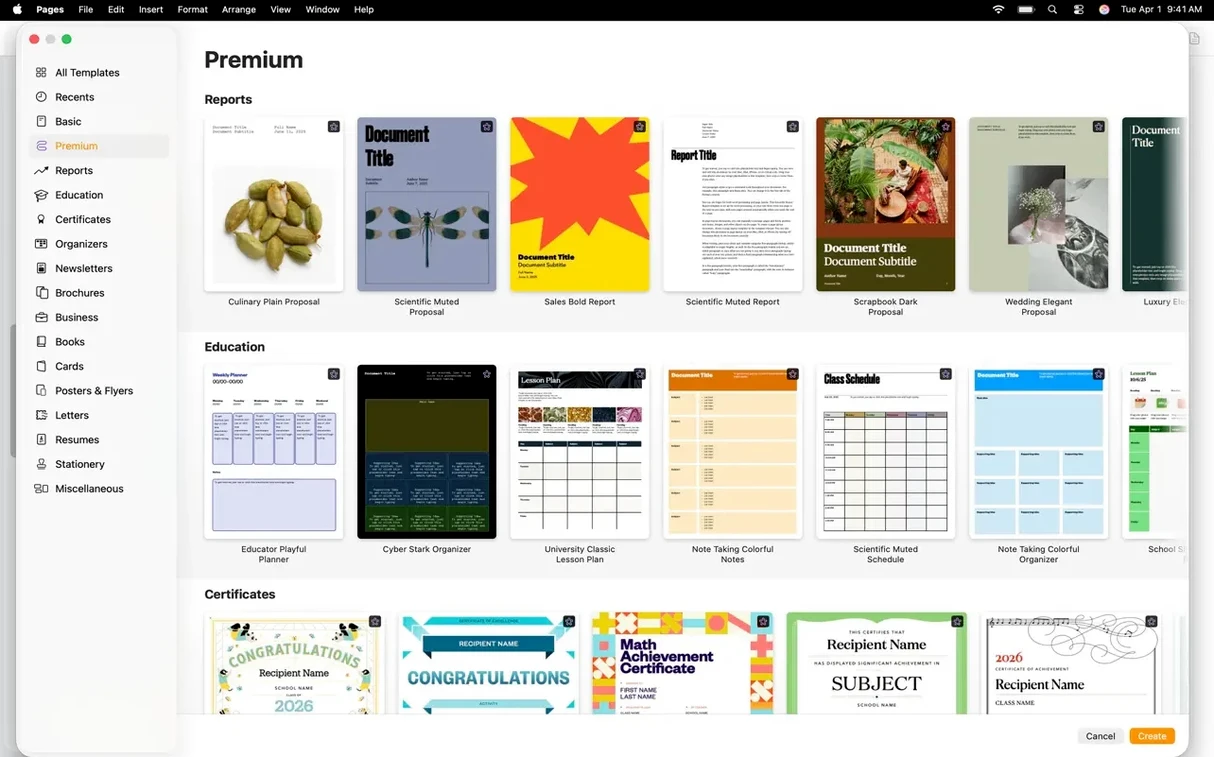
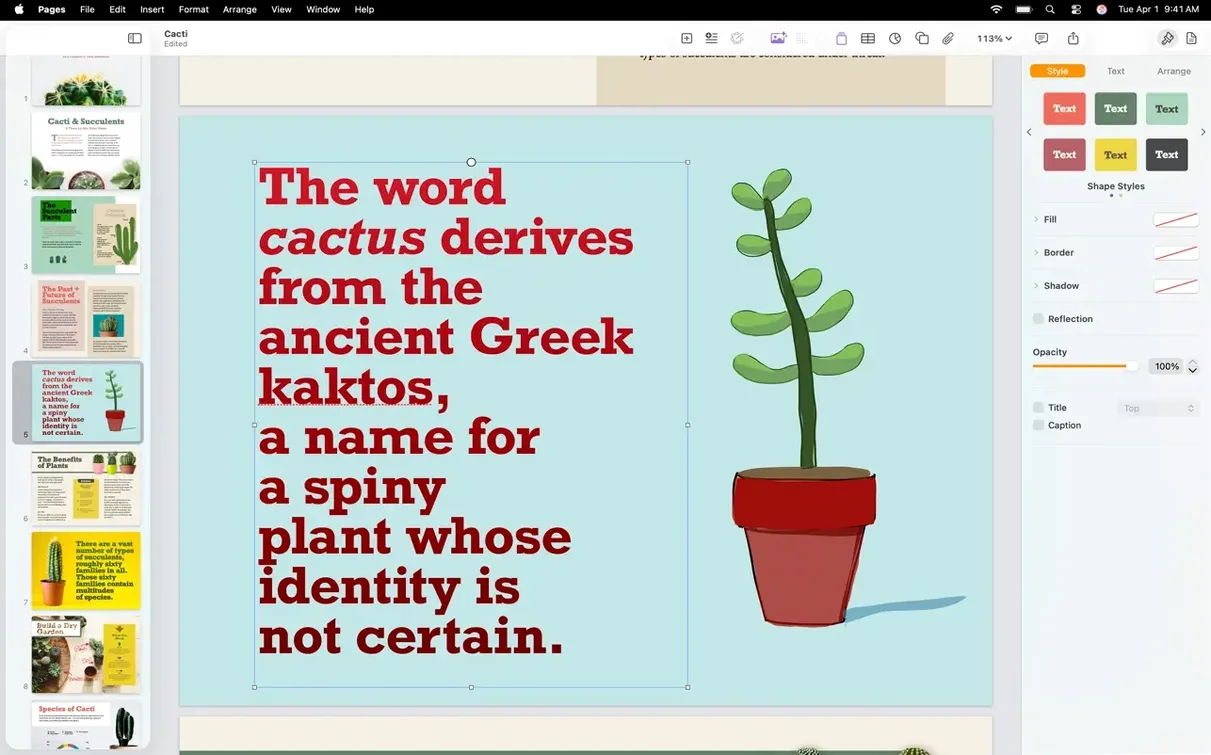
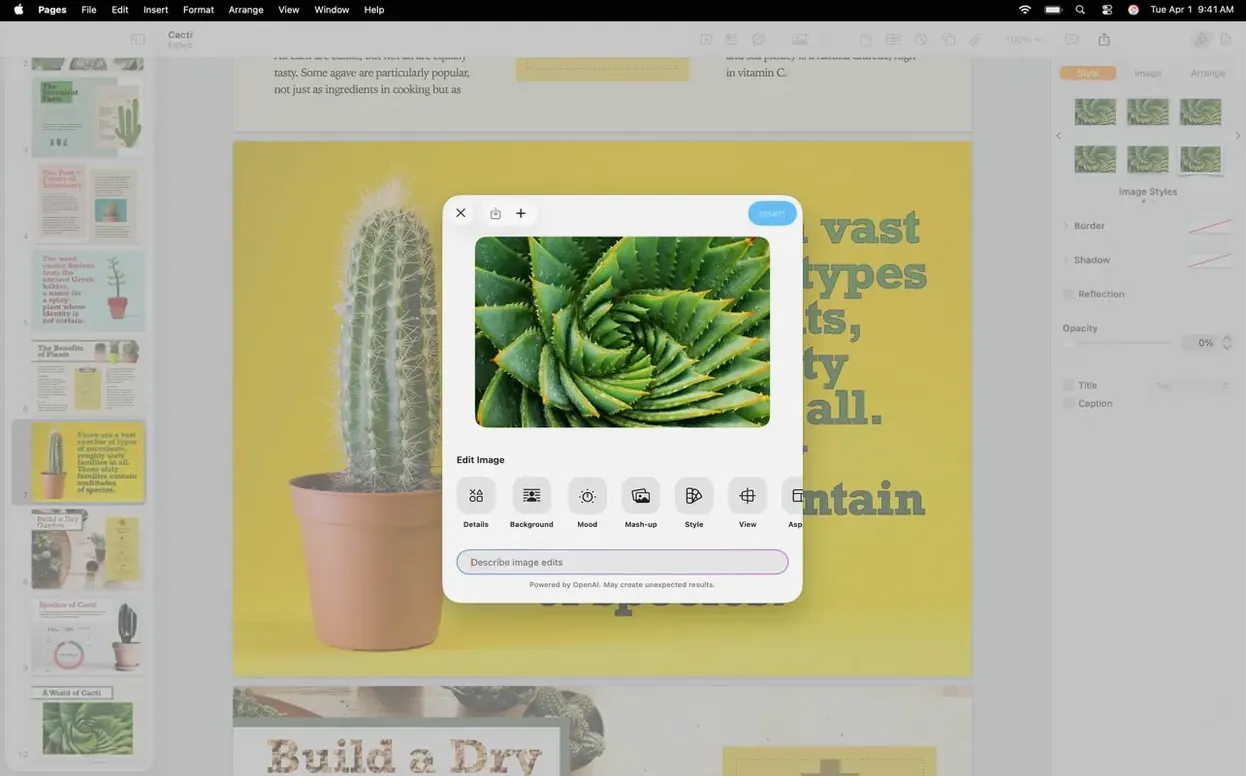
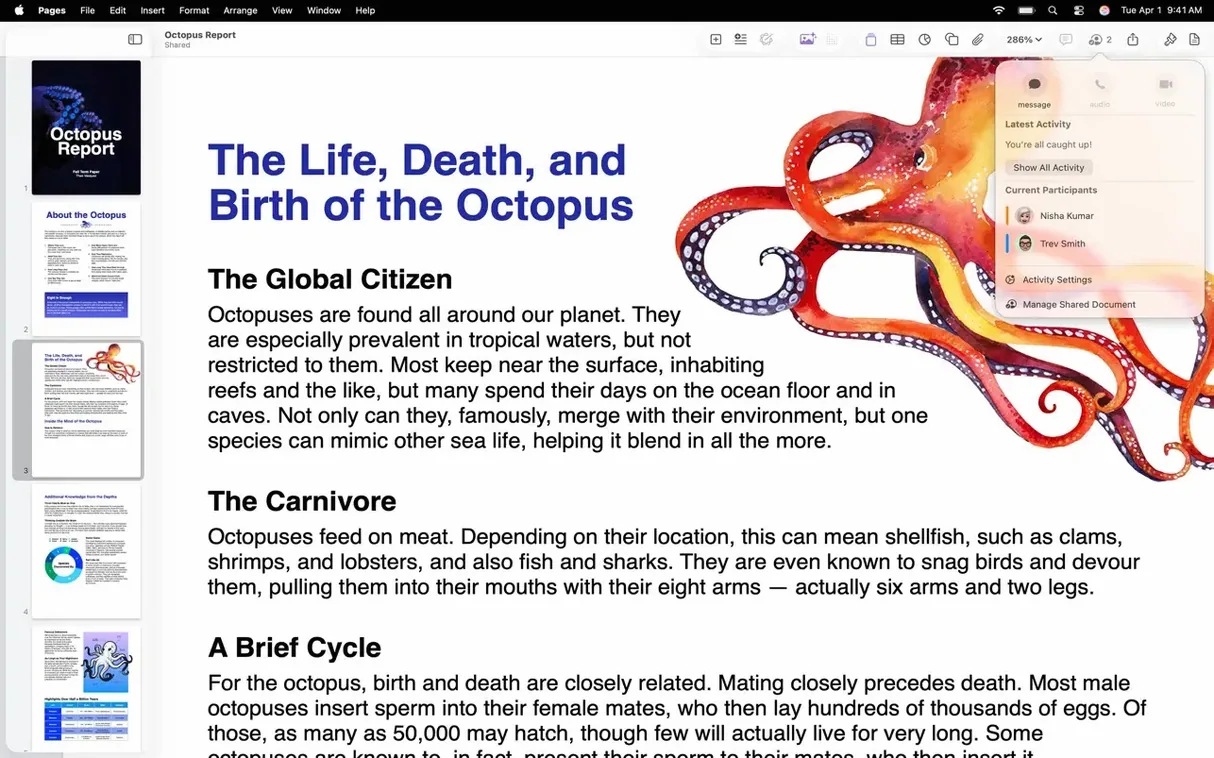
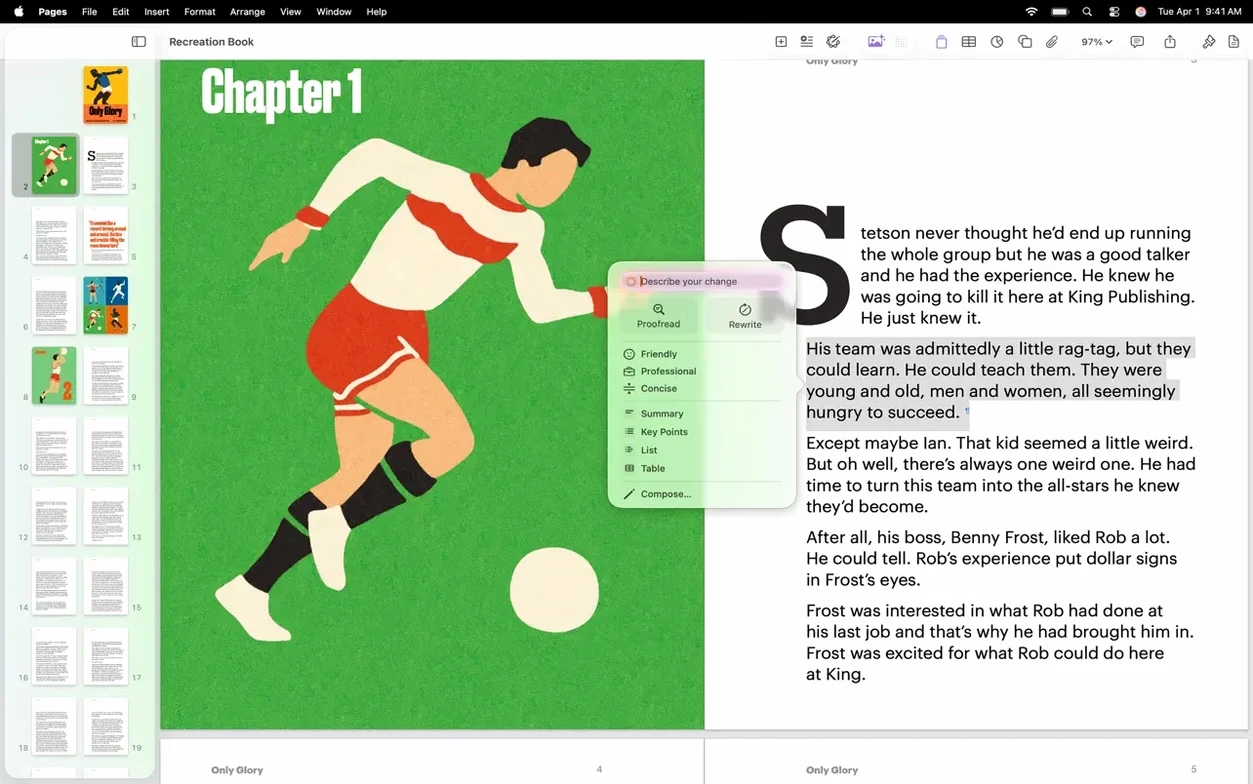
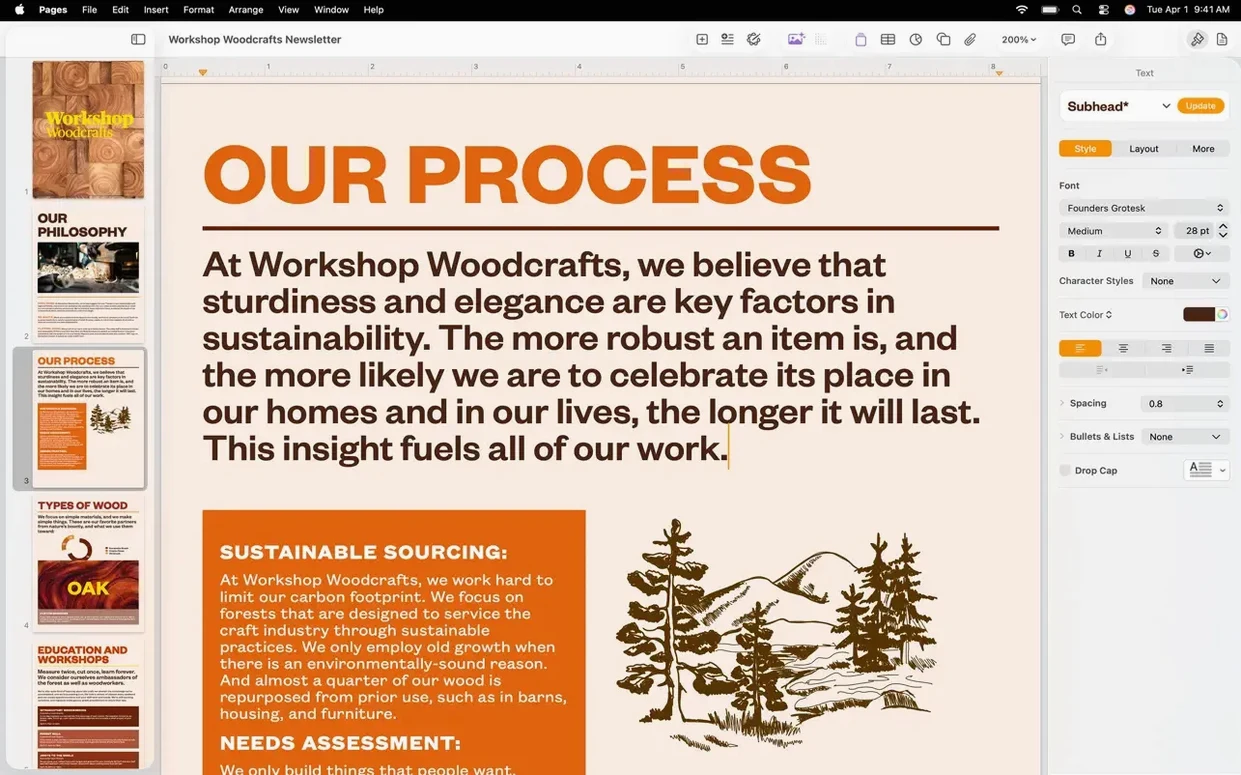
Image background removal is one of those small tools that saves a trip to another app. Pages Creator Studio brings it alongside full word-processing muscle — reports, letters, posters, even book-length projects live here. The bigger question before you download is whether your Mac can run version 15.3.1, so let’s get that out of the way first.
- Needs macOS 15.6 or later, runs natively on both Intel and Apple Silicon Macs.
- Opens a document image directly in Pixelmator Pro, then shows the edited version right in your layout.
- Generates editable custom shapes from a plain text description — no drawing required.
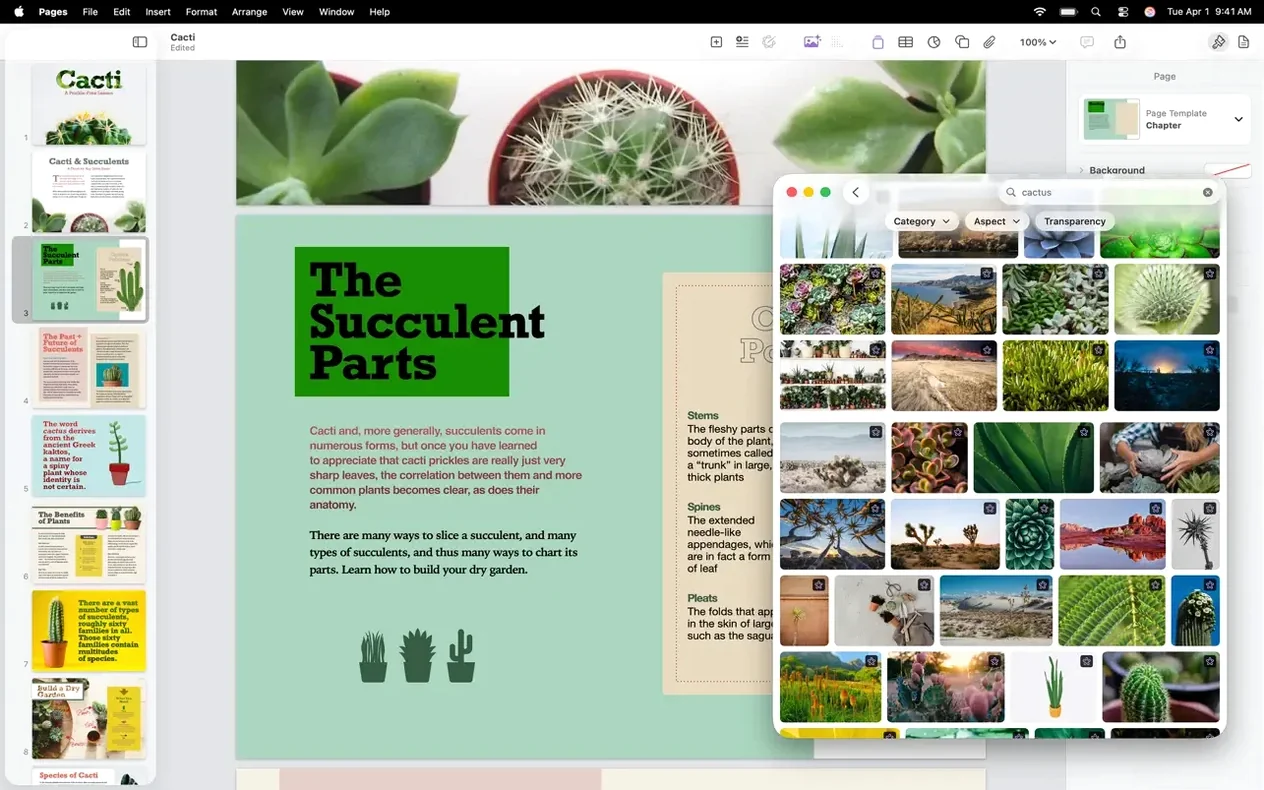
- Replaces images faster by pulling from the Content Hub without digging through Finder.
- Real-time collaboration lets a team work on the same file, with changes appearing as they happen.
- Built-in tools handle outlines, tables of contents, charts, tables, shapes, and full font and color controls.
What I appreciate is that the page-layout controls don’t feel bolted on. You get masks, instant background removal, and support for images, video, and drawings inside the same document where you’re managing bibliographies and heading styles. If your Mac is on 15.6, the app installs in a couple of minutes and gives you a lot of ground to cover — from a single-page flyer to a structured report with collaborators chiming in live.
A poster workflow, start to finish
Say you need a small event poster for the shop — nothing fancy, just a clean layout with a photo, some text, and a shape that ties it together. Here’s how version 15.3.1 gets it done without leaving the app.
- Open a blank landscape document and set the page size under Document settings — tabloid or A3 works nicely for a window display.
- Drag a product photo from the Content Hub onto the page. Use the instant background removal toggle to knock out the busy background in one click.
- Type a short text description like “wavy ribbon banner” into the shape generator. Pages creates an editable custom shape you can stretch across the top and drop behind the headline.
- Add a title in whatever font fits the mood, pull a color from the photo using the color picker, and apply it to the shape for a matched look.
- Round the poster out with a small table listing event details — date, time, location — and style it with one of the built-in table formats so it stays readable at a glance.
Tip: if the photo needs more work, right-click it and open directly in Pixelmator Pro. Make your adjustments there, save, and the poster updates — no re-import, no lost positioning.
Fixing a letter with three new sidebar comments
Tuesday morning, coffee in hand. I need to finish a supplier letter, and one of the shop’s collaborators has left comments on last night’s draft.
I open the document and the sidebar shows three new annotations. Pages Creator Studio’s real-time collaboration means those were waiting for me before I even sat down — no email attachments, no “final_v3_actually_final” filenames. I click through each comment, accept two wording tweaks, and write a quick reply on the third.
Next I swap the letterhead image. The Content Hub makes replacement a single drag — the old graphic slides out, the new one drops in, and the text wrap doesn’t shift a pixel. A spot of text formatting with paragraph styles keeps the body consistent, and I update the date field. The session wraps inside ten minutes, with the file ready to print or send as a PDF straight from the Share menu. That’s the rhythm of it: short, focused, no detours to other apps unless you want them.
Version 15.3.1 tidies things up with bug fixes and a few genuinely handy workflow improvements:
- Bug fixes and performance improvements keep things running smoothly.
- Open an image from Pages straight into Pixelmator Pro, edit it, and see the result update in your document.
- Generate editable custom shapes by describing what you want in plain text.
- Swap images in your document faster using the Content Hub instead of browsing folders.
- macOS 15.6 or later
- Works on Intel and Apple Silicon Macs
Questions from the stall
Does Pages Creator Studio work on older versions of macOS?
Version 15.3.1 requires macOS 15.6 or later. It runs on both Intel and Apple Silicon Macs.
Can I edit images from Pages Creator Studio in Pixelmator Pro?
Yes, you can open an image directly in Pixelmator Pro from within Pages, and the edited version appears in your document.
What kind of documents can I create with Pages Creator Studio?
You can create reports, letters, posters, books — essentially anything from a simple document to a full page-layout project.
Notes from other shops 0
Sign in or open a shop account to leave a note.
No notes yet. If you've used this on a shop Mac, tell me how it went.