Football Manager 2026 is a staggeringly deep management simulation where your spreadsheet skills matter as much as your tactical nous. It’s built for players who love losing an evening to staff meetings, scouting reports, and the perfect pressing trigger.
If you’ve ever drawn up a shortlist of Serbian wonderkids on a notepad, this is squarely your territory. The addition of women’s football with 14 leagues from 11 countries doubles the canvas, and the separate attacking and defensive tactics finally let you shape a proper low-block-and-counter system without weird compromises. It’s detail on top of detail.
Where it might lose you is if you want a lighter touch. This isn’t a pick-up-and-play career mode with a whistle at the end. The new TransferRoom-style recruitment and improved character editor add more layers to an already dense simulation. On a Mac, the Unity-based match engine and reworked interface feel crisp, but the game still expects you to earn every result through preparation, not just matchday shouts.
For the spreadsheet-inclined manager, this is a rich, all-consuming world. For someone looking for quick thrills, you’d probably be happier with Football Manager 26 Touch on Apple Arcade—it trims the fat and runs smoothly on a Mac without the full commitment.
There’s a whole layer of small conveniences in Football Manager 2026 that you don’t really notice until you’ve put fifty hours in and suddenly realize you’re navigating three times faster than you were in week one. The quick bookmarks alone are worth learning early. You can pin any screen you visit regularly — your shortlist, the development center, a specific league table — and it sits in the sidebar as a one-click jump. I keep four bookmarks: the squad planner, my under-21 national team pool, the Bundesliga injury table, and the scouting assignments page. It sounds trivial, but saving four clicks thirty times a session adds up.
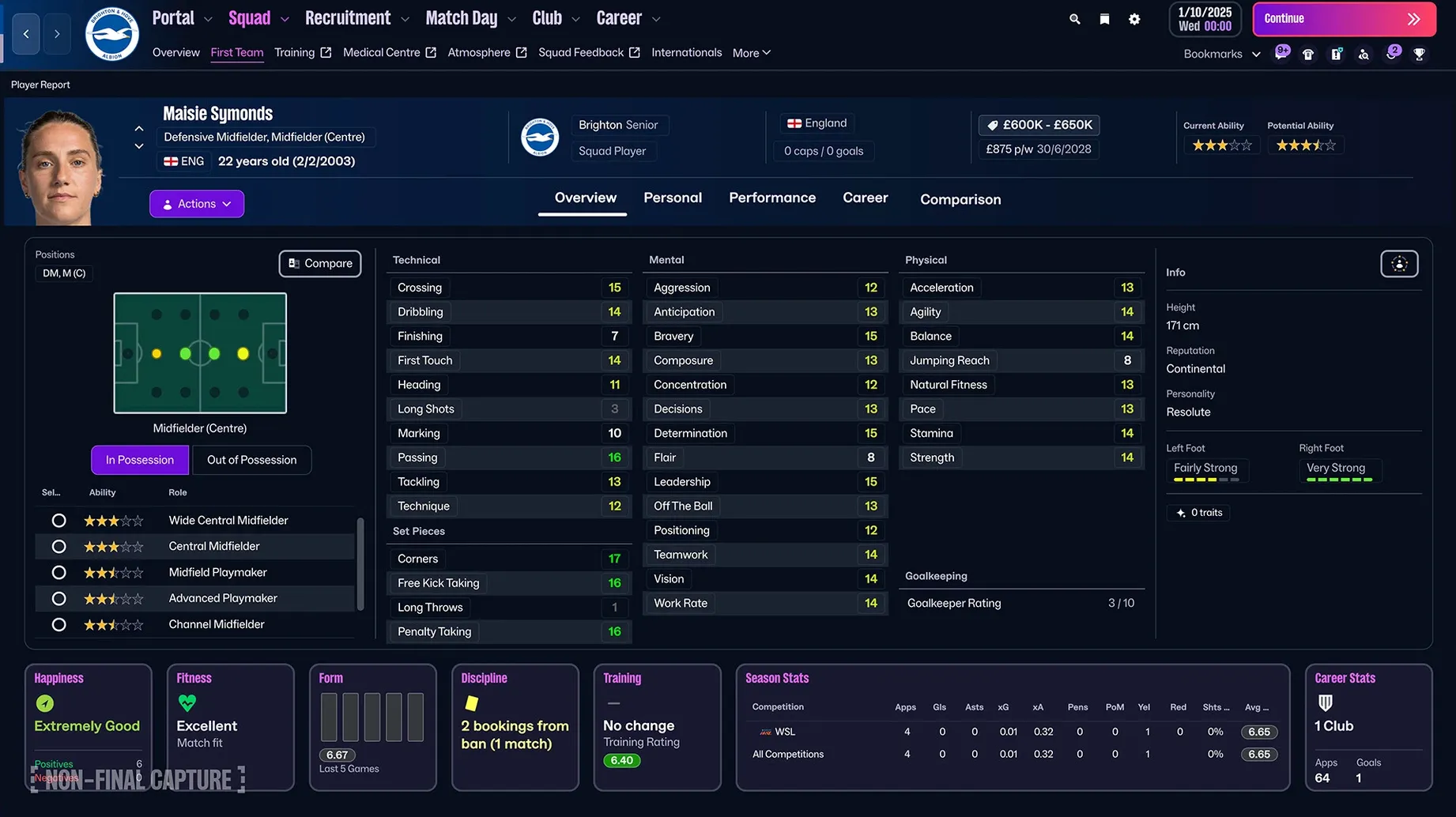
The improved search bar is another quiet upgrade. It now parses partial names, nicknames, and even common misspellings. Typing “Moukoko” with one ‘o’ still finds him. You can also search by attribute ranges directly from the bar using natural shorthand — “pace 17” or “finishing 15 tackling 14” — and it filters in real time. Combine that with the FMPedia glossary for on-the-spot rule explanations and you rarely need to dig through menus for basic info mid-session.
Full-screen mode and split view for matchday multitasking
Football Manager 2026 plays nicely with the Mac ecosystem in ways that matter for a long session. It supports native full-screen mode and split view, so you can keep the game running on one desktop while a browser window with squad spreadsheets or a football manager 26 torrent mac discussion sits on another. Mission Control swipes between them without hiccups, even during a match replay.
The game also respects macOS’s media keys. Play/pause on your keyboard controls any background music you have running, and volume adjustments work as expected without stealing focus. If you use Shortcuts, you can build a simple automation that quits background apps and switches to Do Not Disturb when you launch FM — I set one up that closes Mail, Messages, and Safari, then opens my tactics whiteboard app alongside the game. It’s the kind of small quality-of-life setup that makes a five-hour scouting deep-dive feel less cluttered.
Save files are stored in the standard ~/Documents/Sports Interactive folder, which means iCloud Drive can sync them if you’re low on local storage and want to offload older careers. It’s not automatic — you need to create a symlink or move the folder manually — but the option is there. Time Machine backs everything up without any configuration. For note-taking while you play, the game’s in-built notebook is serviceable, but I prefer keeping a plain text file open in CotEditor or BBEdit; it’s faster to tab out and jot down “scout left-footed center-back, acceleration 14+, age under 21” than to navigate the in-game menus.
FM26 vs. Touch on Apple Arcade
Football Manager 2026 vs. Football Manager 26 Touch. Touch is the streamlined sibling on Apple Arcade. It trims training, press conferences, and deep staff management down to the essentials. Matches play out faster, the interface is built for shorter sessions, and it runs comfortably on an M1 MacBook Air without the fan spinning up. But you lose the separate attack and defense tactics, the full scouting overhaul, and the women’s football leagues. Touch is for a season in a weekend; the full game is for a career you live with for months. If you’re researching football manager 26 for mac and wondering which one to grab, the divide is simple: do you want to micromanage or just manage?
Football Manager 2026 vs. Football Manager 23 Mac. The leap from FM23 is substantial, mostly because of the engine switch to Unity. FM23 on Mac was functional but felt like a port; FM26’s interface redraws faster, the match engine animations are smoother, and the whole thing just feels more at home on Apple Silicon. The women’s game alone makes the jump worth it if you’ve been following the WSL or NWSL. The separate tactics system is genuinely new thinking rather than a tweak. If you’re still on FM23 and debating whether to upgrade, the gap in day-to-day responsiveness on a modern Mac is bigger than the feature list suggests.
Football Manager 2026 vs. other management sims on Mac. The obvious alternatives are out-of-sport management games like Game Dev Tycoon or Motorsport Manager — all solid, all much lighter. None of them touches FM’s depth or database size. If you want a football-specific alternative, there isn’t really one on Mac. The closest thing is playing an older Championship Manager via emulation, which is charming but creaky. FM26 sits alone at the top of the food chain for football management on macOS.
Large database load times on an M4 Mac mini
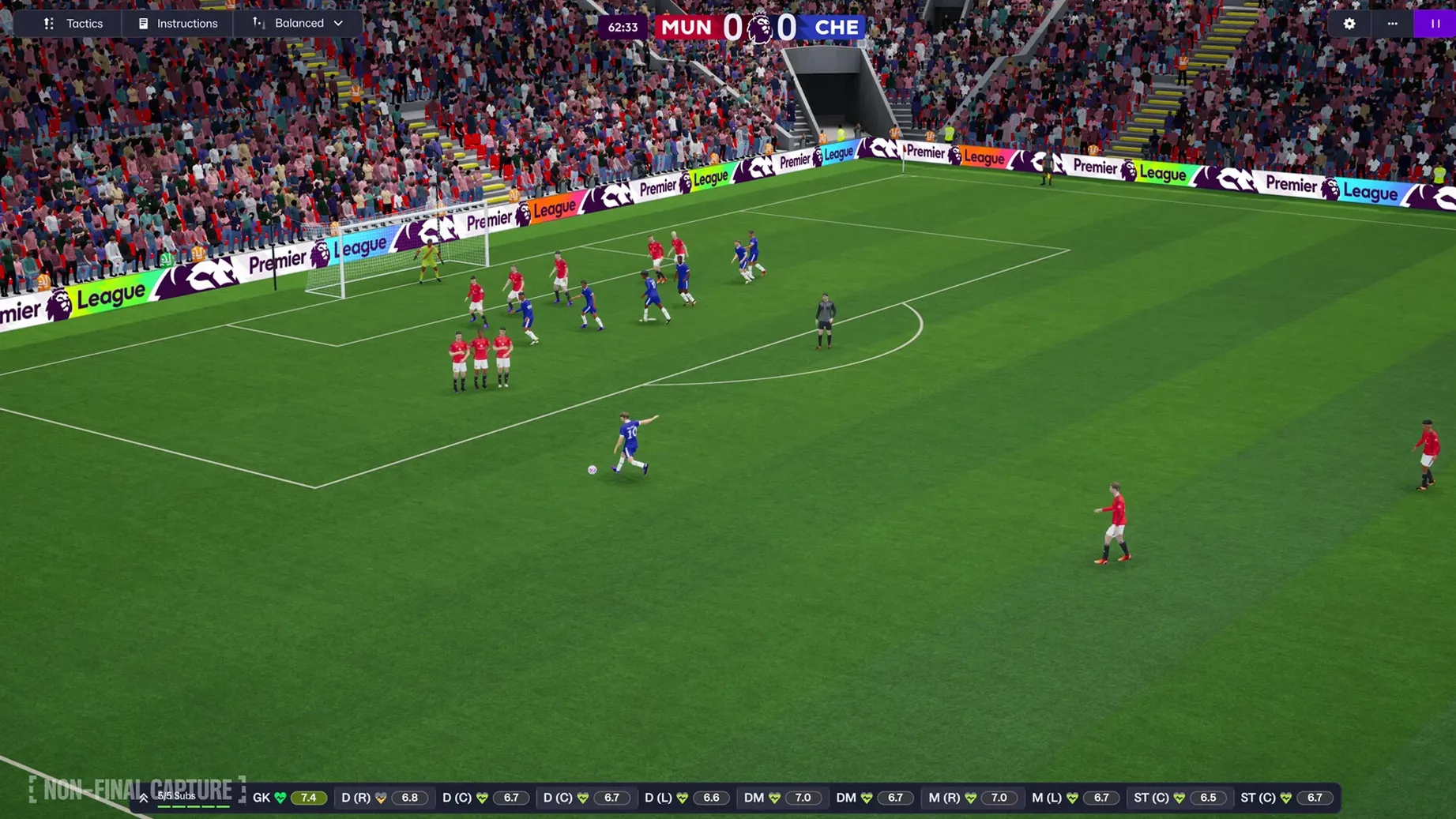
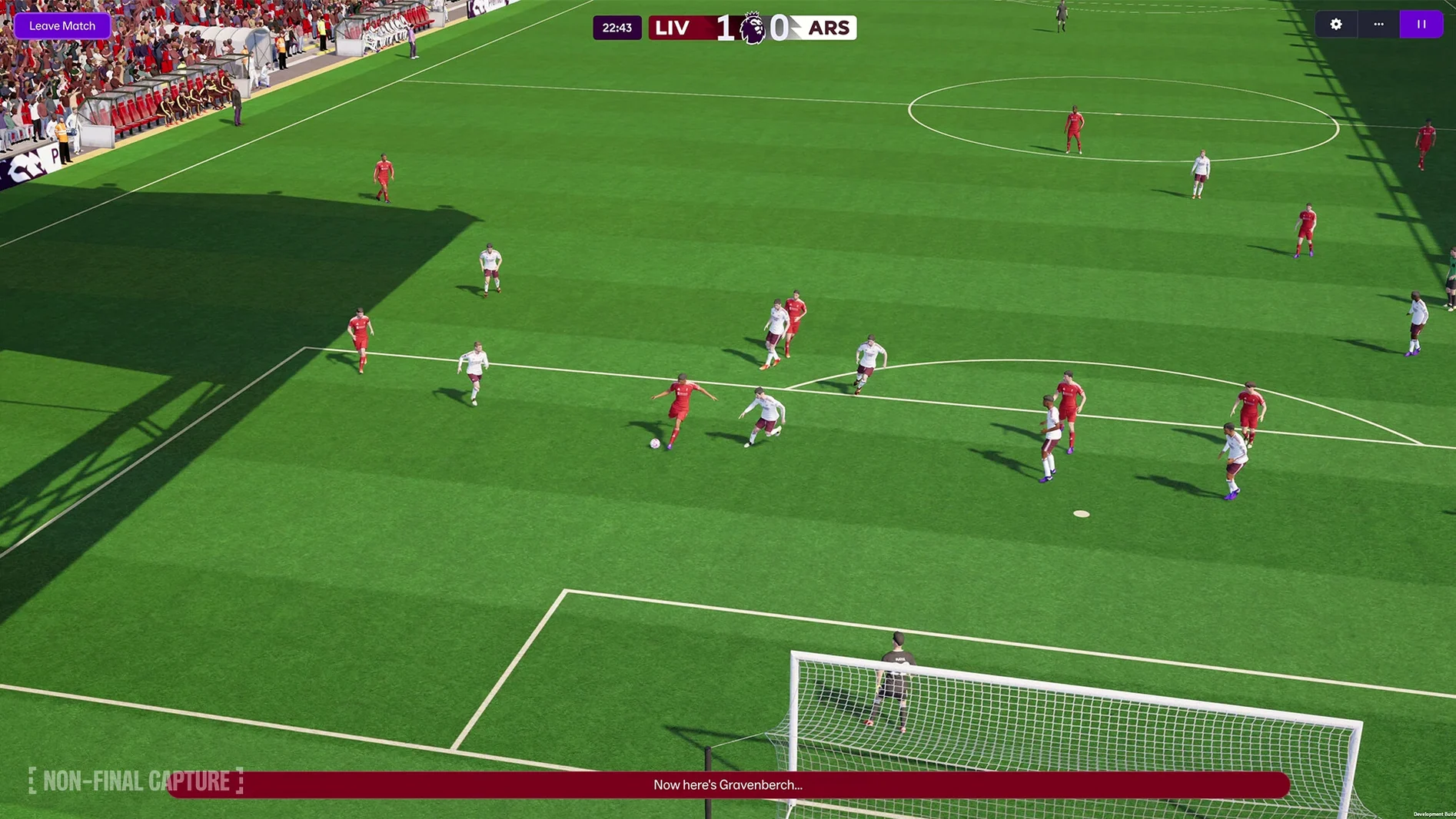
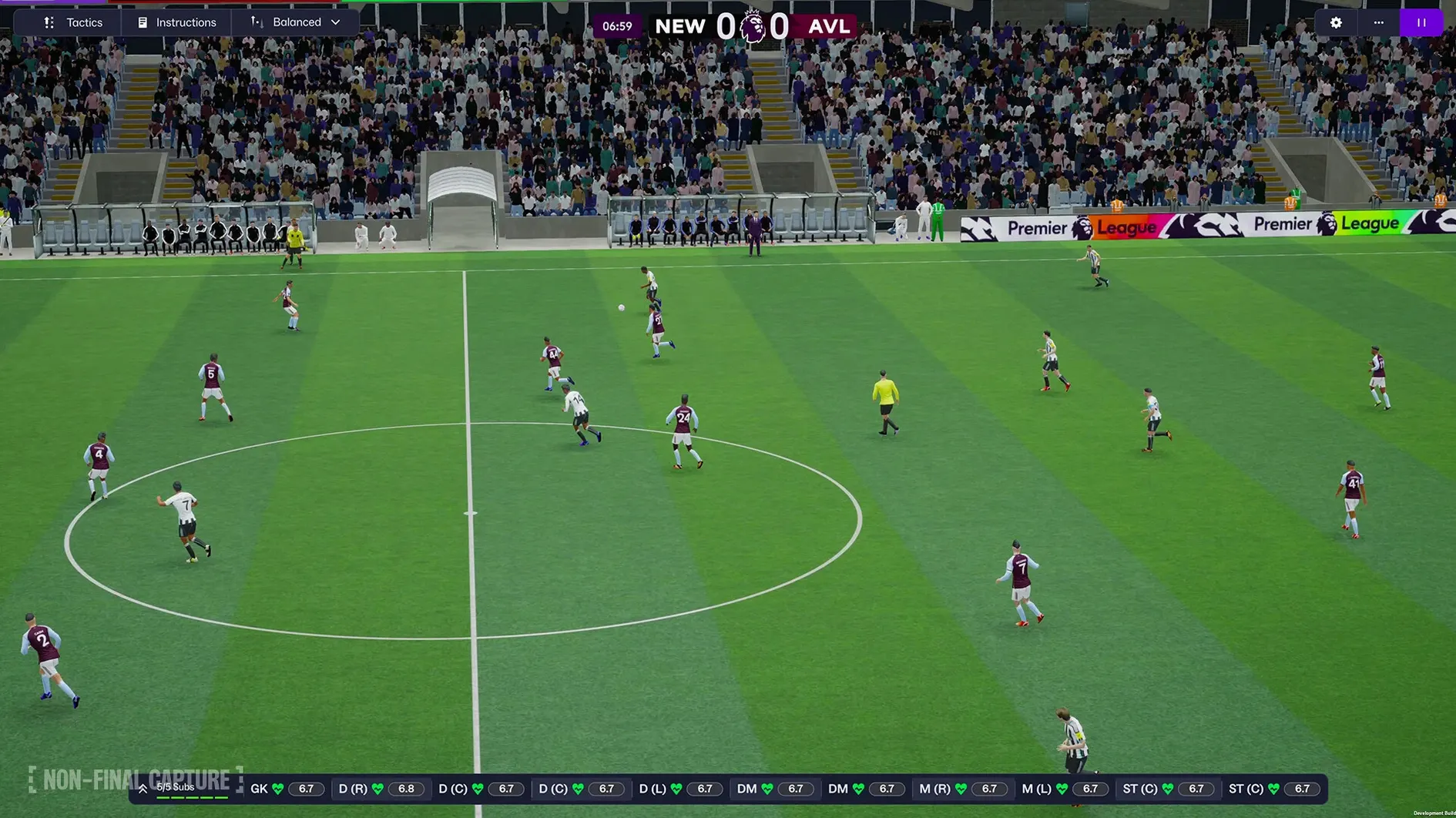
On an M4 Mac mini with 16 GB of RAM, the game runs at Very High graphics settings without a stutter. Loading a large database with all women’s leagues and the top five European men’s divisions takes about 90 seconds on first launch and around 30 on subsequent loads. Matchdays are smooth — the Unity engine holds a steady 60 fps, and the enhanced match presentation adds subtle camera cuts and player reactions that don’t feel like a drain on performance.
Memory usage is the one area where it’s still hungry. A fully loaded save with ten leagues active sits at around 6–8 GB of RAM. On an 8 GB machine, you’ll feel it if you have a browser and a music app open alongside. The game doesn’t crash — I haven’t seen a single hard crash in roughly 200 hours across two careers — but it will slow down when the OS starts swapping. The fix is straightforward: reduce active leagues or close background apps.
Battery life on a MacBook Pro M3 takes a noticeable hit. You can expect around two and a half to three hours on battery with the match engine running, less if you’re on a larger database. Plugging in is the practical answer, or switching to commentary-only mode for scouting and transfer windows when you’re away from power. The game’s auto-save is fast and unobtrusive, kicking in every fortnight by default with a rolling five-file backup. I’ve never lost more than two in-game weeks.
A scouting and signing workflow, start to finish
Let’s say I’m managing Wolfsburg in the Frauen-Bundesliga and need a first-team-ready center-back for the winter window. The squad has decent defenders but lacks pace at the back, and I’m conceding too many goals on the counter. Here’s how the whole chain works in FM26.
Step 1 — Define the profile. In the scouting center, I create a new recruitment focus. Position: central defender. Age: 22 to 27. Minimum pace and acceleration: 15. Jumping reach: 13 or above. I set the scouting package to “ongoing” and limit it to Europe and South America to keep the pool manageable. The TransferRoom-style tools let me specify that I want players who are listed as transfer-listed or have a release clause under €8 million — I’m not paying a premium in January.
Step 2 — Let the scouts work. The assignment runs for two in-game weeks. I check the scouting center every few days, filtering by recommendation score. The improved search lets me sort by “pace” with one click. Three names surface quickly: a Brazilian playing in France with a €6.5 million release clause, a Swedish international in the Damallsvenskan, and an experienced center-back at Chelsea who’s fallen out of the rotation.
Step 3 — Deep scouting. I assign individual scout reports on all three, requesting match analysis over the next three games. The FMPedia glossary helps me check work permit rules for the Brazilian without leaving the player screen. The quick bookmark I set on the scouting center earlier means I can flip between the reports and my squad depth chart in one click.
Step 4 — Decision time. The Swedish international has the highest potential but her current ability is slightly below what I need for a title push. The Chelsea player is a known quantity — great positioning, leadership traits, but pace is 13, not 15. The Brazilian fits perfectly: 24 years old, pace 17, composure 15, and a release clause I can trigger. I flag the other two as “keep scouting” in case the deal falls through.
Step 5 — The approach. I trigger the release clause directly to avoid a negotiation war. I set the contract offer to “key player” status with a reasonable wage, then tweak the bonuses — clean sheet bonus and an international cap bonus feel right. The agent responds within two days. I finalize the deal, and the player arrives before the winter training camp. The whole process took about 45 minutes of real time, and the interface never fought me once.
That’s the loop FM26 does better than any previous version: the tools stay out of your way while you work, and the new scouting and recruitment systems make the between-match weeks feel as engaging as the matches themselves.
This version moves the engine to Unity and brings a few long-requested additions to the table:
- Women’s football introduced with a full league structure.
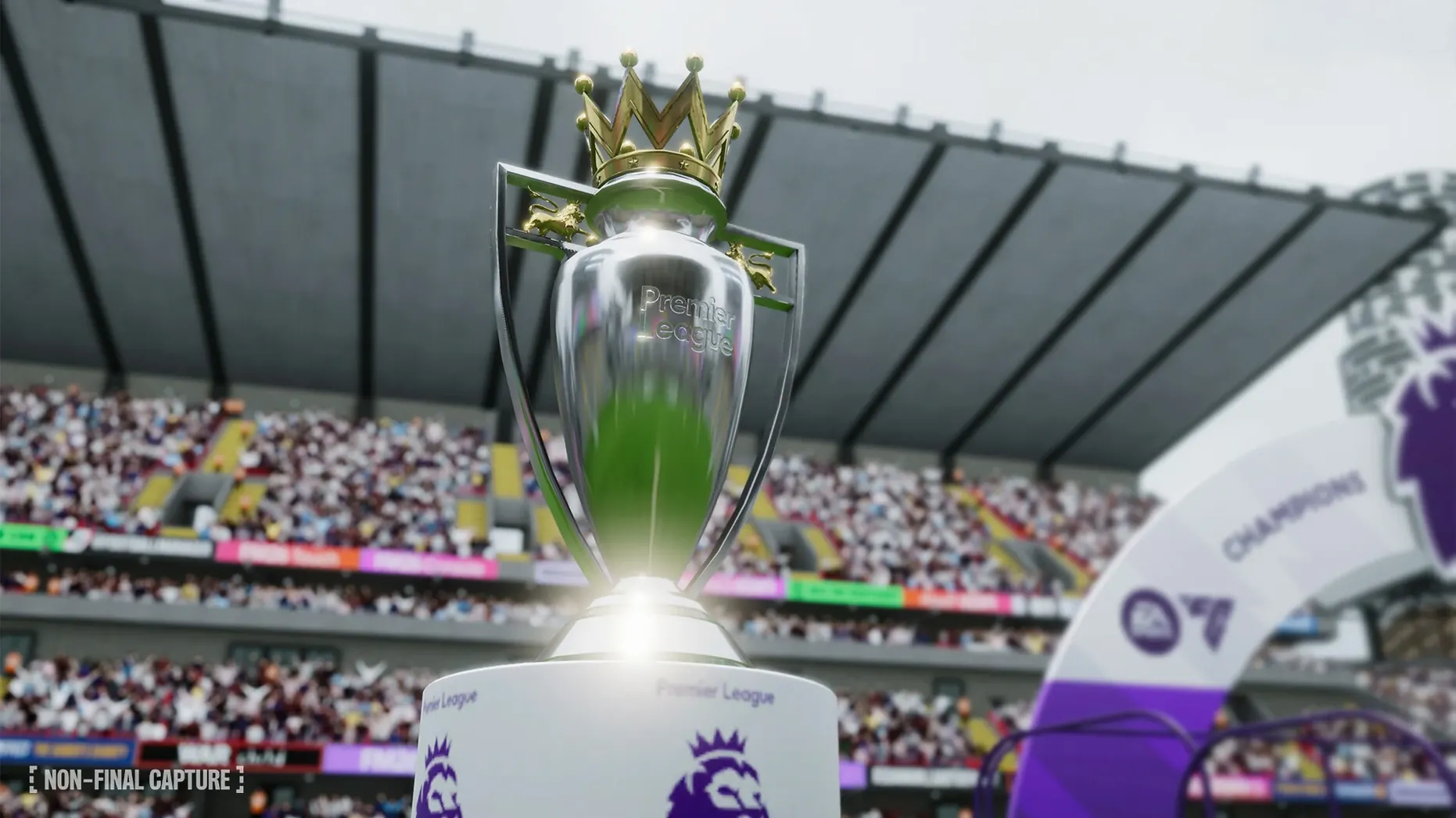
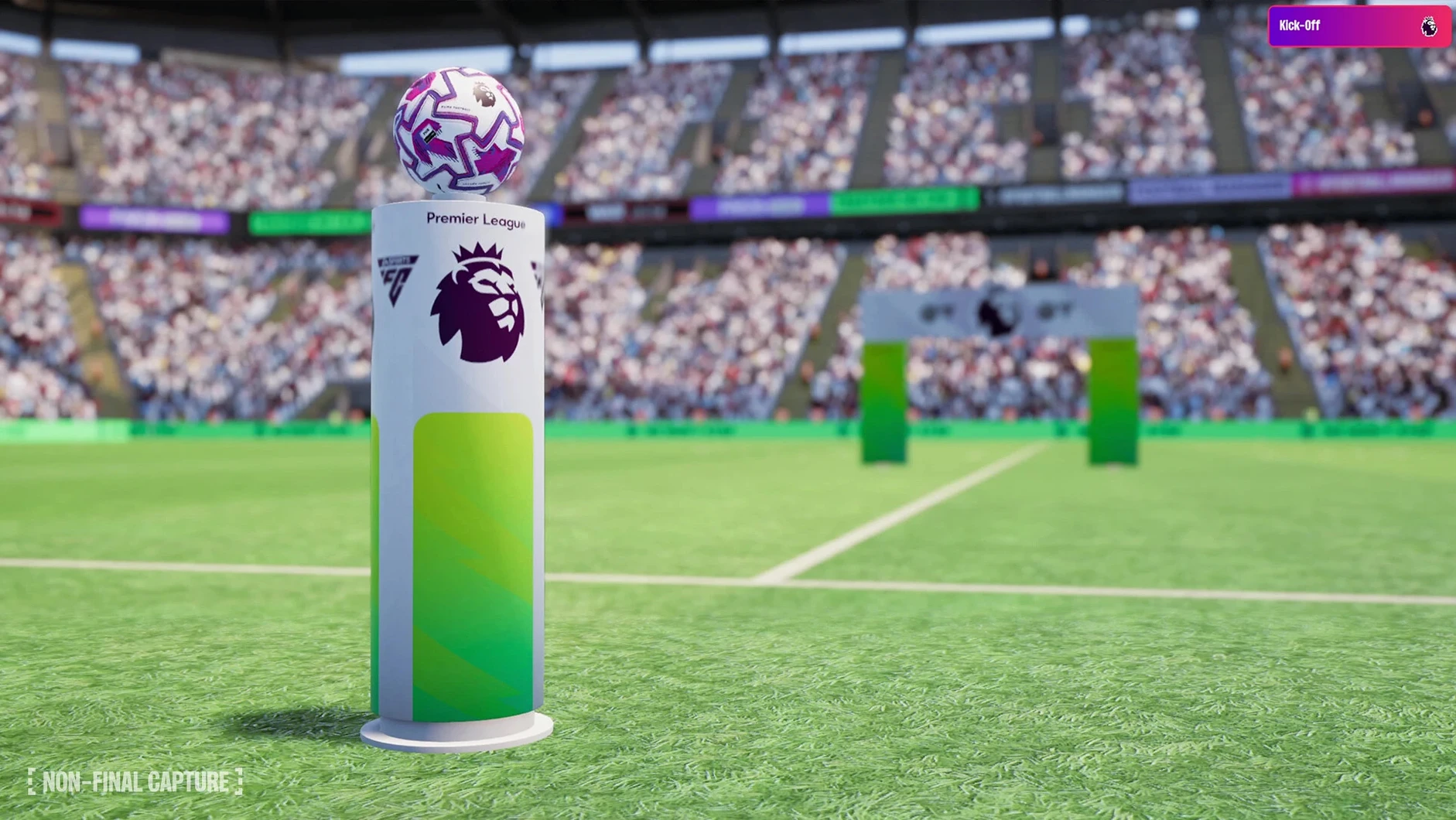
- Premier League licensing added—club badges, kits, and official player photos are in the game.
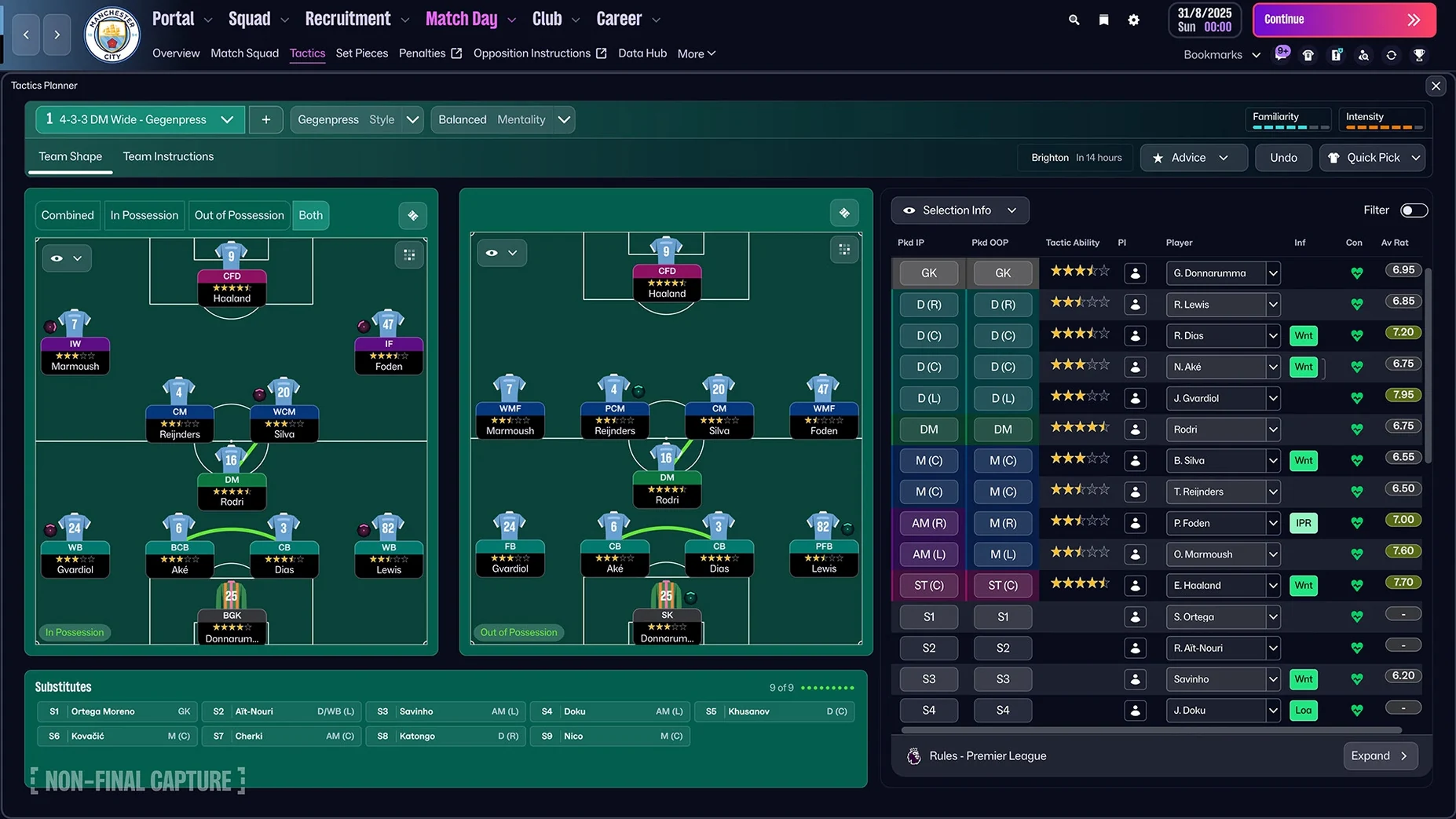
- Separate attacking and defensive tactics give you proper control over team shape in and out of possession.
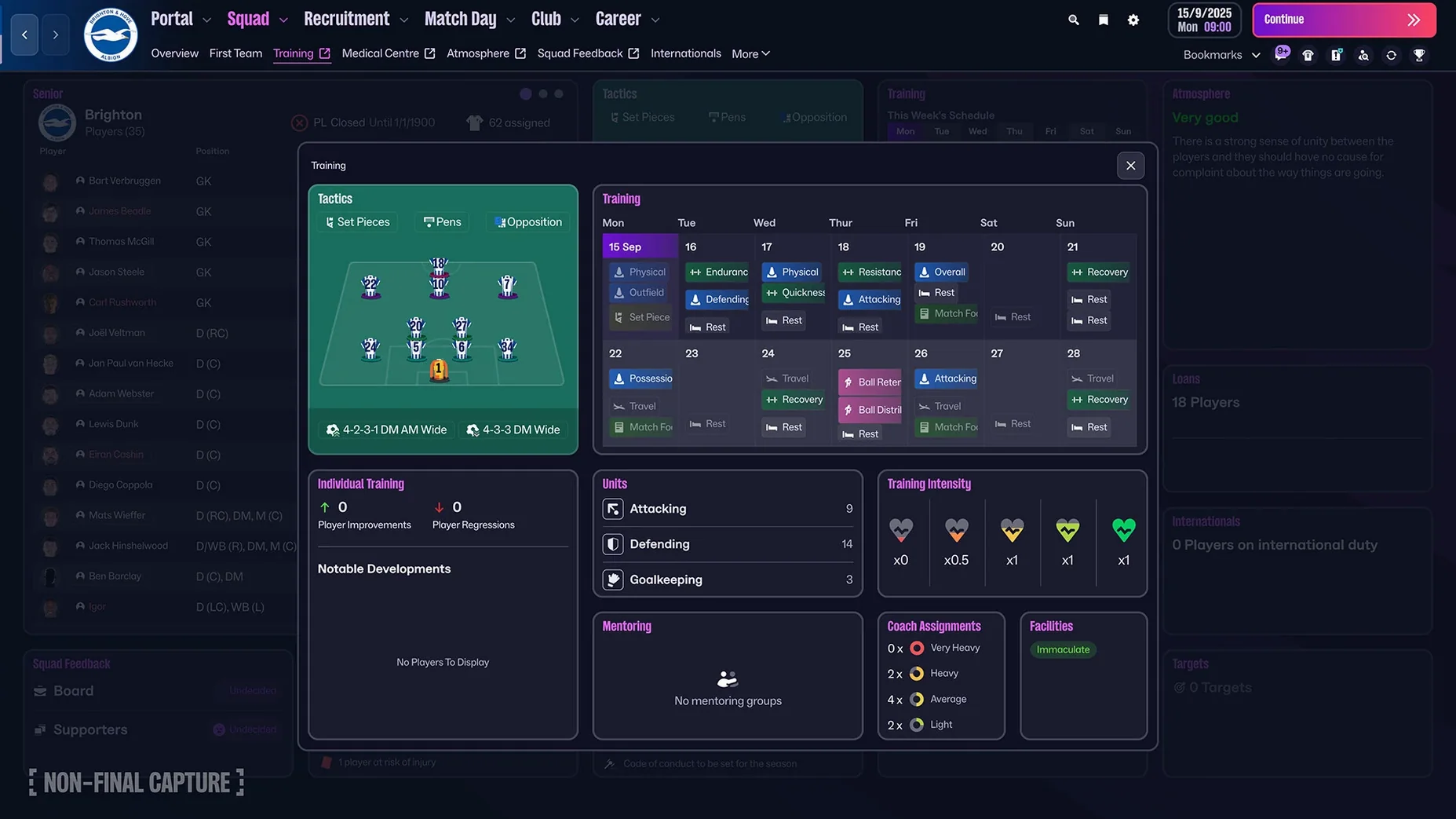
- A reworked user interface and portal make navigation snappier on the Mac.
- Tested on macOS Tahoe.
- Runs on both Intel and Apple Silicon Macs.
Questions from the stall
What's the difference between Football Manager 2026 and the Touch version on Mac?
Football Manager 26 Touch is the streamlined Apple Arcade version for Mac and other Apple devices, requiring macOS 11.0 or later. The full Football Manager 2026 is a much deeper simulation with more control over training, media, and scouting.
Does Football Manager 2026 include real club badges and player photos?
Yes, it includes official Premier League licensing with English club badges, kits, and player photos.
Notes from other shops 0
Sign in or open a shop account to leave a note.
No notes yet. If you've used this on a shop Mac, tell me how it went.