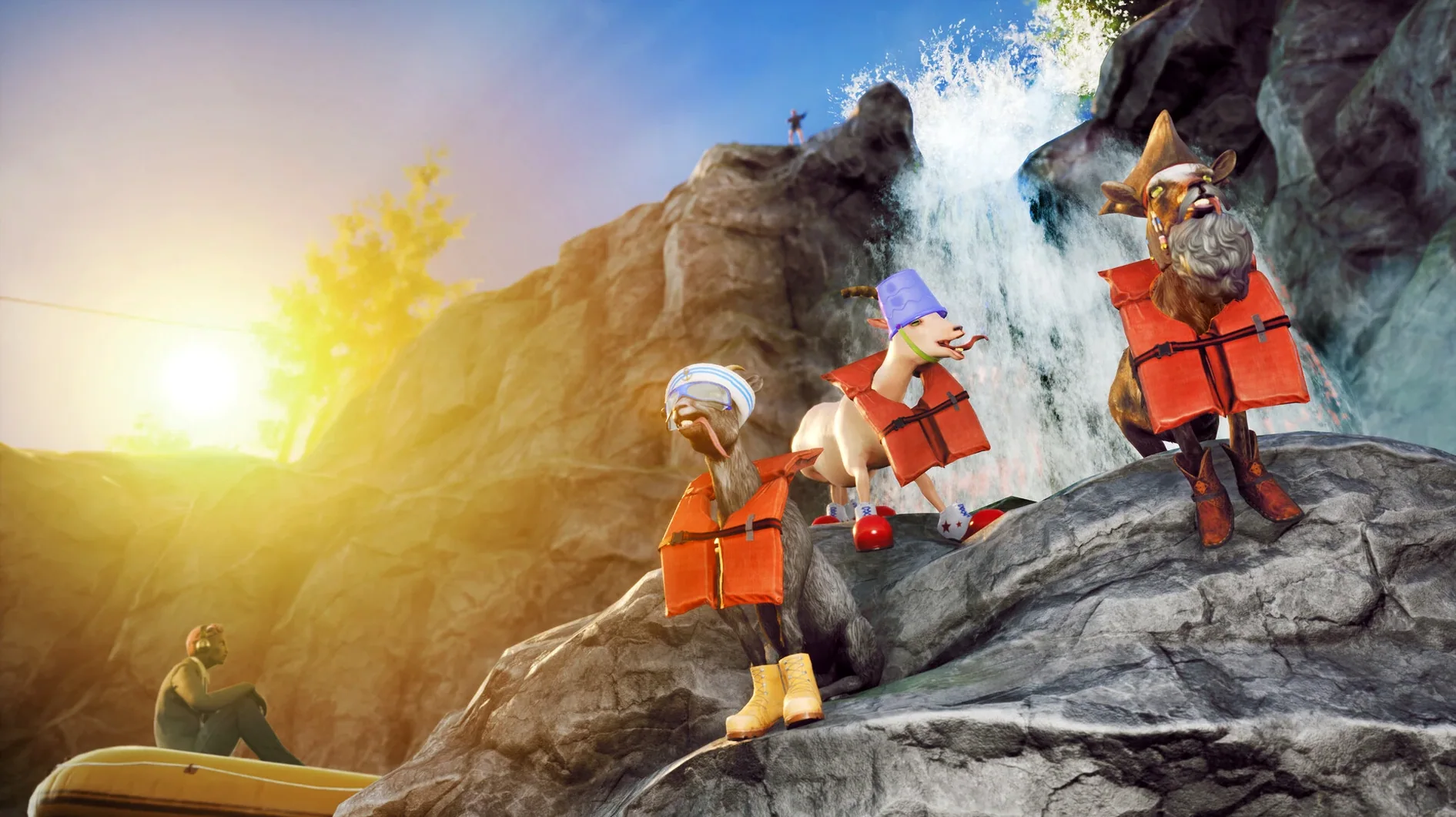
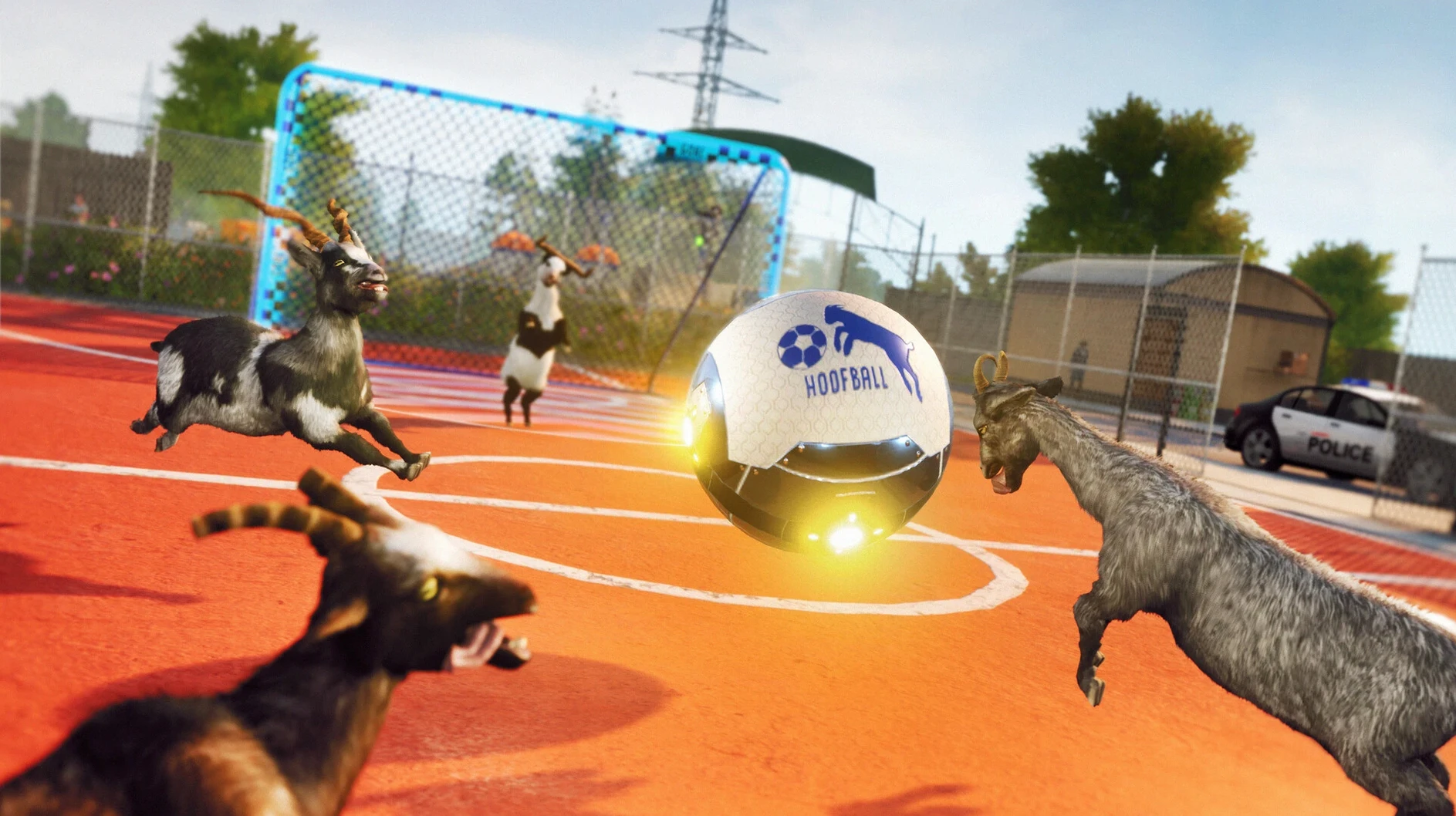

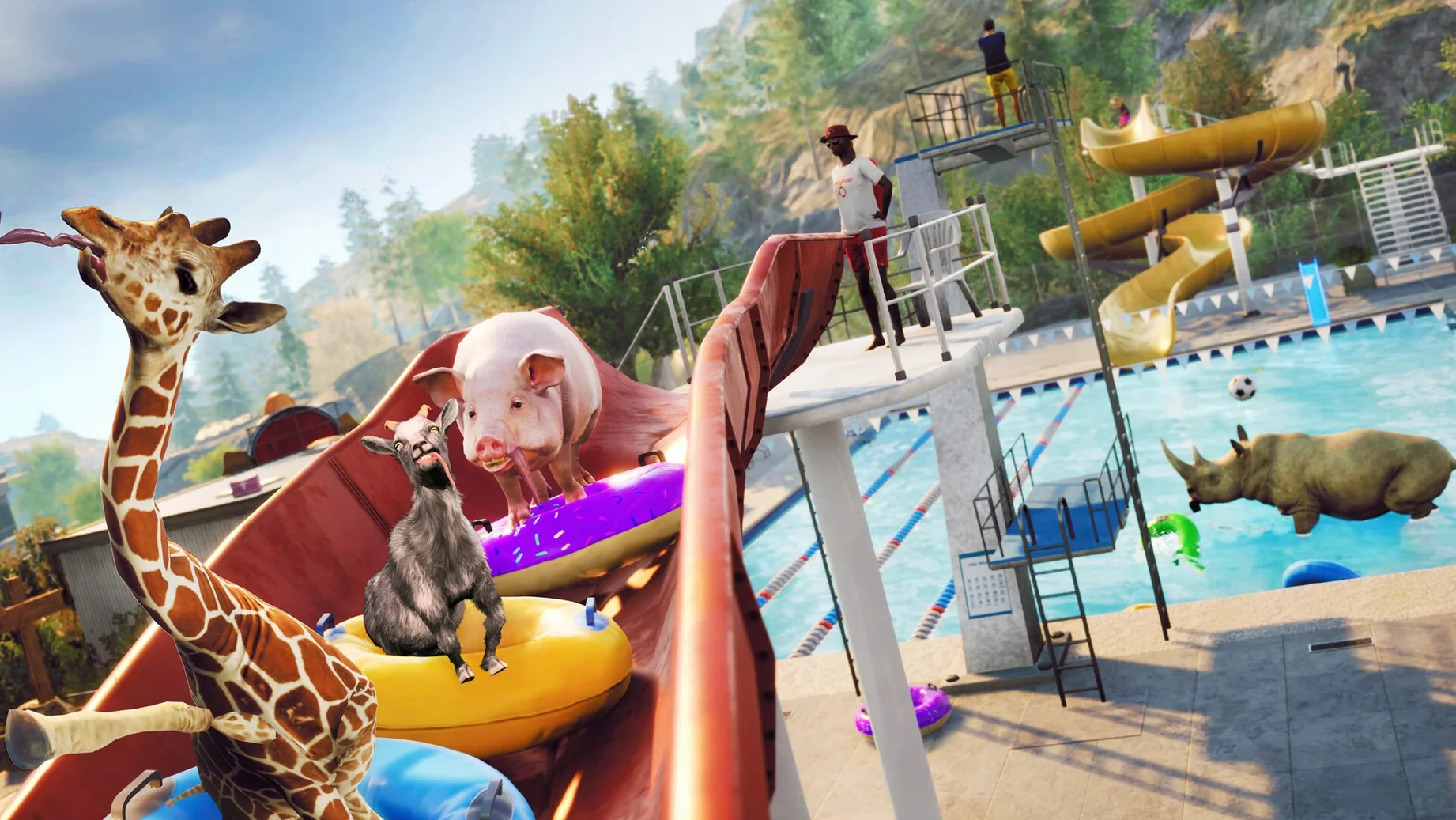
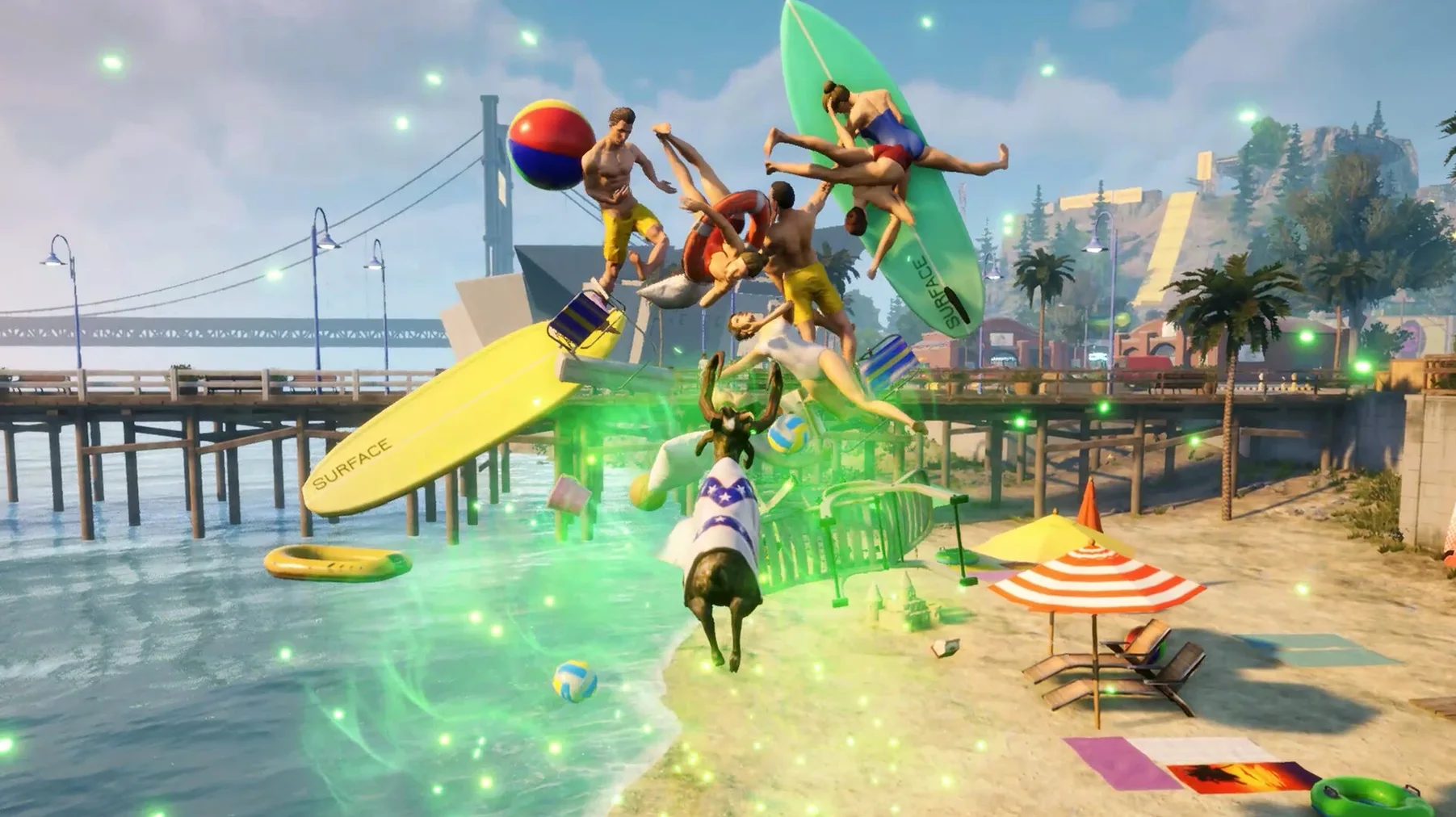
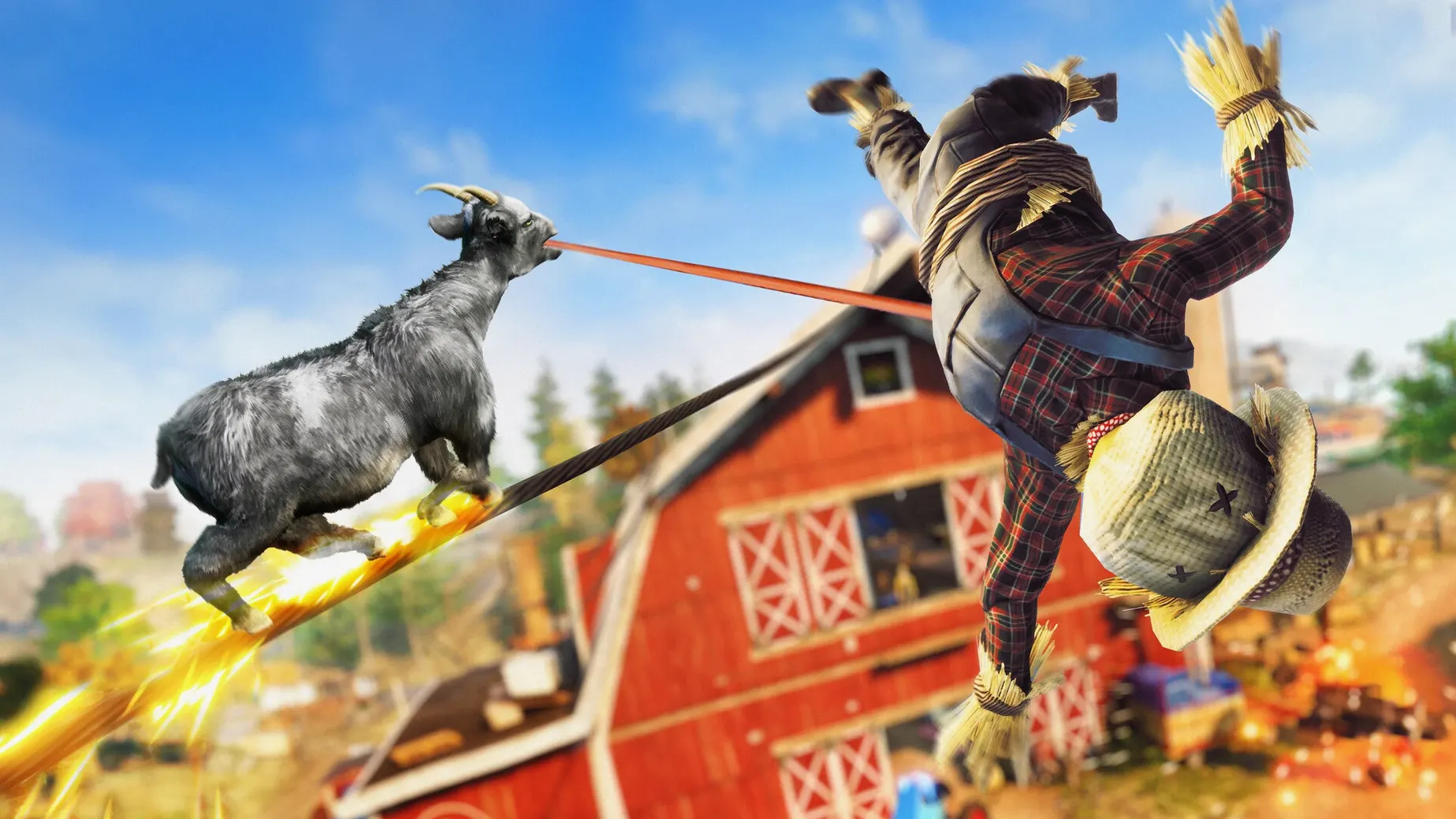
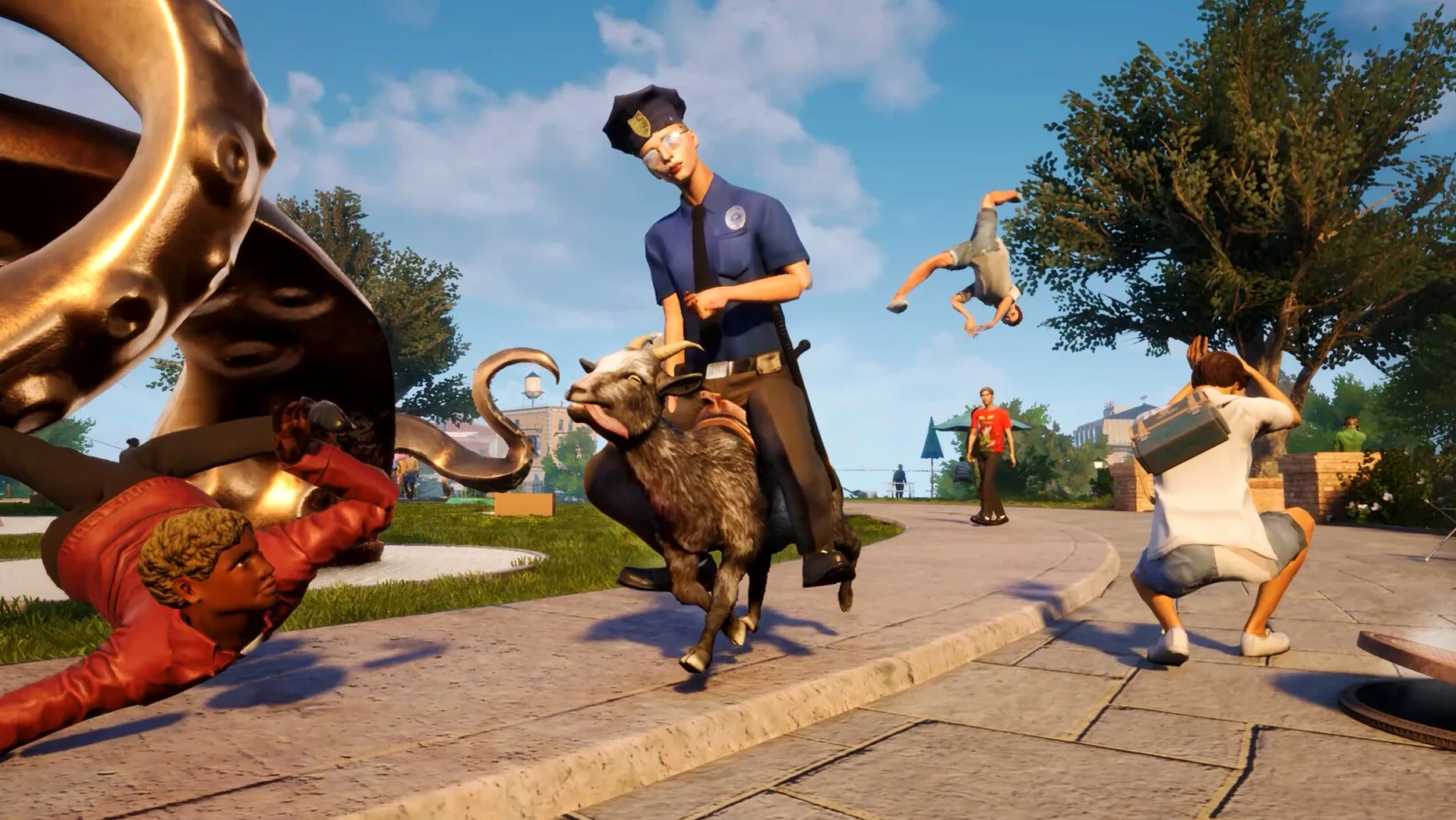
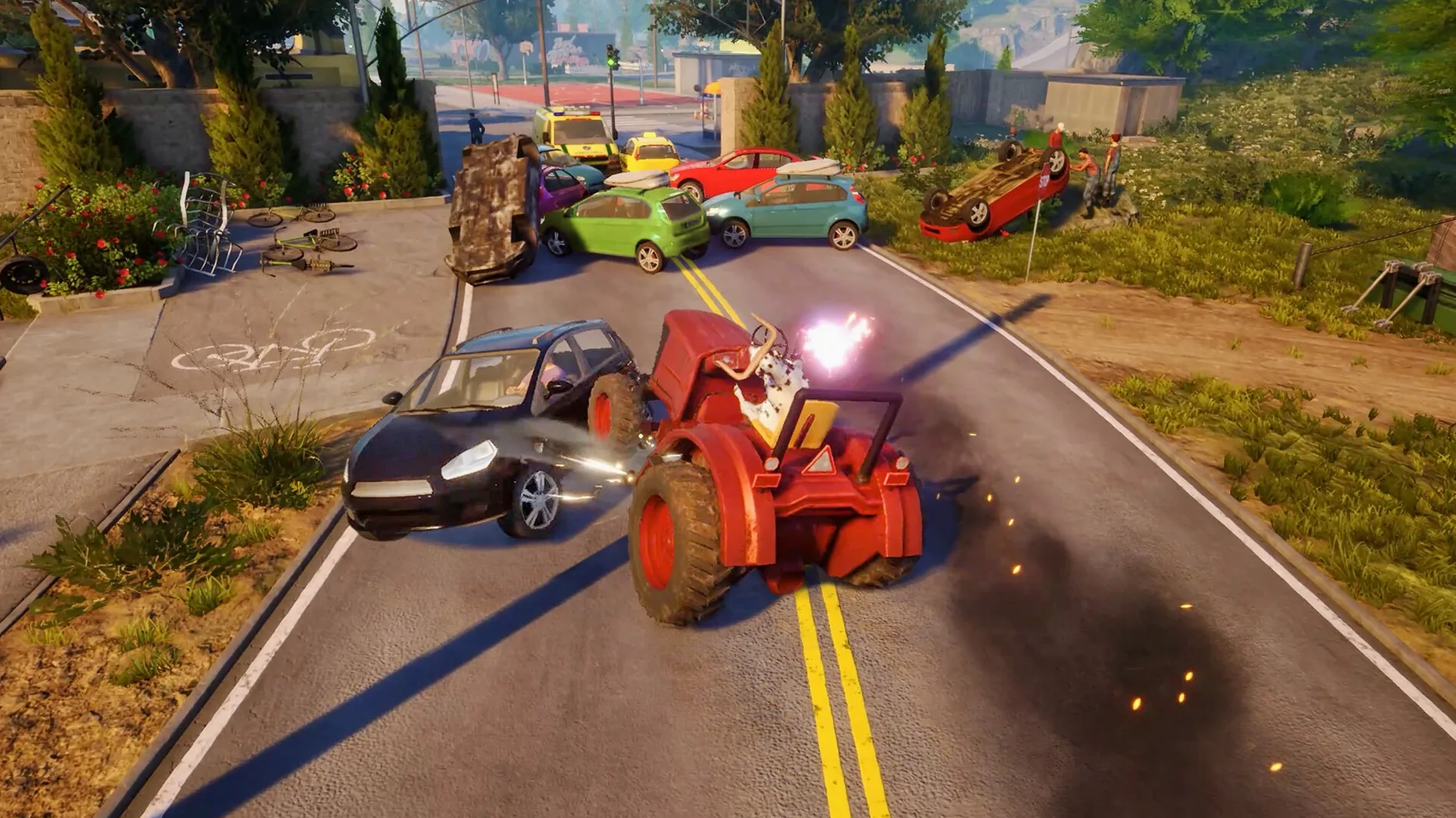
The Backwards Hoofin' mini-game throws you straight into the nonsense. It’s not a tutorial so much as a chaotic welcome to San Angora, and the kind of thing you stumble into constantly. One minute you’re licking a gas canister and launching yourself off a trampoline; the next you’re headbutting a pedestrian into a physics-enabled chain reaction that topples a power line.
Goat Simulator 3 on Mac: key details
| What | Details |
|---|---|
| Developer | Coffee Stain North |
| Version | 1.2.0.0 (451194) |
| Architecture | Apple Silicon |
| Languages | English, French, German, Japanese, Korean, Portuguese, Russian, Simplified Chinese, Spanish, Traditional Chinese, Italian, Polish |
What you actually do minute to minute is treat the island like a playground for physics experiments. You can interrupt scripted character interactions, hunt for hidden easter eggs tucked into alleyways and rooftops, or chase down mini-games that pop up across the map. The sandbox doesn’t push you toward a goal; it just hands you a goat with a sticky tongue and an unpredictable ragdoll body, then lets you poke at everything until something explodes, flips over, or unlocks a ridiculous secret.
ARM-only and tested on Apple Silicon
Most of the questions I get boil down to the same few things. Does it run on Apple Silicon? Yes — this build is ARM-only and it’s been tested on macOS Sequoia with an M3 Pro chip. The developer lists the architecture as Apple Silicon, so Intel Macs are out of luck. Do you need a controller? No, mouse and keyboard work fine, and the game doesn’t expect you to be precise about anything. Is it the full game? You get Pilgor, San Angora, the mini-games, the collectibles, the easter eggs — the whole sandbox. No activation step gets in the way either. Language support covers a dozen text options, though the voice work stays in English regardless. Save files live inside the app bundle under Goat Simulator 3.app/Contents/SharedSupport/prefix/drive_c/users/Sikarugir/AppData/Local/Goat2/Saved/SaveGames, which is worth knowing if you plan to back things up or move between Macs.
Skipping the tutorial means missing the licking mechanic
The most common one is treating the tutorial like a checklist. The game does have a tutorial, but it’s more of a suggestion than a lesson — plenty of players rush through it and miss the basics of licking and headbutting. Take a minute to just bounce around and learn how Pilgor’s body reacts. Another mistake is ignoring the fix file if the game refuses to start. When the app throws an error at launch, running the Fix file from the disk image usually sorts it out, and skipping that step leads to unnecessary frustration. Beginners also tend to stay on the main roads, but San Angora rewards wandering. Some easter eggs only trigger when you break something in a weird corner or drag an object somewhere it clearly doesn’t belong. If you’re used to goal-driven games, the lack of direction can feel wrong at first — that’s the point. Don’t wait for a quest marker. Go lick a car and see what happens.
Dropping into San Angora with zero menus
- I launch the game and let Pilgor drop into San Angora. No menus, no loading screen lecture — just the island and whatever I feel like doing first.
- I pick a direction. Maybe I chase a pedestrian across a plaza, or I spot a collectible glinting on a rooftop and start figuring out how to get up there.
- Physics takes over. I headbutt a traffic cone, it ricochets into a fence, the fence collapses, and suddenly I’m dragging a wrecked scooter around with my tongue.
- I stumble into a mini-game. One of the Backwards Hoofin’ events pops up, or I find a character interaction I wasn’t expecting. Half the session disappears into one absurd side task.
- I take a detour for collectibles. Some are obvious; others need a very specific kind of chaos to reach. I try not to look anything up — the discovery is the whole reward.
- I close the session when my hands hurt from laughing. Saves write automatically, so I don’t worry about losing progress.
- Apple Silicon (M-series) Mac
Questions from the stall
Can I change the language in Goat Simulator 3?
Yes, you can switch the text to any of the supported languages, including Japanese, Russian, and Simplified Chinese, from the in-game settings.
Does the game run on Intel Macs?
No, the current version requires an Apple Silicon Mac. It ran smoothly on a MacBook Pro with an M3 Pro chip during testing.
What kind of game is Goat Simulator 3?
It's a third-person sandbox adventure where you control a goat on the island of San Angora, causing physics-based mayhem and discovering mini-games.
Notes from other shops 0
Sign in or open a shop account to leave a note.
No notes yet. If you've used this on a shop Mac, tell me how it went.