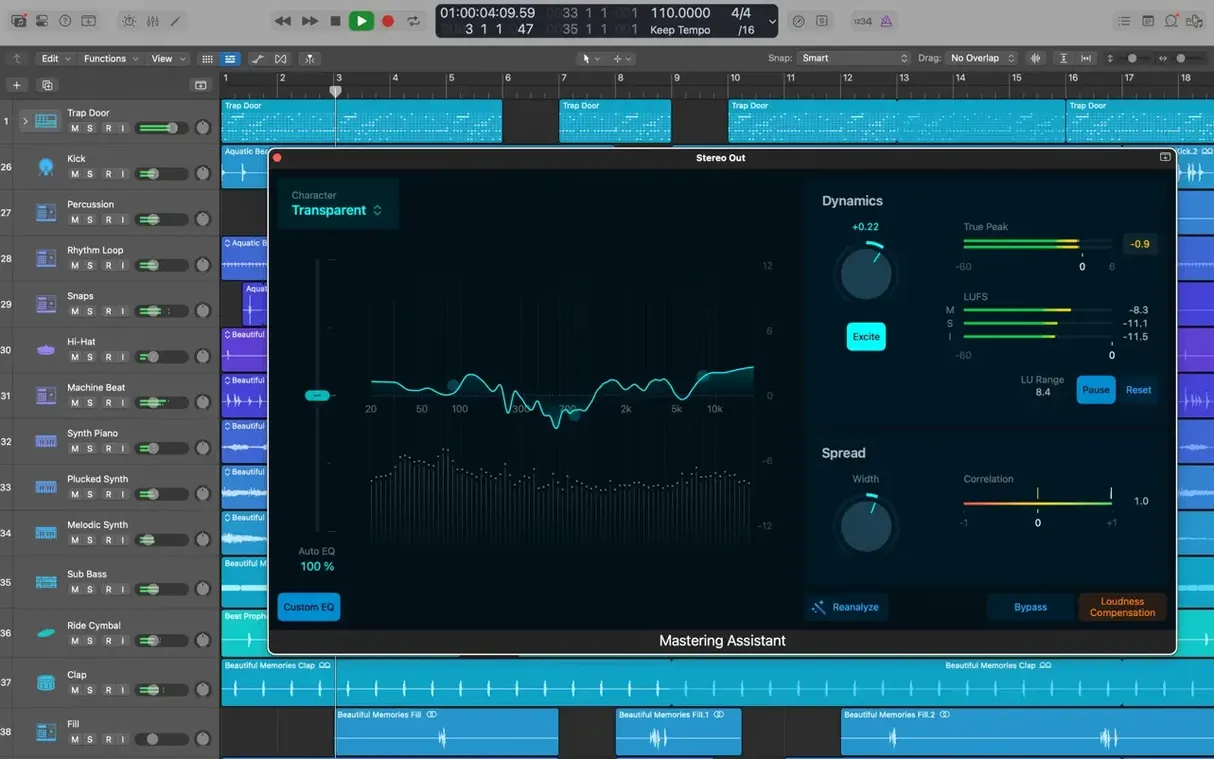
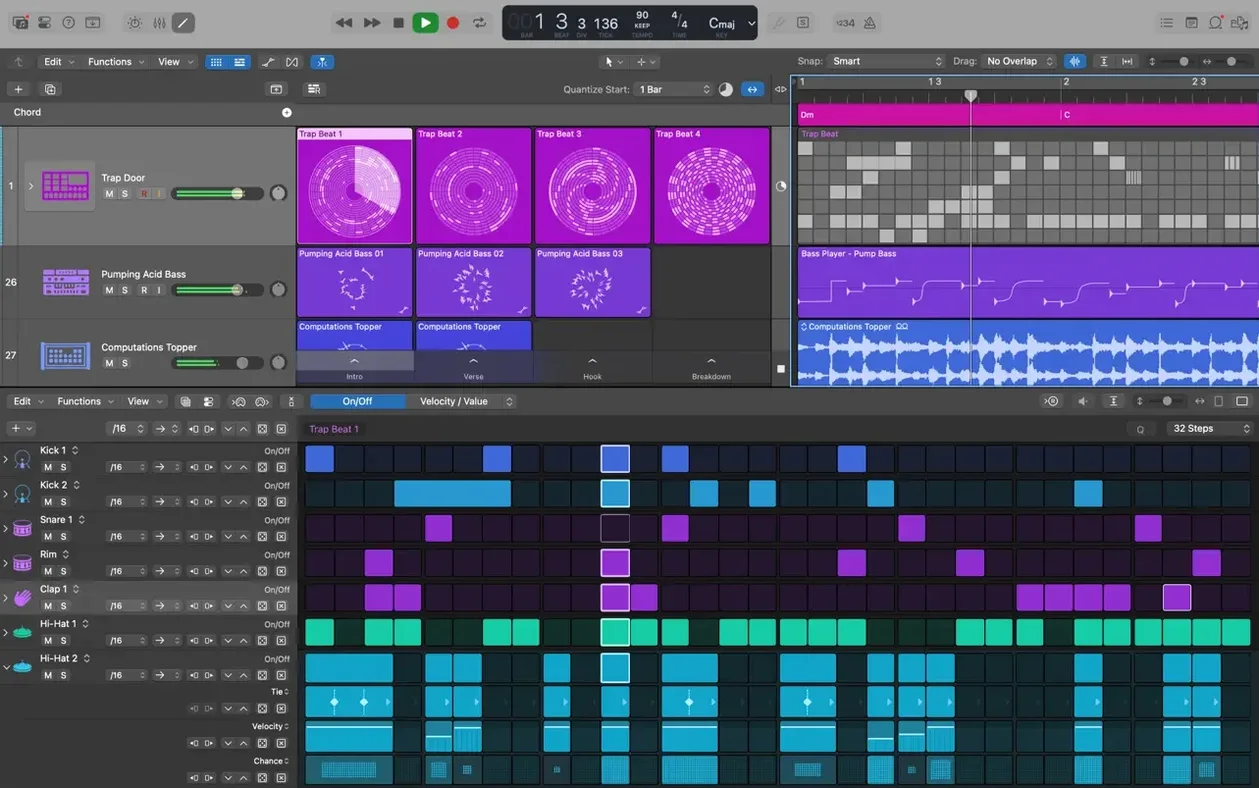
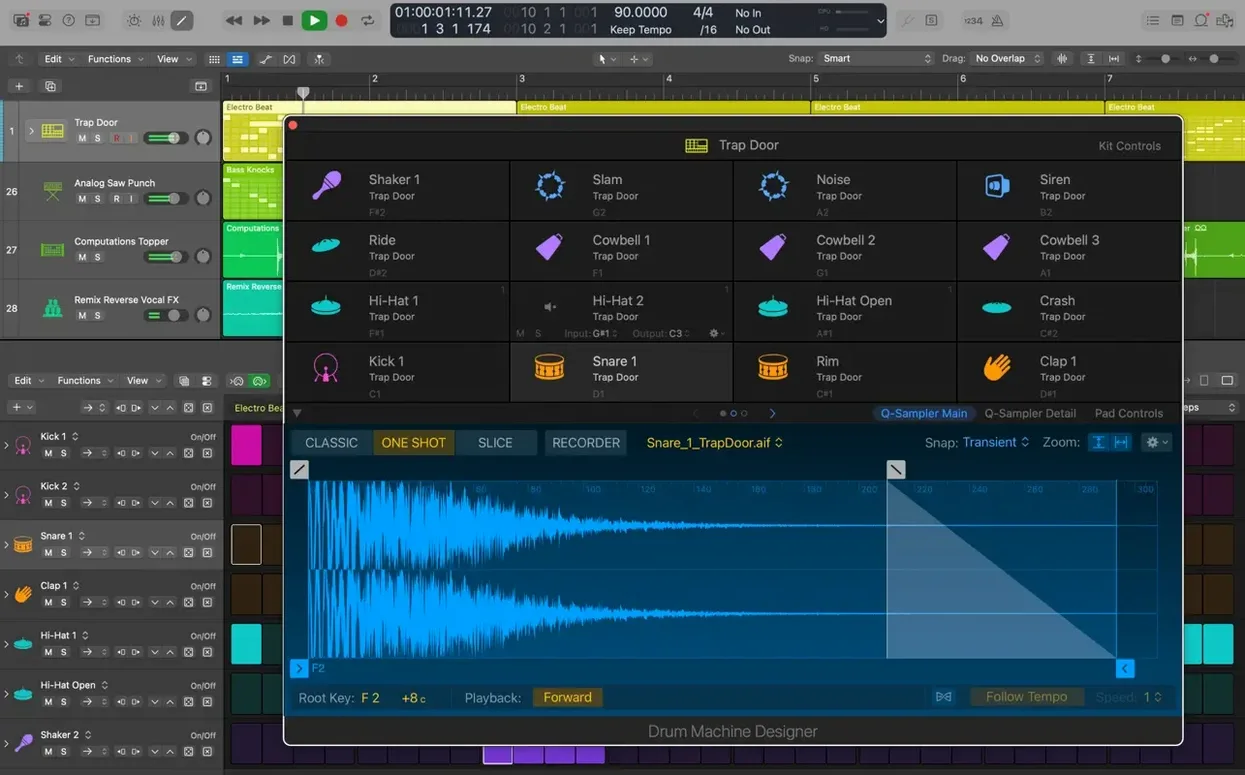
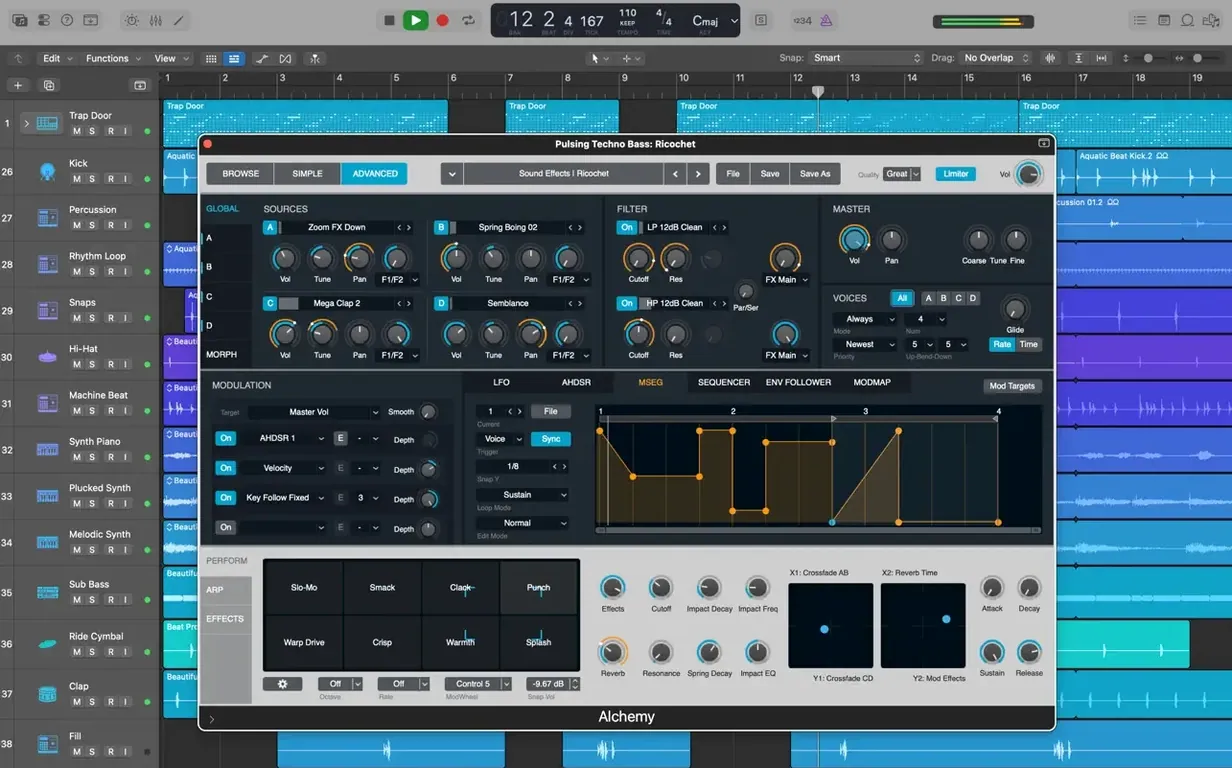
Starting with a blank session and a head full of ideas can feel like staring at a mountain. Logic Pro turns that into a series of manageable steps, giving you a hands-on path from silence to a fully arranged piece of music. Here's how one realistic task—building a synth-pop verse—plays out.
| What it is | Key detail |
|---|---|
| Core use | Music creation, beat-making, songwriting |
| Included sounds | 1,000+ sampled instruments, 2,800+ patches |
| Notable tool | Alchemy sampler synthesizer |
After setting a tempo, I'd pull up a software instrument track and browse the Library. With over 2,800 instrument and effect patches, you can skip deep sound design and grab a warm analog pad from the Synthesizer category. A few chords played in, and the harmonic bed is set. Next, I'd create a Track Stack to group the pad with a bass line and a crisp arpeggio—keeping the arrangement tidy from the start. For the bass, Alchemy's endless modulation options let you sculpt something that sits under the kick without fighting it. On the drum track, Selection-based Processing becomes the unsung hero: select a few snare hits that feel too dry, apply a touch of Space Designer reverb, and render it destructively so the CPU stays light. Pedalboard can add character to a synth lead, running it through a gritty overdrive and a splash of chorus. When the verse feels balanced, Amp Designer can even warm up a thin keyboard part with a clean tube preamp setting. You're not just mixing; you're shaping personality as you go, all inside one window.
Coffee to rough arrangement in one session
Let's walk through a real morning with Logic Pro — the kind where you sit down with coffee, an idea, and no finished arrangement in sight.
The session starts with a blank project, tempo set to 108 bpm. I usually spend the first few minutes just playing. A software instrument track loads with Alchemy, and I flip through the Library's pad category until something sparks. The "Night Air" patch catches my ear — soft, evolving, with just enough movement to hold interest without demanding attention. Four chords looped, and already the room has a mood.
From there, it's a rhythm-first approach. I create a Drummer track, pick one of the 28 drummers — say, Anders in his indie-pop style — and let him listen to the chord progression. He builds a restrained pattern with ghost notes on the snare and a kick that breathes with the pads. I dial back the fills in Smart Controls so the verse stays sparse, then bounce a quick four-bar loop to work against.
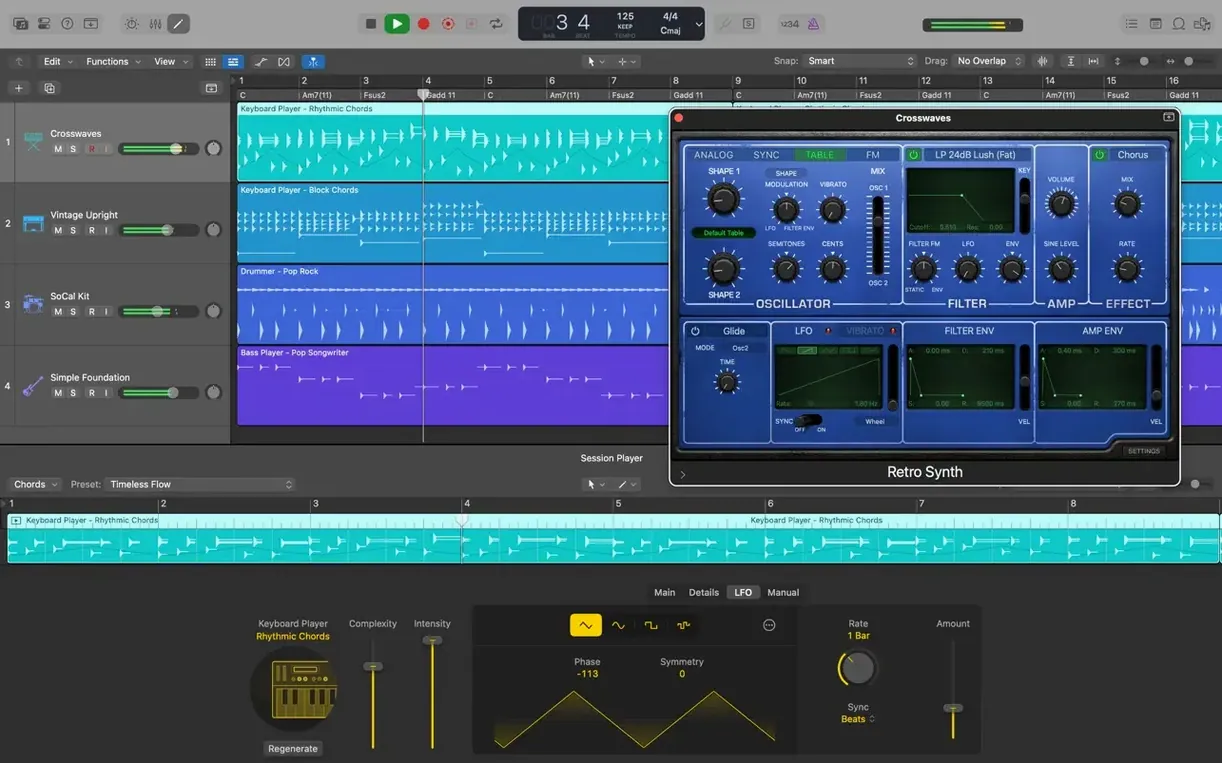
Bass comes next. A second software instrument track, this time a Retro Synth preset, tweaked with a low-pass filter and a touch of glide. I play the part in live, quantize it lightly, and slide a few notes off the grid so it doesn't feel robotic. By now the track has a spine: drums, chords, bass — all talking to each other. I group them in a Track Stack labeled "Verse Foundation" and collapse it. The arrangement window stays clean, and I can move the whole section around as one chunk later.
The last twenty minutes are detail work. I add a one-bar riser at the end of the fourth loop — just a filtered noise sweep from Alchemy, sidechained to the kick. Quick Swipe Comping didn't factor in today since I played everything in single takes, but on a vocal day it'd be the star. Before saving, I run Selection-based Processing on a snare fill that felt too dry, printing a small room reverb from Space Designer directly onto the audio. CPU stays under 20% the whole session, fans never spin up. I close the lid and the idea is no longer just an idea.
Tightening a live drum take without killing the room
Say you've been handed a live drum recording — raw, uneven, but full of character — and asked to turn it into something tighter without losing the room sound. Logic Pro has a path for that.
I drag the stereo drum file onto an audio track and immediately duplicate it to a new track below. The top track handles transients and punch; the bottom one handles body and room. On the punch track, I engage Flex Time and set the mode to Slicing. A few snare hits that lagged behind the kick get nudged forward by sight — the waveform shows the transient, I drag the marker, done. No stretching artifacts because Slicing moves the audio in time without warping it.
For the body track, I open Flex Pitch not on a vocal but on the overhead bleed. It sounds odd, but lowering the bleed's dominant ringing frequencies by a semitone or two turns a harsh cymbal wash into something darker and more musical. Selection-based Processing renders that quickly so the real-time pitch engine doesn't run for the rest of the mix.
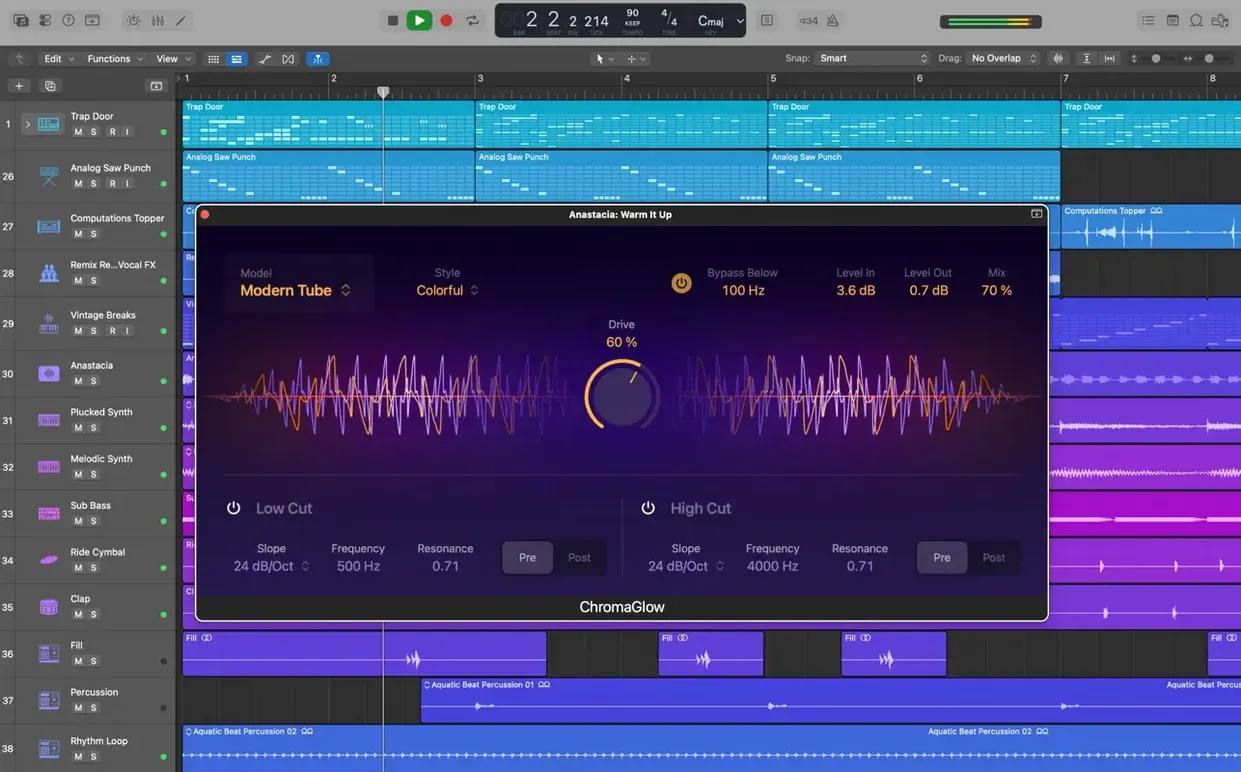
Next, I create a Drum Machine Designer track and feed it a kick and snare sample layered under the live hits. Smart Controls let me blend the samples with a single fader mapped to the sample track's volume. The live drums keep their human feel; the samples add consistency. Everything routes to a Track Stack with a shared compressor and a touch of Pedalboard grit — the "Seattle Grunge" pedal chain, minus the flanger, warms up the whole kit without masking the room mics. Export as a 24-bit WAV, drop it into a client folder, and move on.
Apple Silicon barely breaks a sweat at 40 tracks
Over weeks of daily use on a Mac with Apple Silicon, Logic Pro runs like it belongs there. Projects with 40 tracks, multiple instances of Alchemy, and a dozen Space Designer convolutions barely nudge the CPU meter past the halfway mark. The 12.3.1 update specifically improved performance with track-heavy arrangements, and it shows — scrolling through a dense timeline no longer hitches when regions are small and numerous.
RAM usage stays reasonable. A full band session with Drum Kit Designer, three Alchemy instances, and four Amp Designer plug-ins hovers around 3.2 GB of active memory. On a 16 GB machine, that leaves headroom for a browser, notes app, and a few tabs about mic placement without swapping.
Stability has been uneventful, which is exactly what you want. The fix for unexpected quits when playing MIDI alongside video means scoring to picture no longer holds its breath during playback. I've had one crash in the last month, and it happened while loading a corrupted third-party Audio Unit — not Logic's fault. Auto-save had my back, losing about ninety seconds of work.
Launch time from a cold start is around six seconds on an M1 MacBook Air, with the full Sound Library installed externally. Switching between projects takes about three seconds. The only time the interface drags is when Flex Pitch analyzes a long vocal take — a brief beachball, then smooth sailing.
Point the Sound Library to an external drive first
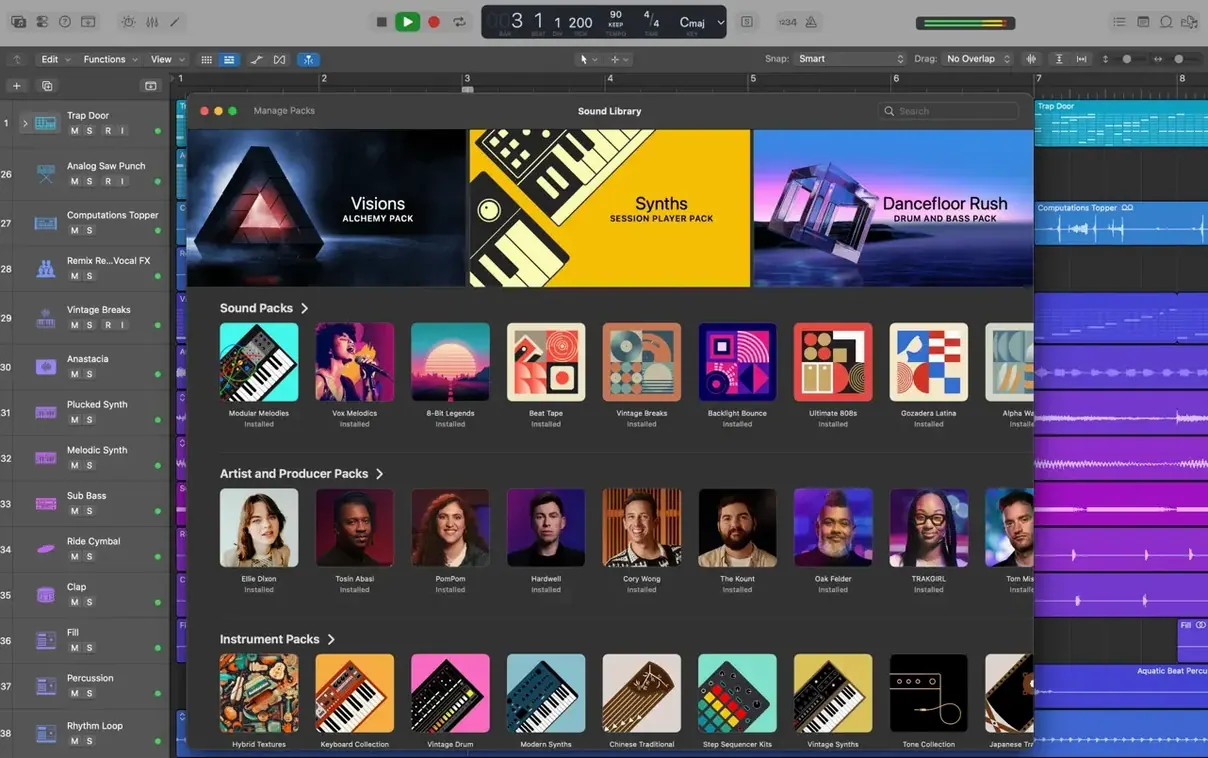
Before you compose a single note, point the Sound Library to an external drive if you have one. The full 63 GB install is worth it — those 1,000 sampled instruments and 7,000 Apple Loops become your palette — but internal storage disappears fast. Go to Logic Pro > Sound Library > Relocate Sound Library after the initial download and set it somewhere with room to grow.
Spend your first hour with Drummer, not with deep synthesis. It's the fastest way to hear something musical and complete. Pick a genre, drag a drummer onto a track, and just listen. Then open Smart Controls and move the two main dials — Complexity and Loudness — to understand how the pattern responds. Within ten minutes, you'll have a backing track that feels alive.
Learn one key command a day. The first three I'd recommend: Command + D for duplicating regions, Command + T for cutting at the playhead, and Option + drag for copying a region and its automation. After a week, the mouse gathers dust.
If you're coming from another DAW, give yourself permission to ignore the Score editor for now. It's deep and capable, but the Piano Roll and Step Sequencer cover 90% of composing tasks with less friction. Circle back when you need to print charts for players.
Finally, don't sleep on the Library's "User" folder. Save your own channel strip settings whenever you land on a combination of plug-ins that works. Two months later, when a client asks for "that bass sound from the July project," you won't have to reverse-engineer your own work.
Solo songwriters close the idea-to-arrangement gap
Songwriters who work alone benefit first and hardest. Logic Pro removes the gap between idea and arrangement in a way that suits solitary creators. You can write a chord progression, have Drummer respond to it, add a bass part, and stack harmonies — all before lunch, all without opening another app or waiting for a collaborator. The 2,800 included patches mean you're never stuck tweaking a synth when you should be writing a bridge.
Audio editors and post-production folks find a quiet powerhouse here too. Flex Time and Flex Pitch turn corrective editing into a musical process rather than a surgical one. The ability to bounce video soundtracks with frame-accurate sync — and the recent stability fix for MIDI-with-video projects — makes it viable for short-form scoring work without jumping to a dedicated post suite.
Guitarists who record at home get a full rig without the noise complaints. Amp Designer and Pedalboard together cover more ground than most physical pedal collections, and the ability to re-amp a dry DI signal after the performance means you're never locked into a tone decision made at 11 p.m. on a Tuesday.
Electronic producers who lean heavily on samples and loops will find Alchemy's granular and spectral engines rewarding, though the real edge is Track Stacks used as performance layers. Stack a handful of Drum Machine Designer kits, map their macros to a single Smart Control knob, and you have a morphing beat that changes texture in real time — something static loop packs can't offer.
Users on older Intel Macs should note that the 4 GB RAM minimum is realistic but tight. With 8 GB or more, the experience holds up well for audio tracking and moderate plug-in counts. The biggest performance difference between Intel and Apple Silicon shows up when scrolling through large projects with many regions — the 12.3.1 update narrowed that gap, but the newer chips still feel more fluid.
A few welcome fixes arrived in version 12.3.1:
- You can again relocate beat mapping transients, which makes tempo-mapping live recordings much smoother.
- The Score editor now responds correctly when you change Staff Styles in the Inspector.
- Dragging the right side of a crossfade to extend it works properly once more.
- A bug causing unexpected quits during MIDI playback in projects with video has been squashed.
- Performance feels snappier when dealing with tracks that contain many regions.
- macOS 15.6 or later
- Intel or Apple Silicon Mac
- 4 GB RAM minimum
- Display 1280 × 768 or higher
- 64-bit Audio Unit plug-ins required
- 6 GB free disk space for minimum install, 63 GB for the full Sound Library
Questions from the stall
Can Logic Pro open old projects from years ago?
Yes, it can open projects created in Logic 5 or later, so your archive of past work remains accessible.
Does it work with an iPad for sketching ideas on the go?
Absolutely. You can start a song on Logic Pro for iPad and move it to the Mac via iCloud or GarageBand export to continue refining.
What if I want to mix in surround sound?
Logic Pro supports mixing in both stereo and surround, giving you the flexibility to work on music, film scores, or immersive audio projects.
Notes from other shops 0
Sign in or open a shop account to leave a note.
No notes yet. If you've used this on a shop Mac, tell me how it went.