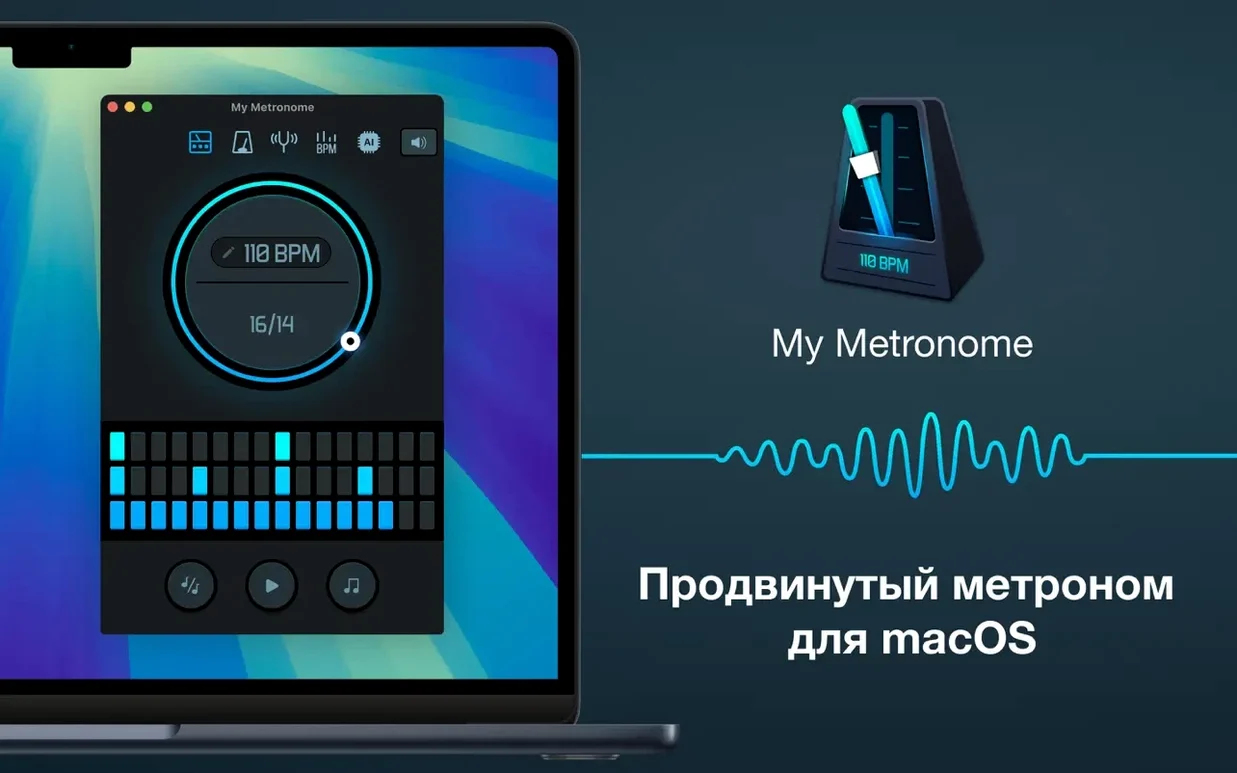
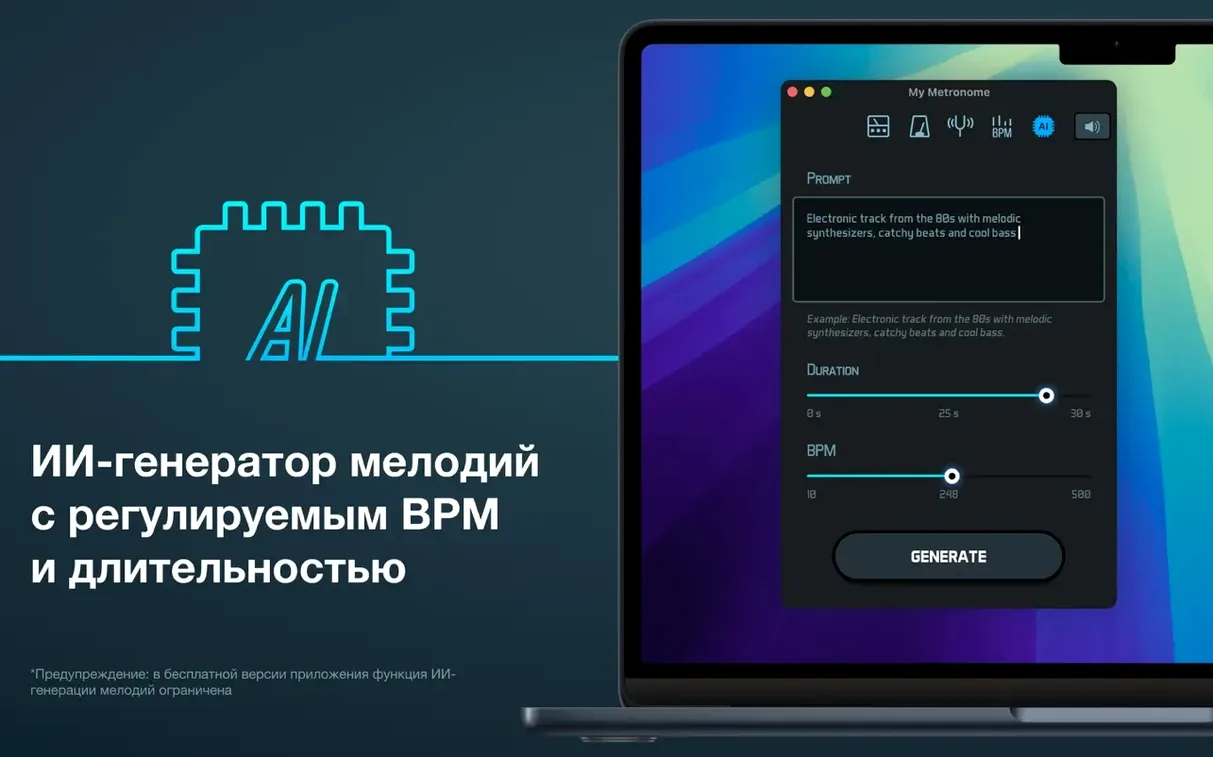
You'll need an Intel Mac running macOS 11 or newer to use it. It's built for the Intel 64-bit architecture, so it fits older and newer Intel machines without a fuss.
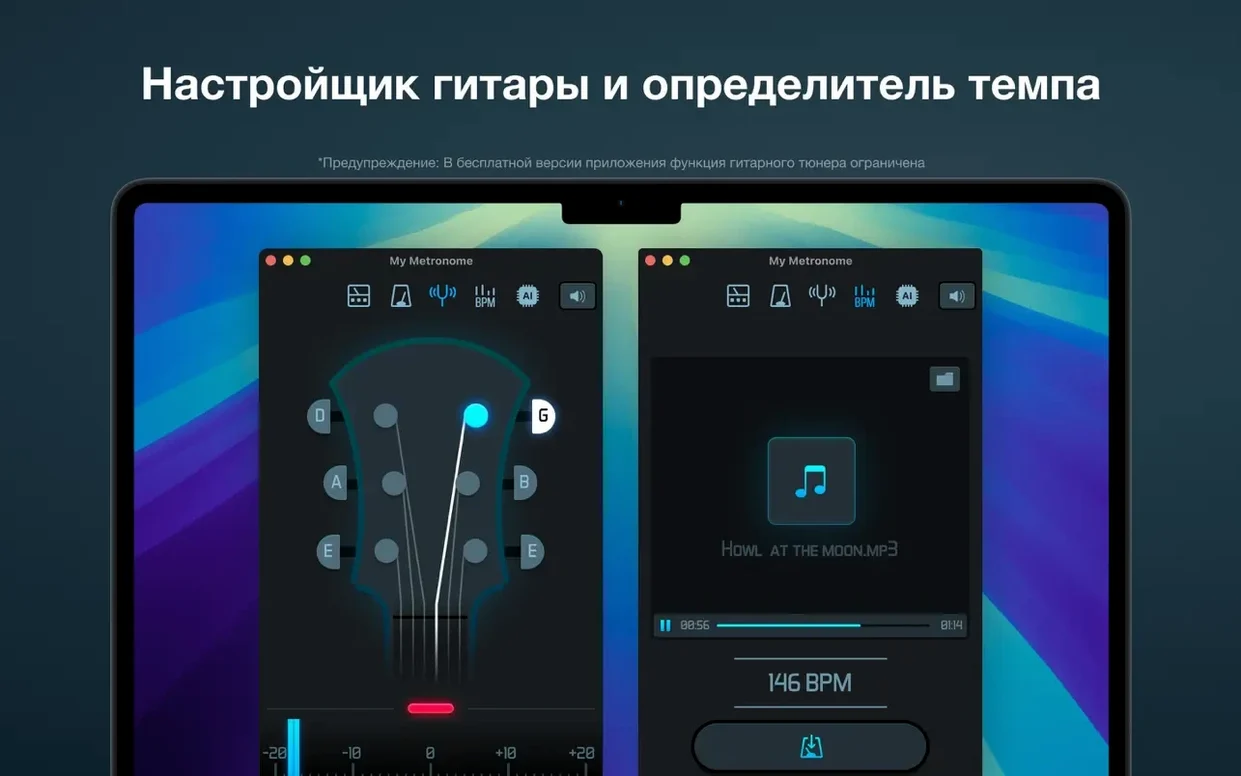
Beyond the steady click, there's a BPM detector that listens to a song and tells you the tempo. If you're working out a cover or trying to match a groove, it saves you from tapping around in the dark. The built-in guitar tuner is handy too — one less app to keep around when you're switching between rhythm practice and checking your tuning.
The app speaks eleven languages, so the interface stays out of your way no matter which one you work in. That's more than most metronomes bother with, and it makes the tool feel polished for a global user base.
Swap the default time feel in one tap
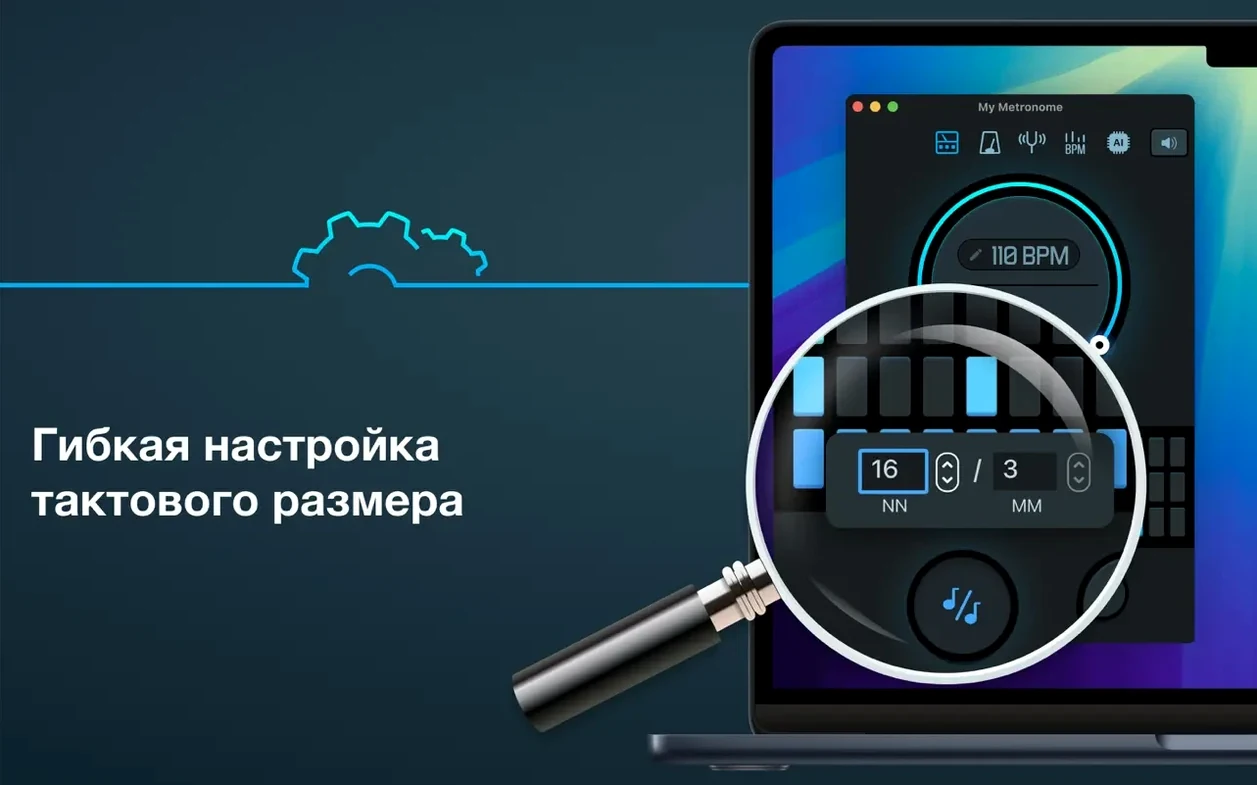
Out of the box, the app lands in classic mode with a 4/4 time signature and 120 BPM — a sensible starting point. A few quick tweaks make it fit your practice better from day one.
- Switch to advanced mode early. Classic mode keeps things simple, but advanced mode unlocks the BPM detector, custom subdivisions, and accent pattern controls. If you're using this for serious practice, you'll want those within reach. Tap the mode toggle in the upper corner — it remembers your choice between sessions.
- Set your time signature before building a setlist. The app respects whatever signature you've dialed in, and changing it mid-practice resets the bar counter. If you're jumping between a 3/4 waltz exercise and a 7/8 riff, get the signature right before you start playing.
- Adjust the accent and subdivision sounds. By default, the downbeat accent is a slightly sharper click. You can tweak which beats get emphasis and how the subdivisions sound — useful if you want eighth-note clicks that don't blur into the quarter notes. I'd set this once per signature and leave it.
- Pick your language if needed. The app auto-detects your system language, but if you prefer practicing with the interface in a different one — maybe your teacher works in French or Japanese — it's a quick switch in preferences. No restart required.
A workflow: nailing a tricky tempo change
Say you're working on a song that shifts from a relaxed verse at 72 BPM into a double-time chorus at 144 BPM. Here's how I'd use the app to lock that transition in.
Start with the BPM detector. Play the original track near your Mac's microphone — the detector listens and settles on the tempo within a few seconds. You'll get a number you can trust, so you're not guessing whether the verse is actually 72 or 74. Tap the detected BPM to load it into the metronome.
Loop the verse section. With 72 BPM set and your time signature confirmed, let the click run. Play along until the groove feels steady and you're not chasing the beat. Keep the volume at a level where you can hear both your instrument and the click clearly — this app cuts through without being harsh, so mid-volume usually works.
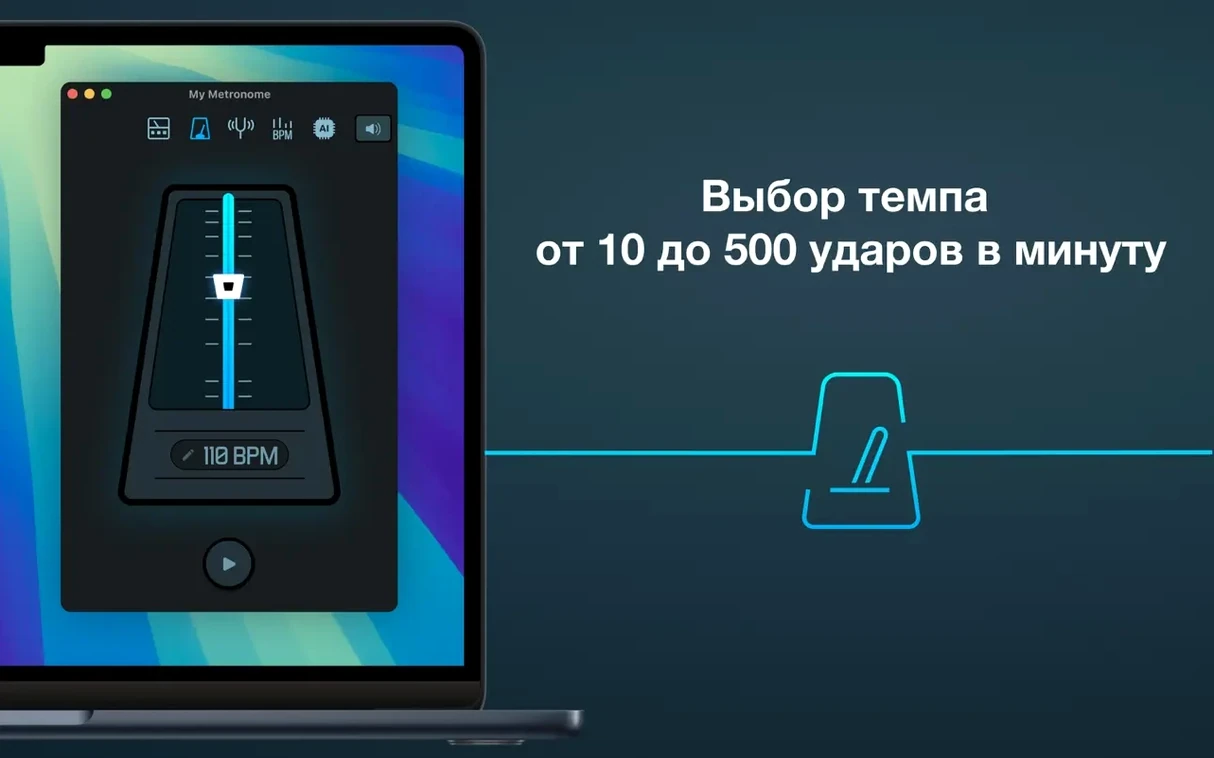
Practice the transition in isolation. This is where the tempo slider earns its place. Stop the metronome, drag up to 144 BPM, and start it again right at the shift point. Play just the last two bars of the verse into the first two of the chorus. Repeat that loop until the jump feels natural. No need to dial in exact numbers repeatedly — the slider responds quickly, and you can type a value directly if you prefer.
Build back to the full run-through. Once the shift lands consistently, play the whole section with the metronome at 72, make the manual change at the transition, and finish at 144. Over time, the internal clock improves and you'll rely on the click less, but for now it's the anchor that keeps the change crisp.
Mic picks up the fridge instead of your riff
A few things tend to trip people up with a tool like this. Here's what I see most often and the fixes that work.
The BPM detector gives a wild number. This usually happens when background noise confuses the mic. Try moving closer to the speaker, pausing any fan or hum, and letting the detector listen to a section with a clear rhythmic pulse — a drum intro or a steady strumming pattern works better than a sparse vocal line. If it still reads double or half the tempo you expect, that's actually correct for the pulse it caught; just halve or double the number manually.
The click feels slightly ahead or behind your playing. Latency isn't typical with this app, but if you're running through Bluetooth speakers or a complex audio interface, a tiny delay can creep in. Switch to the Mac's built-in speakers or wired headphones first to check if the problem follows the output device. Nine times out of ten, it's the speaker chain, not the app.
The guitar tuner seems unresponsive. Make sure the app has microphone access in System Settings > Privacy & Security > Microphone. Without that permission, the tuner won't hear a thing. Once granted, it picks up quickly — pluck a single string cleanly and let it ring; the display settles faster on a clear note than on a muddy strum.
Tempo resets when you didn't expect it. If you switch between classic and advanced modes, the app may return to the last tempo used in that mode. If you work mostly in advanced mode, stay there — the mode switch isn't something you need to flip often. Keep a mental note that each mode stores its own last tempo independently.
The app feels bare at first. It's designed to be straightforward, not cluttered. But if you installed it expecting the tuner or detector and don't see them, you're likely in classic mode. Switch to advanced and they appear. That one toggle solves most "missing feature" confusion.
The base install gives you the core tempo tools, and you can add what you need from there.
- macOS 11 or later
- Intel 64-bit processor
Questions from the stall
What macOS version does My Metronome require?
It requires macOS 11 or later and runs on Intel 64-bit Macs.
Does the app include a guitar tuner?
Yes, a guitar tuner is included alongside the metronome and BPM detector.
What languages is the interface available in?
It's localized in Russian, English, German, Spanish, Italian, Traditional Chinese, Simplified Chinese, Korean, Portuguese, French, and Japanese.
Notes from other shops 0
Sign in or open a shop account to leave a note.
No notes yet. If you've used this on a shop Mac, tell me how it went.