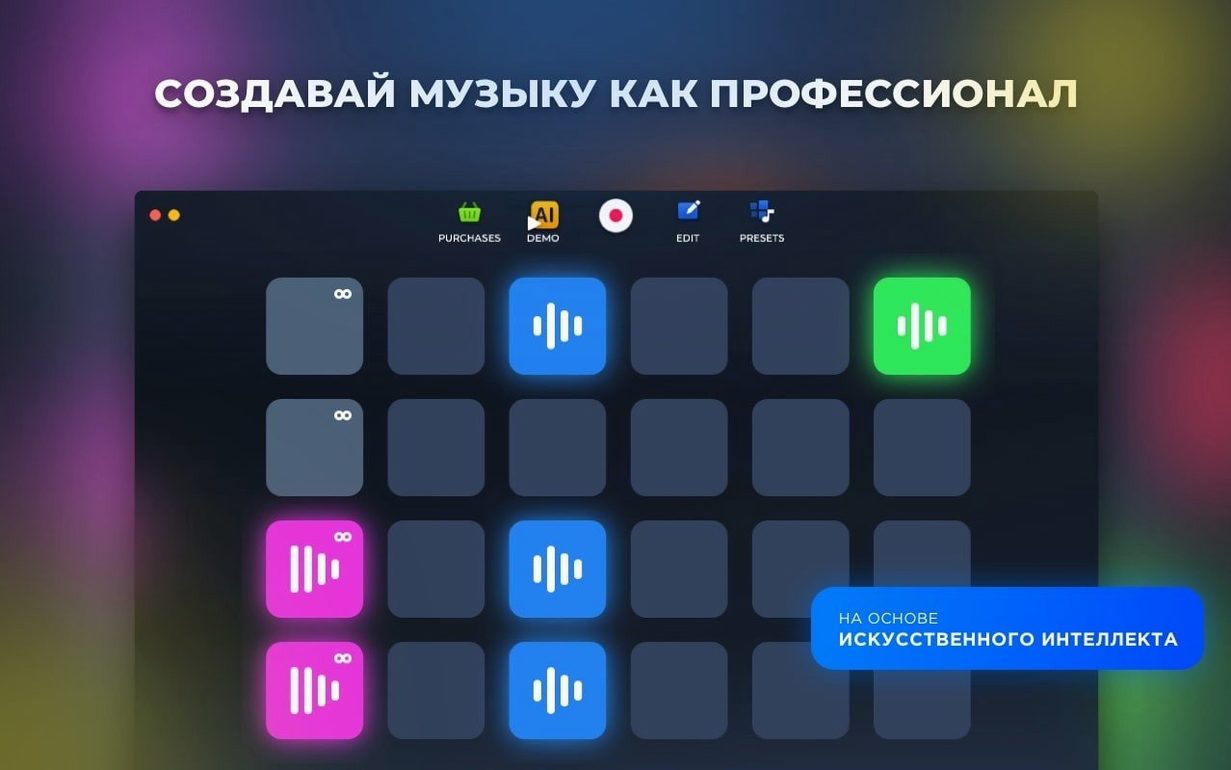
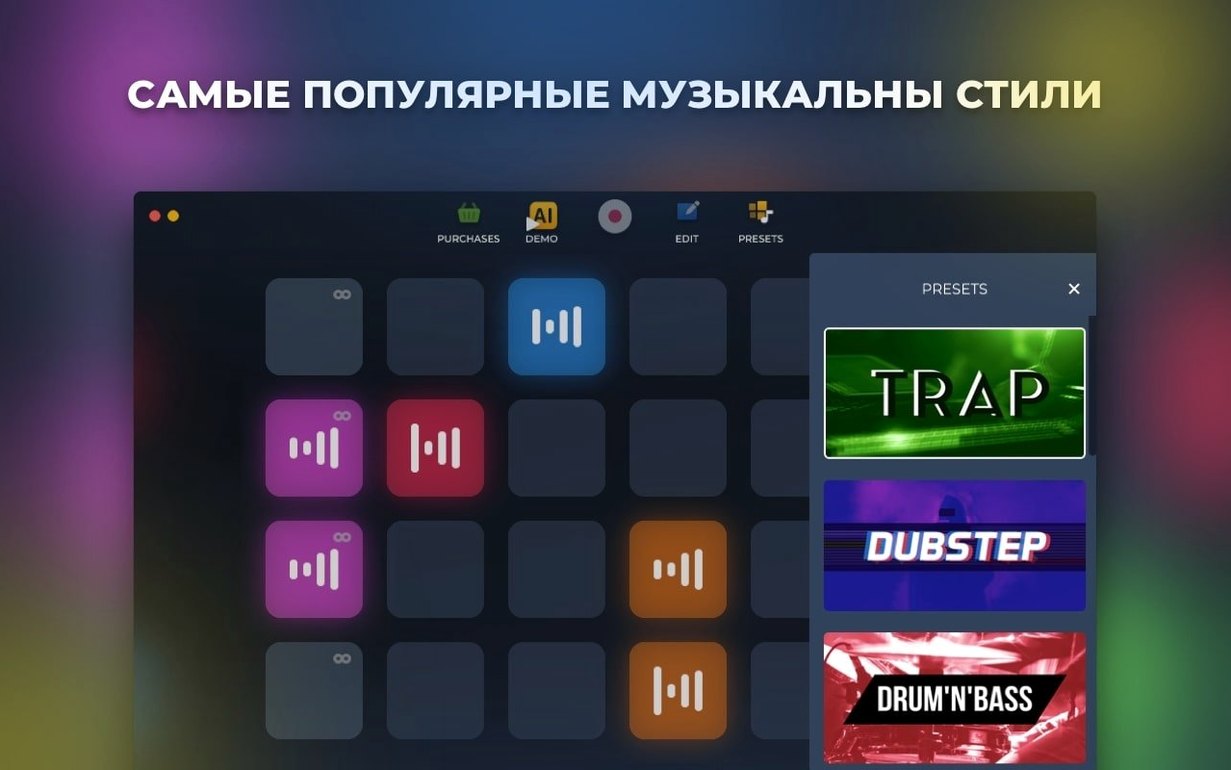
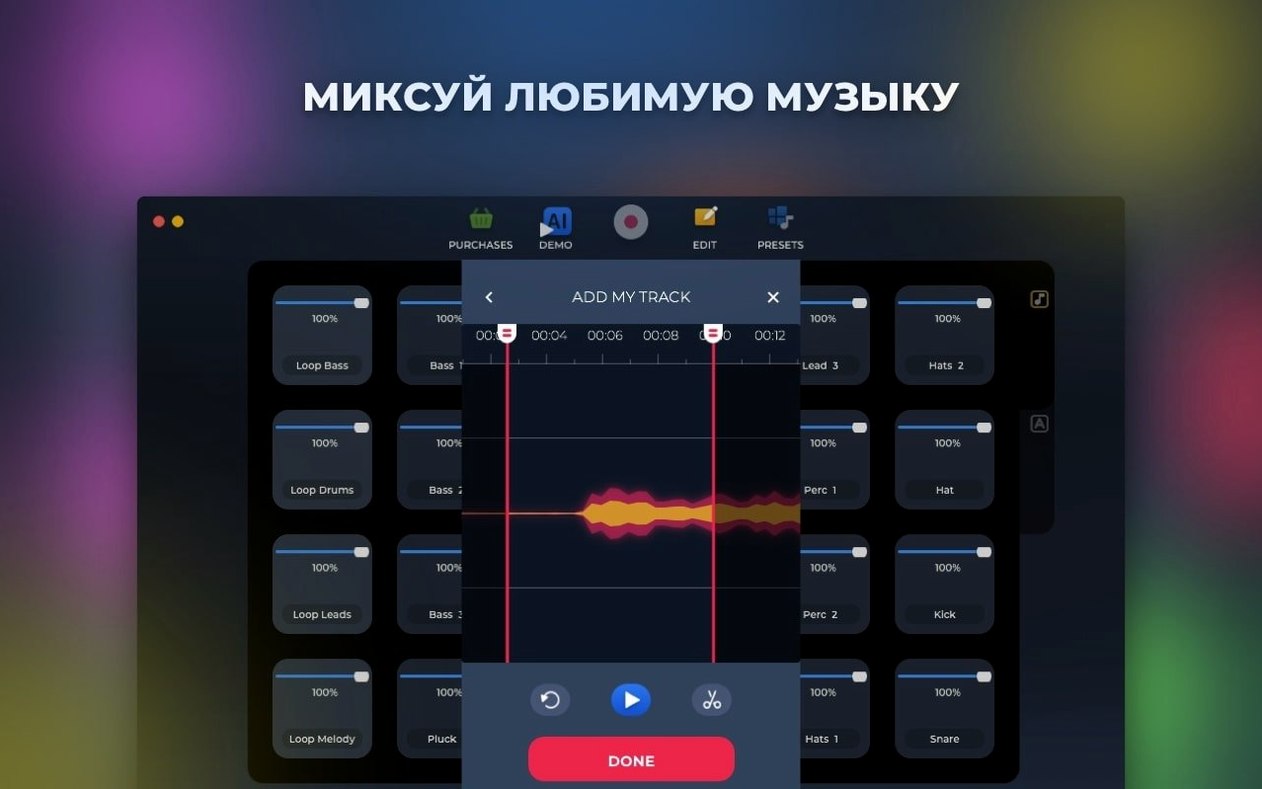
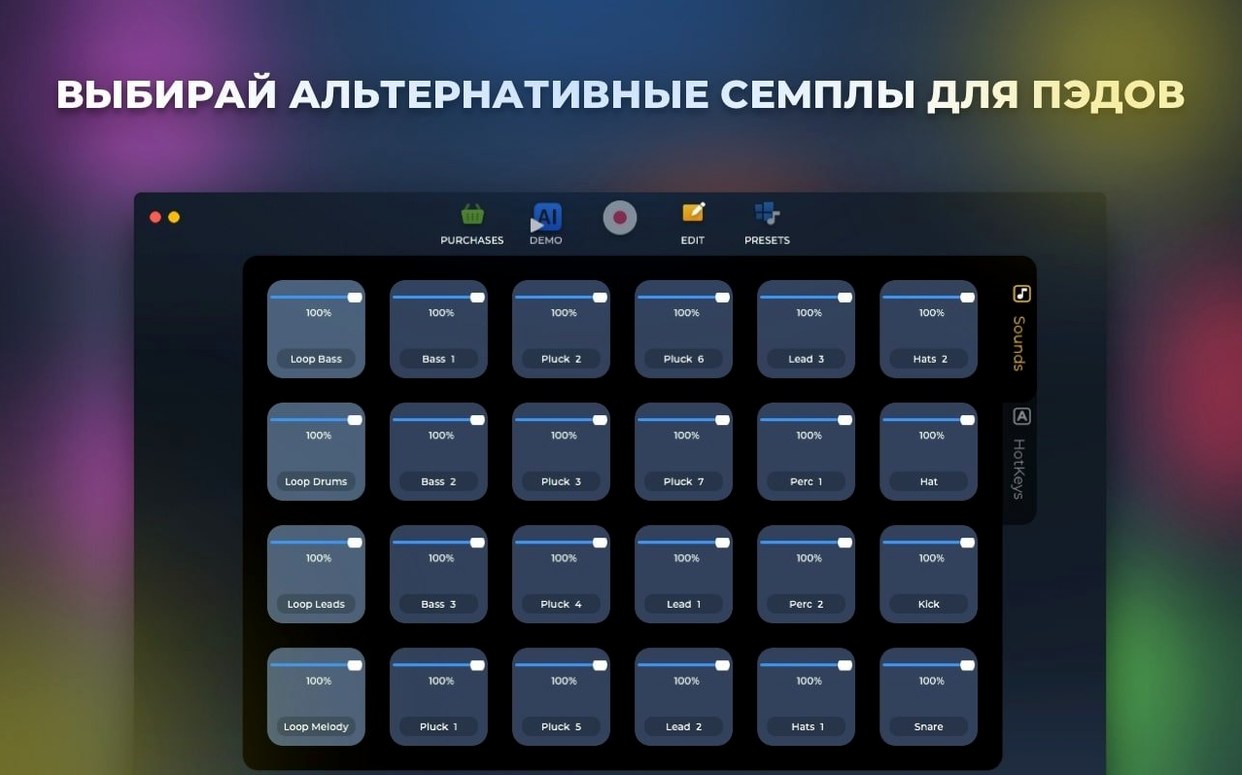
If you've spent time in a 303 loop plugin, you'll recognize the hands-on, pattern-based approach Loop Mash Up Pro brings to the table — just with a wider palette. It's a Mac music app built for sampling, looping, and assembling full electronic tracks.
Loops and samples — everything was recorded by professional musicians and DJs, so the raw material feels ready for a mix.
Pad layout — rearrange the on-screen pads and assign hotkeys to match how you play.
AI generation — the app can suggest new patterns and track ideas when you're stuck.
Mac only — runs on Intel machines with macOS 11 or later; the interface speaks your choice of 11 languages.
Building a 32-bar radio break in minutes
Imagine a DJ who runs a weekly online radio show and needs a fresh 32-bar break between two guest mixes. She opens the app, picks the "Deep House" style, and taps a few pads to hear the bass loops. Within three minutes she's layered a kick-and-clap pattern, a filtered chord stab, and a spoken-word one-shot she dragged onto an empty pad earlier that week. She hits record, performs the break live by triggering pads with her keyboard hotkeys, and saves the WAV straight to a folder she shares with her producer. Done before the kettle boils.
Playful beat sketching for bedroom producers
The app sits right where playfulness and utility overlap, so a few groups naturally gravitate toward it:
- Bedroom producers. If you're building beats after hours and don't want to assemble a sample library from scratch, the built-in packs give you a running start. The hotkey assignment means you can sketch ideas on a laptop keyboard without a MIDI controller.
- DJs preparing custom edits. Dropping a loop mash up pro session between gig prep tools lets you create short transitions, risers, and drop fillers that carry your signature sound into a set. The live recording feature captures exactly what you perform — no step-sequencing required.
- Content makers who need fast, royalty-awkward-free beds. Podcasters and video editors will find the AI generation useful for whipping up background tracks that don't sound like stock-library filler. Because the source samples were made by working musicians, the results have texture and dynamics.
- Music students and dabblers. The pad layout makes it easy to grasp structure without staring at a timeline editor. You learn by swapping loops, muting layers, and listening — more like a hardware groovebox than a spreadsheet.
Using the app as a sketchpad before your DAW
Loop Mash Up Pro doesn't try to replace a full DAW, and that's its strength. It works as a sketchpad you can feed into a bigger workflow.
Record a live jam from the app and drop the resulting audio file straight into GarageBand, Logic Pro, or Ableton Live for arrangement and mixing. Because the export is a plain audio file, it lands in any editing timeline without format headaches. On the macOS side, drag-and-drop between the app and Finder folders feels native — you can pull samples from your own library onto empty pads, and the app remembers them between sessions. The hotkey system also plays nicely with the Mac's keyboard viewer and custom shortcuts, so if you already remap keys for accessibility or language reasons, you won't run into conflicts as long as you check assignments once.
If you're someone who digs into niche plugins — maybe you've grabbed loop torrents or hunted down a loop torent bundle for a specific texture — the app gives you a place to put those finds to use without needing to configure a sampler. Just drag them onto a pad and they sit alongside the built-in sounds.
From blank project to Dubstep loop in one pass
Here's one straight-line path that covers the app's core tools without jumping around:
- Pick a style and explore the sounds. Start a new project and choose one of the six electronic styles — say, Dubstep. Tap every pad once with the mouse to hear what's available. Don't overthink it; you're just auditioning.
- Build a foundation. Find a kick-and-snare loop on pad 1. Tap
Command-1to assign it to the top row of your keyboard. Pick a bass wobble on pad 5, assign it toCommand-2. Play them together, finger-drumming the rhythm until it locks. - Add texture with your own sample. Drag a vocal chop or a riser you've kept from an old 303 loop project onto an empty pad. The app treats it like any built-in sound — pitch and timing stay intact. Assign it to
Command-3. - Let AI suggest a variation. Hit the AI generation button. The app will cook up an alternate pattern using the same sound set. Audition the result; you can keep it, tweak it, or toss it. Sometimes it suggests a pad change you wouldn't have tried — that's where the value lives.
- Perform and record. Arm recording, then play your pads live. Mute the bass on the verse, bring it back on the chorus, trigger the vocal chop every fourth bar. When you stop, the app saves the full performance as an audio file.
- Store and share. Name the file and save it to a project folder. From there it can go into a DJ set list, a DAW timeline, or a shared cloud folder for your collaborator to hear.
Tip: If you're auditioning sample packs you've collected — whether from loop torrents or a collaborator's stash — keep a dedicated set of pads free on the right side of the layout. That way your own sounds don't get mixed into the built-in banks mid-session.
Version 1.2.17 is a tidy-up release — a handful of bugs were squashed so the app runs smoother during long sessions.
- macOS 11 or newer
- Intel 64-bit processor
Questions from the stall
Can I assign my own keyboard shortcuts to the pads?
Yes. Pads and loops can be rearranged freely, and you can assign hotkeys to fit your performance or editing flow.
Notes from other shops 0
Sign in or open a shop account to leave a note.
No notes yet. If you've used this on a shop Mac, tell me how it went.