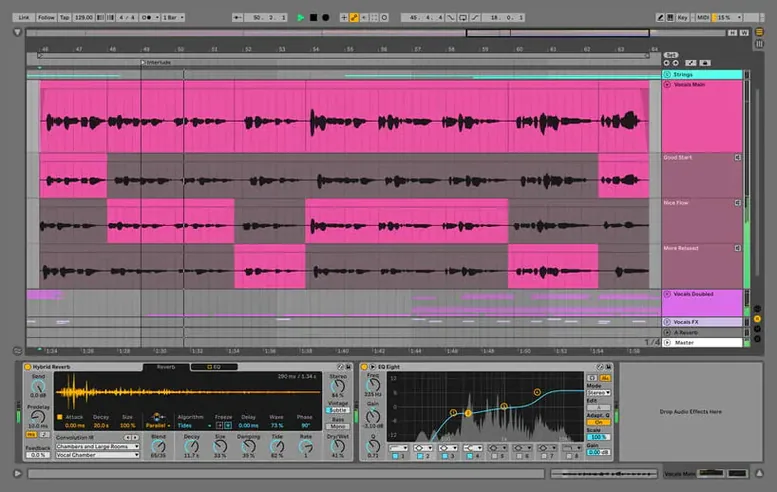
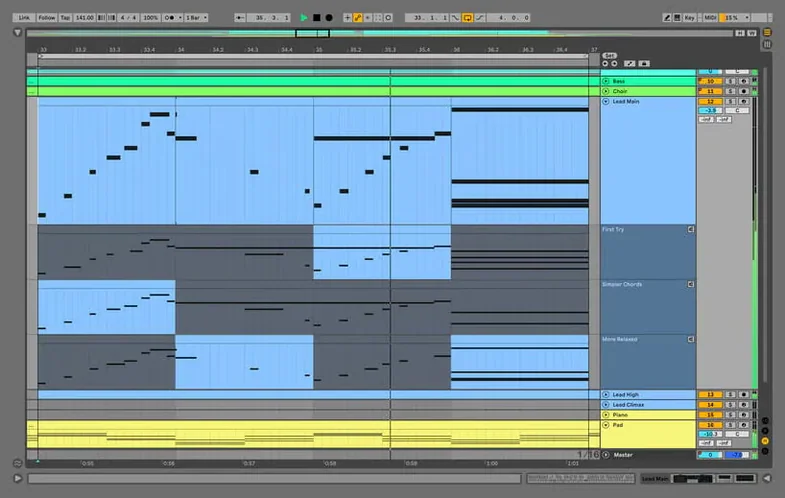
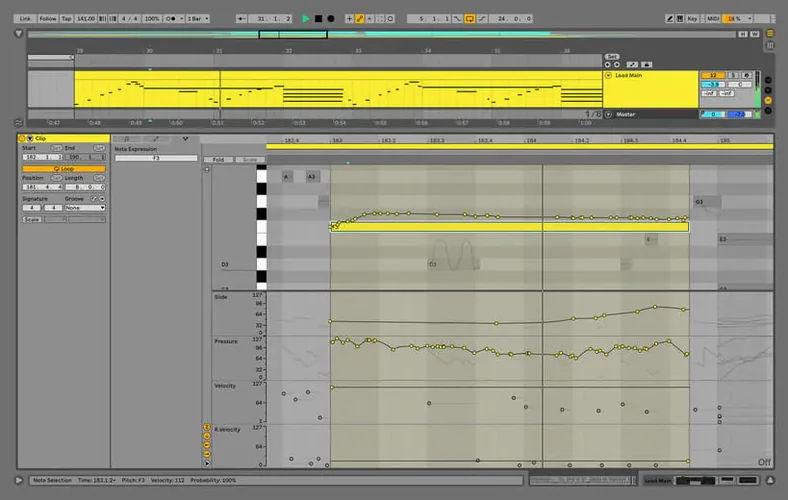
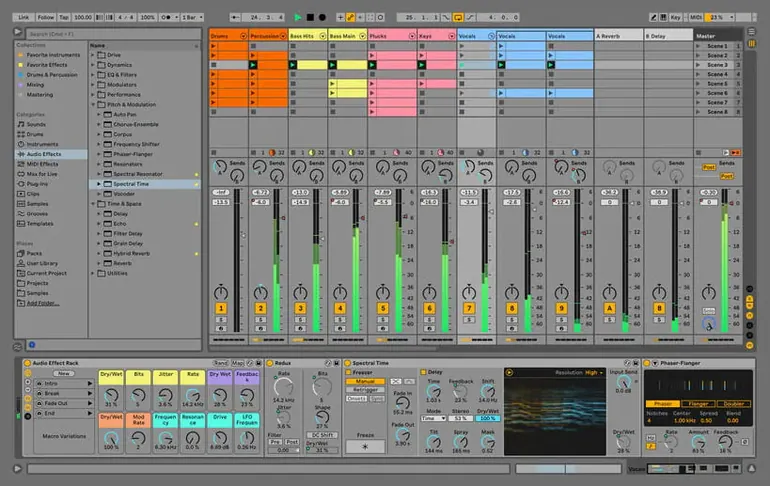
Producers, live performers, and songwriters who work in the moment tend to land on Ableton Live. It is built around the idea that you shouldn't have to stop the music to try something new — a clip can loop, a synth patch can change, and a whole arrangement can shift direction without ever hitting pause. The current version, Live 12.4.6, keeps that core promise intact while tidying up a stubborn technical hiccup.
Clip-launching sketchpad meets sound design suite
- Non-linear sketching. Session View lets you launch clips, scenes and ideas in any order, which makes it feel more like an instrument rack than a tape machine.
- Sound design inside the timeline. The built-in effects and warping tools are deep enough that you rarely need to leave the app to mangle a sound.
- Real-time collaboration and sync. Link and built-in sharing keep multiple machines and people locked to the same tempo without extra hardware.
macOS 12 minimum and a fix for Beats Warp Mode hangs
- Needs recent macOS. Requires macOS 12 or later, so older Intel Macs stuck on earlier systems are left out.
- Large Sets can get heavy. The latest fix addressed a hang with many audio tracks in Beats Warp Mode, but dense projects still benefit from occasional bouncing.
- It is a full Suite. Live 12 Suite packs in every instrument and effect Ableton makes — great for breadth, though the footprint is substantial.
Spend an afternoon on a default template
Live rewards a little setup early on. I'd spend the first afternoon on a few things that quietly shape how smooth the rest of the week feels.
- Pick a default template. Open a blank Set, add the tracks and returns you usually reach for, then save it as the default under Preferences → File/Folder. Next time you launch Live, your favorite EQs, a drum rack and a reverb return are already waiting. It removes a surprising amount of friction from the first five minutes of a session.
- Sort your User Library early. Drag your go-to samples, effect racks and instrument groups into the User Library in the browser. Use folders with names that actually mean something to you — "Kicks – punchy," "Bass – sub," "Vocal chains." A messy User Library is easy to ignore for months and just as easy to fix in an hour.
- Set up Auto Save behavior. AbletonAutoSave lives in the menu bar once Live is running. Open its preferences and choose an interval that matches how fast you work. If you tend to improvise, three minutes is a sensible ceiling. It saves a copy of your Set without overwriting the manual save, so you always have a trail to step back through.
- Learn a few key commands you'll actually use.
Cmd+Shift+Tinserts a MIDI track,Cmd+Shift+Uquantizes, and0disables a clip or device. Five shortcuts learned on day one pay off for years.
Tip: If you're coming from an earlier version, open a few old Sets and resave them. Live 12.4.6 handles file structures cleanly, but resaving under the current version avoids minor loading pauses while the app upgrades old data.
A stability release that keeps large projects running
Live 12 already introduced big-ticket items like the new browser tagging system, MIDI transformations and the revamped modulation workflow. Version 12.4.6 is quieter — a stability release — but the kind that matters when you're deep in a project.
The fix described in the September 15, 2026 release notes addresses a hang that could strike during rendering, bouncing or consolidating in Sets heavy on audio tracks. Specifically, it involved clips using Beats Warp Mode with Transients Granular Resolution — a setting many producers lean on for drum edits and chopped loops. Before the patch, a large session could freeze entirely at the export stage. Now it doesn't. For anyone bouncing stems or printing a final mix, that's the difference between a coffee break and a cold restart.
In practice, it means you can work with larger track counts and more aggressive warping without keeping one eye on the activity monitor. Live's warping engine has always been a defining feature; with 12.4.6 the engine stays responsive further into a heavy session than it did in early Live 12 builds. I still bounce CPU-hungry tracks when the set pushes past a hundred channels, but the threshold where that becomes necessary has moved outward.
Earlier Live 12 point releases smoothed over other daily-use details: the browser indexing got faster, automation lanes behave more predictably when you duplicate a track, and the mixer's visual feedback on gain reduction is snappier. None of that made the headline feature list, but together they cut down the tiny hesitations that break flow.
Native Apple Silicon speed and instant view switching
On an Apple Silicon Mac, Live 12.4.6 runs natively and it shows. The app launches in a few seconds, the browser returns search results as you type, and switching between Arrangement and Session View is immediate even with a full Set loaded. Intel 64-bit Macs on macOS 12 or later still hold up well, though the fans may speak up during complex warping or when Meld and Roar are doing heavy modulation work.
Memory use scales with what you load. A blank Set sits around 400–600 MB. A project with three instances of Meld, a Drum Rack full of samples, a few convolution reverbs and a dozen audio tracks can push past 4 GB without complaint. Live doesn't aggressively unload samples from RAM unless you tell it to, so closing the browser's preview playback when not needed keeps things lean.
Stability in 12.4.6 feels like a settled chapter. The hang fix was the last known reproducible crash scenario for the rendering pipeline, and in day-to-day use I see no unexpected quits during normal playback, recording or plugin loading. Third-party Audio Unit plug-ins sometimes need a moment to validate on first scan — that's not new — but once validated they load reliably. If you have a large collection, the first launch after installing may take a minute longer while Live catalogs them.
From empty canvas to piano and audio track in seconds
Here's how a couple of hours with Live 12.4.6 usually unfold, from empty canvas to something worth saving.
1. Template up. I open Live and the default template appears — a MIDI track with a piano, an audio track for a mic, and a return with a medium hall reverb. The tempo is 118 because that's where I left it last time. I bump it to 125 with two taps on the tempo field.
2. Drums first. I drag a 909 kit from the browser into a new MIDI track. Session View shows an empty clip slot. I double-click it, paint a kick on the first and third beats, a snare on two and four, and let it loop. Nothing fancy yet — just a pulse to build against.
3. Warp a found sound. An audio clip from a field recording sits in the browser. I drag it into an audio track and Live warps it automatically. It's close but not tight, so I switch to Beats Warp Mode, set it to Transients at a granular resolution that preserves the texture, and nudge a few warp markers by hand. The clip locks to the kick drum within a bar. No hesitation, no beach ball.
4. A bassline with Meld. I add Meld to a new MIDI track, pull up a patch that sits somewhere between a sine sub and a gritty oscillator stack, and record a simple two-bar phrase with the Mac keyboard as a temporary controller. The MIDI is sloppy, so I hit Cmd+U to quantize it and trim the note lengths in the piano roll.
5. Arrangement starts forming. I switch to Arrangement View, drag the drum loop, the warped sample and the bassline across three minutes of timeline. The drums get a hi-hat variation in the second half. The bass drops out for eight bars. It's a sketch, but the structure is legible.
6. Rendering a rough mix. I want to listen away from the screen, so I hit Cmd+Shift+R and export an MP3. Before 12.4.6, a Set with this many audio tracks and Beats Warp Mode clips might have locked up right here — but the export finishes in about twelve seconds. No hang, no crash, just a file on the desktop.
7. Auto Save has my back. AbletonAutoSave has been quietly writing copies every three minutes. I haven't thought about it once, but if the power had flickered, I'd lose at most the last vocal take. That kind of invisible safety net makes a session feel lighter.
Ableton Live 12.4.7 has just landed. If you want to dig into every detail, the full rundown of new features and refinements is up on Ableton's own site — they always do a proper job of walking through what changed.
- macOS 12 or later
- Apple Silicon or Intel 64-bit
Questions from the stall
Does Ableton Live 12.4.6 run on Apple Silicon Macs?
Yes, it supports both Apple Silicon and Intel 64-bit Macs natively, so it runs well on newer and older hardware alike.
What was fixed in the 12.4.6 update?
It fixed a hang that could happen during rendering, bouncing or consolidating in Sets with many audio tracks and clips set to Beats Warp Mode with Transients Granular Resolution.
Can I change musical ideas without stopping playback?
Yes, that is a core part of Live's design. You can launch, swap and tweak clips and effects in real time while the transport keeps running.
Notes from other shops 0
Sign in or open a shop account to leave a note.
No notes yet. If you've used this on a shop Mac, tell me how it went.