When a blank project feels more like a wall than an invitation, a few gentle first steps can turn it into a playground.
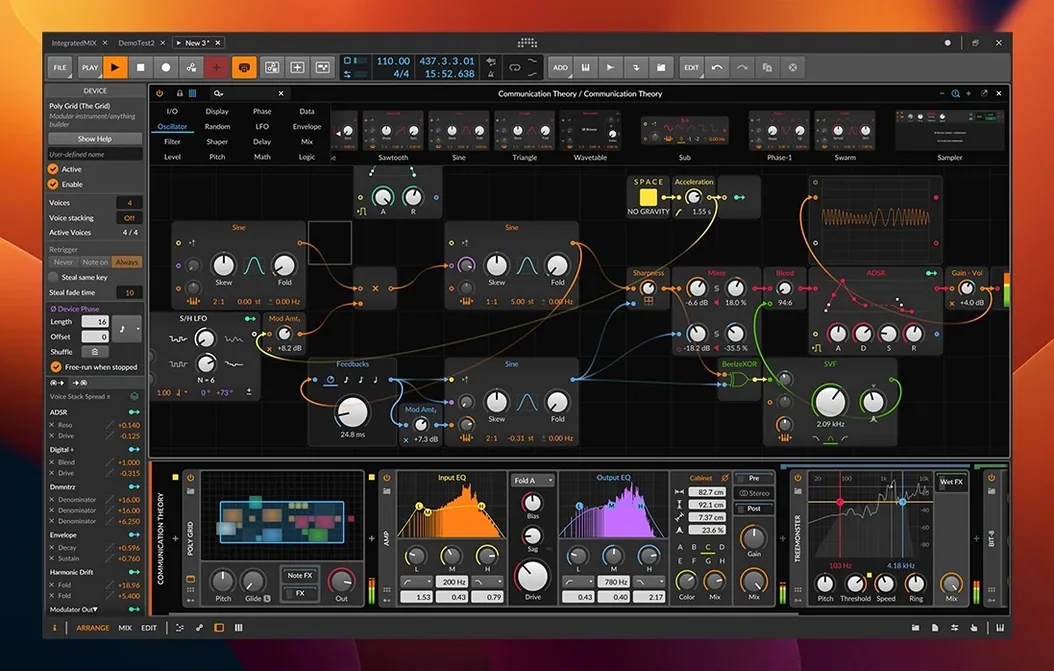
Arrange view — where you build songs in time on a horizontal timeline. Drag in audio or create instrument tracks here.
Mix view — a traditional mixing console layout. Set levels, panning, and insert effects for each track.
Edit view — a focused area for the Detail Editor. Double-click any audio or MIDI clip to open it here for nondestructive chopping and tweaking.
Time-stretching — the engine that keeps audio in time when you change the project tempo. Loop a drum break, adjust the BPM, and it just follows.
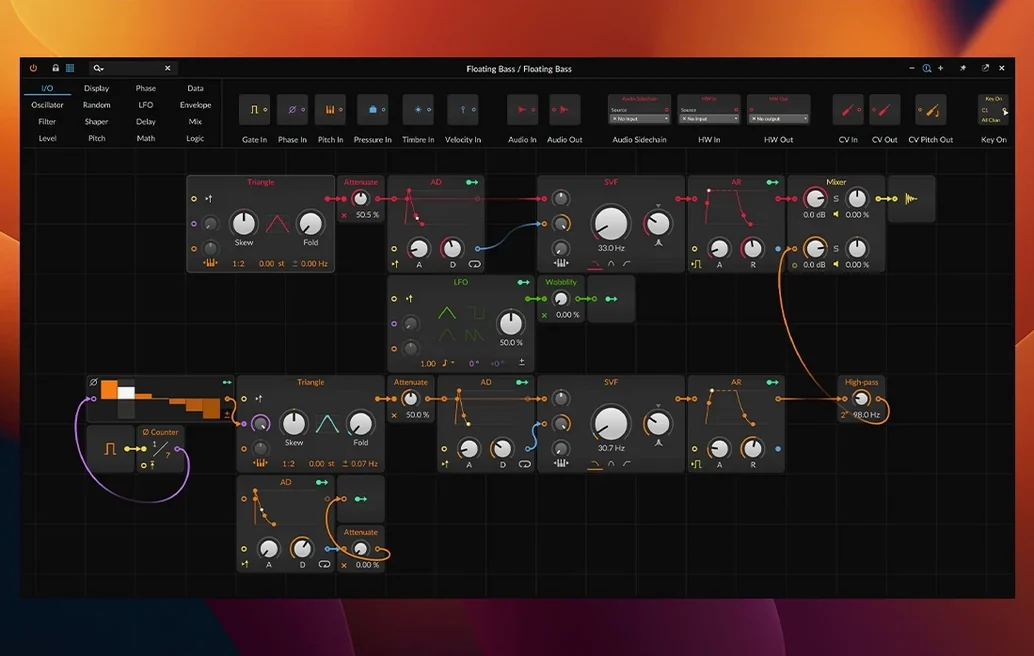
Modulation — Bitwig’s way of connecting anything to anything. Grab a modulator and drag it onto a knob in a synth or effect. Instant movement.
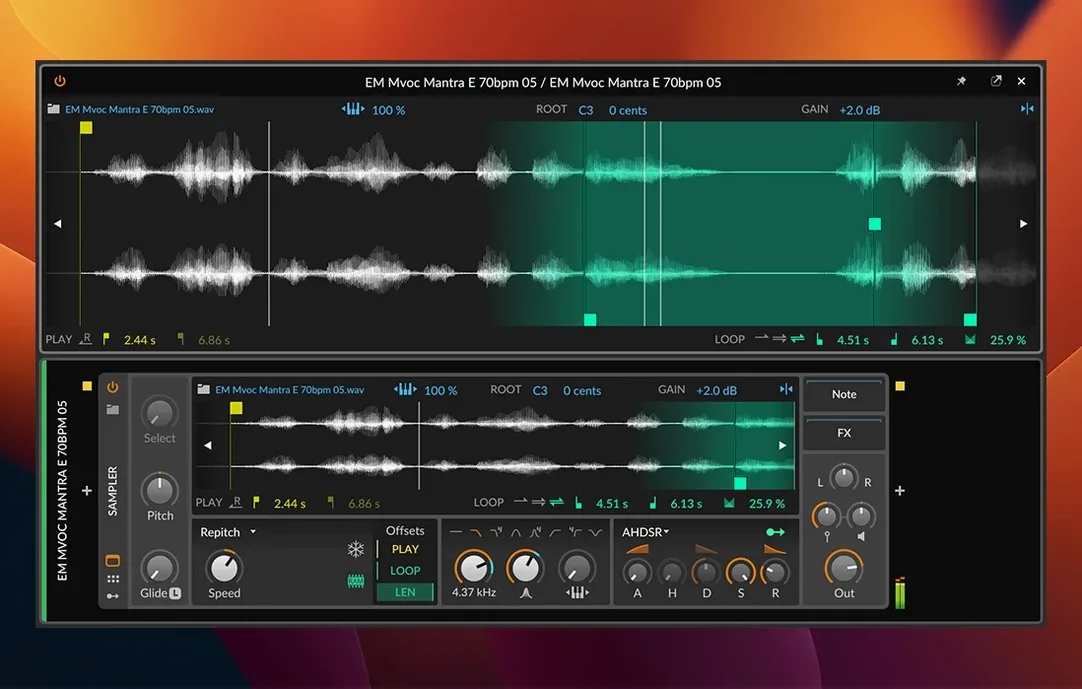
Sampler (6.1) — a radically reworked instrument. Drop in a sound, try the Spectral or Fragments play modes, and use the new slicing to pull a beat apart across the keyboard.
Microtonal editing — the piano roll can work outside standard tuning. If you work in scales beyond equal temperament, it's built in, not an afterthought.
Tip: Drop a long vocal or field recording into a track before you set a tempo. The new automatic tempo detection in 6.1 can set the project BPM to match it.
Projects load twice as fast and views switch without a stutter
On my 2021 MacBook Pro, Bitwig 6.1 loads projects about twice as fast as my old DAW ever did. The interface paints in immediately, and there's no half-second freeze when I switch between Arrange and Mix views while playback is running. That sounds minor until you've done it a hundred times in a session.
CPU use stays reasonable even when I stack a dozen instruments with modulation. The audio engine handles 128-sample buffer sizes without crackling on most projects. Large multisampled instruments in the updated Sampler pull from RAM efficiently — I've loaded 2 GB piano libraries and watched memory pressure stay in the green. The Spectral play mode is the hungriest new feature, but freezing a track tames it in one click.
Stability-wise, I've had one crash in two weeks, and it was a third-party plugin's fault. Bitwig's sandboxing catches plugin crashes before they take down the whole session. The auto-save and backup system means I've never lost more than a few minutes of work. For live performers, that kind of reliability is non-negotiable, and it delivers.
A sound designer's half-hour
Imagine someone building risers and textures for a game soundtrack. They open an empty project, drop a field recording of rain into a track, and let the automatic tempo detection set the pace. Then they load that same sample into the new Sampler, switch to Fragments mode, and play with the grain size until the rain becomes a shimmering pad.
Next they add an Instrument Layer with a wavetable synth, drag a few random LFOs onto the filter cutoff and wavetable position, and group everything into a chain. A macro knob mapped to grain density and reverb mix gives them one control that morphs the sound from realistic to alien. Fifteen minutes in, they have a texture that would have taken an hour of editing in another environment. The rest of the time goes to recording automation passes into the Arrange view, nudging the piece toward something they can hand off.
Settings I change right away
- Audio engine buffer — I drop it to 128 samples for live playing, raise it to 512 for mixing. Bitwig shows the roundtrip latency right in the preferences panel, which makes this less of a guessing game.
- Auto-backup interval — default is five minutes. I set it to three. The backups are tiny, and it's saved me more than once.
- Modulation smoothing — under the dashboard settings, I turn smoothing to low. The default can soften fast parameter jumps a little too much for percussive sound design.
- Grid snapping in the piano roll — I switch it to "Adaptive" instead of a fixed value. It follows your zoom level, so you don't accidentally quantize to quarter notes when you're editing triplets.
- Plugin sandboxing — I leave it on for every third-party plugin. The one crash I mentioned was a synth that would have taken the whole project down without it.
A lot of producers search around for things like Bitwig Studio torrent or a Bitwig Mac torrent when they're curious about the program. I get it — seeing how the performance feels on your own machine and your own projects tells you more than any spec sheet can. And if you're cross-platform curious, a Bitwig Linux torrent gets mentioned in forums often because Bitwig is one of the few professional DAWs that runs natively there without Wine wrappers.
- A radically updated Sampler with slicing, plus new Spectral and Fragments play modes.
- Automatic tempo detection, so you can drop audio in and have the project follow its timing.
- Automatic pitch detection added alongside the new Sampler features.
- macOS 12 Monterey or later
- Apple Silicon or Intel Mac
Questions from the stall
What is Bitwig Studio?
It's a digital audio workstation for composing, recording, editing, and performing music, built around a flexible modulation system.
Can I edit audio without destroying the original file?
Yes, the Detail Editor provides nondestructive editing of individual clips, so your original recordings stay untouched.
Does it work with my MIDI controller?
It works with many audio interfaces and MIDI controllers, and can send and receive MIDI notes and timing signals.
Notes from other shops 0
Sign in or open a shop account to leave a note.
No notes yet. If you've used this on a shop Mac, tell me how it went.