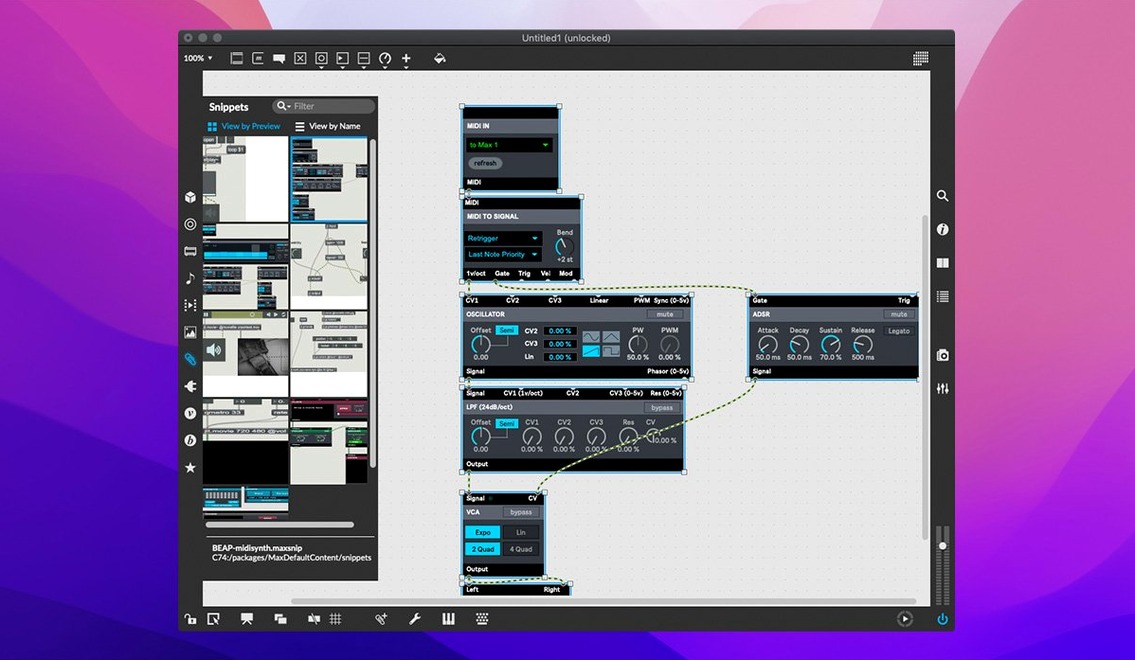
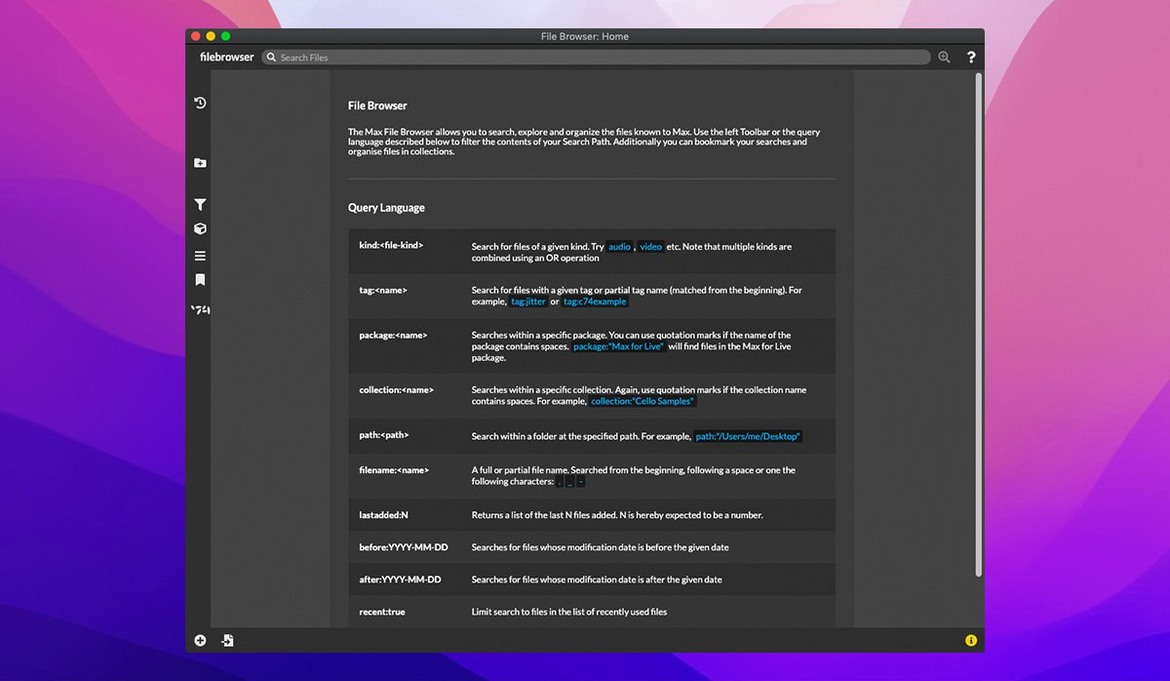
If you've ever wired up a modular synth or built a flowchart in a design tool, Max will feel familiar. It's a visual programming language where you connect objects with patch cords to build sound generators, MIDI processors, video mixers and interactive installations. Composers, performers and artists have used it for decades, and version 9.0.9 runs natively on both Apple Silicon and Intel Macs.
Learn patching logic through 40 built-in tutorials
- Open the tutorials. Max ships with over 40 interactive tutorials that walk you through patching logic, synthesis and effects. They're the quickest way to understand how objects talk to each other.
- Right-click an object and choose Help. Every object has a working demonstration patch. You can tweak it, break it and learn from it directly inside the environment.
- Build something that makes noise. Drop in a
cycle~object, connect it to anezdac~and turn the audio on. Hearing a result in the first ten minutes keeps the momentum going.
Inspector crash and web editor file handling fixed
Version 9.0.9 is a maintenance release that smooths out a few rough edges. The web-based text editor now handles File > List Externals and Subpatcher Files correctly, a crash in the Inspector when editing a text field is gone, and live.banks gained button assignments for parameter banks. The bundled RNBO patching environment sits at v1.3.5, so exported code is up to date.
Thrives when you enjoy building tools from a blank canvas
Max isn't for everyone, and that's by design. The people who stick with it usually share a few traits. They enjoy building tools rather than just using them, and they're comfortable with a blank canvas that doesn't suggest what to do next.
Electronic musicians and sound designers get the most obvious payoff. If you already think in signal flow — oscillators into filters into delays — Max mirrors that mental model. You can prototype a granular synth, a spatial audio panner or a generative drum machine without writing a line of C++. The MIDI handling is deep, too: route, filter, remap and generate note data with objects that work like hardware utilities, just cheaper and more flexible.
Installation artists and live performers lean on Max because it talks to the physical world. Serial devices, sensors over USB, OSC over a network, MIDI controllers with oddball mappings — Max doesn't care where the data comes from. You patch it, shape it, and send it wherever it needs to go. A single patch can run lights, trigger samples and respond to audience movement, all in sync.
Teachers and researchers use Max as a thinking tool. The visual layout makes abstract signal-processing concepts tangible. Drop a spectrogram object next to a live audio input and you're demonstrating FFT in real time. The interactive help system means students can explore on their own, clicking through object reference patches that actually run.
Developers who want to extend what Max can do will find the cross-platform SDK waiting. Write externals in C, package them, and they behave like native objects. It's how niche hardware interfaces and experimental DSP algorithms find their way into the patching ecosystem.
A practical workflow: building a tempo-synced delay
Here's how a typical patching session unfolds, from an empty window to something you'd use on a track.
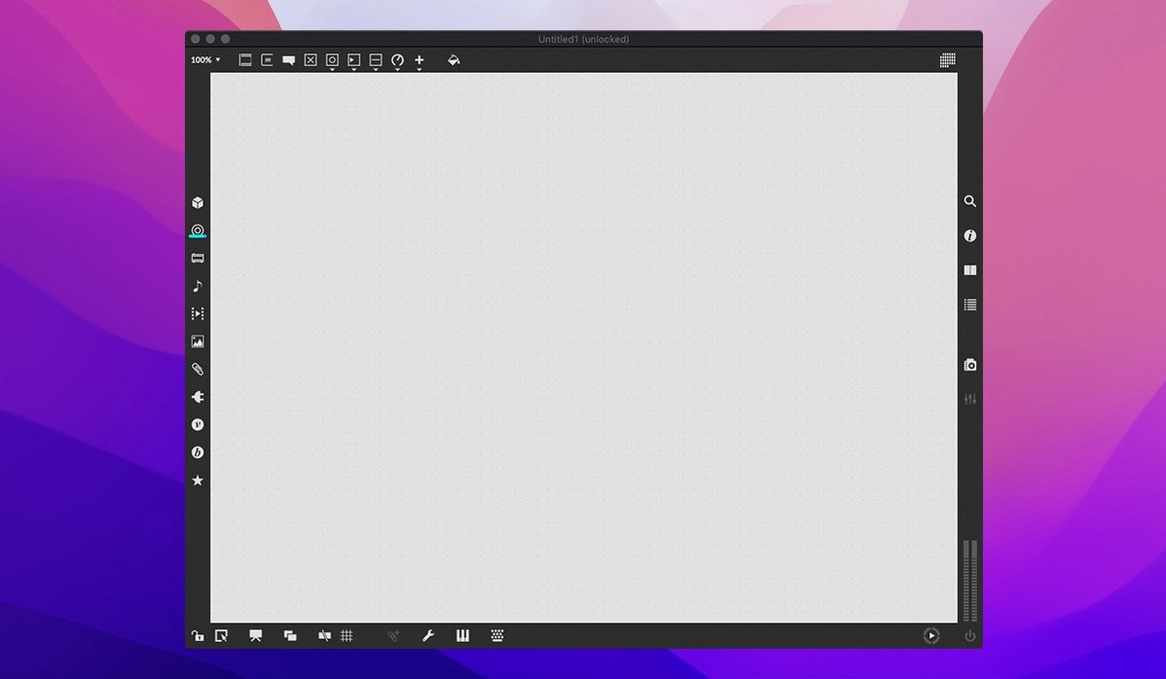
Start by creating a new patcher. From the object palette, grab a cycle~ 440 and an ezdac~. Connect them with a patch cord. Turn audio on in the toolbar. You've got a sine tone — not exciting, but the signal path is alive.
Next, bring in rhythm. Add a metro object and a toggle connected to its inlet. Set metro to 500 for a half-second pulse. Below it, place a counter and a sel object. Each metro bang advances the counter; sel picks off specific counts to trigger events. You're building a sequencer, one object at a time.
Now the delay. Insert a tapin~ and tapout~ pair on the audio path. Feed the sine into tapin~, then route tapout~ to the dac. Set the delay time with a line~ object that ramps between values — smooth changes, no clicks. Multiply the output with a *~ for feedback, and patch the wet signal back into the input, attenuated so it doesn't blow up.
Tempo sync ties it together. A transport object gives you a master clock. Use translate to convert BPM to milliseconds, and feed that number into line~ driving the tapout delay time. Now the echoes lock to your project tempo. Add a few live.numbox controls for feedback amount, wet/dry mix and filter cutoff, and you've got a performable delay that you can MIDI-map in a host or run standalone.
Save the patch, test it with different tempos, and tweak until it feels musical. The whole thing took maybe ten objects and one transport reference. That's the Max sweet spot — small parts, big results.
Wiring objects replaces writing code
Do I need to know how to code? No. Patching is more like wiring a rack than writing a script. You pick objects from a list, connect their outlets to inlets, and set arguments. That said, Max does include a full JavaScript object and supports text-based programming in Gen and RNBO for those who want it. It's a ramp, not a wall.
Will it work with my other music software? Yes — and in several ways. Max patches can run as a standalone application, as an Audio Unit or VST plug-in inside a DAW, or as a Max for Live device if you use Ableton Live. MIDI and OSC handle communication with external hardware and other apps on your network.
What's the learning curve honestly like? The first afternoon is spent understanding the patching metaphor and getting audio to pass. The built-in tutorials are genuinely good — they're interactive patches, not videos. After a week of daily tinkering, most people can build useful MIDI tools and basic synths. The deeper DSP and video stuff builds over months, not days, but you can make music long before you master everything.
Does it handle video too? Jitter, the video and matrix-processing side of Max, ships as part of the package. You can mix live camera feeds, generate real-time visuals that react to audio, or build projection-mapping setups. It's a deep subsystem with its own learning curve, but it's included and ready to explore.
Can I share what I build? Patches are just text files with a .maxpat extension. You can send them to another Max user and they'll open fine on either platform. RNBO exports go further — you can compile patches into VSTs, Max for Live devices, or WebAssembly for a browser, and those run without a full Max installation.
A few welcome fixes landed in 9.0.9:
- live.banks now supports button assignments for parameter banks.
- RNBO v1.3.5 is bundled with the update.
- A crash in the Inspector when editing or closing a text field has been squashed.
- macOS 11 or later
- Apple Silicon or 64-bit Intel processor
Questions from the stall
Can Max run multiple patches at once?
Yes, Max can create and run multiple applications and tasks at the same time, limited only by your computer's memory and processing speed.
Is Max only for musicians?
Not at all. While it shines for music, Max is a general multimedia toolkit used by software developers, researchers and visual artists for installations and interactive work.
Notes from other shops 0
Sign in or open a shop account to leave a note.
No notes yet. If you've used this on a shop Mac, tell me how it went.