You finish tracking a guitar part late in the evening and decide to pull stems from a rough mix before shutting down. The session has a drum bus, a bass DI, and a couple of vocal takes all recorded in one pass. Rather than reaching for a separate utility, you let the app split everything into individual tracks so you can tidy up the arrangement the next morning.
That sort of task sits right in the wheelhouse of Fender Studio Pro. It carries forward the familiar recording and mixing workflow of the Studio One Pro line, now dressed with Fender-branded virtual instruments and a handful of plug-ins that give guitar and bass players something to reach for early in a project. The core toolset covers multitrack recording, editing, effects processing, and sound shaping, plus a neat trick that converts recorded audio into MIDI notes when you want to double a line with a synth or swap in a sampled instrument later.
What version 8.1.1 adds is mostly about keeping things in sync. The Audio Batch Converter now compensates for plug-in latency, so exported files land exactly where they should. Mustang and Rumble native plug-ins follow automation correctly even with Direct Monitoring turned on, which matters when you are riding a fader on a printed amp tone. There is also a small quality-of-life addition: you can freeze an instrument track right from the Launcher instead of hunting through menus.
Underneath the Fender badging, this is still the full production program people expect — no feature gates, no stripped-down track counts. It runs on macOS 13.5 Ventura or later and works on both Intel and Apple Silicon machines.
Most people have a handful of questions before they commit drive space to a full production environment. Here are the ones I hear most often, answered plainly.
Does it feel like a watered-down starter app? Not at all. The track count and routing are the real deal, and the mixer behaves exactly how you would expect a professional console to behave. What Fender brings to the table sits on top of that: amp models, pedals, and instrument sounds that sound finished without a chain of third-party plug-ins. You can ignore those extras entirely and still have a serious recording and mixing tool.
Can it open old Studio One sessions? Yes. The session format is the same, so dragging in a folder full of song files from a previous version of the PreSonus-era software works as you would hope. All the stock plug-ins and settings translate, and the audio files reconnect without fuss as long as you keep the media folder alongside the session.
What happens when I record a full band with one microphone? That track-splitting feature is the answer. You feed it a single stereo or mono recording, and it separates the source into stems — kick, snare, bass, vocals, guitars, and so on. The results are not magic; a muddy room still sounds like a muddy room. But for pulling apart a live rehearsal recording or a scratch idea captured on a phone, it saves a surprising amount of time.
Is the chord track useful if I already know my changes? It is less about teaching you chords and more about keeping everything in view while you build an arrangement. The chord track can suggest voicings, sure, but I would use it mainly to drive the virtual instruments. Drop a progression in, and the bass and keyboard parts follow along, which means you can try a different feel in the bridge without replaying every part by hand.
Plug in any Core Audio interface and it just shows up
Fender Studio Pro plays nicely with the rest of the Mac ecosystem in ways that keep a session moving. It sees any Core Audio interface the moment you plug it in, so switching from the built-in output to a desktop interface is a matter of picking a device in the audio preferences. Aggregate devices work too, which is handy when you want to combine an interface with something like a USB microphone for a quick voice memo track.
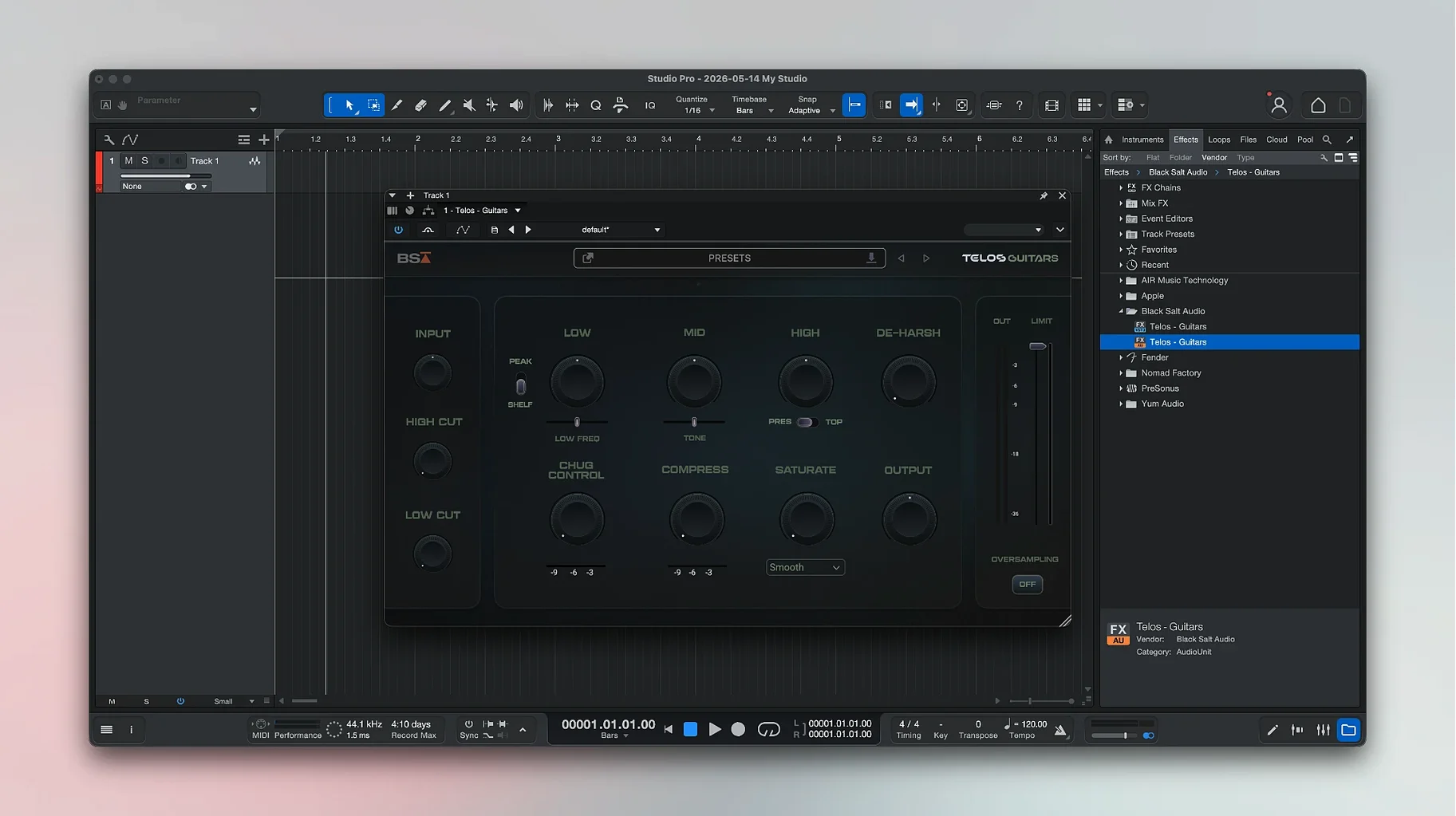
On the plug-in side, Audio Units support means instruments and effects you already own show up in the browser without extra fuss. I keep a folder of impulse responses from a favorite convolution reverb, and loading them into the stock amp section is straightforward. The app also talks to MIDI controllers over USB and Bluetooth; a small keyboard on the desk handles note input, while transport controls on a control surface stay in sync through MCU protocol.
The stem-splitting feature opens a door to other Mac tools too. You can drag the separated audio files straight into a Finder folder, then pull them into a sampler, a podcast editor, or even send them over AirDrop to a bandmate running a different DAW. And because the application supports the standard macOS share sheet, bouncing a rough mix to Voice Memos or Messages takes a couple of clicks.
Comparing with a few other Mac DAWs
Logic Pro covers a lot of the same ground and includes a massive sound library. Where Fender Studio Pro pulls ahead is in the guitar and bass workflow. The amp and effects sections feel more immediate — you spend less time stacking plug-ins to get a reactive, pedalboard-like chain — and the chord track gives songwriters a compositional tool that Logic does not match without third-party helpers. Logic fights back with its session players and the sheer breadth of its bundled loops, but for a guitarist who wants to set up a tone and hit record quickly, the Fender package feels less cluttered.
Ableton Live approaches recording from a different angle. It excels at clip-based arranging and live performance, and its warping engine is still the benchmark. Fender Studio Pro is more linear in its thinking, which suits tracking full takes and building mixes on a traditional console layout. If your work leans toward loop-based production and real-time launching of scenes, Live has the edge. If you think in verses, choruses, and guitar overdubs, the Fender environment makes more sense.
Reaper is the lightweight powerhouse. It runs on almost anything, is endlessly configurable, and asks very little of your machine. What it does not offer is the curated instrument and effects package that Fender bundles. In Reaper you assemble your own toolkit from scratch — which many engineers prefer — but the Fender route gives you a turnkey setup with amp models, pedal emulations, and virtual instruments that share a consistent sound philosophy right out of the box.
From Launcher to bassline in a blank session
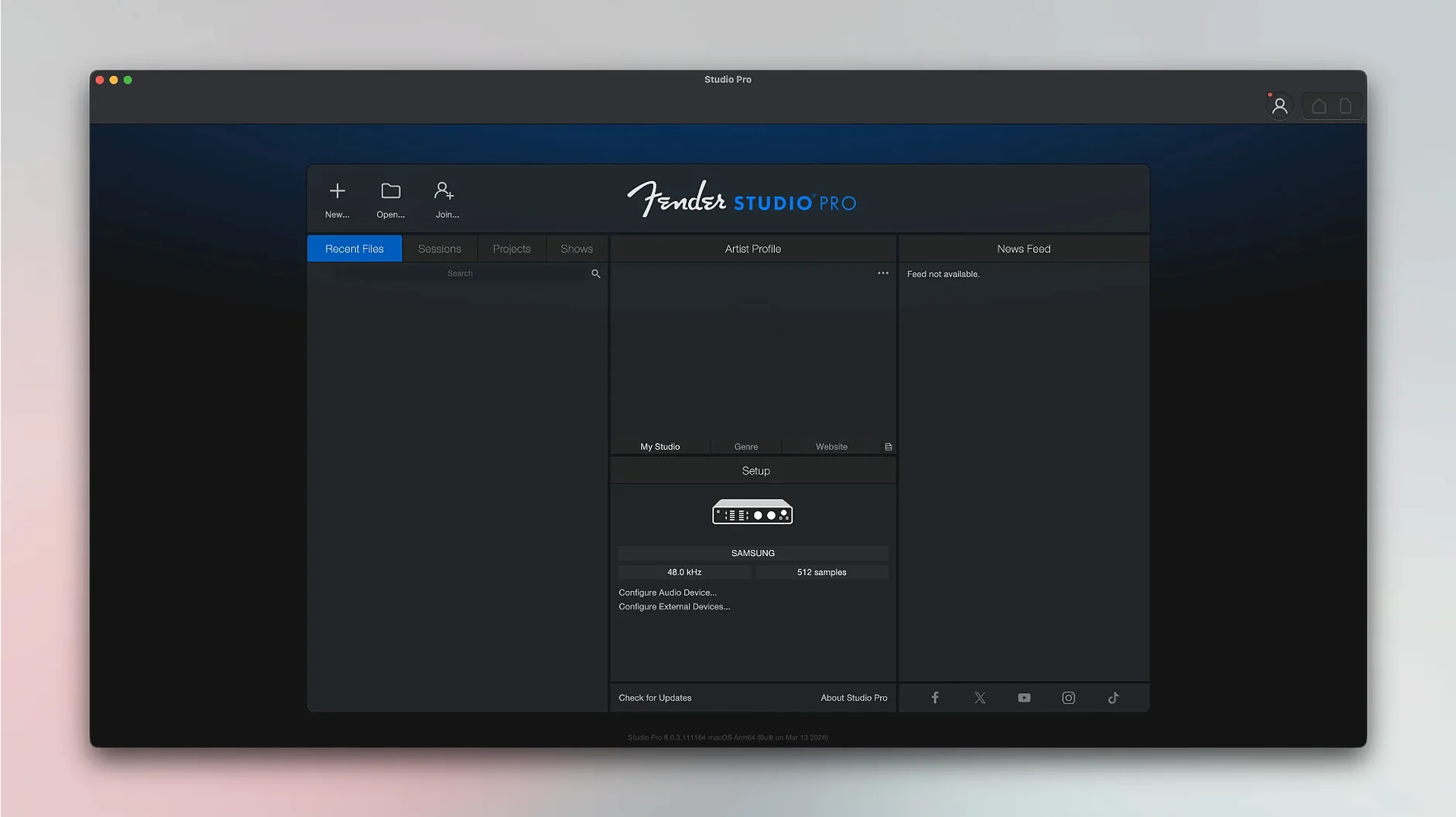
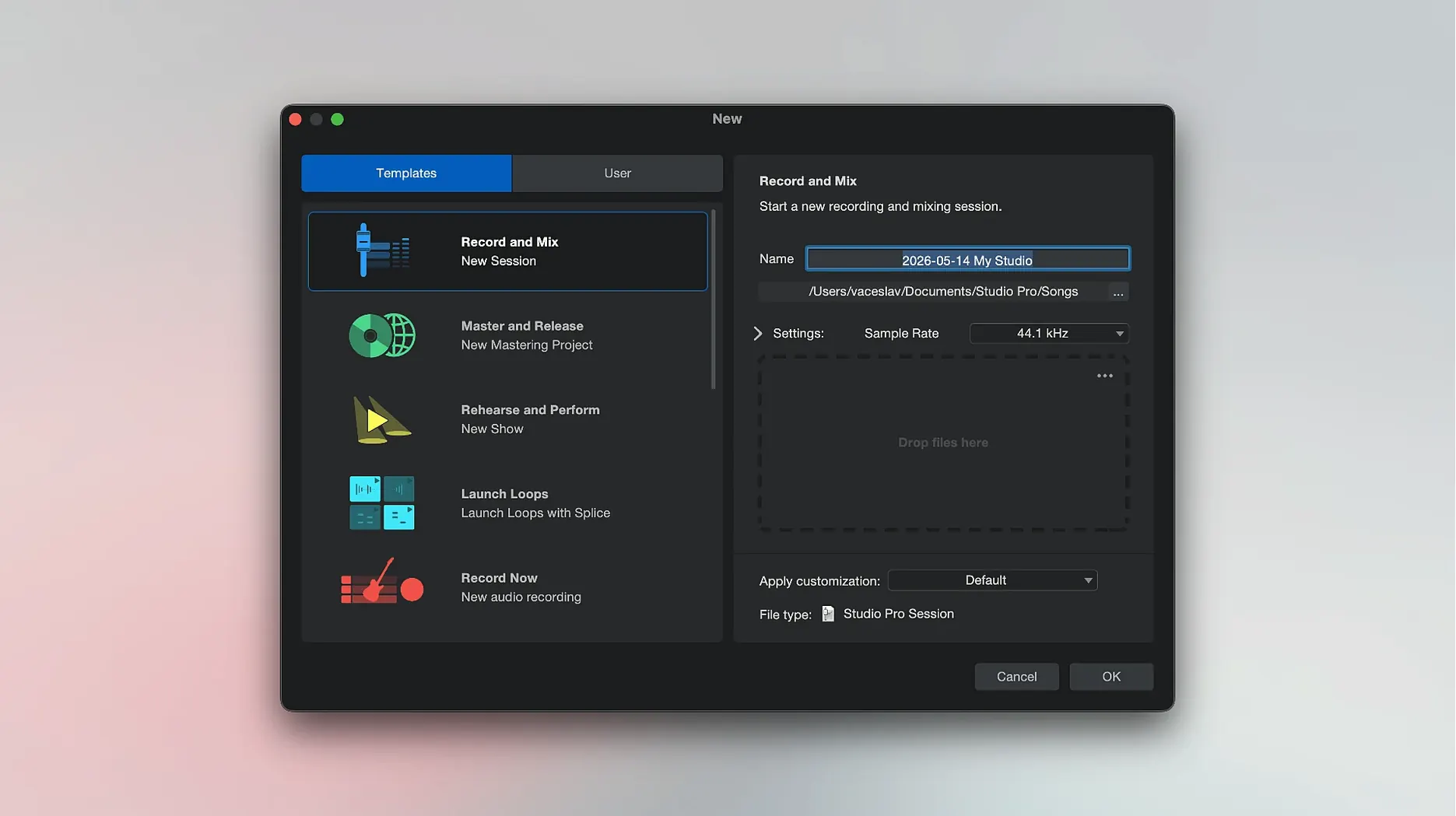
You open the app and the Launcher greets you with a list of recent songs and a few templates. You pick a blank session because the idea is still loose — just a bassline and a vocal fragment humming in your head.
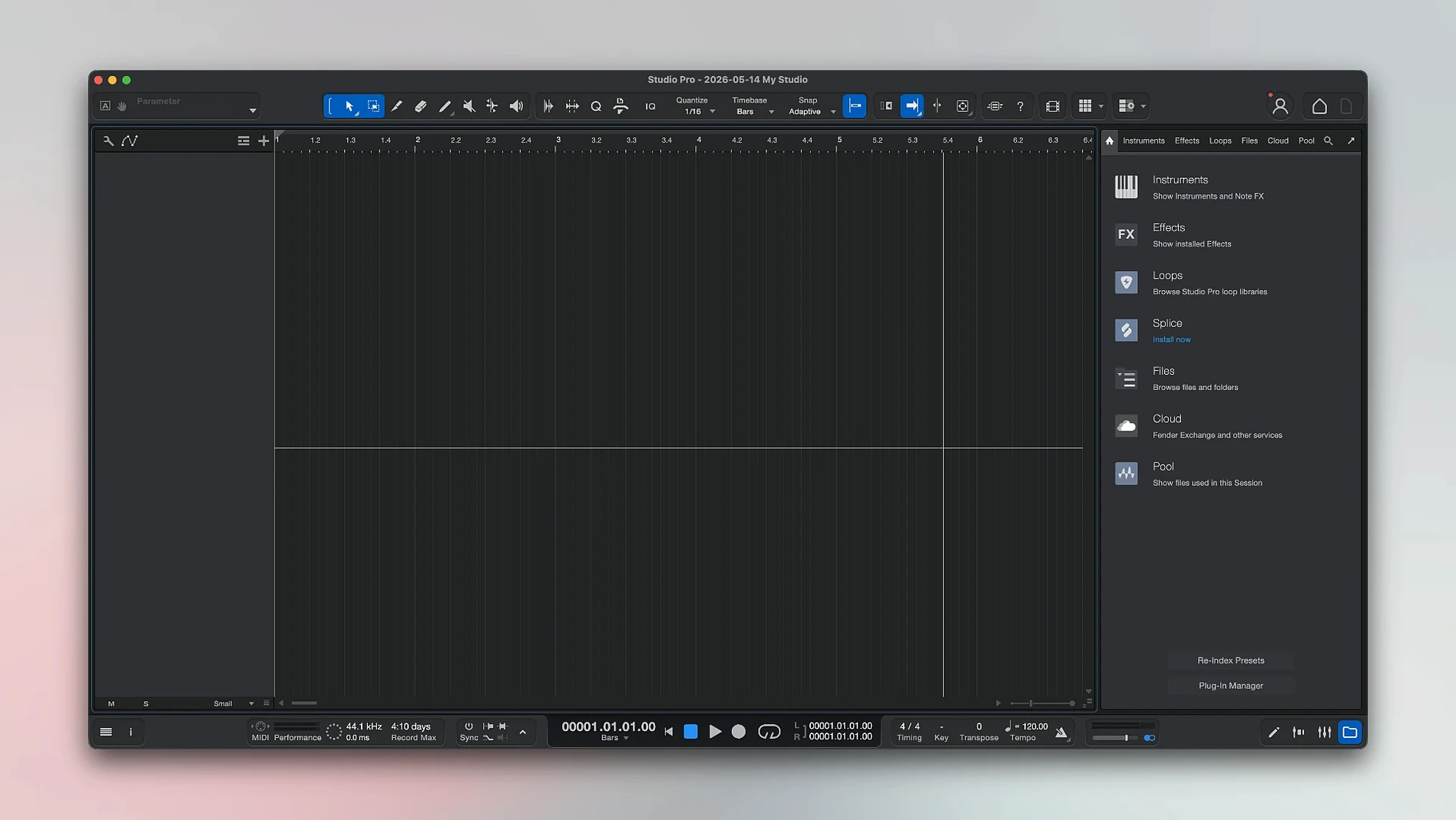
The first thing you do is set a tempo and sketch the chord changes on the chord track. You are not married to the progression yet, but dropping in four bars of changes gives the virtual instruments something to follow. A Fender Precision bass patch loads from the instrument browser, and within a minute you have a MIDI part that locks onto the chords. It sounds like a bass through a small tube amp, warm and a little woolly around the edges.
Next you plug in a real guitar and arm a mono track. The Mustang amp plug-in sits in the first insert slot, and you scroll through presets until you land on a clean tone with a touch of spring reverb. You play a double of the bassline an octave up, then punch in a few melodic phrases for the chorus. The take comping tools let you swipe across the best bits of three passes to build one keeper.
The vocal goes down next. You keep the chain simple — a touch of compression, a high-pass filter, and a plate reverb from the stock plug-in folder. Monitoring through headphones, you hear the amp tones and the virtual bass sitting in a believable space. Nothing feels like a placeholder, which is what keeps you in the creative headspace rather than reaching for mixing tools prematurely.
Before you wrap up for the night, you run the stem separator on a rough mix of the full arrangement. It gives you isolated drums, bass, and vocal files. You drag the drum stem onto a new track, mute the others, and make a mental note to tighten the snare hits in the morning. The session saves, and the frozen instrument track sits ready in the Launcher, waiting for the next burst of energy.
Version 8.1.1 brings a few practical fixes and one handy shortcut:
- The Audio Batch Converter now compensates for plug-in latency, so your exported files stay sample-accurate.
- Mustang and Rumble native plug-ins follow automation properly when Direct Monitoring is enabled.
- Freeze Instrument Track shows up in the Launcher — one less trip through the menus.
- macOS 13.5 Ventura or later
- Works on Intel and Apple Silicon Macs
Notes from other shops 0
Sign in or open a shop account to leave a note.
No notes yet. If you've used this on a shop Mac, tell me how it went.