Most amp sims stop being interesting once you find one good tone. Guitar Rig starts mattering again when you need to chain a rack of studio effects, match a tempo-synced delay to a project, or dig through hundreds of presets without losing your mind. It’s a processing environment built for players who treat guitar and bass as part of a larger mix.
| Detail | Info |
|---|---|
| Current version | 7.0.2 |
| Supported macOS | macOS 13, 14, 15 on Apple Silicon |
| Interface language | English |
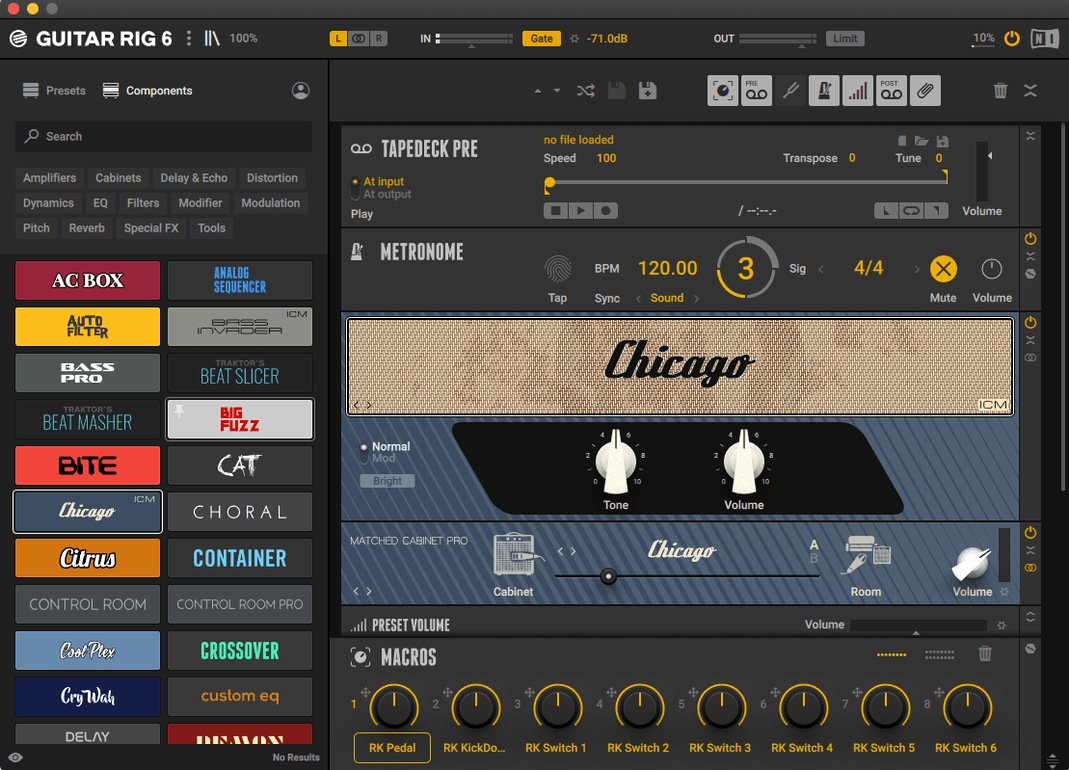
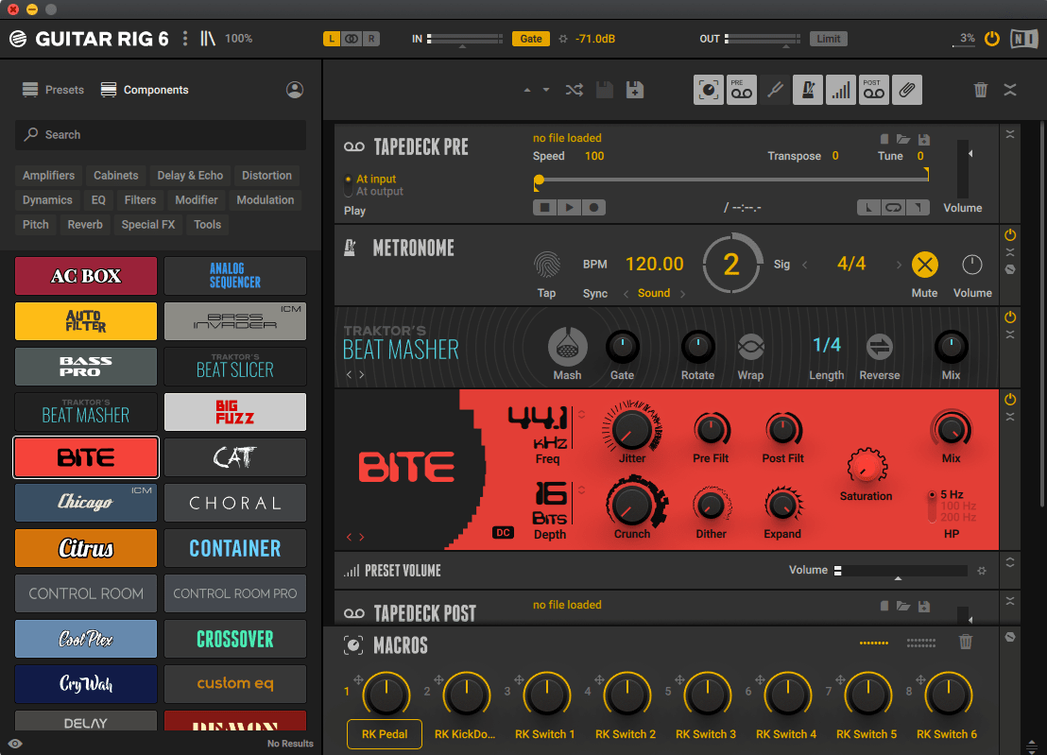
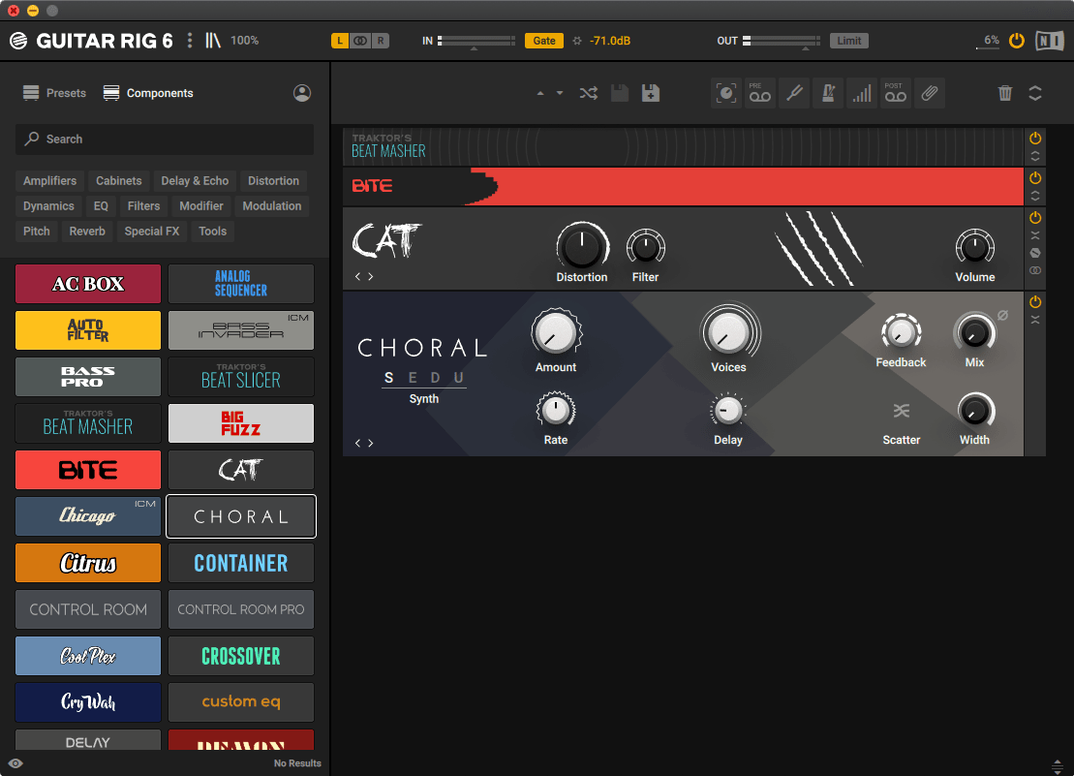
The tools that reward a closer look are the utility ones. The tag-based preset browser makes a real difference once you’ve saved more than a handful of sounds — you stop scrolling and start filtering by amp type, effect chain, or your own tags. The tuner and metronome with sync settings sit right in the rack, so you can set up a practice session or a recording pass without leaving the window. And because the interface assumes you know your way around routing and signal flow, quick access to tools and effects feels less like a menu and more like a workbench. It’s not the friendliest first screen on the market, but for someone who already thinks in chains and buses, that directness is the point.
Building a rhythmic clean tone from scratch
Let’s say I need a percussive, compressed clean sound with a slapback delay that locks to the project tempo. Here’s how I’d set it up in Guitar Rig, step by step.
- Start with the amp. I drop in one of the cleaner amp models — something with headroom — and set the gain low enough that hard picking doesn’t break up. I’ll dial the EQ flat for now and tweak it once the rest of the chain is in place.
- Add compression before the amp. Placing a compressor first evens out my picking dynamics so the amp responds more consistently. I set a medium ratio, fast attack, and adjust the threshold until the loudest strums just kiss the gain reduction.
- Insert a slapback delay after the amp. One repeat, around 100 to 140 milliseconds, with the mix kept low. I engage the tempo sync so it snaps to the DAW’s BPM. Even a slight nudge off the grid can make the part feel looser — sync keeps it tight when the track demands it.
- Shape the tone with a post EQ. I roll off some low end below 80 Hz to keep the bass guitar’s territory clear, and add a gentle boost around 3 kHz if the part needs to cut through a dense mix.
- Add a subtle room reverb at the end. Just enough to give the delay tail some space. I keep the decay under a second and the mix barely audible.
- Save the preset with tags. I tag it “clean,” “rhythm,” “slapback,” and maybe the project name. Six months from now, I’ll find it in three seconds instead of guessing which untitled preset it was.
Tip: The metronome is more useful than it looks during this setup. I turn it on while dialing in the delay timing — hearing the click against the repeat makes sync problems obvious before I record a single note.
Logic Amp Designer versus third‑party flexibility
Three apps tend to come up when people ask about alternatives, and the choice really depends on what you’re actually doing day to day.
Logic Pro’s built-in Amp Designer and pedalboard. If you already live in Logic, the stock tools cover a lot of ground. The amp models are perfectly usable, and the pedalboard interface is beginner-friendly. Where Guitar Rig pulls ahead is routing flexibility — Logic’s pedalboard has a fixed signal path, while Guitar Rig lets you split, cross-fade, and run parallel chains that would take multiple aux tracks to replicate. For quick setups, Logic wins on convenience. For sound design, Guitar Rig offers more depth.
Amplitube 5. Amplitube nails the “amp in a room” feel, and its cabinet simulation with impulse responses sounds convincing right out of the box. The interface leans into skeuomorphic gear panels, which some players love and others find cluttered. Guitar Rig’s rack-style layout makes complex chains easier to read at a glance, and the tag-based browser is more practical when you have hundreds of presets. If you want a faithful recreation of specific vintage gear, Amplitube often feels closer. If you want a fast, modular processing environment, Guitar Rig fits better.
Neural DSP standalone plugins. Neural’s individual amp suites sound phenomenal for high-gain and edge-of-breakup tones, and the simplicity of one amp plus a few effects can be a creative advantage. The trade-off is that you can’t build a sprawling multi-effects chain inside one window the way you can in Guitar Rig. Neural DSP is where I’d go for a core amp sound I absolutely love; Guitar Rig is where I’d go when I need that sound processed through three modulation effects and a synced delay without juggling multiple plugin instances.
Small headaches people run into, and the fixes
No piece of software avoids friction entirely. A few things that trip people up with Guitar Rig, and what I’ve found helps.
Latency on older Macs. On machines that meet the minimum macOS requirement but have slower processors, buffer settings that feel fine in a DAW can cause noticeable lag in the standalone app. Lowering the buffer size in the audio preferences usually clears it up, though you might need to freeze other tracks in the session to keep things stable.
Presets sounding drastically different between the standalone app and a DAW. This happens when the standalone app uses one sample rate and the DAW session uses another. Mismatched sample rates can alter how time-based effects like delays and reverbs behave. Check that both are set to the same rate — 48 kHz is a safe default for most projects.
High CPU usage with multiple cabinet IRs loaded. Cabinet simulation is one of the hungriest parts of the chain. If you’re stacking parallel amp paths, try sharing one cabinet module between them or using a lower-resolution IR setting. The difference in a full mix is often negligible, but the CPU savings can keep the session from crackling.
Tag-based browser not showing recently saved presets. Sometimes the database needs a manual refresh — closing and reopening the browser panel, or rescanning the user preset folder, usually brings everything back in sync. It’s a minor quirk that Native Instruments has improved over updates, but it still catches people occasionally.
A producer’s late-night bass fix
Picture a producer working on a pop track at one in the morning. The bass part they recorded during the day sounds fine, but it’s too polite — it needs some edge without turning into a distorted mess. They drag Guitar Rig onto the bass channel and bypass the amp section entirely. Instead, they split the signal: one path stays clean with a gentle optical compressor, the other runs through a mild overdrive pedal with a high-pass filter set around 400 Hz so only the upper harmonics get the grit. A crossover-style blend later, and the bass has presence and aggression while the low end stays round and controlled. They tag the preset “bass presence split,” drop it into a user folder, and know it’s there next time a mix calls for the same trick. No scrolling through forum posts, no rebuilding the chain from memory — just a few clicks and the track moves forward.
The current download listing points to version 7.0.2 for Guitar Rig 7 Player.
- macOS 11 or later
- Runs on Intel and Apple Silicon Macs
- Interface language: English
Notes from other shops 0
Sign in or open a shop account to leave a note.
No notes yet. If you've used this on a shop Mac, tell me how it went.