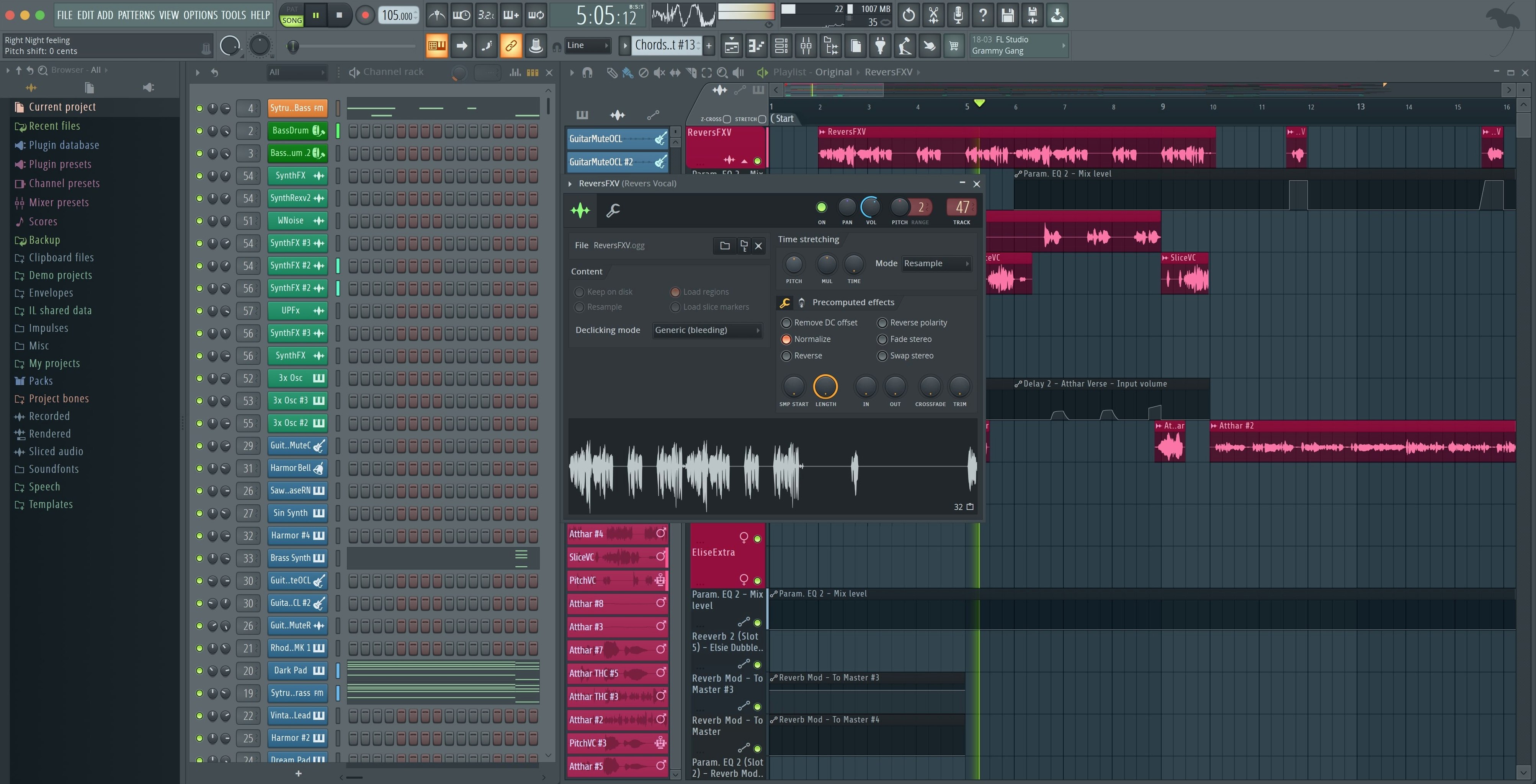
Plugin monitor shows fractional CPU percentages now
The 2026.1.6 maintenance update is a quiet polish pass: the Plugin Performance Monitor now shows fractional percentages, the export dialog gained checkboxes for rendering Master and Current when splitting mixer tracks, and plugging in a new MIDI controller triggers a notification so you can enable it right away.
Click steps in the Channel Rack to build a pattern
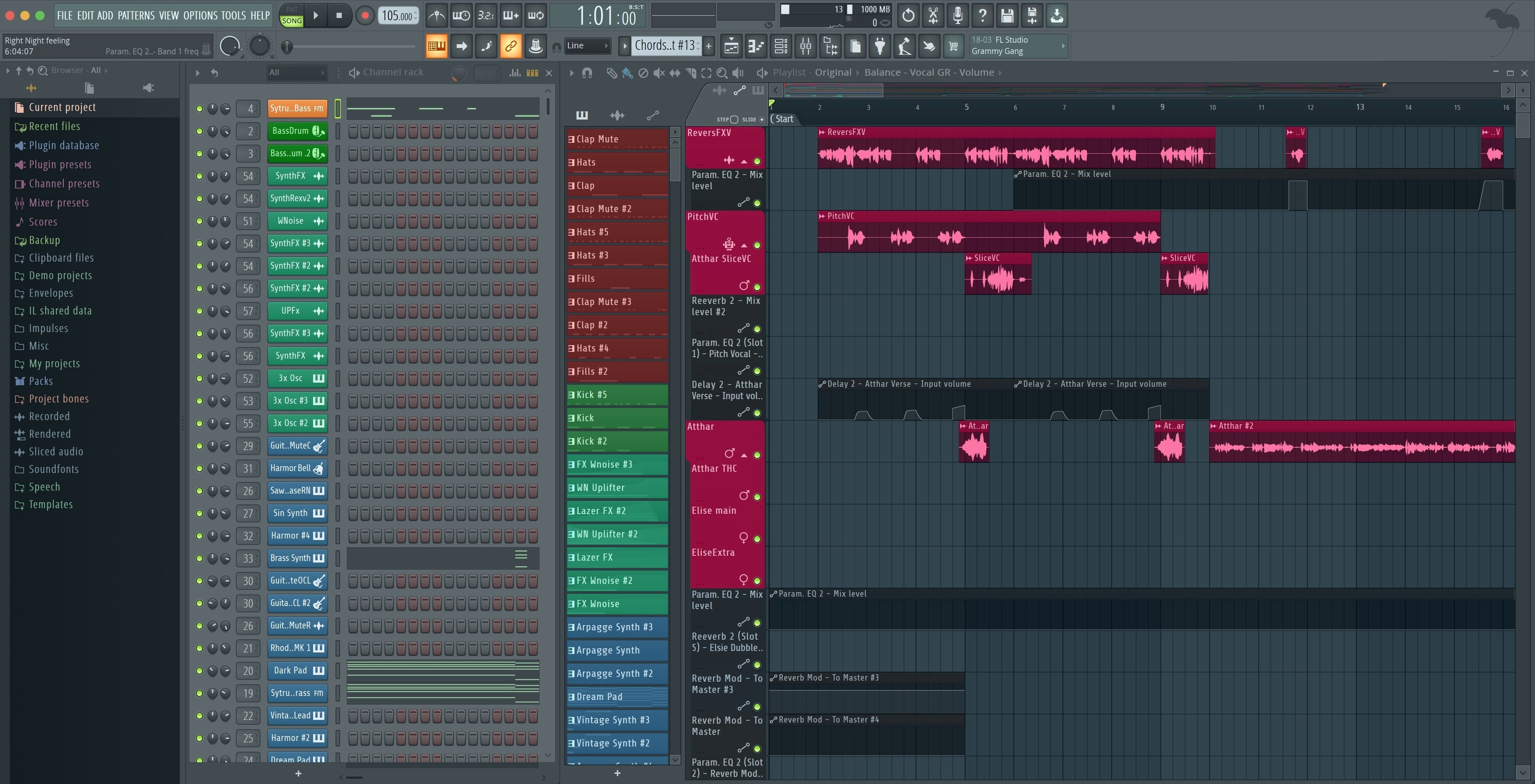
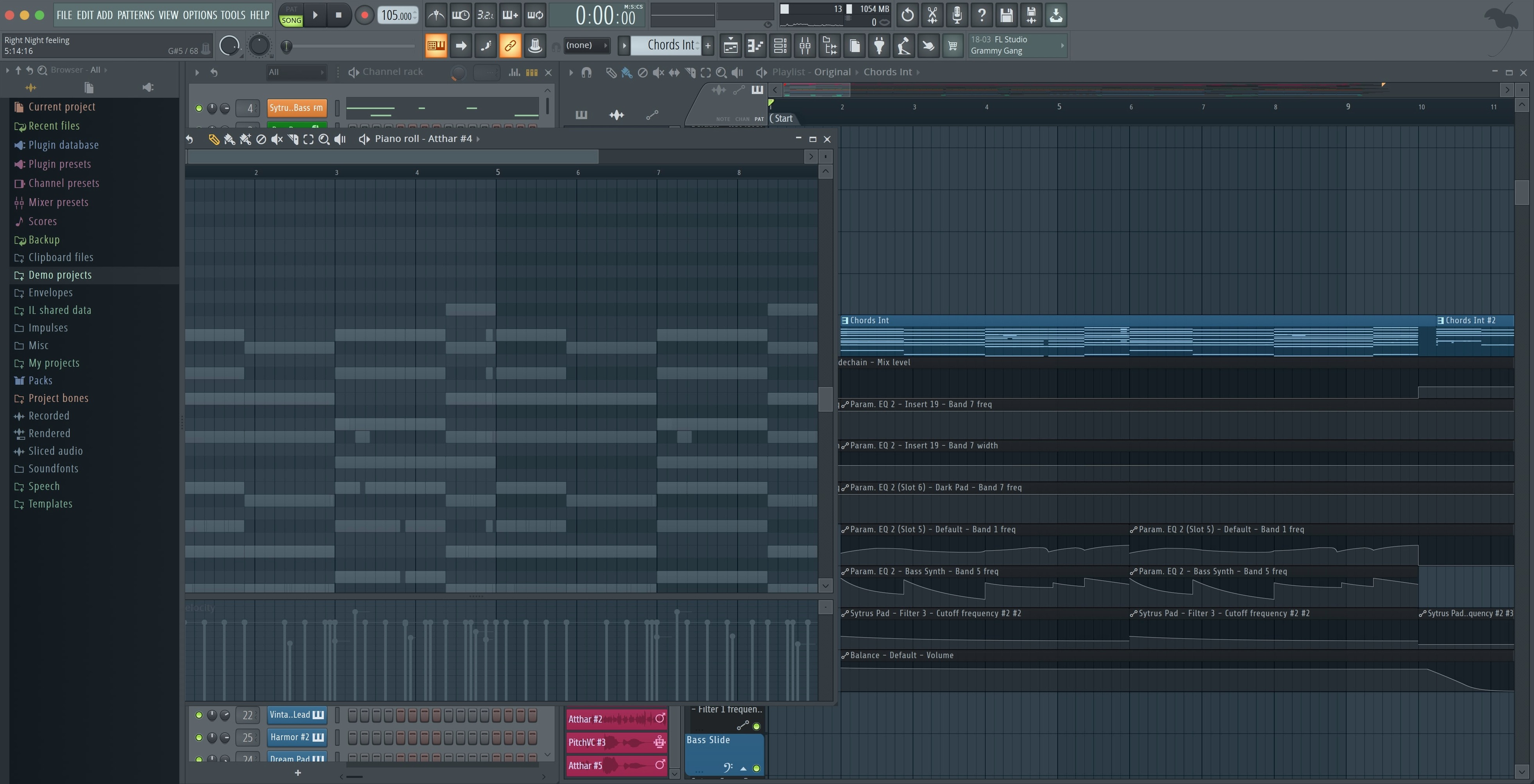
Open the Channel Rack and start clicking steps. The step sequencer is the heart of pattern creation here — you layer kicks, snares, and hi-hats into a loop that repeats, then switch to the Piano Roll for melodies and basslines once the skeleton feels right.
How do I arrange a full track?
Drop your patterns into the Playlist as blocks, then split, stretch, and stack them to build an intro, verse, and chorus. The workflow stays visual the whole time, so you see exactly where each pattern sits without hunting through menus.
What if the sound gets muddy?
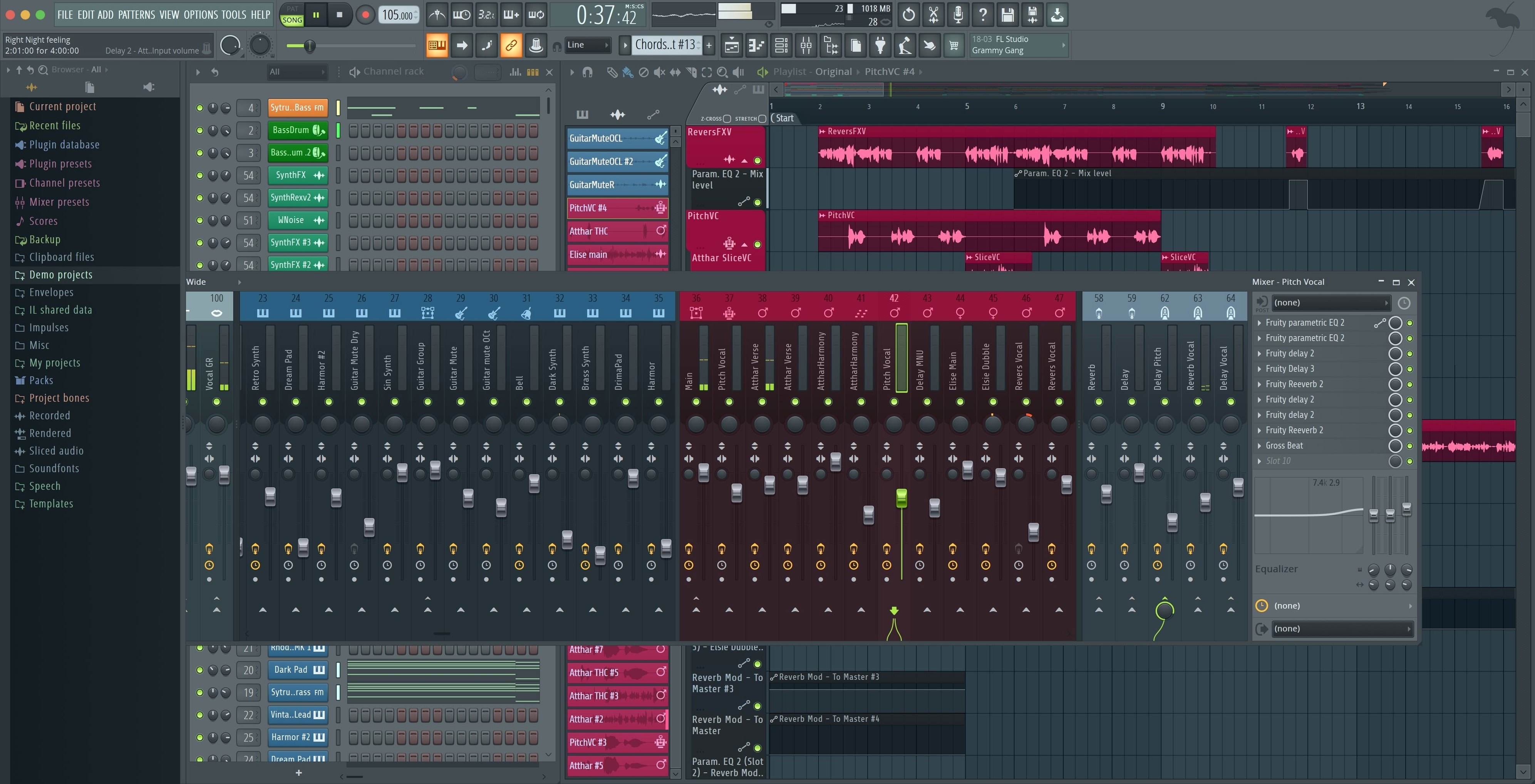
Route every channel through the Mixer and reach for the built-in effects. A parametric EQ cuts low-end rumble, a limiter catches peaks, and you can split mixer tracks on export — the latest update makes that step cleaner with dedicated Master and Current checkboxes right in the dialog.
What instruments come with it?
The Producer Edition bundles synthesizers, samplers, and acoustic-style instruments so you aren't stuck hunting for third-party sounds on day one. Pick a soft synth for chords, load a sampler for vocal chops, and keep moving.
Route drums to mixer tracks after the loop swings
The biggest one is loading every drum hit onto its own mixer track before they've even heard the loop together. Start in the Channel Rack, get the pattern swinging, then worry about routing. Another classic is cranking the master fader because the beat feels quiet — turn your interface up instead and leave yourself headroom for later. And don't ignore the swing slider. A snare pattern that sounds stiff at 50% quantize can breathe at 54%.
People also tend to pile on effects without checking bypass. If you're reaching for a third compressor and not sure why, toggle everything off and listen again. Half the time the raw sample was fine.
Grab a template and swap the kick on day one
Day one: open a template and replace the sounds. Don't build from a blank canvas yet — grab the "Basic 808" or "Future Bass" template from the File menu, swap the kick and snare, and just feel how the patterns talk to each other. Day two: right-click everything. The Piano Roll, the playlist clips, the mixer inserts — the real speed comes from contextual menus, not toolbar buttons.
Day three, record something live. Even if it's just tapping a shaker pattern with your keyboard, getting audio or MIDI into the playlist early stops you from living entirely inside the step sequencer. Also, enable the metronome count-in from the toolbar — two bars of click before recording saves a dozen frustrated re-takes.
- Tip: Hit F5, F6, F9 a few times just to see what closes and opens. Memorizing those three — Playlist, Channel Rack, Mixer — makes the window layout feel like yours, not the software's default.
- Tip: Set a 3-minute autosave under Options > File Settings before you start anything serious.
A mix engineer's first pass
Say you're a mix engineer who usually works in another DAW and you're opening a client's project exported as stems. You drag the stems into the Playlist, line them up on separate tracks, and route each one to its own mixer insert. The new Plugin Performance Monitor catches a CPU spike from a convolution reverb on the vocal bus — you see the fractional readout climb and swap it for a tighter algorithmic plate, watching the percentage drop from 4.2% to 1.7%. That kind of immediate feedback changes which plugins you reach for.
On export, you check "Split mixer tracks" and tick the new Master and Current checkboxes. The stems render with the vocal bus processed but dry enough that the client can still add master-chain effects later. You didn't have to export twice or mute routing manually — the dialog handled the logic.
The MIDI notification pops up when you plug in a transport controller halfway through; you click Enable and keep working without opening a settings panel. By the end of the session, the Tuner's larger readout is sitting open on a second screen, letting you glance at pitch from across the desk while adjusting a DI'd guitar.
- The export dialog now includes checkboxes to render Master and Current when splitting mixer tracks.
- Plugin Performance Monitor percentages show fractional precision, making small CPU shifts easier to spot.
- Connecting a new MIDI controller triggers a notification with an option to enable it immediately.
- macOS 10.15 Catalina or later
- Apple Silicon or Intel Mac
- No Rosetta required on Apple Silicon
Questions from the stall
Does FL Studio run natively on Apple Silicon?
Yes, FL Studio runs on Apple Silicon Macs without needing Rosetta, and supports macOS 10.15 Catalina or later.
Notes from other shops 0
Sign in or open a shop account to leave a note.
No notes yet. If you've used this on a shop Mac, tell me how it went.