
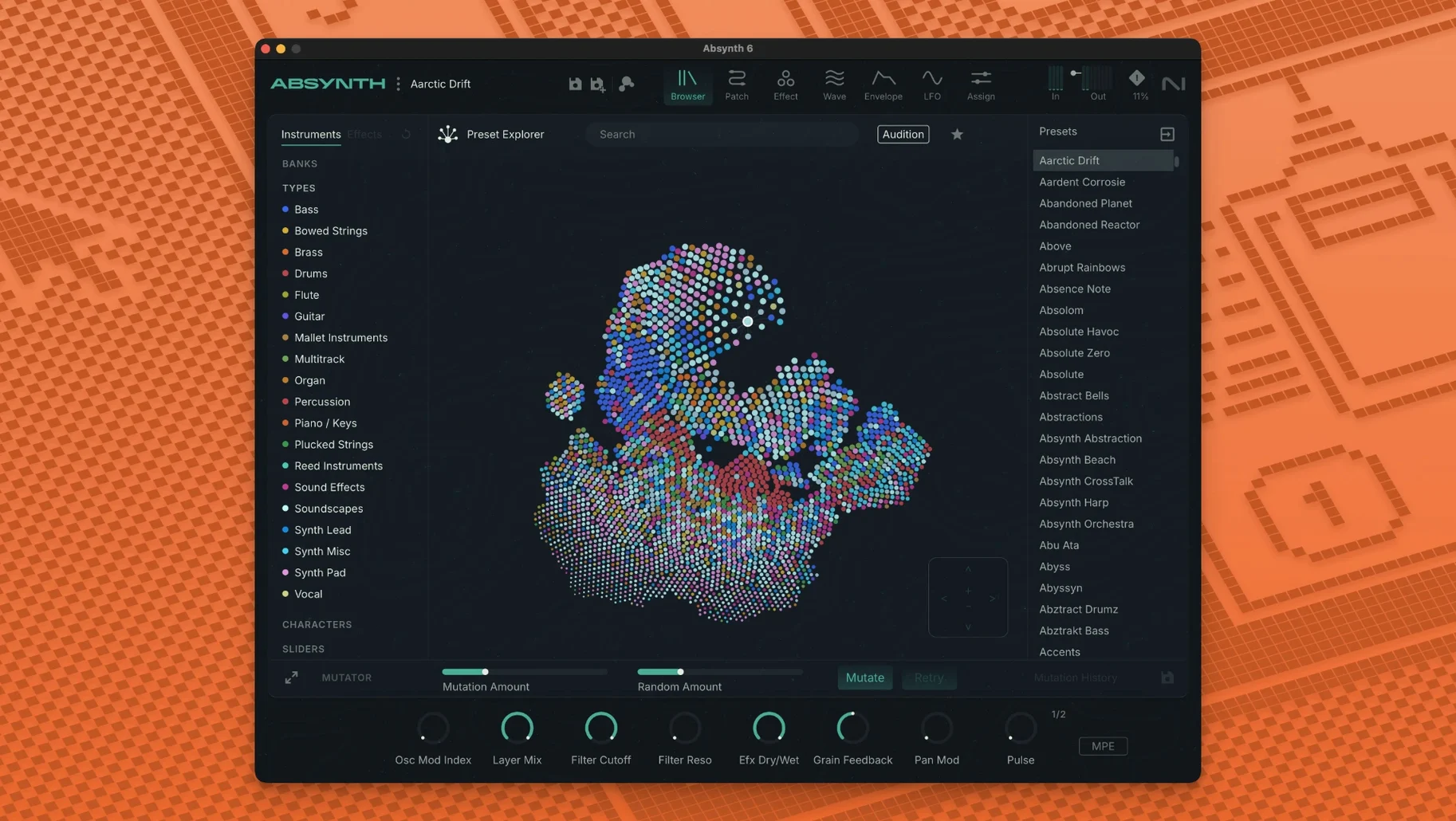
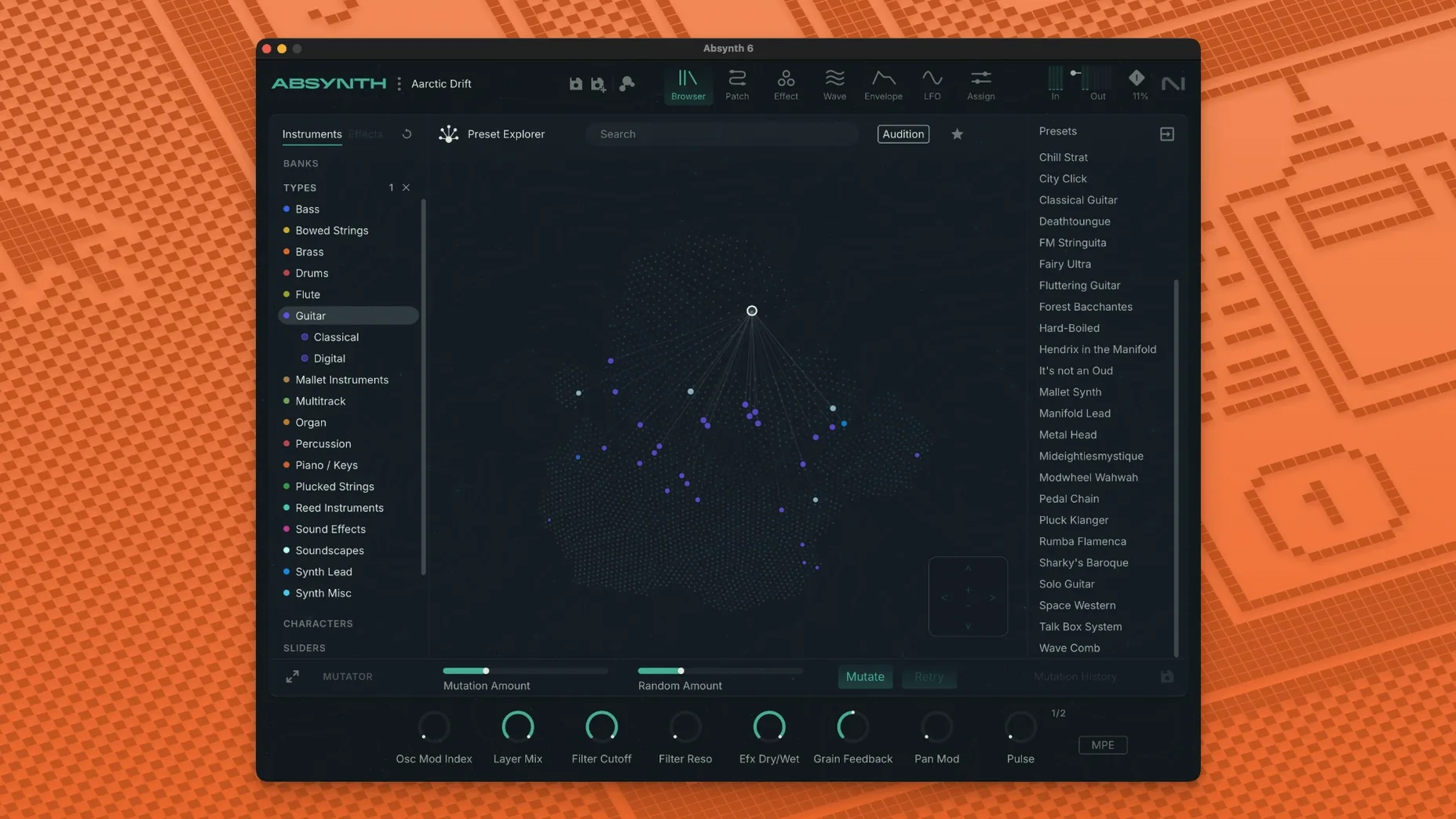
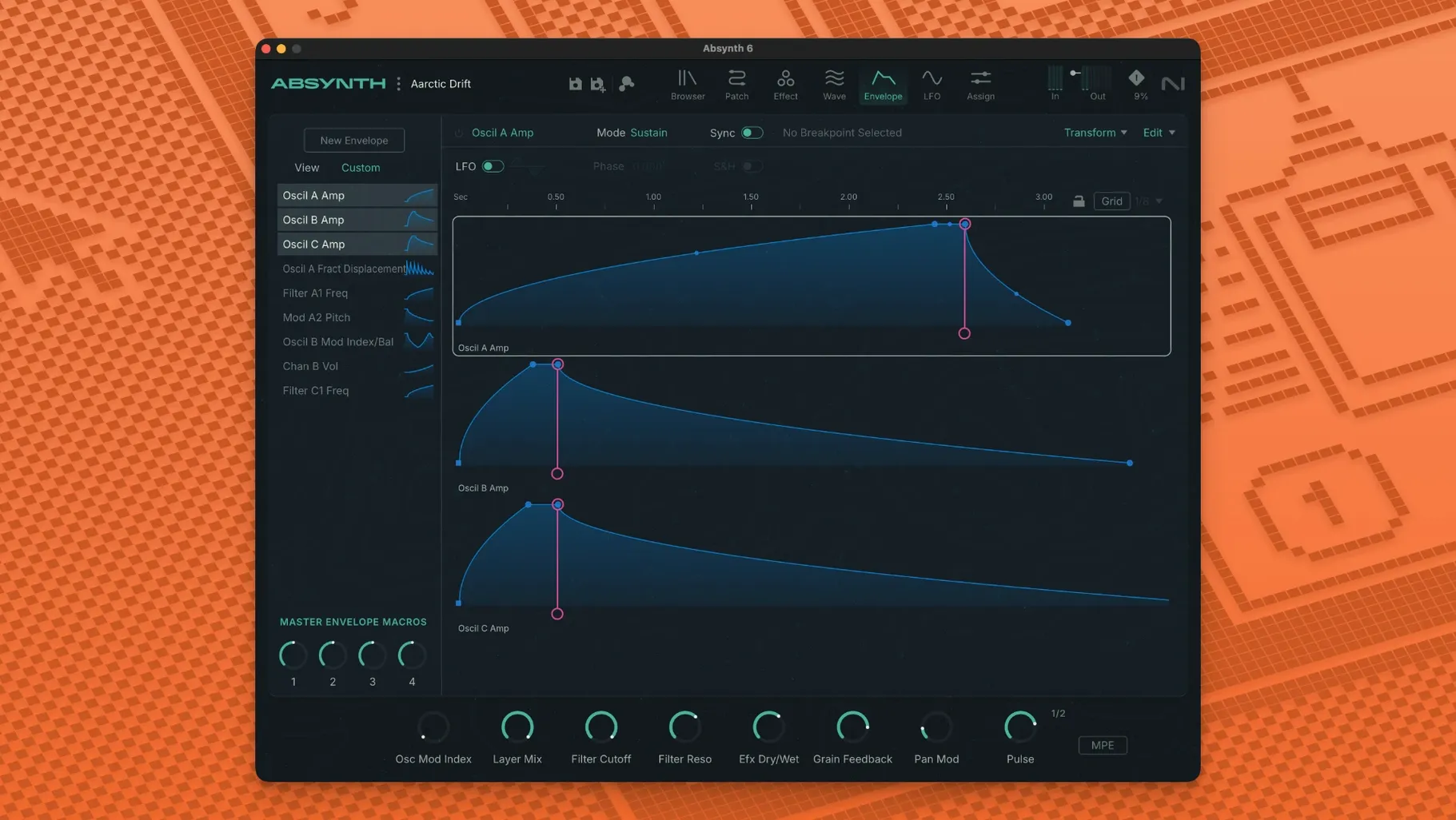
When a saved patch sounds almost right but lacks a certain texture, the usual fix is stacking plugins and hoping they get along. Absynth takes a different route — it puts subtractive, FM, wavetable and granular synthesis in one semi-modular frame so you can shape a sound from several angles without leaving the window.
One synth that bridges FM and wavetable textures
It runs as a 64-bit VST3, AU or AAX plug-in, so it drops into a DAW channel like any other synth. Because it covers four synthesis types, it often fills the gap between a dedicated FM synth and a wavetable instrument without forcing you to juggle two interfaces.
What does the Sound Mutator actually do?
It analyses two sounds and blends their spectral characteristics into a new patch. If a bass preset has the attack you want and a pad has the body, the Mutator crossbreeds them — useful when you have a clear idea of the texture but don’t want to build it from scratch.
Does it respond to expressive controllers?
Yes. Full MPE support and polyphonic aftertouch mean each note in a chord can carry independent pressure and pitch data. Paired with a controller that sends MPE, Absynth reacts per voice, which suits evolving pads and plucked sounds that need movement beyond a mod wheel.
Building a surround drone from scratch — a start-to-finish flow
I often reach for Absynth when a track needs a backdrop that moves around the listener rather than sitting in stereo. Here’s how I’d build an eight-channel drone for an Octaphonic setup, step by step.
1. Pick an init patch and set the channel count. I start with a blank performance and switch the output to Octaphonic — the routing panel in the master section handles that with a couple of clicks. No need to duplicate tracks or fiddle with surround panners in the DAW.
2. Layer three oscillators with different synthesis types. Oscillator A gets a wavetable — something glassy, like a scanned vocal formant. Oscillator B uses granular mode with a long sample of bowed metal, stretched so the grains drift slowly. Oscillator C runs a simple FM pair, tuned low, adding a sub rumble that anchors the whole thing. Each oscillator feeds its own channel in the surround map, so the glass sits front-left, the grains wander rear-right and the sub stays centered.
3. Modulate the position, not just the tone. I assign a slow LFO to the surround panner’s angle parameter for Oscillator B, so the granular wash circles the room over about twelve seconds. A second, faster LFO tweaks the distance for Oscillator A, pulling it closer and pushing it back. Because Absynth lets you route modulators per voice, nothing sounds locked to a grid.
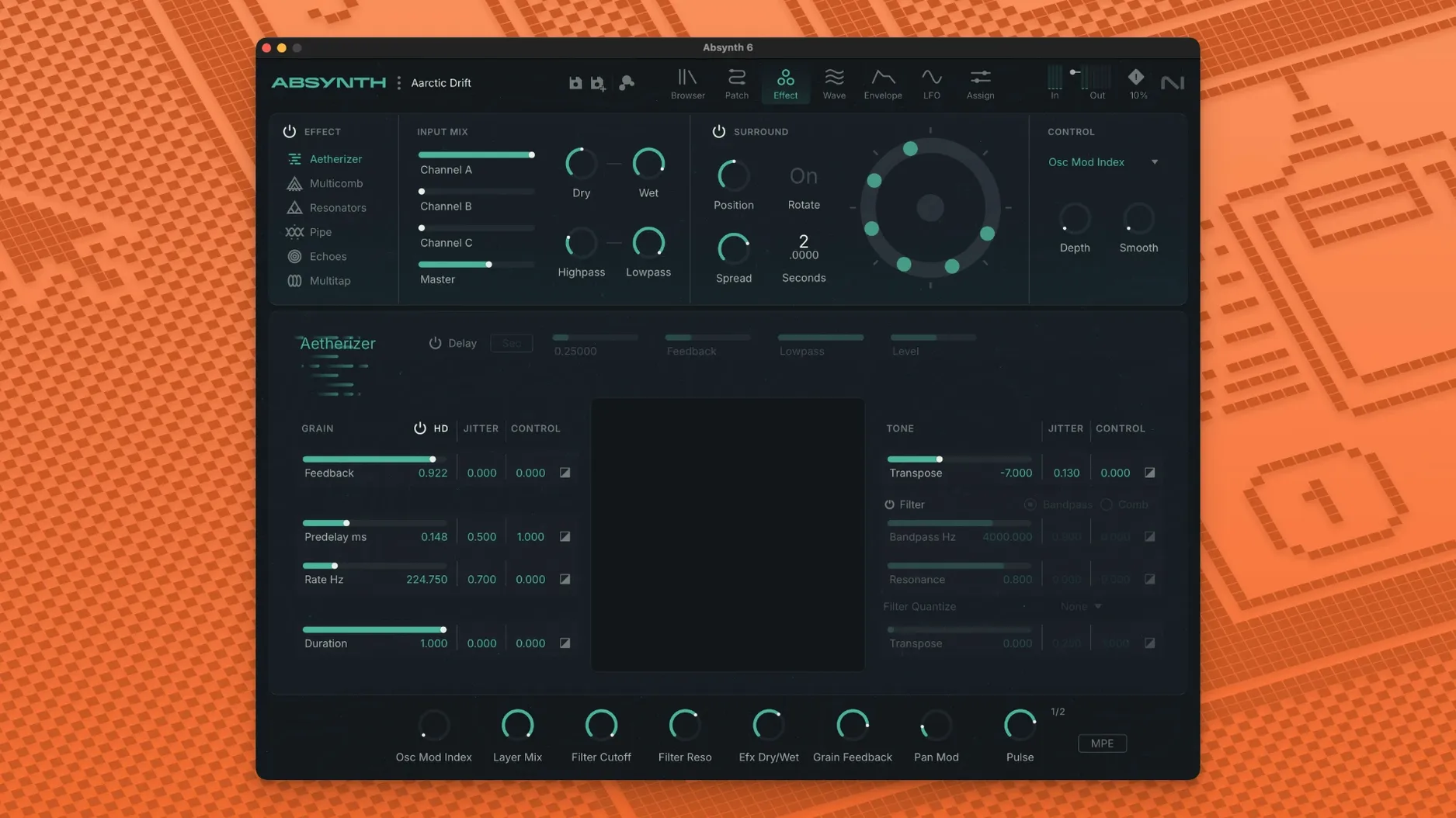
4. Run everything through the Aetherizer. The Aetherizer effect smears transients and adds a diffused tail that feels like reverb but with more spectral control. I set the grain size fairly large and the feedback just below self-oscillation. This turns the three distinct layers into one cohesive cloud, with the surround movement still legible underneath.
5. Tame the low end with the Supercomb. A short comb filter on the sub layer tightens the rumble so it doesn’t muddy the center channel. I dial in just enough resonance to give it a pitch, then lock it to the key of the track with key tracking.
By the time I hit record, I’ve got a patch that would have taken three synth instances and a stack of spatial plugins to approximate — and it all saves as one preset I can recall next session.
Semi-modular routing and surround put it in a class of its own
Absynth sits in a funny spot. It’s not the only synth that combines multiple engines, and it’s not the only one aimed at sound designers, but its mix of semi-modular routing and surround support narrows the field quickly. Here’s how it compares with a few I’ve used alongside it.
Falcon by UVI. Falcon is deeper in almost every direction — more oscillator types, more effects, deeper scripting. If you want to build a sample-mangling monster with custom Lua scripts, Falcon is the better pick. But the trade-off is complexity. Absynth’s semi-modular layout feels quicker when I just want to blend three engines and a mutant filter without staring at a tree view of modules. Falcon also doesn’t touch surround panning natively the way Absynth does, which matters if multichannel work is part of your routine.
Pigments by Arturia. Pigments has a prettier interface and a more immediate modulation system — drag a line, see the animation, done. Its wavetable and granular engines sound great, and the filter section is more varied. Yet Pigments lives in stereo, and its modulation routing, while visual, is less freeform than Absynth’s. In Absynth you can route an envelope to another envelope’s attack time, then modulate that with an LFO. Pigments doesn’t encourage that kind of chain. For a quick, colourful patch I might open Pigments; for something where the routing is the point, I stay in Absynth.
Phase Plant by Kilohearts. Phase Plant is the modular cousin — you snap in generators and effects as needed. It’s lighter on CPU for simple patches and the snap-in ecosystem means you can add exactly the distortion or filter you want. But it lacks Absynth’s Sound Mutator, the Aetherizer and the specific flavour of the Cloud Filter. Phase Plant sounds clean and modern; Absynth sounds older, dustier, more unpredictable. That’s not a flaw — it’s why I keep both installed.
Speed up that slow first-launch preset scan
A few friction points crop up often enough that they’re worth flagging.
The preset browser feels slow to load. On first launch after installation, Absynth scans its library. If you installed the presets to an external drive or a deep folder tree, that scan can hang. Let it finish once — it’s faster after the initial index builds. If it stalls, quit, move the preset folder to the default location inside your user Library, and relaunch.
Some hosts don’t expose the surround channels right away. Logic Pro, for example, needs you to insert Absynth on a surround channel strip — not a stereo one. If you drop it on a stereo track, the extra outputs won’t show up in the mixer. Create a new track with a surround output format first, then load the plugin. In Ableton Live, you may need to route the individual outputs manually through the External Audio Effect device, which is clunky but works.
MPE setup varies between controllers. Absynth expects per-channel pressure and pitch bend on separate MIDI channels. If your MPE controller defaults to a single-channel mode or a different bend range, patches can sound out of tune or unresponsive. Check that your controller sends on channels 2–15 with bend range set to ±48 semitones — that’s the MPE spec Absynth follows.
Old patches sound different in version 6. The surround and MPE additions didn’t break backward compatibility, but some patches built in Absynth 5 relied on quirks of the older filter algorithms. If a favourite preset sounds thinner, try toggling the filter type or nudging the resonance down a touch. The Supercomb and Cloud Filter can also interact with older patches in unexpected ways — bypass them first when troubleshooting.
Complex patches load in under two seconds on Apple Silicon
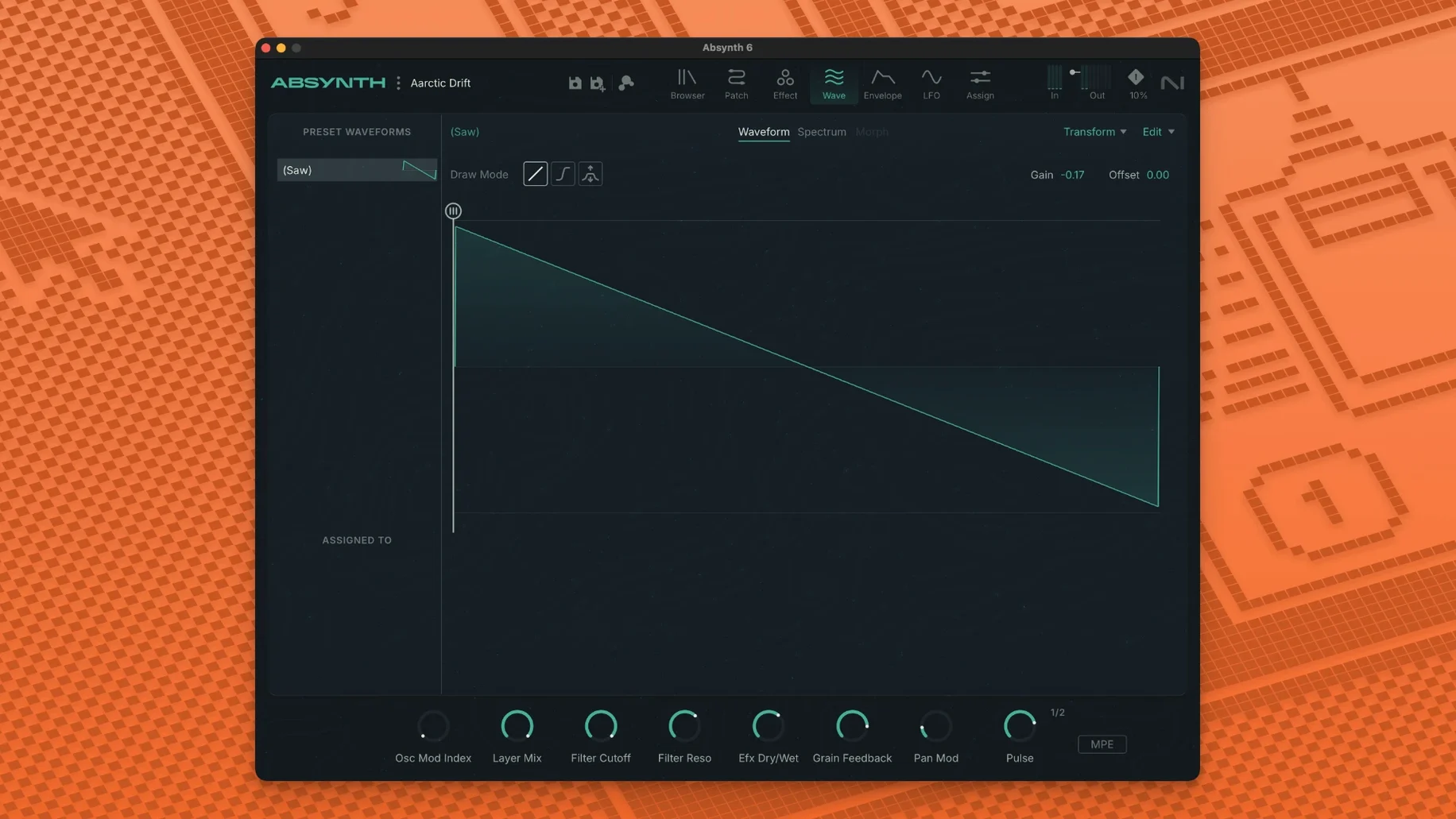
On an Apple Silicon Mac — an M1 Pro with 16 GB of RAM — Absynth 6.1.0 loads quickly, usually under two seconds for a complex patch with all three oscillators and effects running. The interface redraws are smooth on a Retina display, though some of the older UI elements (the waveform displays, mainly) look a little low-res against newer plugins. It doesn’t get in the way; it just shows its age.
CPU use varies a lot by patch. A single-oscillator subtractive bass with no effects barely registers — maybe 2–3% on one core. A three-layer surround drone with the Aetherizer and Supercomb active can push 15–20% per instance, which is reasonable for what’s happening under the hood. The granular engine is the hungriest part; if you load a long sample and set the grain density high, expect a spike. Freezing or bouncing those tracks is a sensible habit.
Stability has been solid in my setup. I’ve run Absynth in Logic Pro, Live and Reaper without a single crash during playback or export. The only wobble came when loading a very old preset bank from an Absynth 4 library — the plugin hung for about ten seconds, then recovered. Autosave caught it, so no work was lost. RAM usage hovers around 300–500 MB for most patches, climbing toward 800 MB if you load long samples into the granular oscillator. With 16 GB of system RAM that’s comfortable; on an 8 GB machine you’d want to keep an eye on it if you’re running a full session.
For anyone chasing an absynth torrent or an absynth 6 mac torrent to try the surround features, just be aware that the plugin expects a recent macOS version and a host that can route multichannel audio properly. It won’t open on older systems, and some cracked builds floating around as absynth 6 crack versions strip out the preset library — which defeats half the point of firing it up in the first place. A clean install from the disk image, letting the library index properly, takes maybe ten minutes and saves a lot of head-scratching
NI hasn't published a separate list for the 6.2.1 update, so this mostly carries forward the big 6.2 additions. Focus Mode brings channel parameters and sound-editing tools into one workspace, and there are new editors for oscillators, envelopes, LFOs, macros, and the keyboard — all with direct switching between parameters and their assignments. You can now save and load individual channels, modules, oscillators, and envelopes as sub-presets, and modulation assignments, macros, and expression controls are a lot smoother to manage.
- macOS 14 or later
- Apple Silicon or Intel 64-bit Mac
Notes from other shops 0
Sign in or open a shop account to leave a note.
No notes yet. If you've used this on a shop Mac, tell me how it went.