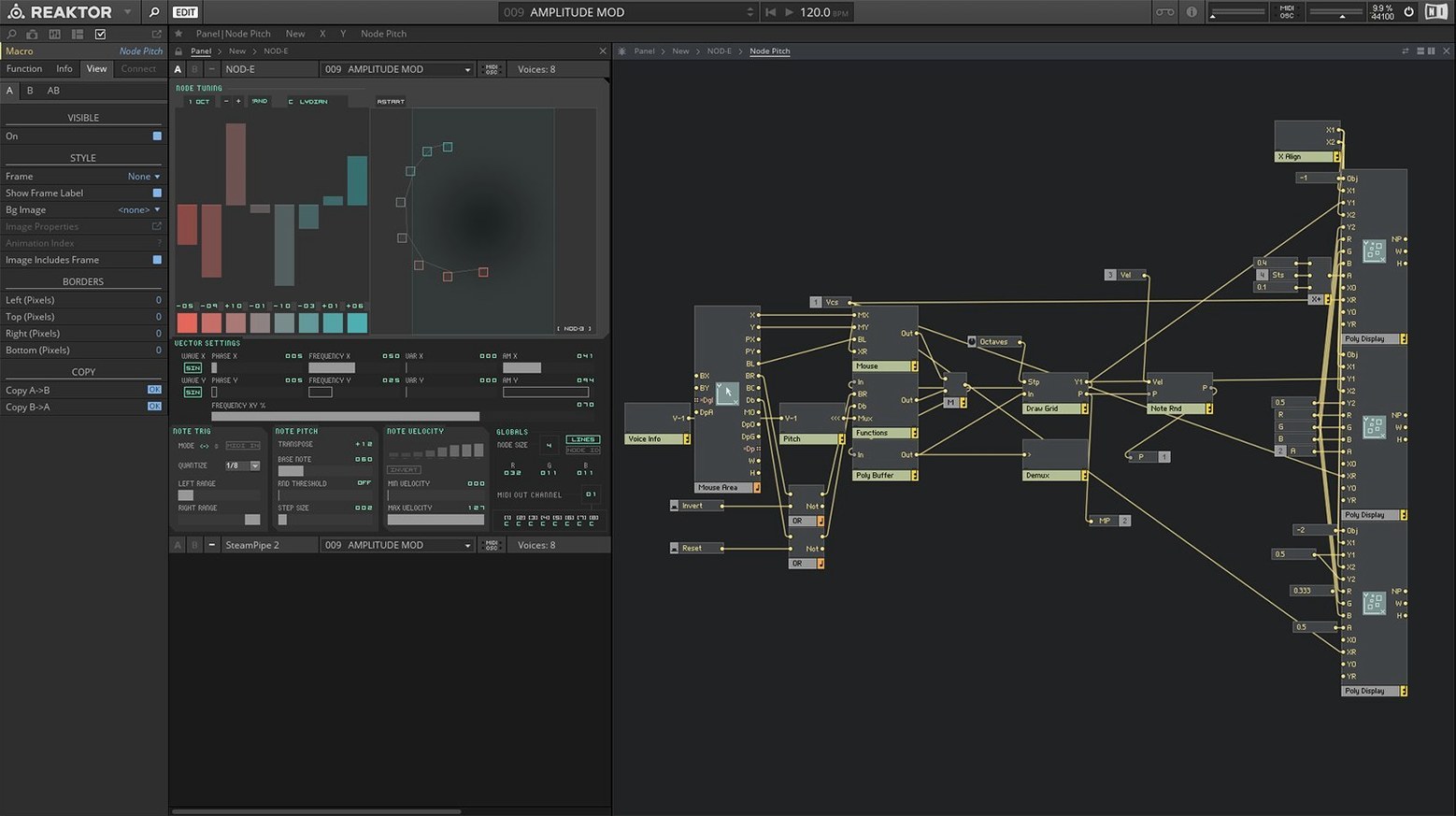
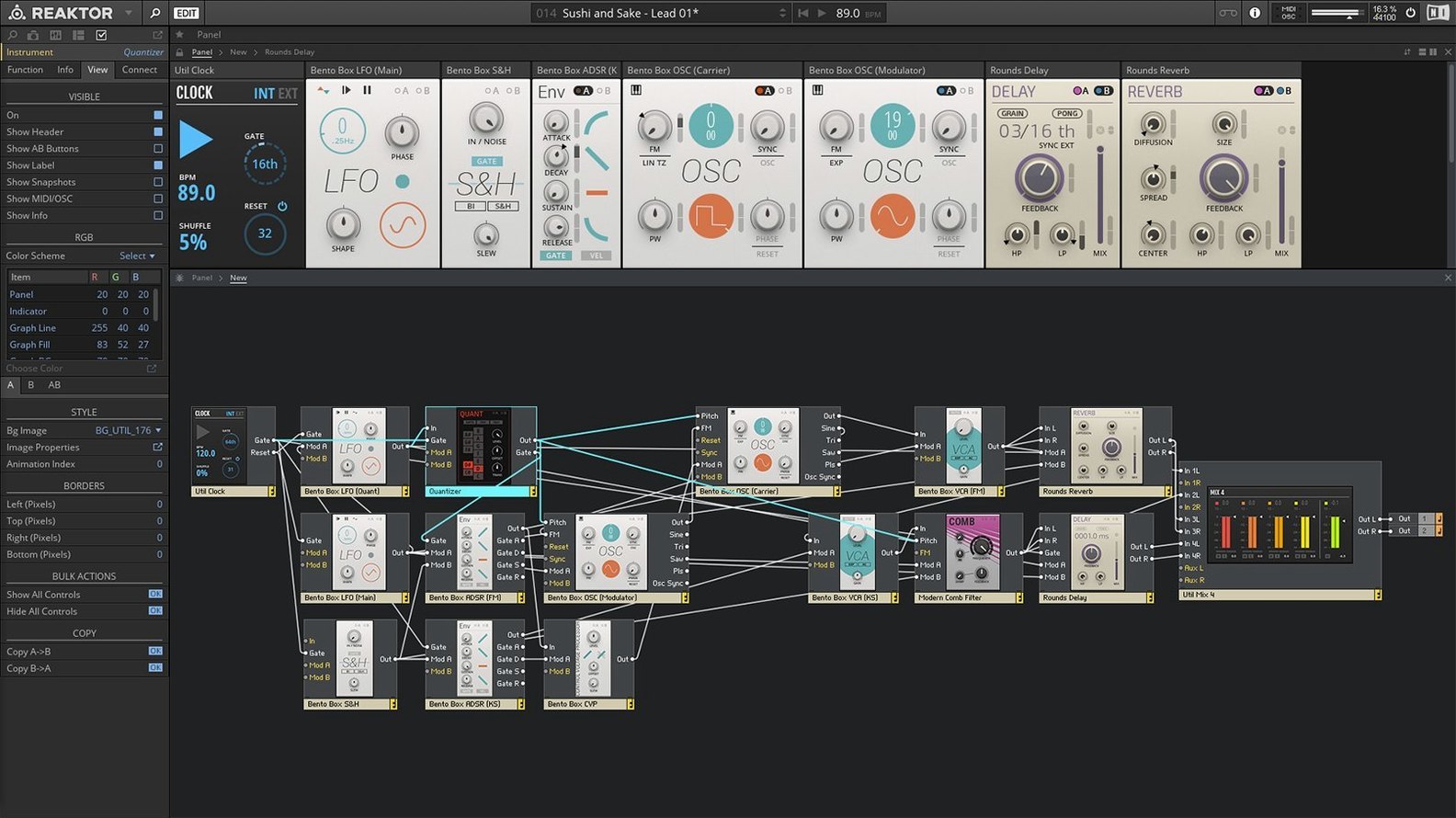
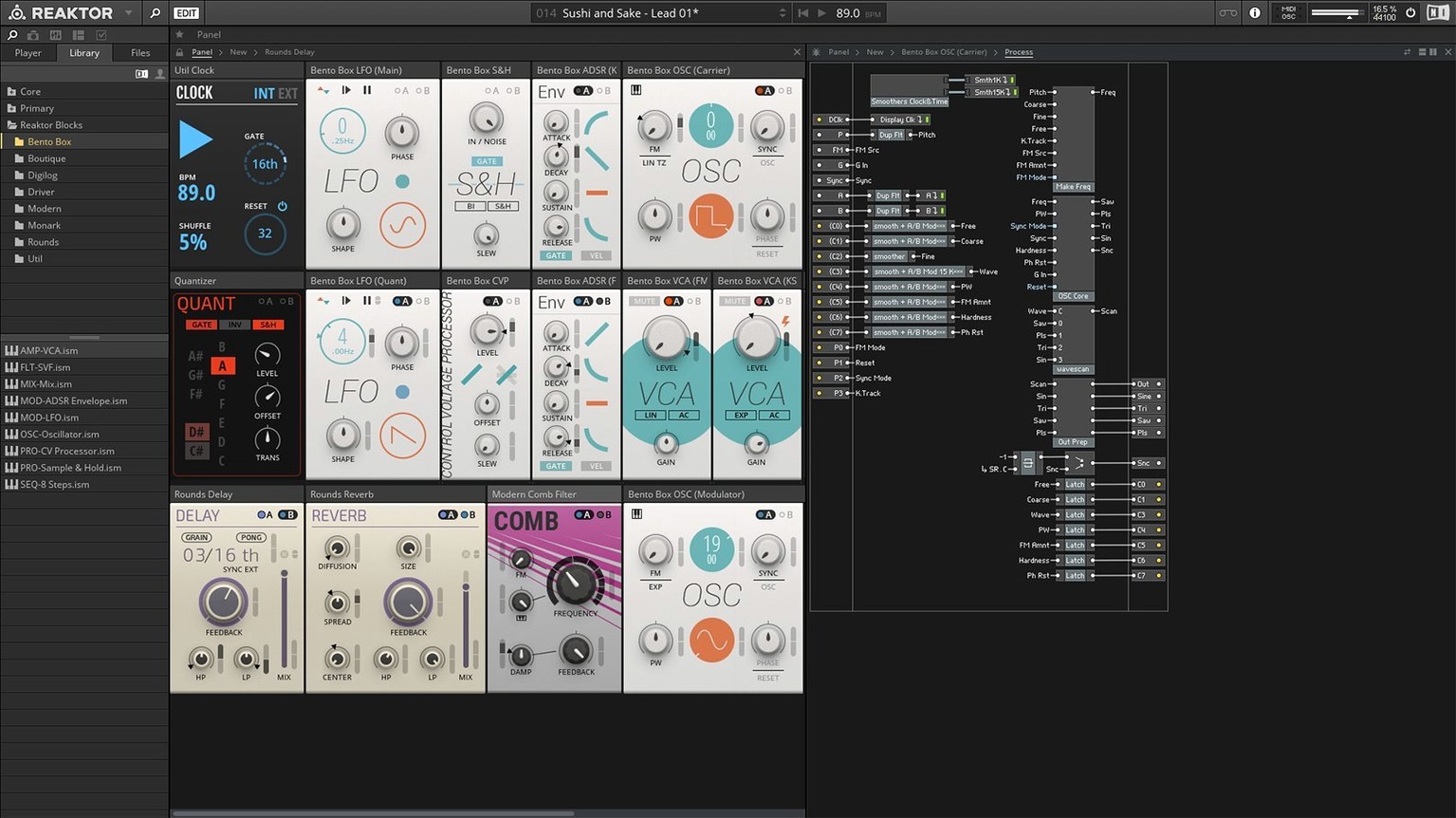
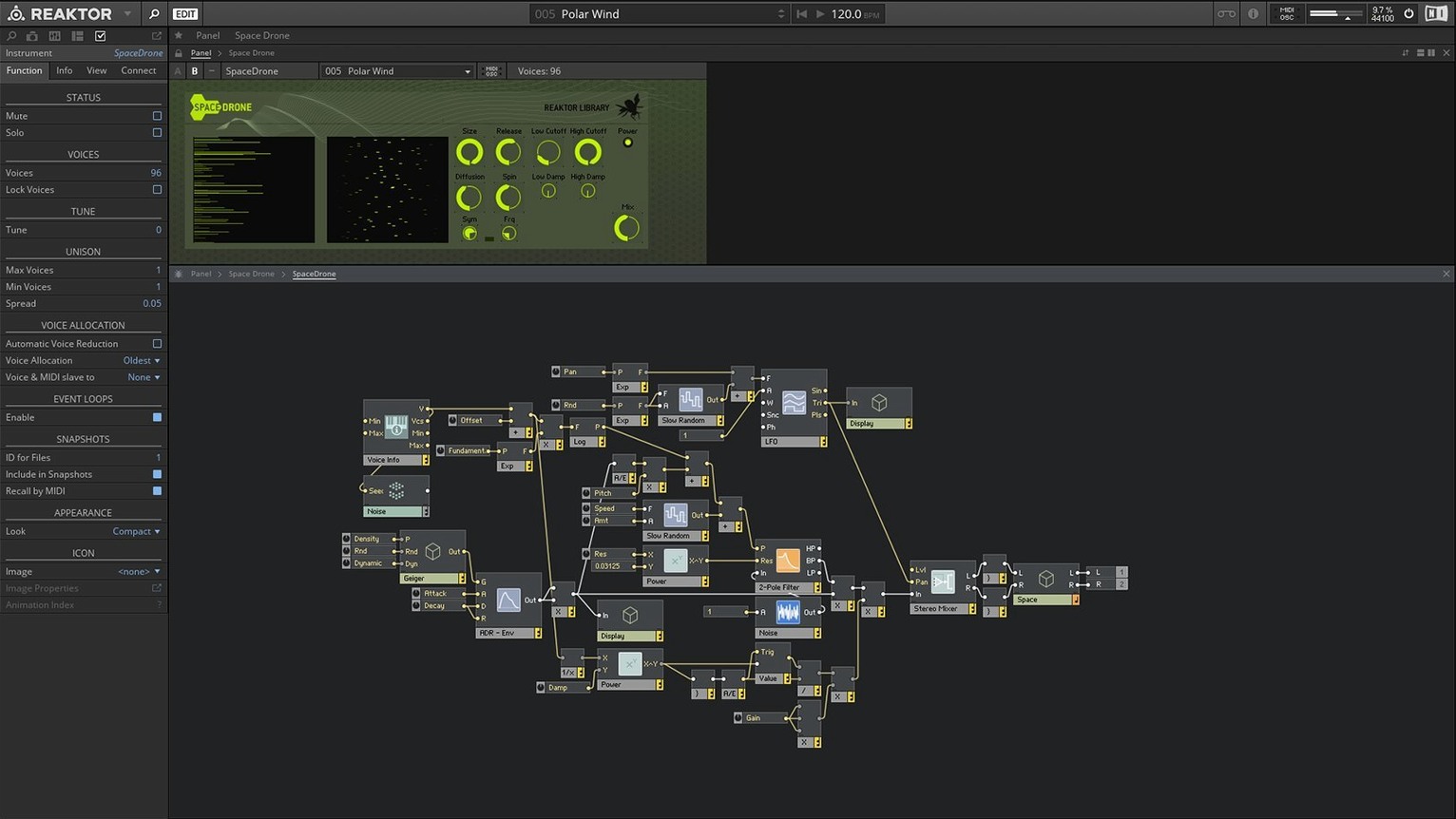
Most musicians know a synthesizer as a fixed thing—you turn it on, you play the presets, maybe you tweak a few knobs. Reaktor 6 flips that idea on its head. It’s less a single instrument and more of a vast workshop where you can wire together oscillators, filters, and effects however you like, or just load up one of the 70-plus ready-made instruments and get straight to work.
Modular platform built for Apple Silicon and visual core hacking
| What | Details |
|---|---|
| Type | Modular audio platform |
| Version | 6.5.0 Rev2 |
| Runs as | Standalone app and DAW plug-in |
| macOS support | macOS 13, 14, 15 (Apple Silicon native + Rosetta 2) |
Version 6 introduced Reaktor Core Technology, which lets you visually build custom modules at a lower level than before—great for sound designers who want to craft their own building blocks. It also added 23 new instruments to the library, so even if you never touch a virtual patch cable, you still get fresh sounds out of the box. Whether you’re making music, designing game audio, or just chasing a weird noise you can’t get anywhere else, Reaktor sits at the intersection of a massive sound collection and a blank canvas.
First days with Reaktor 6
One thing that catches people off guard is how deep the library goes before you've even opened the patching view. My suggestion: spend your first few sessions just playing through the factory instruments. The 70-plus included devices range from straight-ahead synths to rhythm generators that practically write themselves, and it's the fastest way to find the sounds that match what you hear in your head.
A few things that'll smooth out the early days:
- Let the library index properly. On first launch, point Reaktor to its content folder and give it a minute. It builds a database of everything available, and skipping this step leads to blank browser panels later.
- Try standalone first, then your DAW. Running Reaktor on its own removes one layer of variables while you're learning the interface. Once you're comfortable, the plug-in behaves exactly the same way inside a host.
- Grab a handful of user-library devices early. The community has been at this for years, and some of the free ensembles—oddball sequencers, physical-modeling experiments, granular processors—spark ideas you wouldn't have reached on your own.
- Save a default template. If you find yourself repeatedly loading the same setup, save it as your default ensemble. It shaves seconds that add up.
- Check buffer settings if you hear crackles. Reaktor can be surprisingly light on CPU with simpler instruments, but dense Blocks patches or user-library experiments sometimes want a higher buffer than your usual DAW setting.
Who clicks with Reaktor, and why
Reaktor isn't the only synth on a producer's hard drive, but it tends to become the one certain types of users keep open.
Sound designers and audio tinkerers live in the patching environment. The Core layer added in version 6 lets you build at the level of individual DSP operations—filters, delays, math routines—and visually connect them. That's overkill if you just want a bass preset, but it's exactly right when you're designing a sound nobody has heard before. The user library feeds this crowd endlessly: thousands of free, community-built instruments and effects, many with editable internals you can crack open and learn from.
Producers who want both range and depth tend to use Reaktor as a Swiss Army knife inside a DAW. One track might run a sequenced percussion ensemble, the next a sample-mangling granular processor, the next a vintage-style poly synth—all inside the same plug-in. The 23 instruments added in version 6 widened that spread, covering territory from west-coast-style additive synthesis to aggressive bass machines.
Performing musicians grab the standalone app and a controller. Several factory ensembles are built around live manipulation—knob-per-function layouts, morphing snapshots, sequencers that respond to MIDI notes in real time. Pair that with a laptop and an audio interface, and you've got a stage rig that doesn't need a rack full of hardware.
Beginners with patience can start with Blocks, the front-panel-style patching system, and hear results fast without touching a single virtual cable. From there, peeking behind the panel to see how things are wired is a gentle on-ramp into modular thinking.
A sound designer's Saturday afternoon
Imagine someone doing post-production audio for an indie game. They need a mechanical breathing sound—something half-organic, half-machine—for a creature that appears in three scenes. Opening a reaktor 6 download and loading the factory library gives them an oscillator-and-filter baseline, but it's too clean. They pull a free physical-modeling ensemble from the user library, pipe its output through a bit-crusher Block, and modulate the crush amount with a slow LFO. The result isn't a preset; it's a sound tailored to a specific moment. They save it as an ensemble, drop three instances into their DAW timeline with slightly different modulation speeds, and the creature gets a voice that evolves across the game.
Nobody had to code a line of DSP. The visual patching and the community library did the heavy lifting. That's the shape of Reaktor work: a need, a few building blocks, and a custom result that doesn't sound like anything from a sample pack.
Snappy interface and smooth animations, even with monster patches
On Apple Silicon Macs running natively, the interface feels snappy. Opening large instruments or browsing the user library happens without the beachball, and the graphics card requirement—OpenGL 2.1 or higher—keeps panel animations and cable routing smooth even with complex patches. Older Intel machines running via Rosetta 2 still work fine, though I'd keep an eye on CPU meters if you're stacking multiple heavy ensembles at once.
Across a typical session with Logic or Ableton Live, memory use stays reasonable. Simpler instruments sip resources; dense Blocks patches with half a dozen interconnected modules and real-time modulation will push the meter higher, but it's predictable. When you're not actively running a demanding ensemble, Reaktor idles quietly and doesn't fight your other plug-ins for cycles.
Stability has been solid since the 6.5.0 Rev2 build. The app handles long sessions without creeping memory issues, and activation is a one-time online step—after that, everything runs offline. That matters if you're on a studio machine that doesn't always have an internet connection. I've had it open alongside a dozen other plug-ins without a crash, and the save-and-recall behavior inside DAW projects has been reliable.
Reaktor 6 brings a big under-the-hood change and a generous helping of new sounds:
- Reaktor Core Technology — a visual environment for building your own low-level modules from scratch.
- 23 new instruments — ready-to-play synths, sequencers, and effects added to the factory library.
- macOS 13, 14, or 15 (latest update recommended)
- Apple Silicon native support or Intel via Rosetta 2
- Interface language: English
Notes from other shops 0
Sign in or open a shop account to leave a note.
No notes yet. If you've used this on a shop Mac, tell me how it went.