
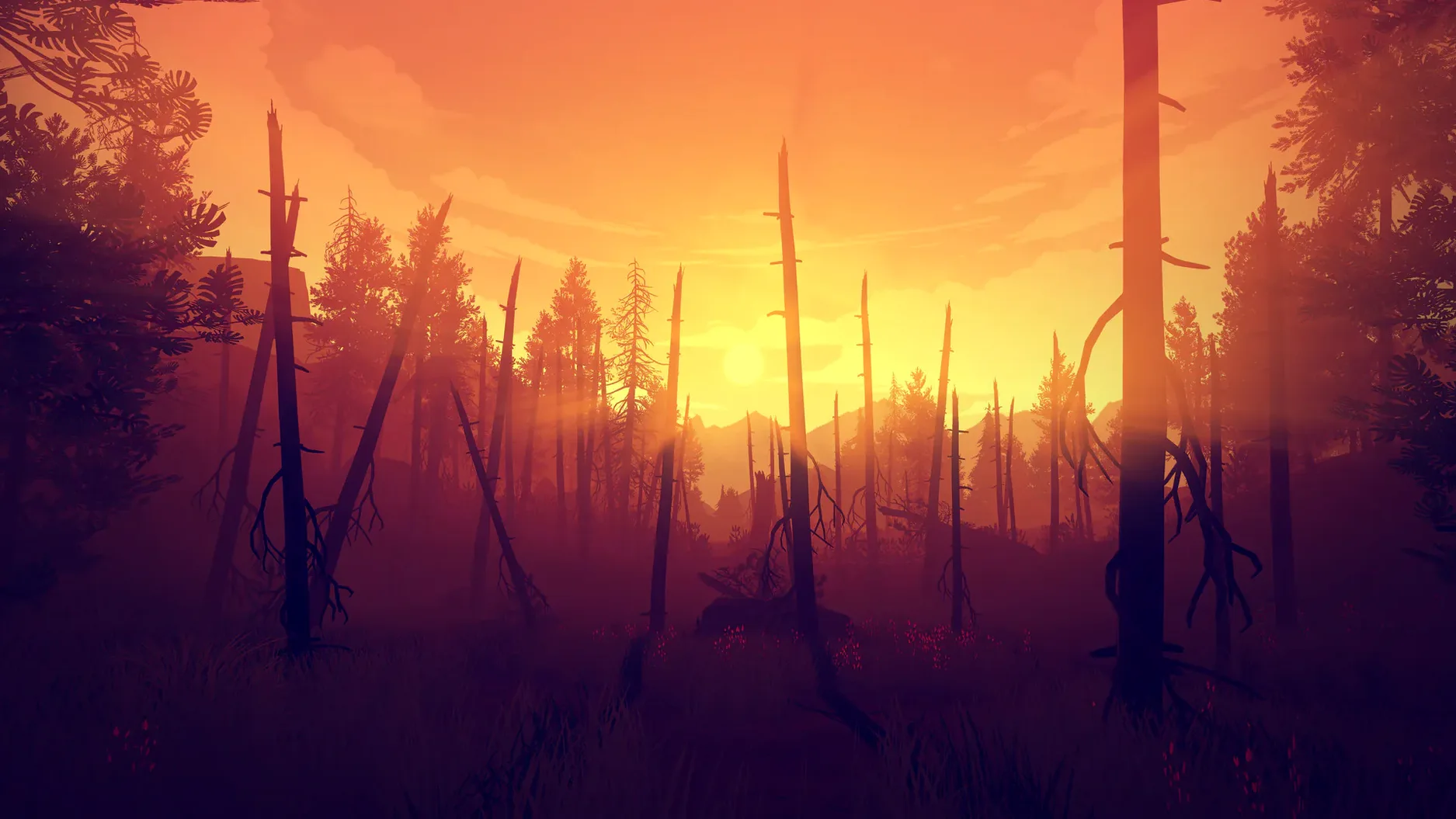
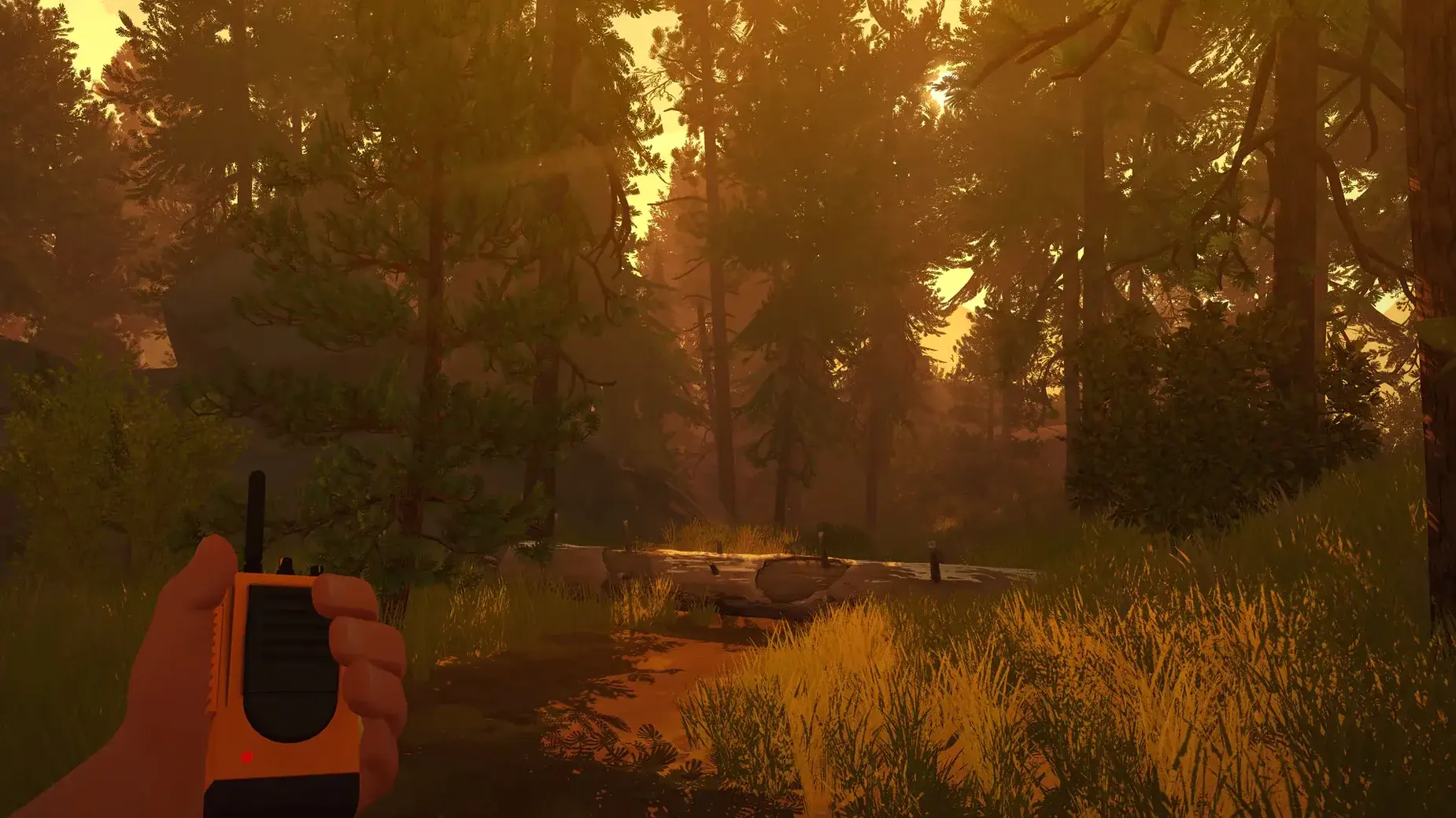
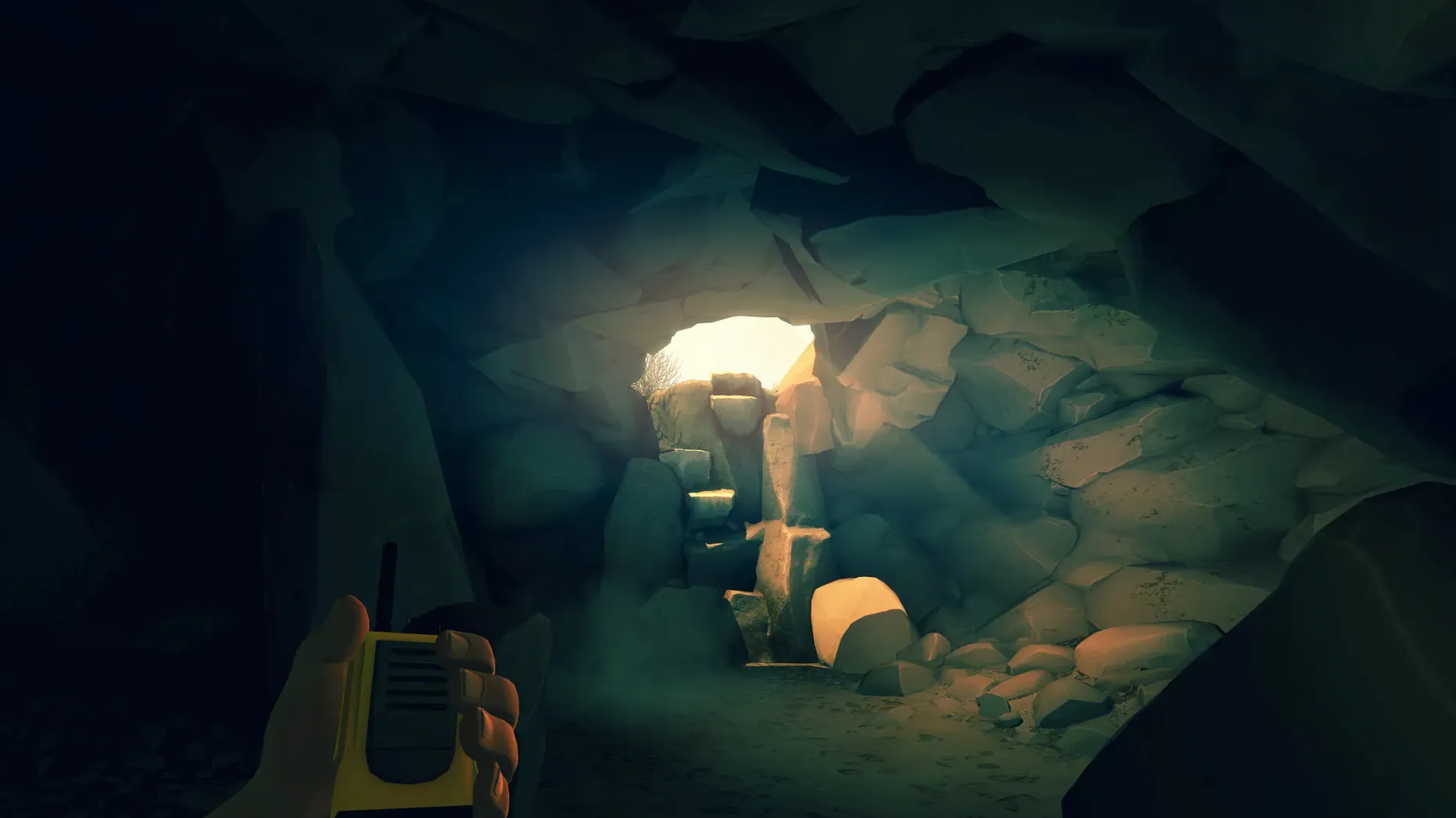
Version 1.12a keeps the story steady — no major feature shifts, just a solid build of Henry's summer in the Shoshone. If you're grabbing a Firewatch Mac torrent, you're getting the complete first-person mystery that Campo Santo shipped, running natively on Intel Macs.
- Henry's only lifeline is a handheld radio. Every conversation with Delilah pulls you deeper into the Wyoming backcountry.
- Dialogue choices aren't cosmetic. What you say — or don't say — shifts how Delilah responds and how the summer plays out.
- Subtitles come in Russian, French, German, Spanish, and Simplified Chinese. The interface itself supports those plus English and Japanese.
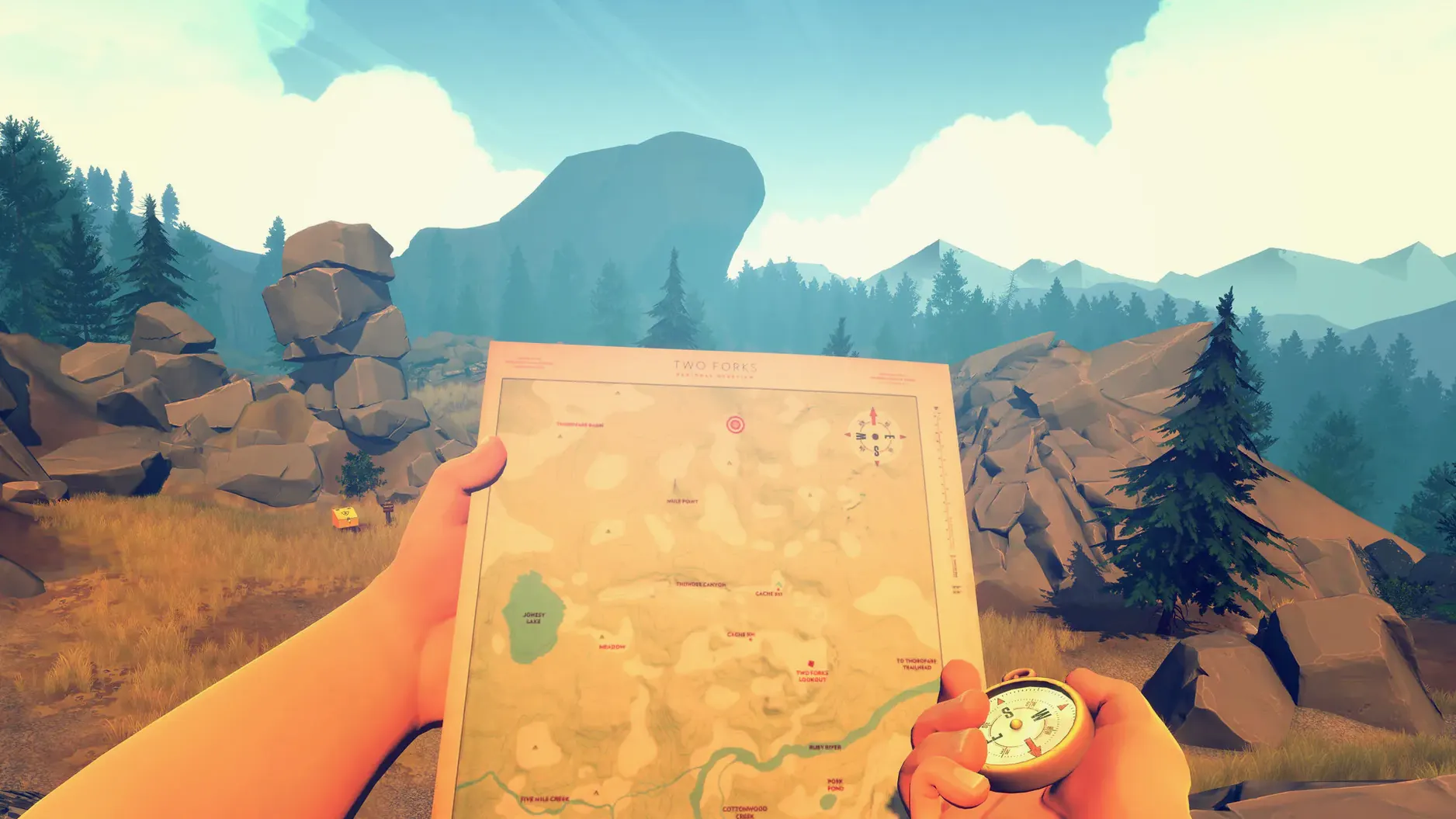
- The map is yours to roam. No waypoints, no minimap — just a compass and a paper map you hold in your hands.
- Performance on integrated Intel graphics is playable at modest settings. A dedicated GPU will give you smoother frame rates under that big Wyoming sky.
It's a quiet, talk-driven game that runs fine on older Intel Macs. If you're after a Firewatch torrent download, you'll step into a story that respects your attention rather than demanding your reflexes.
Slip-ups I see every time someone picks up the controller
Most of these aren't obvious until you're an hour in and kicking yourself. I see the same few slip-ups every time someone new picks up the controller.
- Rushing the radio. The dialogue timer isn't a countdown you need to beat. Letting a prompt expire is a choice — and sometimes the one that fits Henry best. New players often blurt out every option the moment it appears, then wonder why Delilah feels distant later.
- Staring at the compass instead of the landmarks. The map and compass work beautifully, but only if you triangulate. Pick a peak, a rock formation, a plume of smoke — then check your heading. Walking with your nose buried in the compass dial is how you wander in circles when the trail disappears.
- Ignoring the supply caches. The game doesn't flag them. They're tucked into rock crevices and marked on your map with tiny pencil notes. Inside you'll find letters, tools, and scraps of someone else's summer — context that makes the main story hit harder.
- Treating the day/night cycle as just scenery. Certain locations and conversations only trigger at specific times. If you linger too long photographing the sunset, you might miss a radio call that can't happen after dark.
Tip: Read the map legend in full before you set out. The hand-drawn symbols aren't decoration — they're the only quest markers you get.
Grab landscape shots without pausing the game
Firewatch doesn't have a photo mode, but macOS gives you one for free. The built-in screenshot tool (Shift-Command-3 for the whole screen, Shift-Command-4 for a selection) lets you grab landscape shots without pausing. I keep a folder on the desktop just for Shoshone vistas — they make surprisingly good desktop wallpaper for the winter months.
If you're running a firewatch mac download on an Intel machine with a discrete GPU, the fans will spin up. Macs Fan Control or a similar utility helps you keep an eye on temperatures without tabbing out. The game itself has no internal performance overlay, so a lightweight monitor running in the background is the easiest way to spot if your MacBook is throttling during the heavier forest sections.
For players who want subtitles in one language and interface text in another, the in-game menus handle that directly — no need to switch your macOS system language. That's a small kindness for bilingual households where one person reads more comfortably in, say, German while the other navigates in English.
The DRM-free build also means you can back it up like any other file. Drag the app to an external drive, and it runs. If you're rotating games on a smaller SSD, that's genuinely useful — no launcher, no cloud verification, just the app where you left it.
A workflow: your first supply-cache run
Here's a task I'd walk a friend through if they were new to the map system and wanted to hit a few caches before sunset.
Step one — orient yourself at the tower. Climb down the ladder and open your map. Look for the nearest cache symbol (a small box, penciled in). Note the trail that leads roughly toward it. Find a visible landmark in that direction — the burnt ridge, the distant radio tower, anything tall.
Step two — mark your bearing. Pull out the compass and point it at your landmark. Let's say it reads 310 degrees. That's your line. Put the compass away and walk, glancing at it only when the landmark slips behind trees.
Step three — radio Delilah before you're out of range. The cache locations often trigger optional dialogue. Call her when you're close. Sometimes she'll mention who stocked it or whether it's been raided. That conversation won't replay later.
Step four — read everything inside. The notes and objects aren't just collectibles; they tie into the mystery that pulls Henry out of the tower in the first place. Photograph them with the macOS screenshot shortcut if you want to cross-reference later. The game won't log them for you.
Step five — plan the return trip before the light shifts. The sun drops fast in the backcountry, and Firewatch doesn't give you night vision. Check the time on Henry's watch, pick a return trail, and call Delilah once more on the way back. She might have new things to say about what you found.
- macOS: macOS version not specified by developer
- Architecture: Intel (runs via Rosetta 2 on Apple Silicon)
- Other: A dedicated graphics card is recommended for smoother performance
Questions from the stall
Does the game run on Apple Silicon Macs?
Campo Santo shipped Firewatch as an Intel-only Mac build, so it runs through Rosetta 2 on Apple Silicon machines.
What languages are the subtitles available in?
On Mac, localized subtitles are included for Russian, French, German, Spanish, and Simplified Chinese.
Do my dialogue choices actually change the story?
Yes, the choices you make over the handheld radio directly affect Henry's relationship with Delilah and the tone of their conversations.
Notes from other shops 0
Sign in or open a shop account to leave a note.
No notes yet. If you've used this on a shop Mac, tell me how it went.