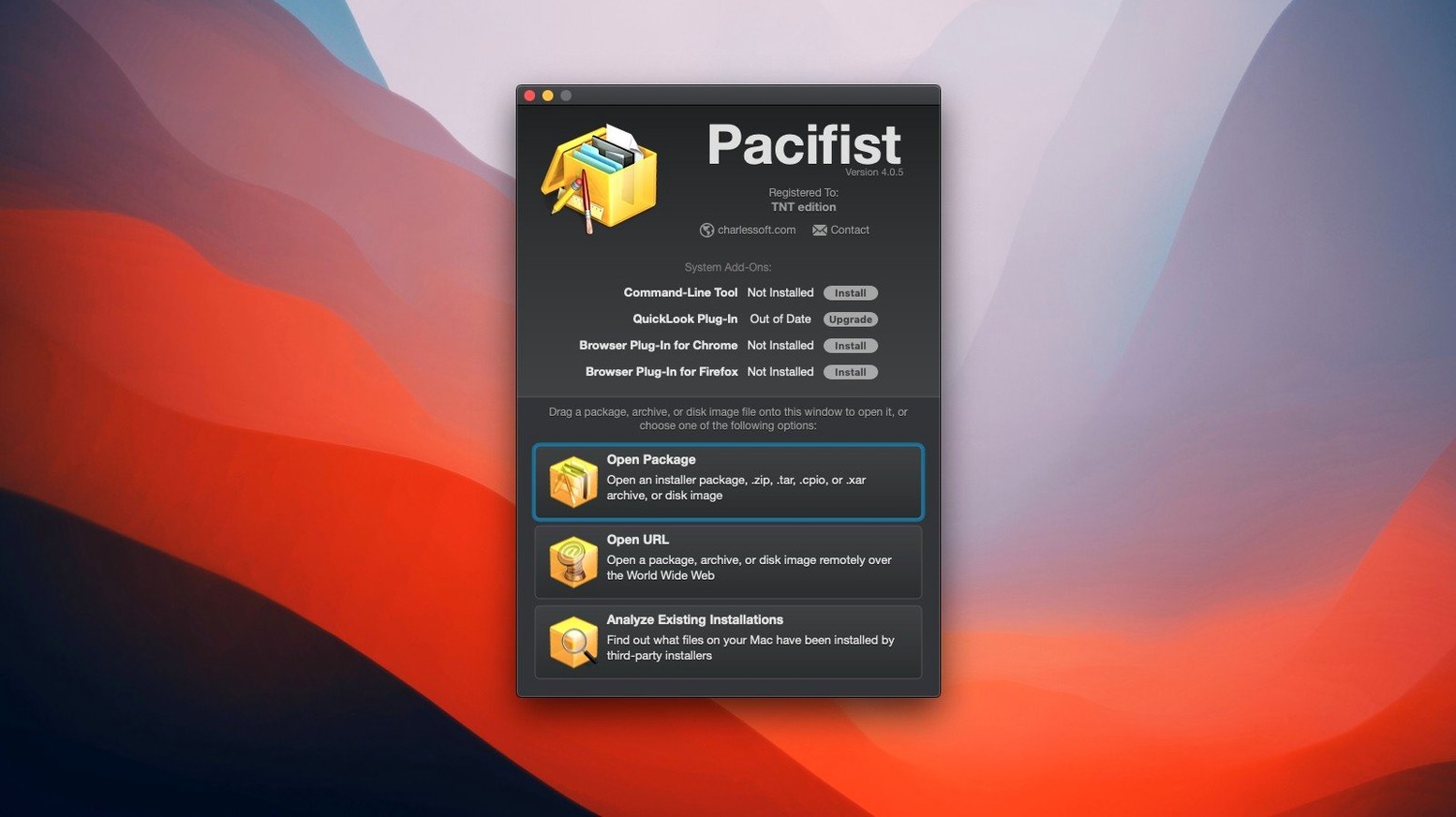
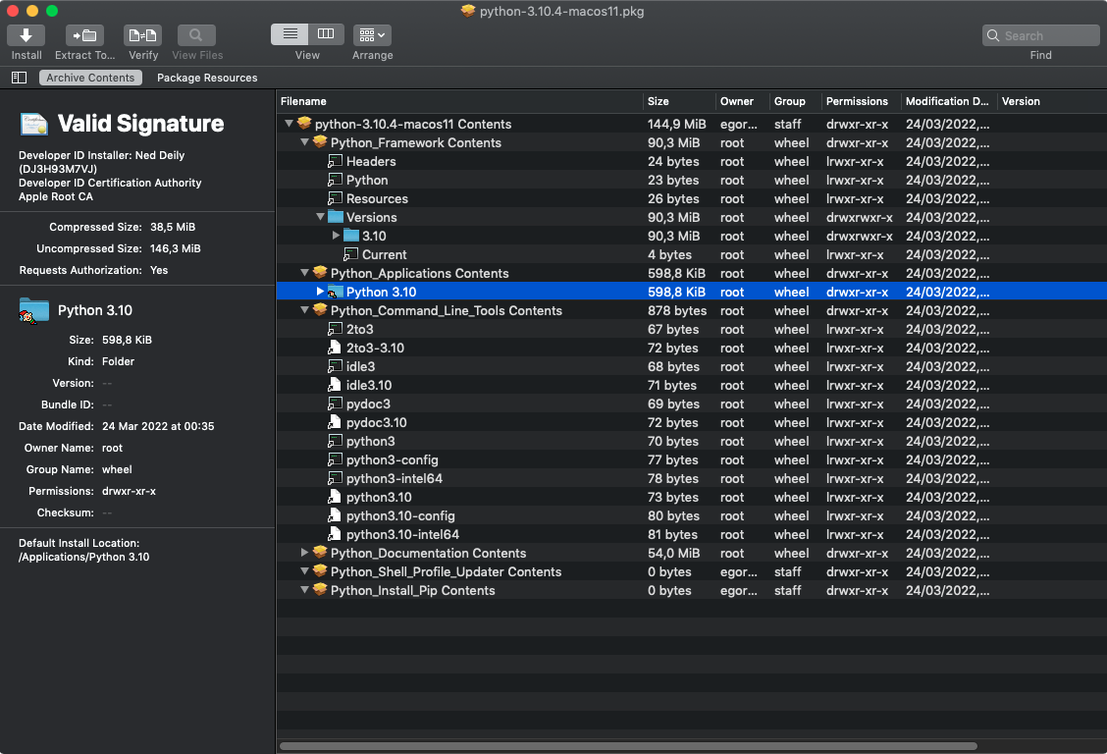
Version 4.1.4 brings this old favorite up to speed with macOS Tahoe, a round of bug fixes, and sharper extraction from asset catalogs inside packages. If you already have the Unarchiver for zips or Disk Utility for images, Pacifist sits right alongside them—covering .pkg files and more in one window.
Pulling a single file from a .pkg without installing
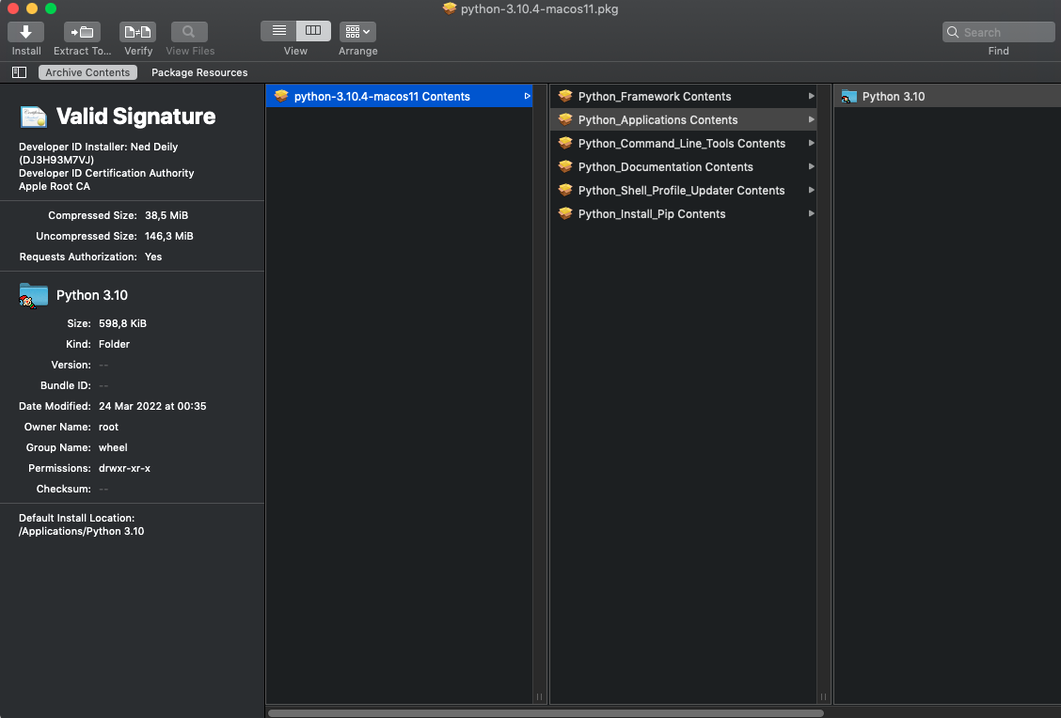
- Opens .pkg installer packages when you want to pull out a single file without running the full install.
- Mounts .dmg disk images and digs into .zip, .tar, .tar.gz, .tar.bz2, and .xar archives.
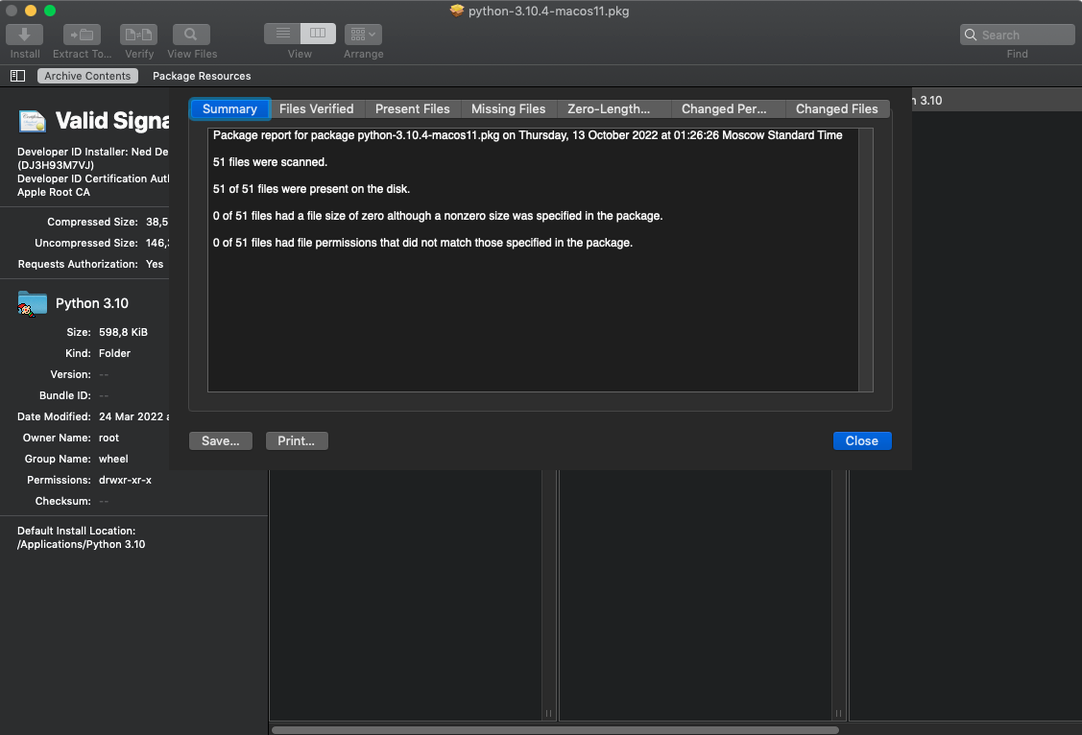
- Checks installed applications for missing or outdated files, handy before a support call.
- Identifies kernel extension installers and tells you whether they came from Apple or a third-party developer.
A multi-tool, not a replacement
Think of it as the Swiss Army knife you reach for when Archive Utility or Finder won't go deep enough. It doesn't replace your everyday unzipper, but it handles the oddball formats and installer inspection jobs those tools skip.
Gatekeeper blocks the app on first launch
The biggest head-scratcher I see is Gatekeeper blocking the app on first launch. If you double‑click and get a warning that the developer can't be verified, head to System Preferences → Security & Privacy and click Open Anyway. Some folks prefer the Terminal route— sudo spctl --master-disable —but I stick with the preference pane when I can. Either way, it's a one‑time step.
Another gotcha: QuickLook previews. On some setups, pressing Space on a .pkg file won't show anything because the QuickLook plugin isn't active. That's expected behavior with this build. You can still open the package through the app's browser or drag it onto the dock icon instead.
SIP trips people up too. If you're on a recent macOS and extraction stalls or file permissions look wrong, System Integrity Protection might be interfering. Toggling SIP off before installing— csrutil disable from Recovery Mode—clears it up. Just remember to turn it back on afterward; it's not something you want off permanently.
Your Finder defaults won't change
Does it mess with existing file associations? No. Pacifist doesn't claim ownership of .zip, .pkg, or .dmg files. Your Finder defaults stay put. You launch the app, then open what you want inside it. That separation keeps Archive Utility and Disk Utility humming along as usual.
Can it extract from a partial or damaged archive? It tries harder than most. For .tar and .tar.gz files, Pacifist can often salvage individual items even when the archive header is corrupted. I've pulled a single config file from a backup that Finder wouldn't touch. The HTTP single‑file download trick helps too—grab one item from a remote archive without pulling the whole thing down over a slow connection.
Will it work alongside other CharlesSoft tools? Yep. If you use Cookie or TimeMachineEditor on the same machine, there's no conflict. Pacifist minds its own corner of the system.
Pacifist inspects .pkg packages and kernel extensions
Next to The Unarchiver, the scope is different. The Unarchiver handles dozens of compression formats and integrates tightly with Finder for quick unpacking. Pacifist covers fewer archive types but adds .pkg inspection and kernel extension identification, which The Unarchiver doesn't touch. For a quick unzip, I'd still use The Unarchiver. For a suspicious installer package, I'd open Pacifist first.
Compared with pkgutil (Apple's built‑in command‑line tool), Pacifist gives you a visual browser. pkgutil can expand and flatten packages, but it won't show you a file tree with permissions and sizes at a glance, and it certainly won't flag missing application files. If you're comfortable in Terminal, pkgutil gets the job done. If you want to browse before extracting, Pacifist is the friendlier choice.
Against Suspicious Package, the overlap is in .pkg inspection. Suspicious Package focuses entirely on installer packages and highlights scripts, pre‑flight checks, and signing details in a polished interface. Pacifist spreads wider—archives, disk images, kernel extension lookups—and feels less specialized. For a deep security audit of a .pkg, Suspicious Package goes deeper. For a general‑purpose extraction tool that also handles .dmg and .tar, Pacifist covers more ground.
Rescuing a lost font from an older macOS installer
Imagine a small IT support shop maintaining a fleet of older Intel Macs for a design studio. One machine loses a font file after a botched system update, and the studio can't open its branding templates. The admin doesn't want to re‑run the full macOS combo updater—it would overwrite custom color profiles and take half the morning. Instead, she grabs the Mac download of Pacifist, opens the combo update .pkg, locates the single missing font inside the payload, and extracts it to the correct Library folder. Ten minutes later the templates open normally, and nobody else in the studio even knew something broke.
Version 4.1.4 is a maintenance update with a few welcome fixes:
- Updated for macOS Tahoe.
- Improved accuracy when parsing and extracting images from asset catalogs.
- Miscellaneous bug fixes.
- macOS 10.14.6 or later
- Intel-based Mac
- English interface
Questions from the stall
Can Pacifist tell me where a kernel extension came from?
Yes, it can identify which installer placed a kernel extension and whether it belongs to Apple or a third-party developer.
Notes from other shops 0
Sign in or open a shop account to leave a note.
No notes yet. If you've used this on a shop Mac, tell me how it went.