Build 262.10968.76 of PhpStorm landed in September 2026, and the core editing experience hasn't shifted dramatically — it's still the same thorough PHP IDE that handles everything from deep refactoring sessions to stepping through Xdebug breakpoints. What's worth noting in 2026.2.3 is the quiet under-the-hood polish on a tool that already packs WebStorm's frontend smarts plus dedicated database and SQL tools.
| Detail | Value |
|---|---|
| Version | 2026.2.3 (build 262.10968.76) |
| macOS | macOS 11 and later, Apple Silicon / Intel |
| Runtime | JetBrains Runtime bundled |
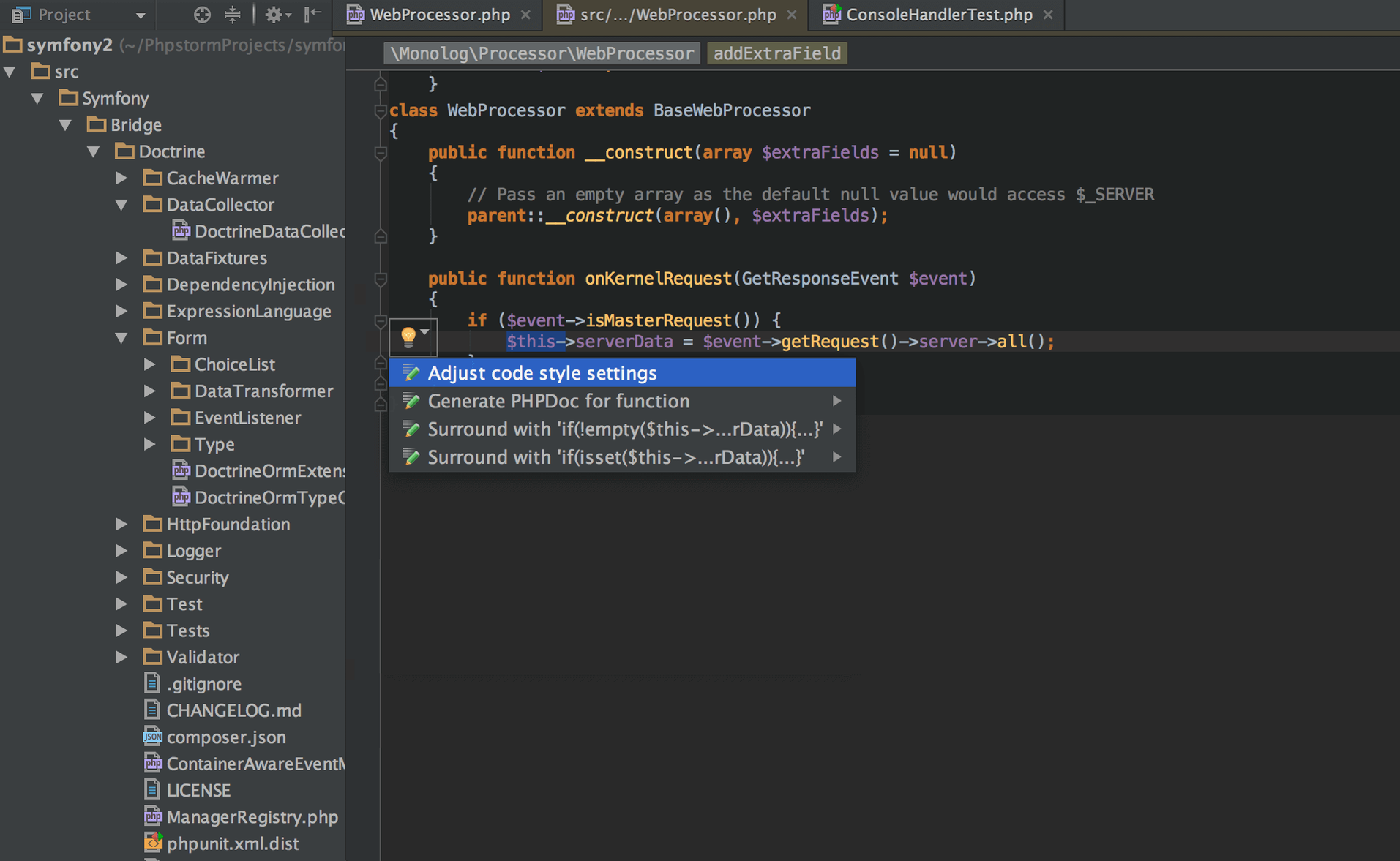
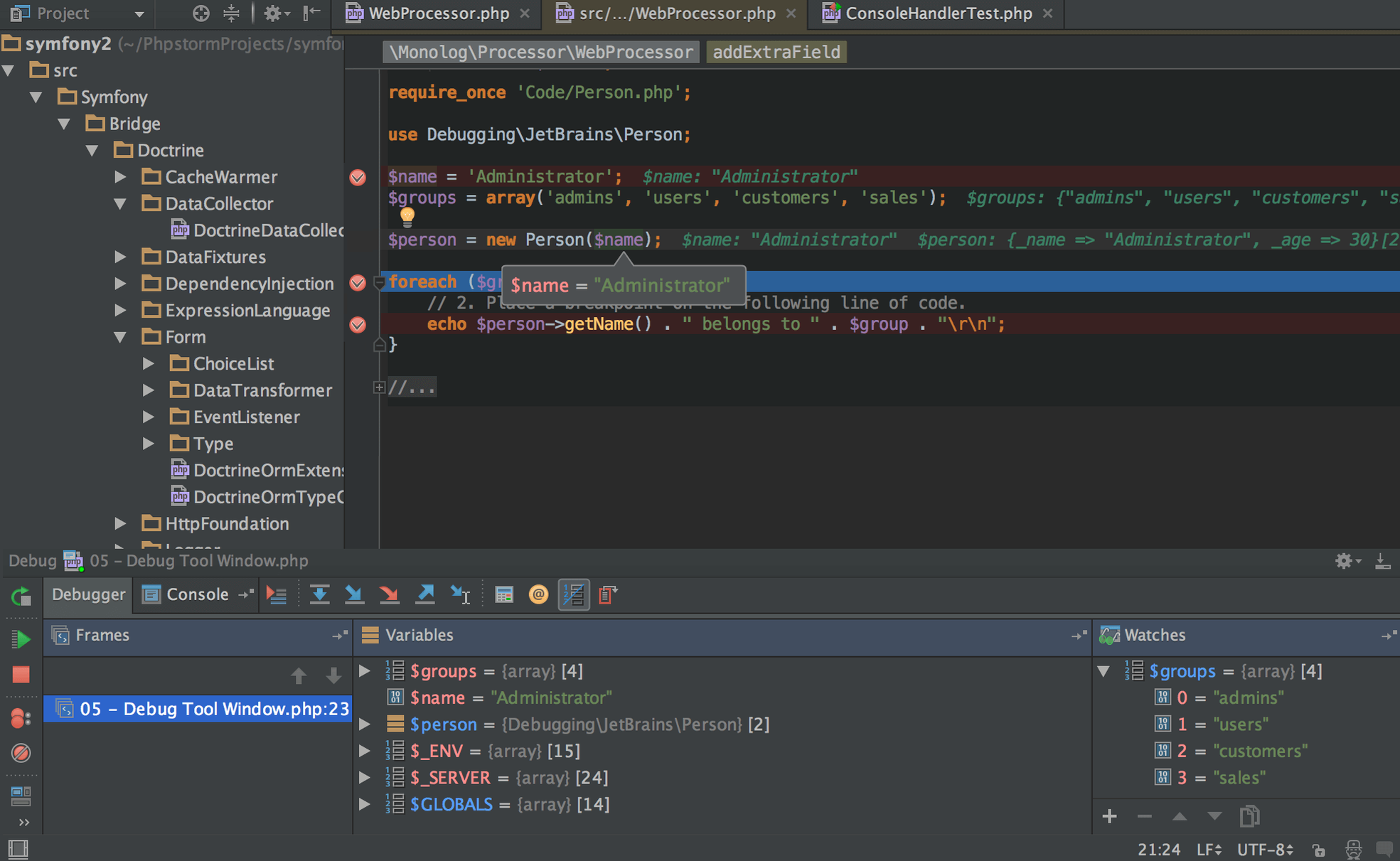
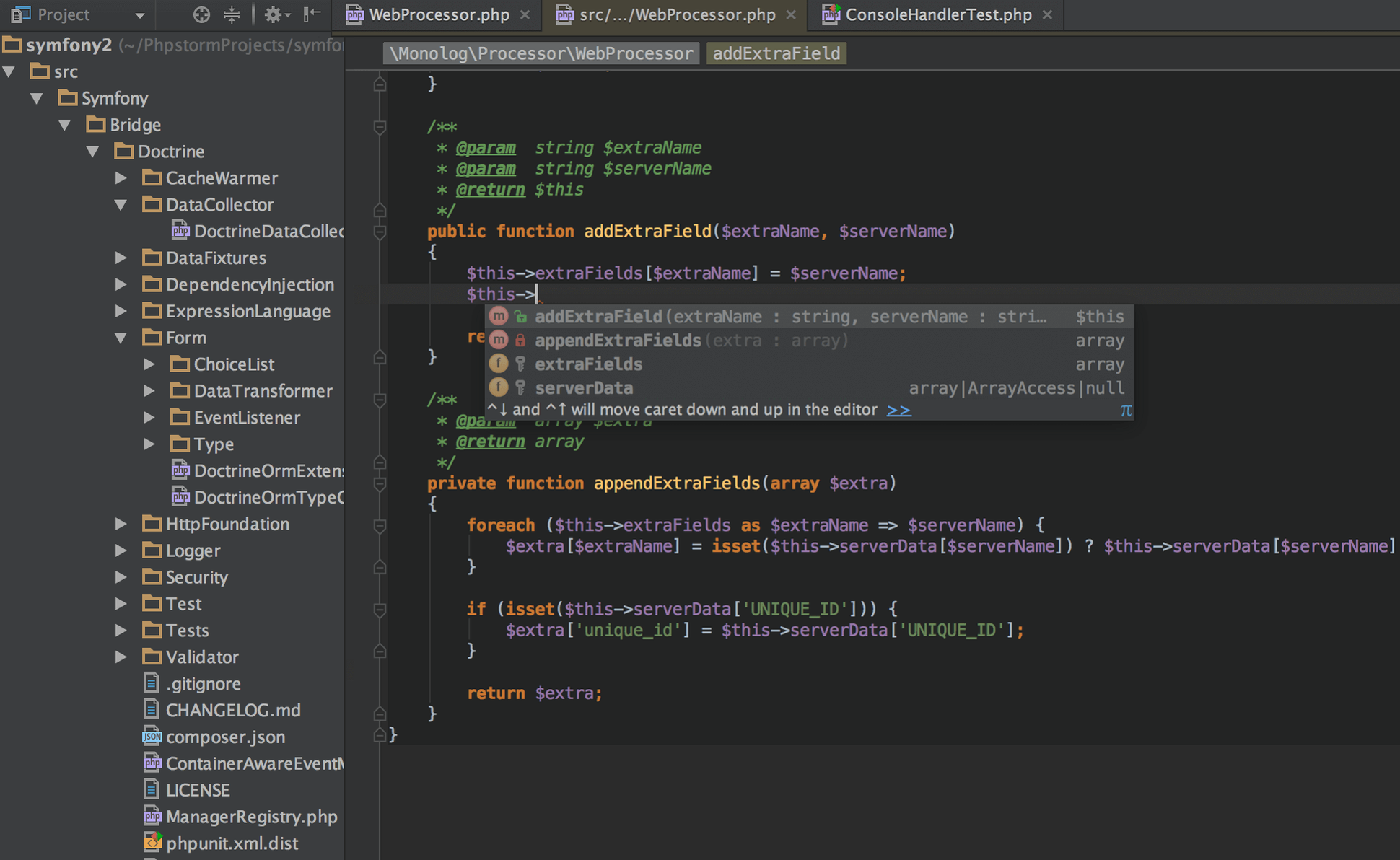
PhpStorm still feels like a single tool rather than a stack of plugins glued together. The editor understands PHP at a level that makes rename refactorings and method extractions trustworthy, and the debugger support covers both Xdebug and Zend Debugger without fuss. Frontend work gets first-class treatment too — HTML5, CSS, Sass, Less, Stylus, CoffeeScript, TypeScript, Emmet, and JavaScript all have intelligent completion and navigation. Composer integration stays out of your way, Docker support is baked in for running and debugging containers, and version control systems are handled directly in the interface. What stayed the same matters as much as what changed: a PHP IDE that doesn't make you switch contexts when you need to write a query, tweak a stylesheet, or inspect a running container.
Get the IDE comfortable before you write a single line. The bundled settings sync is a good friend here — sign in once and your live templates, inspection profiles and keymap carry over from any other JetBrains tool you use. Spend ten minutes pruning the inspections list under Preferences → Editor → Inspections. PhpStorm ships with everything enabled, and turning off half a dozen noisy warnings for a legacy WordPress project keeps the right gutter calm enough to actually notice real problems.
Tip: set the PHP language level per-project right away. A Laravel 11 codebase on PHP 8.3 should not trigger suggestions written for 7.4. You'll find it under Preferences → PHP → PHP language level. While you're there, map your local interpreter and confirm Xdebug is listening on the right port — the IDE can autodetect it, but a fresh install sometimes picks up a system binary you didn't mean to use.
The REST client bundled with the IDE deserves its own early test. Open the Tests tool window, write a few quick requests against your API endpoints, and save them as scratch files. It's faster than switching to a separate HTTP tool, and the responses stay in the project for later reference.
Version 2026.2.3 shipped as build 262.10968.76, and while the release notes don't scream for attention, daily use reveals a few shifts. Framework-aware completion inside Blade templates and Symfony routes feels slightly less eager to suggest irrelevant symbols — the kind of refinement that trims small frustrations from an eight-hour workday. Docker integration kept its stability; container-based interpreters reconnect after sleep without the manual restart dance that older builds sometimes required. If you work with a PhpStorm torrent macOS setup for local testing, you'll appreciate that the IDE no longer flags the Xdebug port as unresponsive after a network change, a subtle fix that spares you from restarting the listener four times a week.
The September 2026 release ships as build 262.10968.76, bringing ongoing stability work and under-the-hood refinements to the editor, debugger, and bundled runtime.
- macOS 11 or later
- Apple Silicon or Intel processor
Questions from the stall
Does PhpStorm include database tools?
Yes. PhpStorm has built-in database and SQL support, so you can query, browse, and edit databases without leaving the IDE.
Notes from other shops 0
Sign in or open a shop account to leave a note.
No notes yet. If you've used this on a shop Mac, tell me how it went.