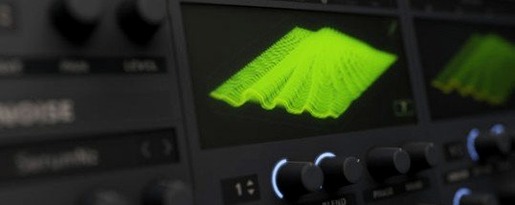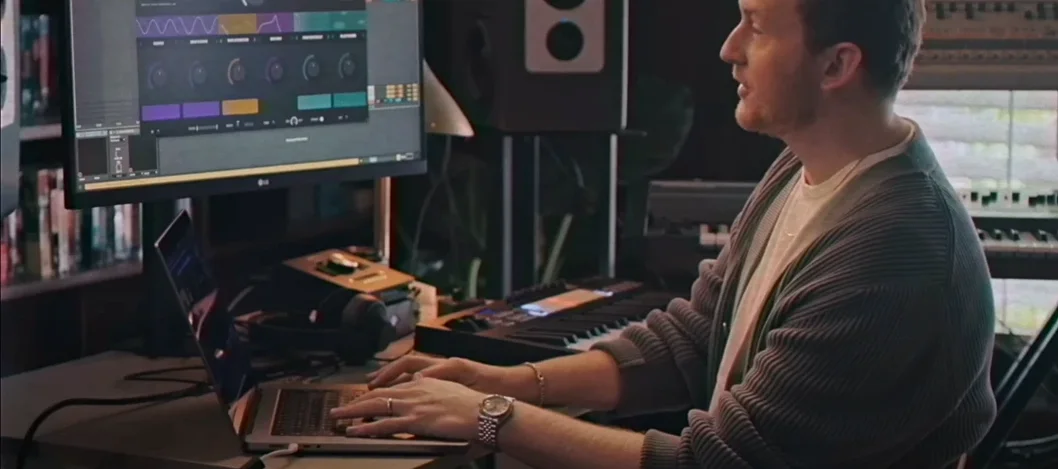
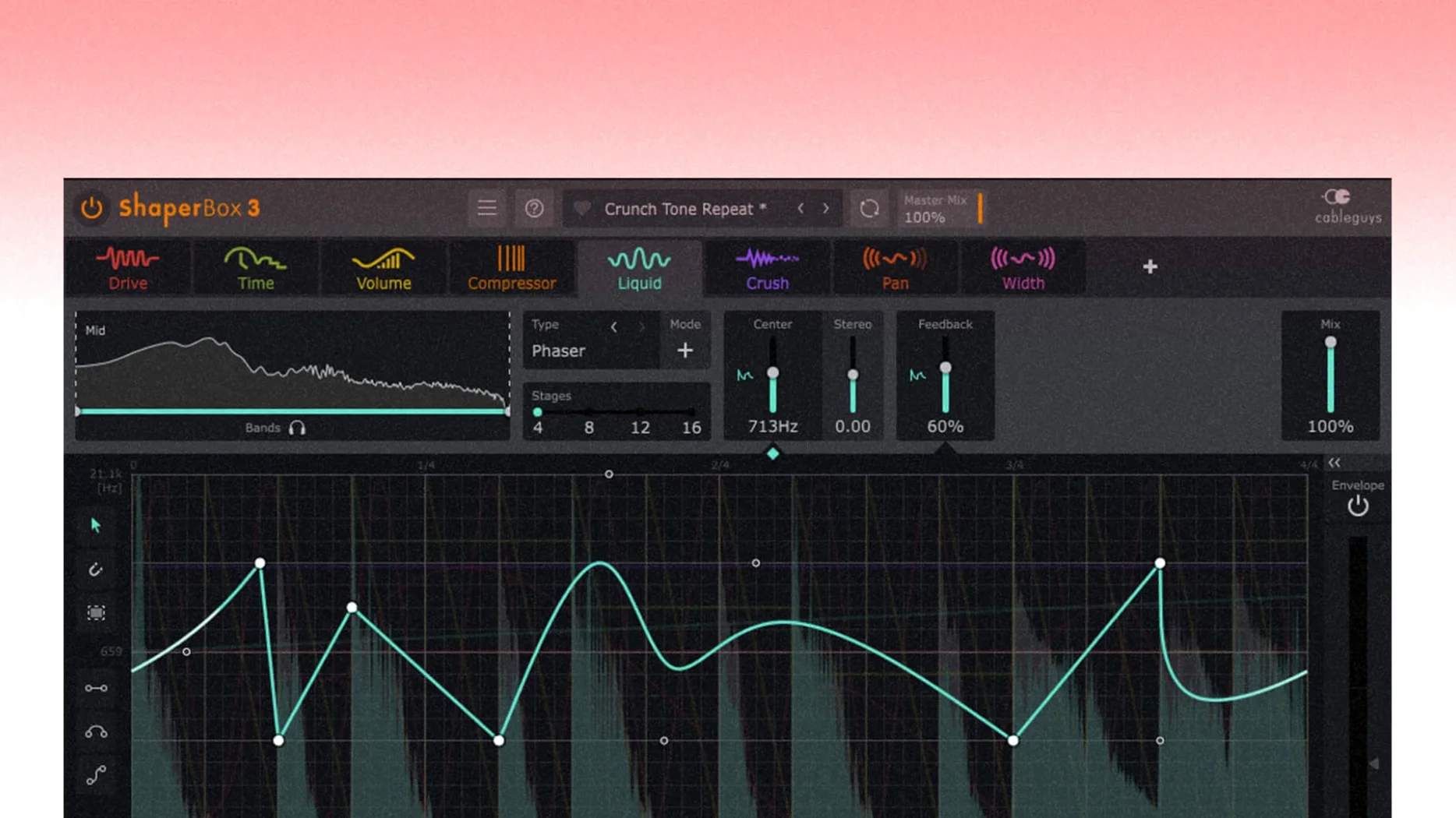
If you've ever used a sidechain compressor to duck a bassline under a kick drum, you already know how rhythmic volume shaping can bring a track to life. ShaperBox takes that core idea and runs with it — across filters, time, panning, and pitch. It's a self-contained toolkit for adding movement and groove, built from swappable effects that all sync to your DAW.
One plugin for tempo-synced modulation across three frequency bands
- Producers who want precise, tempo-locked modulation without chaining five separate plugins.
- Sound designers building evolving textures with flanger, phaser, and granular pitch effects.
- Mixing engineers needing independent control over low, mid, and high frequency bands.
- Anyone who works fast — the 600 presets and audio-triggered envelopes get you moving quickly.
An instrument and bus processor, not a final mastering limiter
- It's a creative shaping tool, not a mastering suite — best placed on individual tracks or busses.
- The depth of modulation options means you'll spend some time learning what each module can do.
Three new PitchShaper automations for granular texture design
The 3.6.1 release is a tidy maintenance update, but it touches a few things you'll feel if you use ShaperBox regularly. PitchShaper gained three new automation parameters: Formant Link, Density, and Grain Size. That's a practical step forward for anyone building evolving vocal chops or pitched percussion parts — you can now draw or record automation curves that shift the formant character or grain texture over time, rather than setting static values and leaving them. If you've been automating PitchShaper's main controls and wishing those secondary parameters followed along, this closes that gap.
On the bug-fix side, CableGuys squashed an audio artifact that could pop up when a MIDI note or Audio Trigger fired while the input was silent. That's the kind of edge-case glitch that hits during arrangement work: a region ends abruptly, the next trigger comes in, and suddenly there's a click or a zap where silence should be. The fix keeps things clean in stop-and-start sessions. Logic Pro users get a specific repair too — the mouse cursor would occasionally vanish after dragging a control. If you've ever been mid-automation and lost track of where your pointer went, you'll appreciate that one disappearing.
The VolumeShaper oscilloscope also got attention: when MIDI or Audio Triggering was active with Anti-Click Trigger Smoothing enabled, the waveform drawing could misbehave. Not a sound-killer, but it made visual feedback unreliable when you were dialing in precise shapes. Now it draws what it should.
When Audio Trigger routing doesn’t respond as expected
ShaperBox is stable, but no plugin is friction-free. Here are a few things I hear about and what usually sorts them out.
Audio Trigger confusion. The Audio Trigger system is powerful — you can drive envelopes from any incoming signal — but it's also easy to misconfigure. A common head-scratcher: triggering works in one band but not another. Check that you've actually enabled the trigger on each band you want to affect. The trigger toggle is per-band, not global, and it's small enough to miss when you're moving fast.
Latency in multiband mode. Splitting audio into three bands involves filtering, and filtering needs lookahead. On tracks where tight timing matters — drum busses, percussive loops — you might notice a slight delay. Most DAWs handle plugin delay compensation automatically, but if things feel loose, try switching a module to single-band operation for time-critical material. You'll lose per-band control but gain immediate phase response.
Preset overload. Six hundred presets sounds great until you're scrolling at 2 a.m. trying to find one that fits. The browser is functional but basic — there's no tagging system. My tip: the moment a preset gets you close, save it as a user preset with a short descriptive name that includes the instrument type. It builds a personalized shortcut layer over time.
Sidechain display not matching what you hear. The visual display shows the shaping curve, but when you stack multiple Shaper modules, the final output is the sum of all their processing. The display shows one module at a time. If what you're hearing doesn't match what you're seeing, cycle through your active modules — there's likely a second or third one doing work you forgot about.
Light enough to scatter across a dozen tracks without fan noise
ShaperBox sits in a comfortable middle ground for CPU load. A single instance with two or three active Shaper modules is lightweight — you can sprinkle it across a dozen tracks on a modern Mac without the fan spinning up. Things get heavier when you stack complex effects. LiquidShaper with high feedback settings will cost more cycles, and PitchShaper in granular mode is the hungriest of the bunch. If you're on an older Intel machine, try freezing or bouncing tracks once you've locked in movement. On Apple Silicon, the plugin runs natively and I've seen sessions with 15–20 instances stay responsive.
Stability-wise, the 3.6.1 build is solid. Across a few long mixing days I didn't hit a crash, and the artifact fixes from this update address the only repeatable glitches I'd previously noticed. AU and VST3 formats both behave as expected. One small note: if you're opening old projects that used version 2 presets, the migration path is clean — settings carry over without manual rebuilding.
Loading time is negligible. The plugin appears instantly on insert, and preset browsing is snappy — no thumbnails to load, just parameter recall. That fast response makes it one of those tools you reach for during arrangement because it won't break your flow waiting for it to wake up.
Plugin-only, AU and VST3 — no standalone app
Does ShaperBox work as a standalone application, or only inside a DAW?
It's a plugin only — AU and VST3 formats. You'll need a host that supports one of those. No standalone mode, so if you were hoping to process audio files outside a session, you'd route through a lightweight DAW instead.
Can I use the multiband features on mono tracks, or does it need a stereo source?
It handles mono just fine. The band-splitting works on the signal as-is, and the modulation applies identically to mono material. If your track is mono, the output stays mono unless you add a stereo-width effect inside one of the modules.
How does it compare to automating effects manually in my DAW?
Speed, mainly. Drawing automation lanes for a filter sweep, a volume duck, and a pan wobble that all sync to tempo and respond to audio triggers would eat up a lot of time and screen space. ShaperBox packs that into one window with visual curves that snap to musical divisions. For complex rhythmic modulation, it's much faster. For one-off, non-repeating moves, manual automation might still be simpler.
Is there a way to try it before committing to a full install?
Some users search around for a shaperbox 3 mac torrent or a shaperbox crack to test the waters before buying. Others look for a shaperbox mac crack or a shaperbox torrent to evaluate the plugin on their own system. The version available here is a full 3.6.1 release, and following the included installation steps gets everything running without extra hurdles. If you've been hunting a shaperbox mac torrent that actually works on both Intel and Apple Silicon machines, this build covers both architectures cleanly.
A few workflow and stability fixes arrived in 3.6.1, plus new automation targets for the PitchShaper module.
- PitchShaper's Formant Link, Density, and Grain Size can now be automated.
- An audio artifact on silent-input MIDI or Audio Trigger events was fixed.
- Fixed a Logic Pro issue where dragging a control could make the mouse cursor disappear.
- macOS 10.15 or later
- Apple Silicon or Intel 64-bit processor
Questions from the stall
Does ShaperBox work on Apple Silicon Macs?
Yes, version 3.6.1 runs natively on both Apple Silicon and Intel 64-bit systems.
What effects are included in ShaperBox?
It includes modules for volume, filter, pan, time, and width shaping, plus a LiquidShaper for flanger and phaser sounds and a PitchShaper for granular pitch effects.
Notes from other shops 0
Sign in or open a shop account to leave a note.
No notes yet. If you've used this on a shop Mac, tell me how it went.