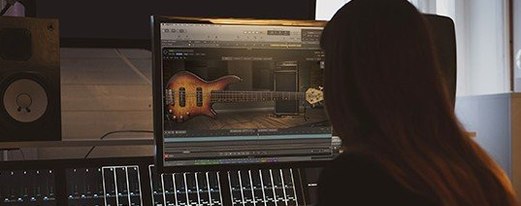
It's for producers and vocal editors who want to tidy up a performance without leaving the DAW. It works as an ARA-capable plugin, pulling audio straight into its own window so you can edit multiple tracks in one place.
How does the pitch correction feel?
It uses neural-network pitch detection, which catches the fundamental without getting thrown off by overtones. Freehand pitch drawing lets you reshape a note exactly how you want, rather than snapping to a rigid grid.
Can I edit the non-musical parts of a vocal?
Yes. Sibilants, breaths, and mouth noises aren't treated as afterthoughts. You can isolate and edit them separately, which helps when a whispery take needs cleaning up but you don't want to dull the tone.
What happens when my project changes?
In ARA-compatible DAWs, the plugin syncs with your transport, loop points, tempo, and meter changes. The editing stays in time even if you restructure the arrangement later.
Color-coded pitch scanning at a glance
The colored note segments are more than decoration. When you're scanning a long vocal take, the color coding tells you at a glance which notes are on pitch, which are sharp, and which are flat. It saves me from zooming in and squinting at every syllable.
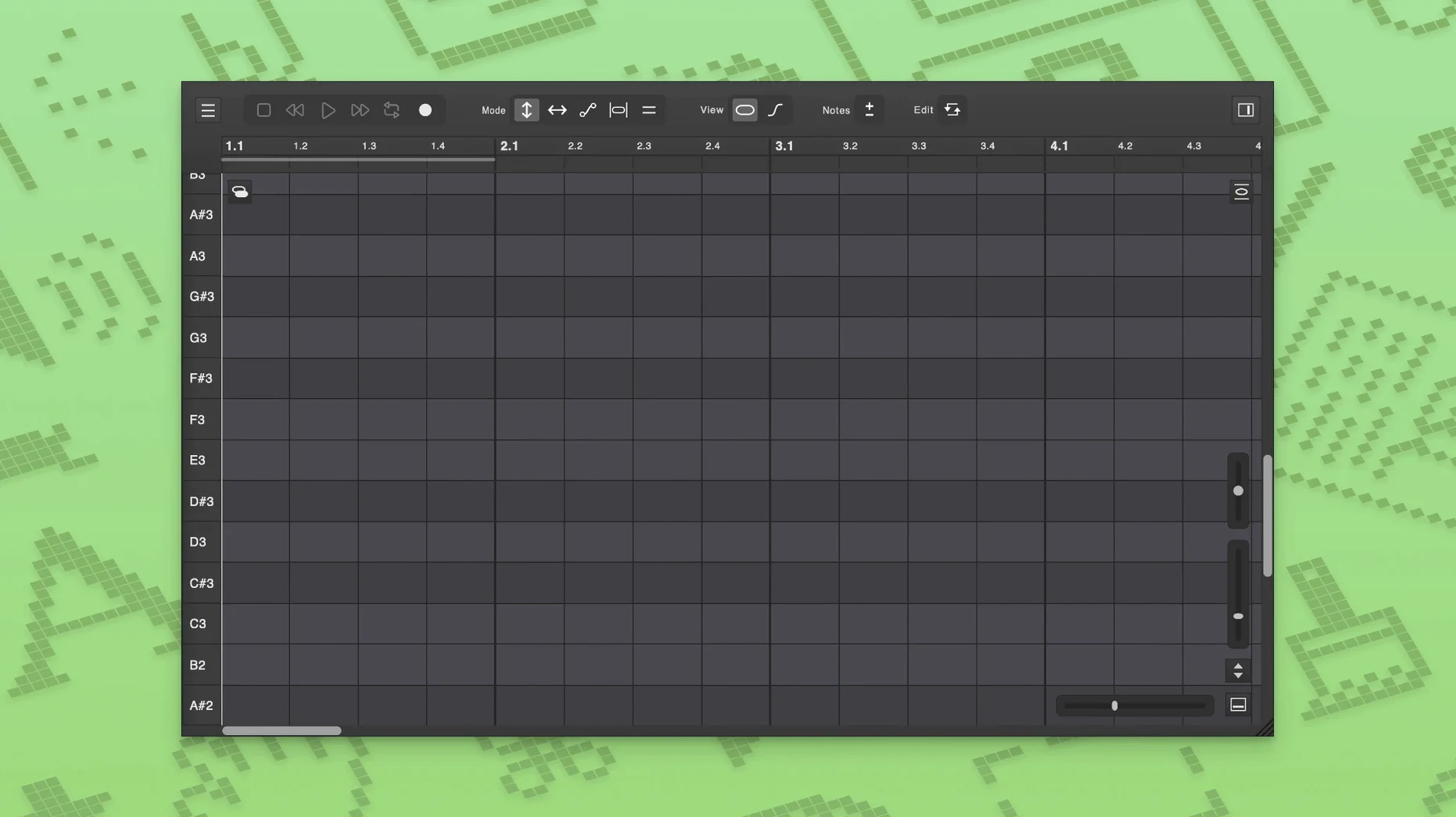
Temporary notes are one of those features you might skip over in the manual, but they're brilliant for micro-edits. If a singer slides into a note in a way that sounds fine except for one wobbly moment, you can drop a temporary note on just that section and adjust it without affecting the rest of the phrase. Right-click, set the boundary, tweak, done. The note disappears when you clear it, and the surrounding audio stays untouched.
MIDI file loading is another quiet powerhouse. Say you've got a harmony part that needs to match a synth line exactly. Load the MIDI file as a pitch reference, and you can see where the vocal needs to go without switching windows or playing a guide track over and over.
Multi-level undo and redo works the way you'd expect, and it goes deep enough that you can chase a bad idea back to where you started. The keyboard shortcuts for undo and redo follow the standard Cmd+Z and Cmd+Shift+Z pattern, so there's no muscle-memory friction.
Tightening a drifting chorus in one pass
You open a project with a lead vocal that needs tightening. The singer nailed the emotion, but a few phrases drift sharp in the chorus, and there's a breathy section in the second verse where the pitch wavers.
You load Vovious as an ARA plugin on the vocal track. The audio appears in its window, split into colored note segments. You loop the first chorus and watch the transport sync up. The notes that need attention are already highlighted in a warmer color, so you zoom in on those first.
On the sharp phrase, you grab the pitch line and draw a gentler curve, pulling it down to the center. The neural-network detection has tracked the fundamental cleanly, so the correction sounds natural on playback. No warbling, no artifacts.
For the breathy verse, you switch to editing breaths and sibilants separately. You isolate a noisy inhale, drop its amplitude by a few decibels, and leave the tonal part of the phrase alone. Then you find a spot where the singer's vibrato speeds up awkwardly — you open the vibrato control and slow it down just enough to match the surrounding phrases.
Before you move on, you load a MIDI file of the backing vocal arrangement as a pitch reference. The harmony line slides into place against the guide notes. You do a full pass with the arrangement playing, and the plugin stays locked to the tempo map even when the bridge shifts into half-time. You close the window and move on to mixing.
Study how the neural network segments a familiar take
Start with something you already know well — a vocal take you've heard a hundred times. Open it in Vovious and just watch how the neural-network detection segments the performance. Pay attention to which notes it flags and why. You'll start to see patterns in your own recordings that you didn't notice before.
Try the automatic key detection early. It's not something you need to trust blindly, but it gives you a starting point for pitch correction that you can adjust if the algorithm guesses wrong. In a dense mix, it's usually close enough to save you ten minutes of hunting.
Give yourself permission to use freehand drawing loosely at first. The tool doesn't force you into perfect stair-step corrections. Draw a rough curve, listen back, and then refine. You'll get a feel for how much smoothing sounds right on your material.
If you work in Logic Pro and tend to keep multiple projects open, the fixes in version 1.0.16 matter. Close projects you're not actively editing before loading Vovious instances, at least until you're used to the plugin's behavior. The shared-instance fixes are solid now, but a clean workflow never hurts.
When you're editing multiple vocal tracks in one window, name your takes clearly before you start. The multi-track view is powerful, but it gets confusing fast if every clip is called "Audio 01." A little housekeeping upfront makes the editing session smoother.
Multi-track harmony editing in one window
Vocal producers who do their own editing get the most out of Vovious, especially if they're working on dense arrangements with stacked harmonies. The ability to edit multiple tracks in one window means you can tune a four-part harmony against itself without bouncing between plugin instances. You hear the blend, you see the pitch relationships, and you make decisions faster.
Audio engineers who came up editing on hardware pitch correctors tend to appreciate the freehand drawing approach. It feels closer to turning a knob than punching numbers into a grid, and the formant control gives you room to shift a note's character without making it sound processed.
Music editors working on long-form projects — podcast musical segments, video soundtracks, live concert recordings — benefit from the ARA sync. Tempo and meter changes in a forty-minute timeline can wreck a static pitch correction, but Vovious follows the arrangement. If you're cleaning up a live vocal that drifts in and out of a click track, that matters.
People running DoublePi Technologies Vovious torrent macOS setups sometimes discover the plugin through shared project files or collaborator recommendations. If you're testing it out on a local machine, everything runs locally — the neural-network processing doesn't phone home, and there's no cloud dependency. That keeps the workflow snappy even on an older Mac, as long as you're on macOS 11 or later.
If you're someone who edits sibilants and breaths by hand rather than reaching for a de-esser, the separate editing mode for non-tonal sounds will feel like it was built for you. You can tame a harsh "s" without dulling the high end of the vocal, and you can bring up a quiet breath for intimacy without boosting mouth clicks. That kind of control is what turns a competent vocal edit into a transparent one.
A couple of stability improvements landed in this update:
- Fixed a rare host crash when loading a project with many clips or instances in ARA mode.
- Multiple fixes for Logic Pro when sharing a plugin instance across open projects.
- macOS 11 or newer
- Apple Silicon or Intel Mac
Questions from the stall
Does Vovious process audio in the cloud?
No, all calculations run locally on your computer.
What got fixed for Logic Pro users?
Version 1.0.16 includes multiple fixes for Logic Pro when the same plugin instance is used across several open projects.
Can I edit more than one vocal track in the plugin?
Yes, it supports editing multiple tracks inside a single window.
Notes from other shops 0
Sign in or open a shop account to leave a note.
No notes yet. If you've used this on a shop Mac, tell me how it went.