Infiltrator 2 runs on any Mac running OS X 10.11 or newer, with native support for both Apple Silicon and Intel processors. It loads as an AU, VST, VST3, or AAX plug-in and opens projects made with the original Infiltrator without a hitch.
How the effect chain works
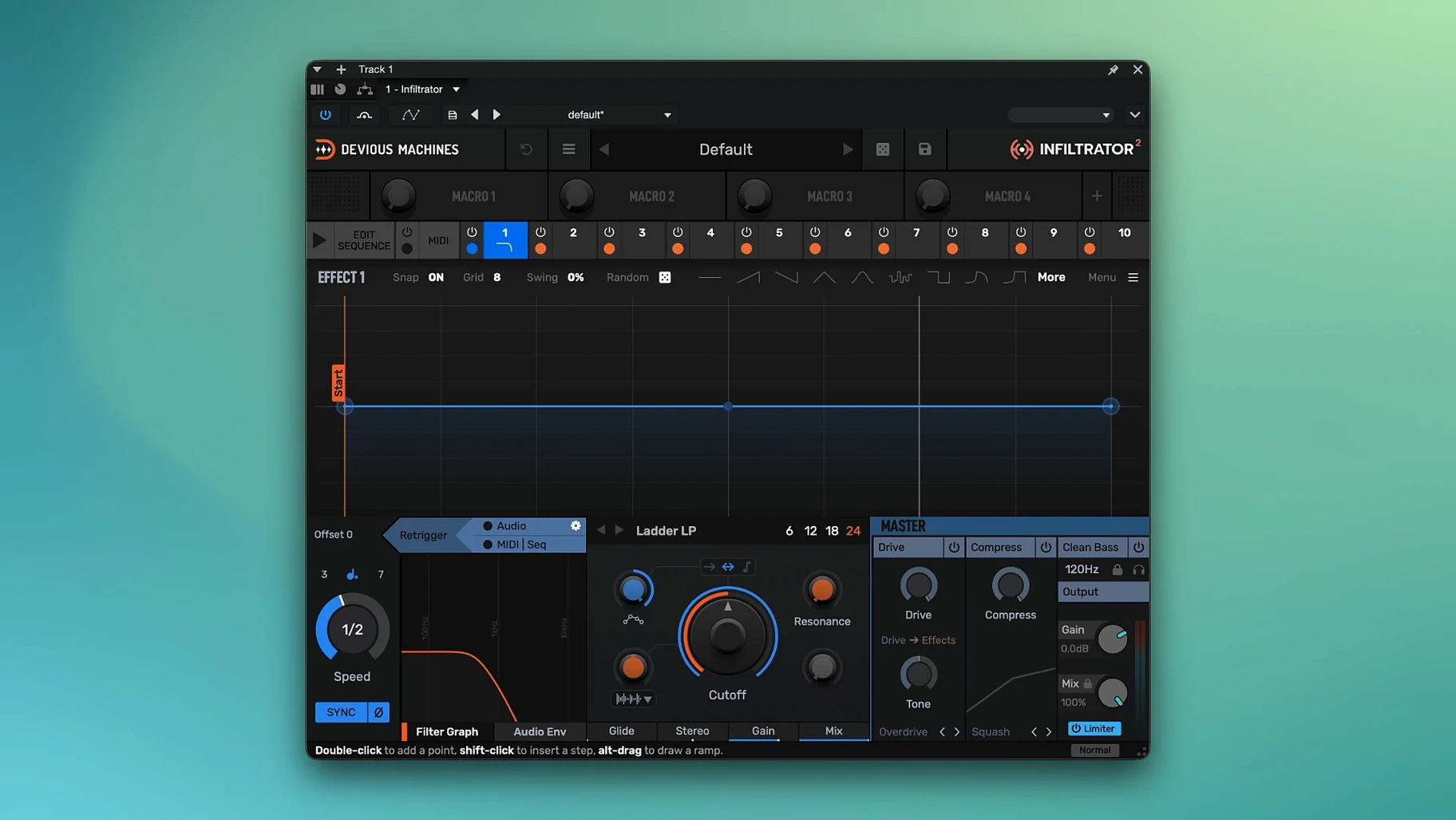
- Stack up to ten effects in a single lane and drag them into any order you like.
- Draw envelope curves to modulate almost any parameter over time, turning a static chain into something that breathes with the track.
- Set custom beat divisions for tempo-synced movement—great for rhythmic filter chops and delay throws that lock to the grid.
- A built-in output limiter added in version 2.5 keeps levels in check when the modulation gets wild.
Envelope-driven multi-effects in a single slot
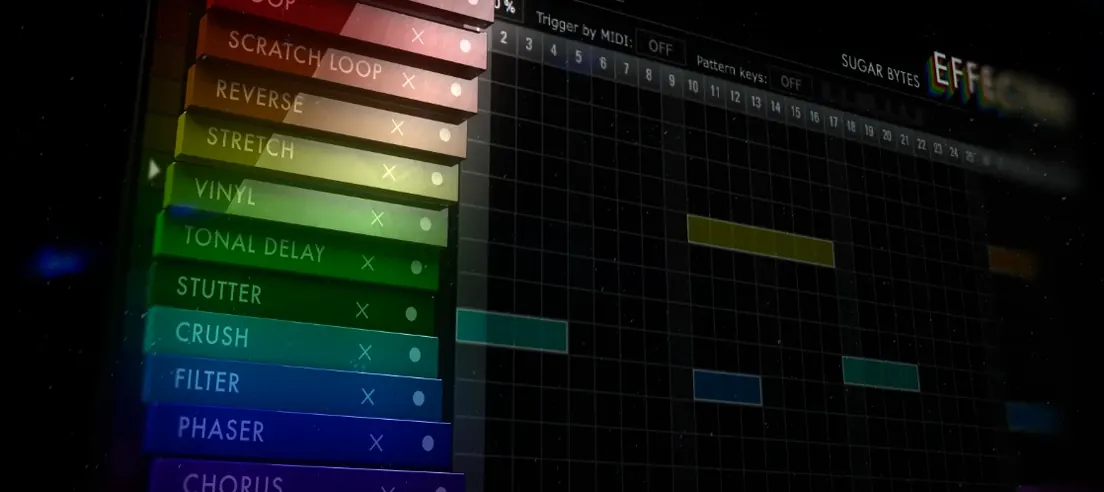
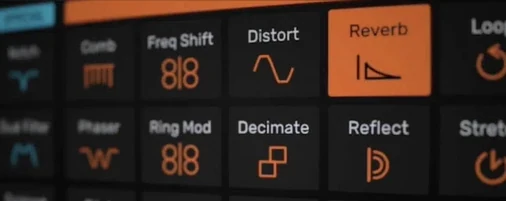
Infiltrator works like an envelope-controlled filter and multi-effect brain that can reshape a sound completely within a single insert slot. A dry bass line can turn into a glitched, filtered, and delayed texture without leaving the plugin window. Because the modulation is drawn by hand, the movement feels more deliberate than an LFO—you decide exactly when a filter opens or a bit-crusher kicks in. I’d reach for it when a track needs a moment that evolves rather than loops.
Learn the signal flow from the effect lane
Infiltrator throws a lot at you on day one, so I'd pick a lane early. Open the factory preset browser and play through a handful of patches while watching the effect lane—it shows you which modules are active and how the envelopes are drawn. That alone teaches you more about the routing logic than the manual ever could.
Another thing that helped me settle in was locking the output limiter on from the start. The new output limiter in version 2.5 catches those spikes when a resonance sweep or a stacked distortion chain suddenly jumps 12 dB. You can focus on shaping sound instead of babysitting the master fader.
A quick workflow tip: map your MIDI controller to the dry/wet macro early. Dragging that knob while a sequence runs is the fastest way to find the sweet spot where the effect sits in a mix without overpowering everything. Later you can draw envelope data for it, but for the first few sessions a physical knob beats mouse-drawn curves.
The white noise burst is just the demo timer
The most common head-scratcher I hear about is the white noise burst in demo mode. If no license is present, Infiltrator runs for 14 days and occasionally drops a few seconds of white noise into the output. That's not a bug—the plugin is working as intended—but it can scare you if you're monitoring loud. Keep a limiter on the master bus while testing and it'll stay manageable.
Another one: tempo-synced effects drifting off the grid. The custom beat divisions added in version 2.5 are a real upgrade from the old fixed-note menu, but they rely on your DAW sending solid transport information. If a delay line or a sequencer gate isn't locking to the downbeat, check that your host is actually playing and that the plugin isn't in a timebase mismatch (some older hosts default to seconds rather than beats). Toggling the transport or re-inserting Infiltrator usually sorts it.
Loading old projects can also trip you up if you've renamed or moved the original Infiltrator plugin file. Infiltrator 2 opens version-one projects, but your DAW needs to find the new plug-in under the same slot. If the session throws a missing-plugin error, rescan your plug-in folder and replace the insert with Infiltrator 2—the preset data should recall correctly.
Built-in output limiter trims your plugin chain
Version 2.5 didn't just add features—it tightened up a few workflow loose ends. The output limiter means I no longer stack a separate brickwall plugin after Infiltrator when designing aggressive chains. One less insert, one less window to manage. That matters when you're running a session with 40 tracks and plugin latency is piling up.
The custom beat divisions deserve a separate mention because they changed how I approach rhythmic modulation. Previously you picked from a fixed list of note values. Now you can dial in odd divisions like quintuplets or dotted 64th notes directly, which makes Infiltrator far more useful for experimental drum processing and off-kilter synth stabs. Combined with the envelope editor, you can build modulation patterns that feel much less like a step sequencer and more like a performer reacting to the track.
One quiet change in the 2.5 cycle is better Apple Silicon stability when running multiple instances. Earlier builds could occasionally spike the CPU when several Infiltrator windows were open at once; the 2.5.26 build runs cooler on my Mac, and plugin scans after an update have been uneventful. If you're still on an older version, moving to the current build is worth it for that alone.
Version 2.5 added a few practical refinements:
- A new output limiter to catch peaks when heavy modulation pushes the gain.
- Custom beat divisions for tempo-based effects, giving you finer control over rhythmic patterns.
- The current Mac build is Infiltrator 2.5.26.
- macOS 10.11 or later
- Apple Silicon and Intel Macs
Questions from the stall
Does Infiltrator 2 open old projects from the original version?
Yes, it is fully compatible with projects that used the original Infiltrator.
What plug-in formats does Infiltrator support on Mac?
It comes in VST, VST3, AU, and AAX formats for broad DAW compatibility.
Can I use tempo-based effects with Infiltrator?
You can, and version 2.5 added custom beat divisions so tempo-synced modulation fits any time signature.
Notes from other shops 0
Sign in or open a shop account to leave a note.
No notes yet. If you've used this on a shop Mac, tell me how it went.