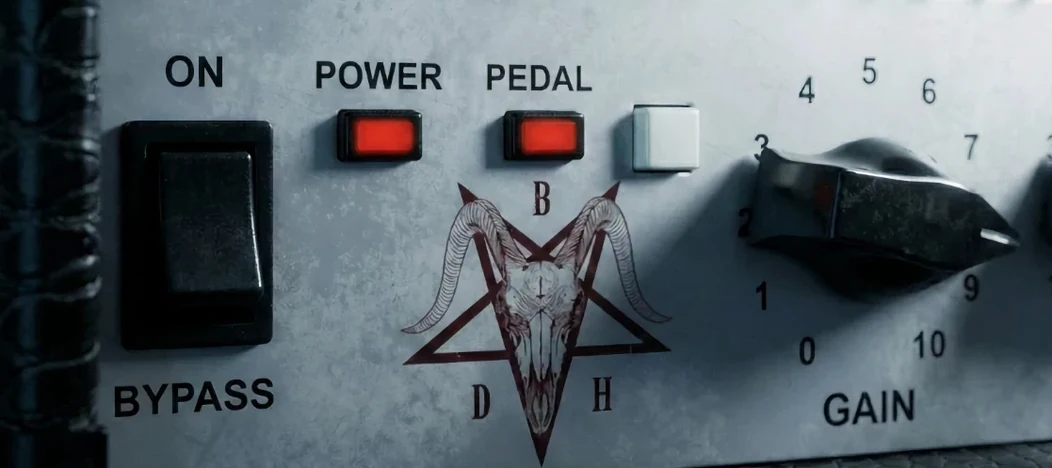
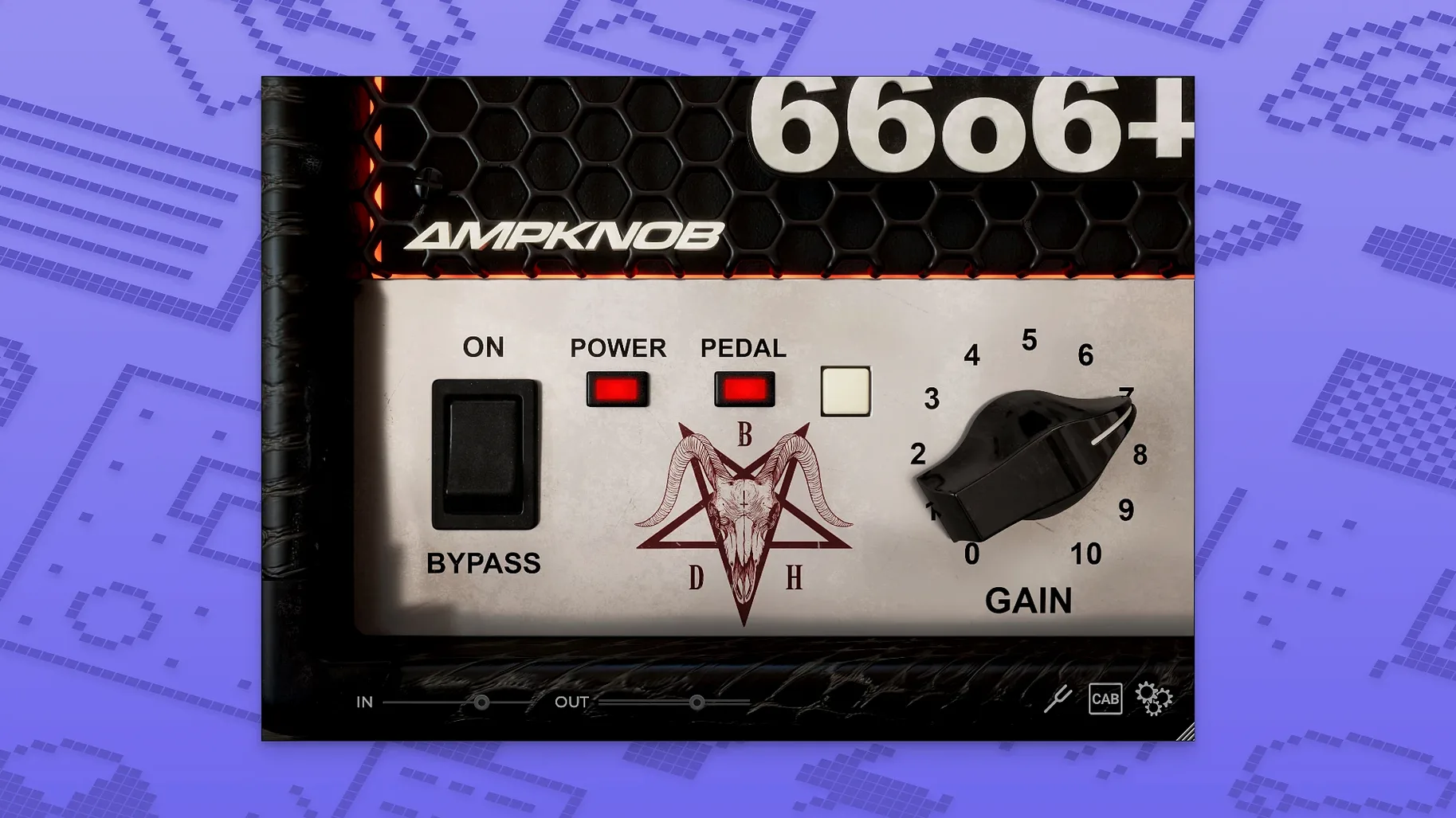
The BDH 66o6 Plus is for guitarists and producers who want a heavy, modded amp tone without a screen full of tiny controls. Jens Bogren shaped the sound to give you a modified take on a late high-gain amp, and the simplified layout means you spend your time playing, not tweaking menus.
A hot-rodded late-era high-gain amp in a box
| What | Details |
|---|---|
| Type | Guitar amp simulation plugin |
| Developer | Bogren Digital |
| Sound base | Hot-rodded, modified plus version of a late high-gain amp from around 2000 |
| Character range | Restrained and tight to saturated and energetic |
| System | macOS 10.13 and later, Intel & Apple Silicon |
The real story here is in the few knobs you do get. The gain control covers a lot of ground—push it past noon and the saturation blooms into a thick, energetic roar that still holds its shape in a dense mix. Back it off and you get a restrained, punchy crunch that works great for doubled rhythm parts. The tone shaping is equally straightforward: a tight low end keeps palm mutes from getting flubby, and the top end can go from a smooth, dark warmth to an aggressive bite without ever feeling fizzy. What I appreciate is how the energy of the amp translates without needing extra processing. It slots into a mix with a sense of character already baked in, so you're not fighting it with EQ afterward. It's a quick path to a lively, professional guitar sound.
A tracking workflow from scratch
Here's a way I'd use the 66o6 Plus to build a high-gain rhythm tone that sits right on the first pass. The goal is a tight, energetic double-tracked part that doesn't need a pile of post-processing.
Load the plugin on a mono guitar track, leave the pedal switch off, and set the main character switch to its middle position—neutral enough to judge the raw sound. Pull the gain back to around 10 o'clock. It's tempting to dime it right away, but starting lower gives you room to hear what the amp is actually doing to your transients. Play a chugging riff and listen to the low-end recovery between palm mutes. If the attack feels soft, nudge the gain up in small steps until the notes snap without turning to mush.
Now dial the tone. Roll the high control until the pick attack gets a crisp edge, then back it off just a hair—that's usually where the fizz lives on most amp sims, and the 66o6 Plus is no exception. The low control is more about shape than sheer boom. I'd push it until the chugs have weight, then stop right before the bass starts crowding the kick drum frequency. Hit the pedal switch to see if the tightened low end helps; on down-tuned material, it often does.
Double the part to a second track, pan them hard left and right, and flip the character switch on one side to the more saturated position while leaving the other restrained. The contrast between the two performances gives you width without any stereo widening tricks. A tiny high-pass filter at 80 Hz on both tracks is usually all the cleanup you need—the amp's own low-end discipline handles the rest.
Common beginner slip-ups
New users coming from more complex amp sims tend to overthink the 66o6 Plus. The biggest mistake is treating the gain knob like a distortion pedal. This amp's saturation curve isn't linear—pushing past 3 o'clock doesn't add much more grind, it just compresses the signal and eats your pick definition. If you need more aggression, try the pedal switch or the hotter character setting before cranking the gain further.
Another one: ignoring the character switch entirely. Some people park it on the tightest setting and wonder why lead lines feel stiff, or leave it on the saturated mode and complain that palm mutes blur together. The switch isn't a gimmick—it re-voices the amp's midrange response significantly. Flip it mid-session when you switch from rhythm to lead parts and you'll hear the difference immediately.
Beginners also tend to treat the tone controls like a post-EQ. The high knob isn't a presence control, and the low knob isn't a bass boost. They shape the amp's internal voicing before the power section, so cutting too much high end can dull the attack in a way that no post-EQ can fix. Start small, listen to the pick transient, and adjust in tiny increments.
Tighter Apple Silicon stability without altering the core tone
While the core amp model in version 1.2.118 stays true to the modded high-gain sound Bogren Digital built from the start, the plugin's stability on Apple Silicon systems has been noticeably tightened up. On older builds, some users reported occasional GUI lag when switching between the character modes during playback—something that's been ironed out in the current release. The plugin now loads faster in DAWs like Logic Pro and Reaper on M-series machines, and the pedal switch state is recalled reliably with session templates, which wasn't always a given earlier.
The activation handling was also streamlined, meaning less fuss when moving the plugin between machines or updating your macOS version. No new knobs or features were added—this isn't that kind of update—but the everyday experience feels snappier and less prone to small workflow interruptions. If you grabbed an ampknob bdm download from an earlier build, the difference in session recall speed alone makes the current version worth the switch.
- macOS 10.13 or newer
- Intel or Apple Silicon Mac
- VST, AU, or AAX compatible host
- Interface language: English
Questions from the stall
What amp is the BDH 66o6 Plus based on?
It's based on a hot-rodded and modified plus version of a late high-gain amp from around 2000, sound-designed by Jens Bogren to shift from tight and restrained to saturated and energetic.
What macOS versions does the plugin support?
It supports macOS 10.13 and later, and runs natively on both Intel and Apple Silicon Macs.
Notes from other shops 0
Sign in or open a shop account to leave a note.
No notes yet. If you've used this on a shop Mac, tell me how it went.