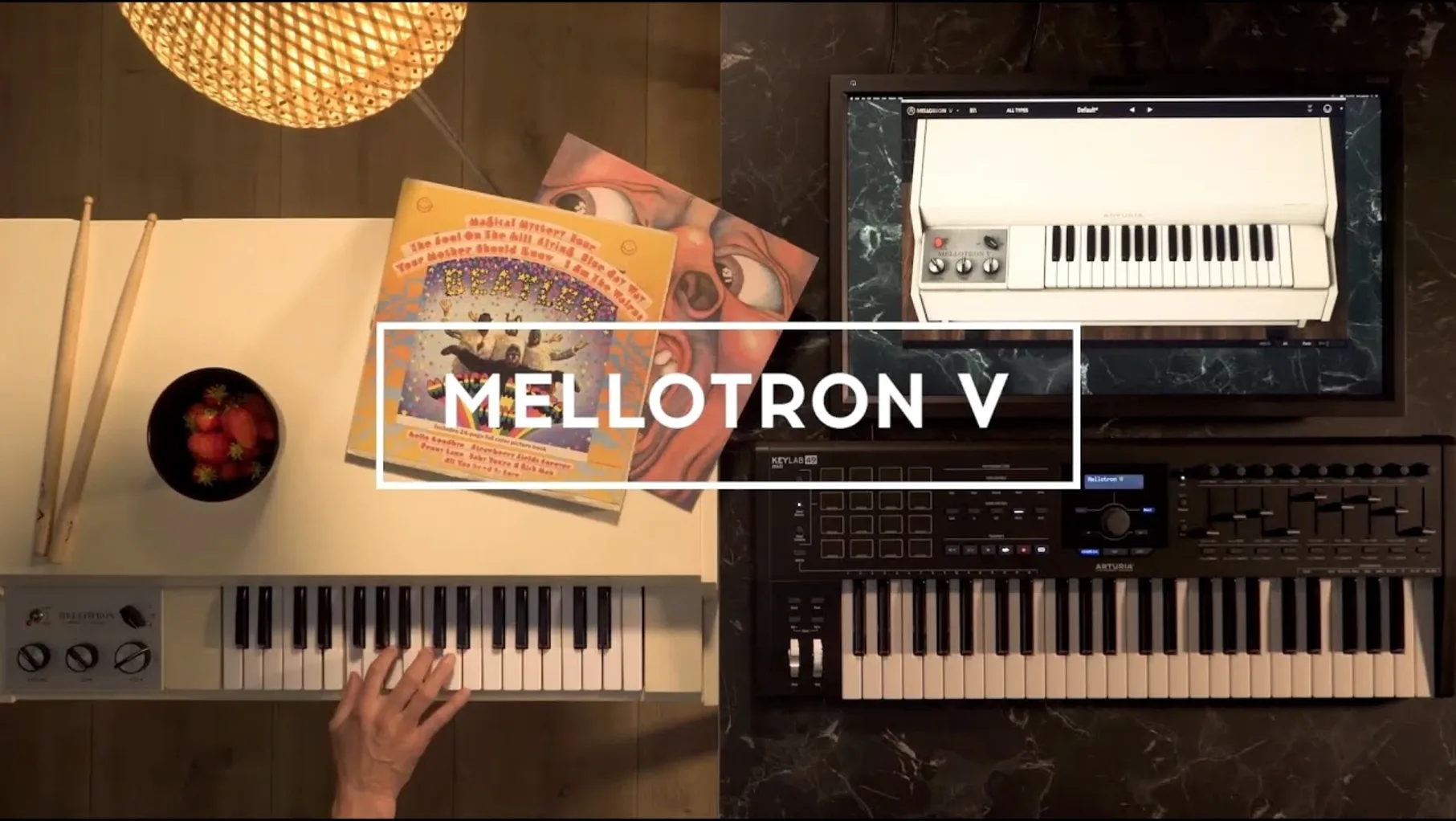
The Arturia Mellotron V is a software recreation of the tape-based keyboard that puts dusty string, flute and choir textures right onto a DAW track. Where it lands in a session changes everything about how it behaves.
Instrument track — the most obvious home. Load it here for the classic Mellotron lead-line or pad job. A single note carries the weight of 65 original tape banks, and each track row spans 96 chromatic semitones, so you can map a full keyboard range without hunting for missing notes.
Bus return — less common, but useful. Run a dry synth or guitar through it and blend in the built-in effects. The character comes from the signal path, not just the samples.
Sample-layering track — where it gets flexible. A single instance holds up to 2 factory samples and 6 user samples at once. I’d stack a cello tape with a field recording to build a texture that’s half-orchestral, half-found-sound.
Group channel — stick it here when you want multiple instruments to share the same wobbly tape imprint. It glues things together without making them sound polite.
Playlists stay visible after removing and reinstalling the instrument, and they survive calling up an old project — handy when you’re revisiting a half-finished arrangement months later.
Scoring a ghostly film cue with wobble and half-remembered warmth
Here's a sequence I keep coming back to when a short film scene needs that half-remembered, wobbly warmth. Start on an instrument track with the M400 Strings tape bank. Play in a simple three-note chord progression — nothing fast, nothing clever. Let the notes overlap slightly so the mechanical noise has room to breathe.
Now layer. Add a second track row with the Flute bank, but drop it an octave. Pan it left about 30%. The flutes lose their chirpiness down there and turn into something closer to a breath. Set track two's level lower than the strings — it should be felt, not heard.
Open the tape controls next. Push the wow and flutter up to about 40% and dial in a touch of mechanical noise. Not enough to sound broken; just enough to make the pitch waver like an old cassette found in a basement. Lower the tape age slider until the high end softens. That's the glue.
For the third layer, load a user sample — something short and textural. A creaking door recording, slowed-down rain, anything with grit. Map it to only the upper octave, keeping 2 factory slots and 6 user slots free for later tweaks. Pull its level way back. Now the chord stabs have a ghost trailing behind them.
On the effects side, add a light plate reverb and a touch of the built-in delay, set to dotted eighths. Don't drench it. The point is atmosphere, not a wash. Bounce the part and tuck it behind the dialogue. It'll sit there making the scene feel older than it is.
Dial up transport clunks and flutter before your first chord
Three controls make an immediate difference, and they're not always the ones people reach for first.
Mechanical noise level. The default is polite. Raise it until you hear the clunk and whir of the transport. On a ballad, this might be distracting. On a lo-fi beat or a tense underscore, it's the texture that sells the sound. I set it around 25–30% for most cues and back it off if the arrangement gets dense.
Envelope shape. The ADSR defaults work for pad duties, but the attack stage matters a lot when you're playing staccato chords. Shorten the attack to around 20 ms and bring the release down to taste. You'll get the bite of a real Mellotron note start without the sluggish swell. For leads, try a sharper decay and a sustain level that leaves headroom for the effects section.
Sample crossfade on the track row. When you're blending two factory samples — say, strings and choir — the crossfade slider determines how they overlap across the keyboard. Pull it left to favor the lower register's character. Push it right to let the upper sample dominate. Small moves here reshape the whole voice.
One last housekeeping tip: rename your presets as soon as you save them. The 1.9.3 update fixed naming crashes and playlist visibility quirks, so there's no reason to leave them as "Default 12." A clear name means the preset search bar does its job when you're knee-deep in a session.
Full tape library loads in under two seconds on Apple Silicon
Mellotron V loads quickly — under two seconds on an Apple Silicon Mac, maybe five on an older Intel machine. That's with the full 65-tape-bank library indexed. Preset browsing is snappy now that the 1.9.3 fixes sorted the shuffle-and-favorites crash, and I haven't seen a single beachball while scrolling through playlists.
CPU usage stays modest for a modeled instrument. A single instance with two track rows active sits around 3–5% on a modern Mac. Stack eight or ten instances in a busy arrangement and you'll notice the load, but freezing tracks solves it without drama. The plug-in runs as a 64-bit VST, AAX, or Audio Unit, and standalone mode is there when you just want to sketch without launching a DAW.
Memory-wise, user samples are the variable. Loading a full set of WAV, AIFF, or FLAC files across all eight user slots will push RAM use up, but the streaming engine handles it gracefully. I've thrown 90-second field recordings at it and didn't get clicks or dropouts during playback.
Stability is where this version earns its keep. The crash when naming presets is gone. Favorite presets now sort correctly with shuffle enabled, and FAQ links appear where they should. Pulling up a project from six months ago doesn't leave you hunting for missing playlists — they're visible after reinstall, which matters if you move between machines or clean-house on your plug-in folder.
Arturia Mellotron V feels settled. It's not a flashy update, but a stable one, and for an instrument built on the sound of decaying tape and aging mechanics, that's exactly what you want.
Version 1.9.3 tidies up the things you touch every day:
- Playlist editing and preset playlist naming are smoother.
- Managing and searching favorites feels more direct.
- Preset naming is clearer, plus a handful of bug fixes keep things steady.
- macOS 11 or later
- Intel or Apple Silicon Mac
- 64-bit host
Questions from the stall
Do my playlists disappear if I reinstall the instrument?
No, playlists remain visible both after removing and reinstalling the instrument and when you open an existing project.
How many samples can I load on one track?
Up to 2 factory samples, 8 user samples, or a mix of 2 factory and 6 user samples per track.
Notes from other shops 0
Sign in or open a shop account to leave a note.
No notes yet. If you've used this on a shop Mac, tell me how it went.