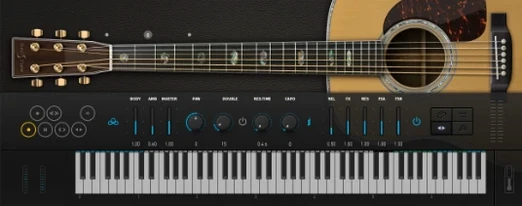
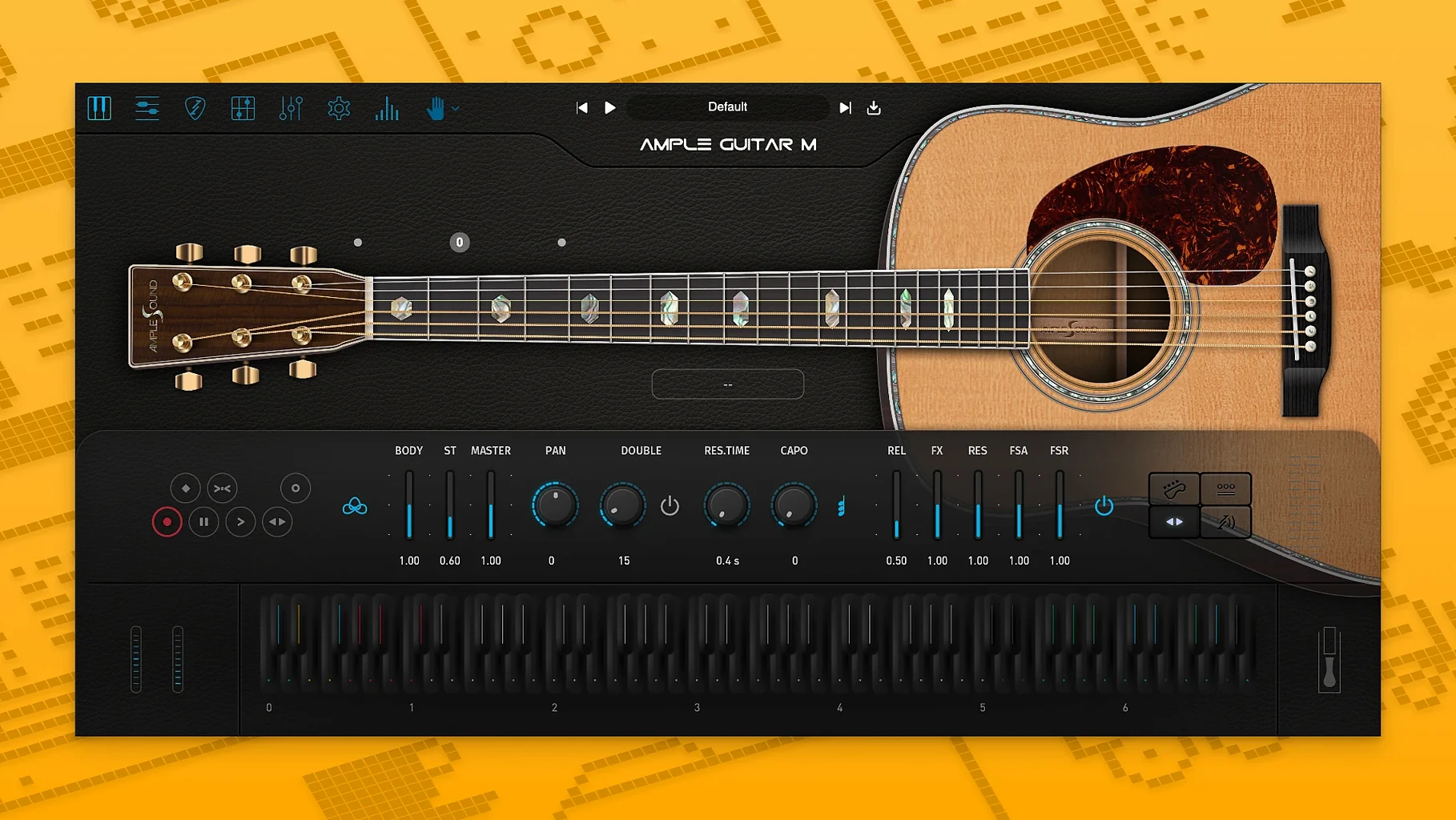
Recording a convincing acoustic guitar part without a guitar, a good mic, and a quiet room is a real challenge. Ample Guitar M steps in to fill that gap, giving you the sound of a carefully sampled acoustic instrument that you can play directly from your DAW. It's a plugin built for songwriters and producers who need realistic strumming, picking, and lead lines without scheduling a session player.
- Runs on Apple Silicon and Intel 64-bit Macs, with installers and sample library downloads available from the developer's official page.
- Comes as a VST, AU, or AAX plugin for your DAW, though you'll need to grab the separate sample library to hear any sound.
- Plays back a huge range of techniques right out of the box—fingerpicking, palm muting, hammer-ons, pull-offs, legato slides, harmonics, and natural vibrato.
- Imports Guitar Pro files directly, so you can load up existing tab arrangements and hear them through the sampled instrument.
- Version 4.1.0 improved the sampler engine for faster loading and smoother playback, plus added an Auto Vibrato Curve and Swing Quantization to the built-in Riffer.
What you get is more than a static set of samples. It responds to the way you play, whether you're tapping in MIDI notes, drawing automation, or loading a Guitar Pro file. For anyone building arrangements on a Mac, it's a practical way to put a believable acoustic guitar performance into a track.
Drops into Logic, Live, and other DAWs as a standard AU, VST, or AAX plug-in
Ample Guitar M works as an AU, VST, or AAX plugin, so it slots into Logic Pro, GarageBand, Ableton Live, Reaper, and pretty much any DAW that runs on a Mac. Once the sample library is in place, the plugin shows up in your instrument list with no extra routing. I like using it alongside a simple MIDI keyboard for basic note input, then switching to the built-in tab player or Riffer when I need something that sounds more like a real guitarist's hands.
On the macOS side, it plays nicely with Audio Units hosting in Logic without needing a wrapper or bridge. If you run an Apple Silicon Mac, the plugin loads natively—no Rosetta workaround required. That matters when you're stacking multiple instances in a session with other instruments and effects. You can also route its output through Space Designer or any convolution reverb to place the guitar in a room, something the raw samples benefit from.
Full library loads in seconds and keyswitches respond instantly on Apple Silicon
Loading the full sample set takes a few seconds, but the 4.1.0 engine improvements make it noticeably quicker than earlier versions. Once it's in memory, switching between strum patterns or articulation keyswitches feels immediate. On an M1 MacBook Air with 16 GB of RAM, a single instance barely nudges the CPU meter, though I'd keep an eye on memory if you're running four or five in a dense project.
Stability has been uneventful in a good way—no unexpected quits or plugin scans failing after updates. The sample library sits separately on disk, so you can keep it on an external SSD if internal storage is tight. The plugin finds it through a straightforward content path setting, and once that's dialed in, it stays put across macOS updates and DAW rescans.
When you're mixing a full arrangement with drums, bass, and a few synth layers, Ample Guitar M doesn't fight for resources. Bounce it to audio if you really need to free up overhead, but I rarely find that necessary for one or two tracks. The real bottleneck tends to be disk speed for the initial sample load, not ongoing playback.
Stop playing it like a piano and learn the keyswitch layout first
People new to sampled guitars often expect MIDI keyboard playing to sound convincing right away, and it usually doesn't. A piano-style performance won't trigger the right articulations—you need to learn the keyswitch layout for slides, harmonics, and palm muting, or lean on the Riffer and strumming engine instead. Skipping that step leads to parts that sound like a keyboard pretending to be a guitar.
Another common slip: ignoring the sample library requirement. The plugin installer alone won't produce sound. You need the separate library download, properly extracted and pointed to from the plugin's settings. I've seen people open the plugin, get silence, and assume it's broken when the content path simply wasn't set.
Finally, overloading the strummer with complex rhythms too early. Start with a simple pattern, get comfortable with the chord detection and timing grid, then build from there. The engine can handle intricate parts, but rushing in usually produces mechanical-sounding results that take longer to fix than they would to build step by step.
Tip: If you're hunting for additional sounds to pair with your setup, some users look for Ample Guitar M torrent or Ample Sound torrent downloads—just make sure your DAW scans the library folder correctly so articulations and file paths resolve without a hitch.
Version 4.1.0 sharpens things up behind the scenes and gives the Riffer a few new tricks:
- The sampler engine got a performance bump—loading times are shorter and playback feels snappier.
- The Riffer picked up an Auto Vibrato Curve and Swing Quantization, so programmed patterns can breathe a little more naturally.
- macOS 10.13 or later
- Apple Silicon or Intel 64-bit Mac
- Separate sample library download required
Notes from other shops 0
Sign in or open a shop account to leave a note.
No notes yet. If you've used this on a shop Mac, tell me how it went.