Flat, lifeless keyboard tracks can suck the energy out of a song before it gets going. You spend more time fighting the sound than making music. Addictive Keys is built to solve that, giving you pianos that sit in a mix without a wrestling match.
What kind of pianos am I getting?
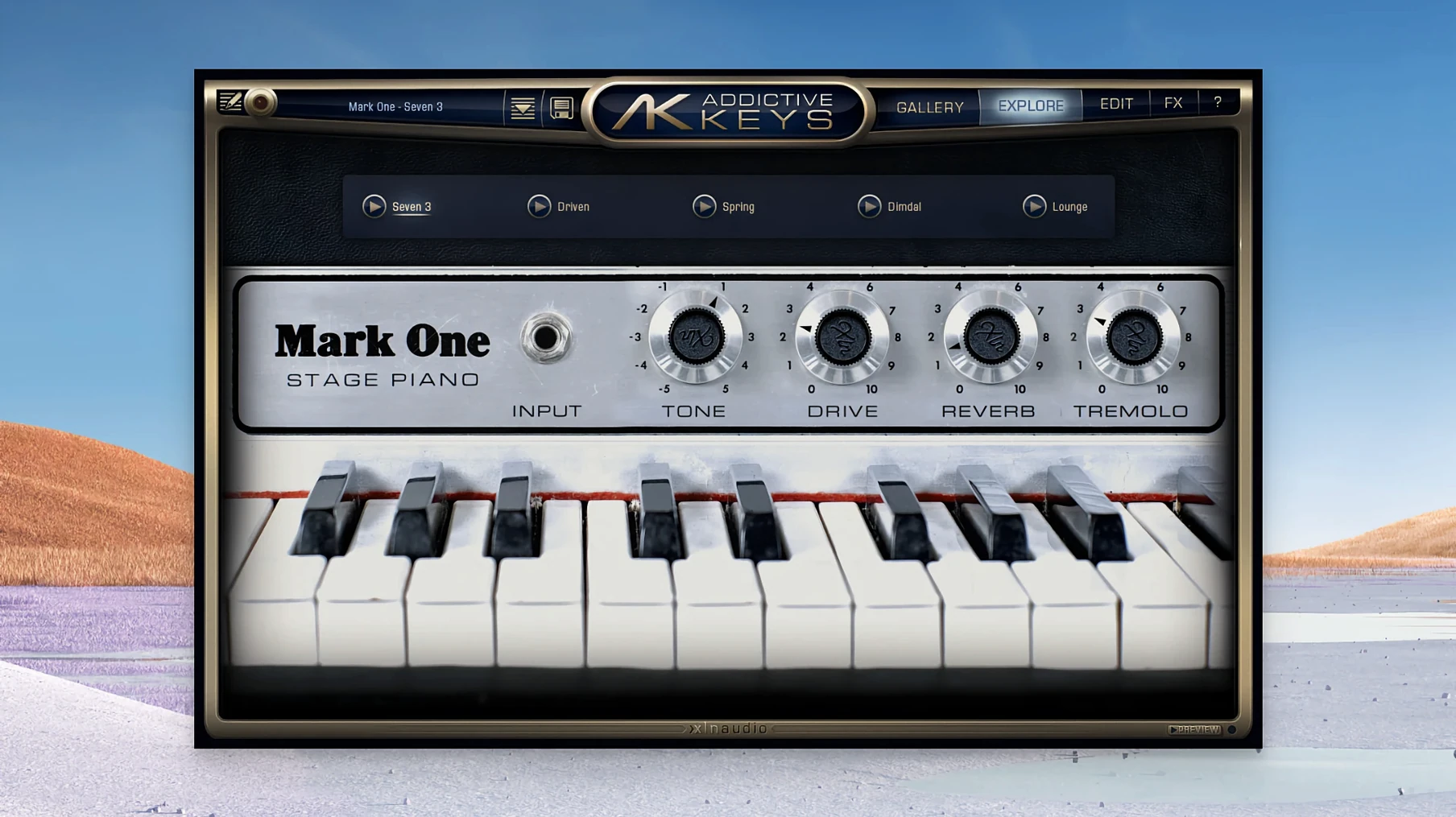
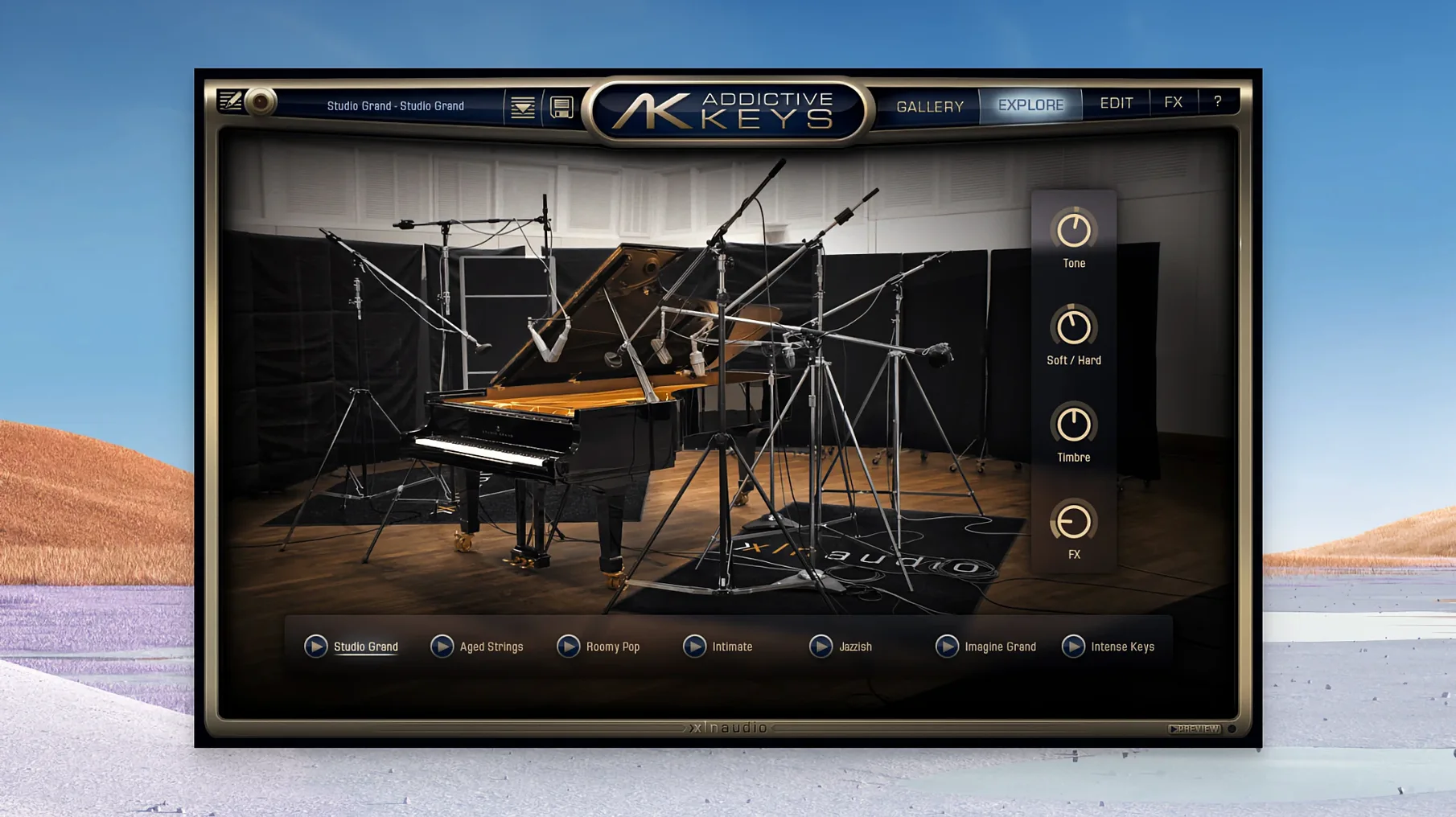
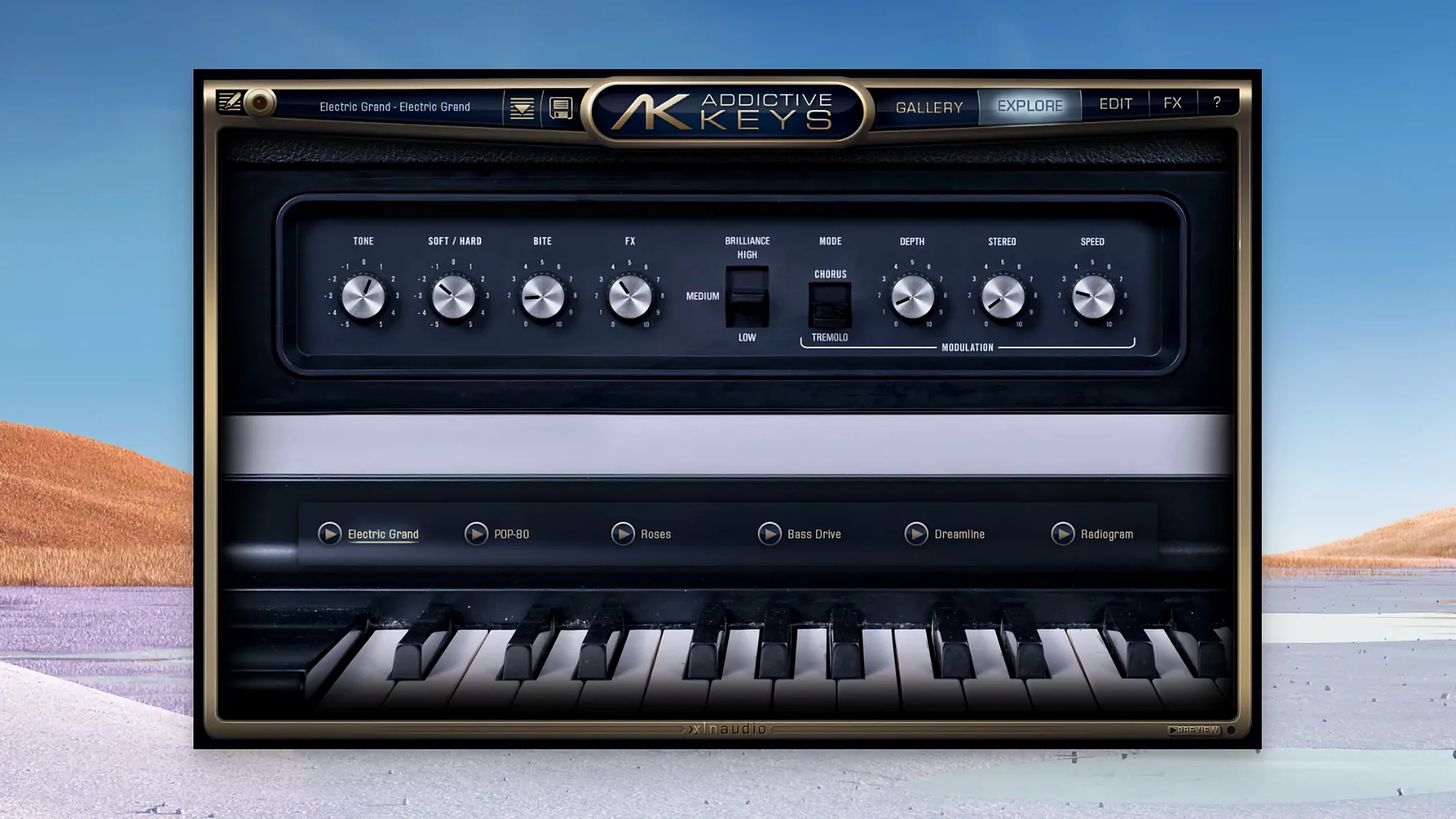
Four distinct voices: the Studio Grand, Modern Upright, Mark One (modeled on a Rhodes Mk. I stage piano), and Electric Grand. Two acoustics, two electrics, each recorded through a chain of modern and vintage gear so they show up with character already baked in.
Blend room mics to place your piano in a space
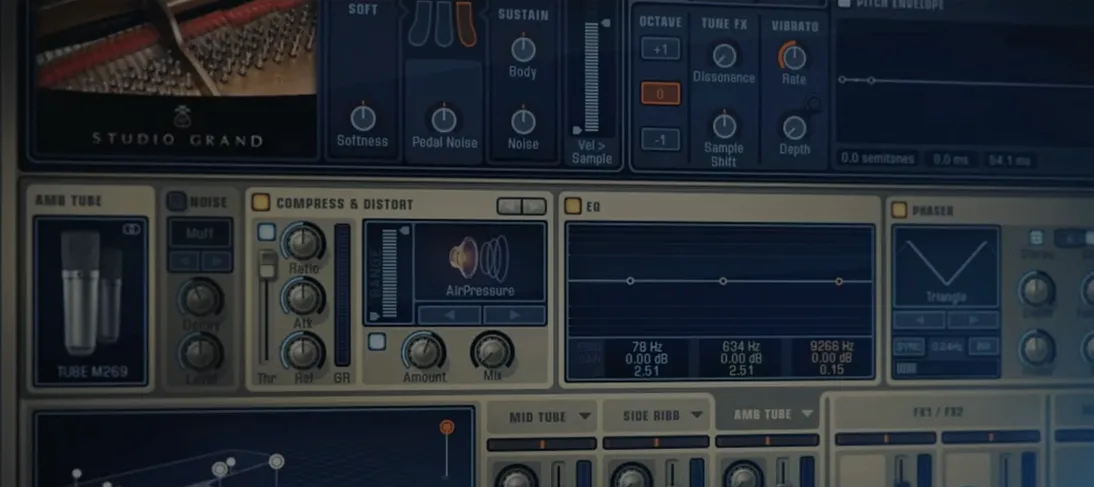
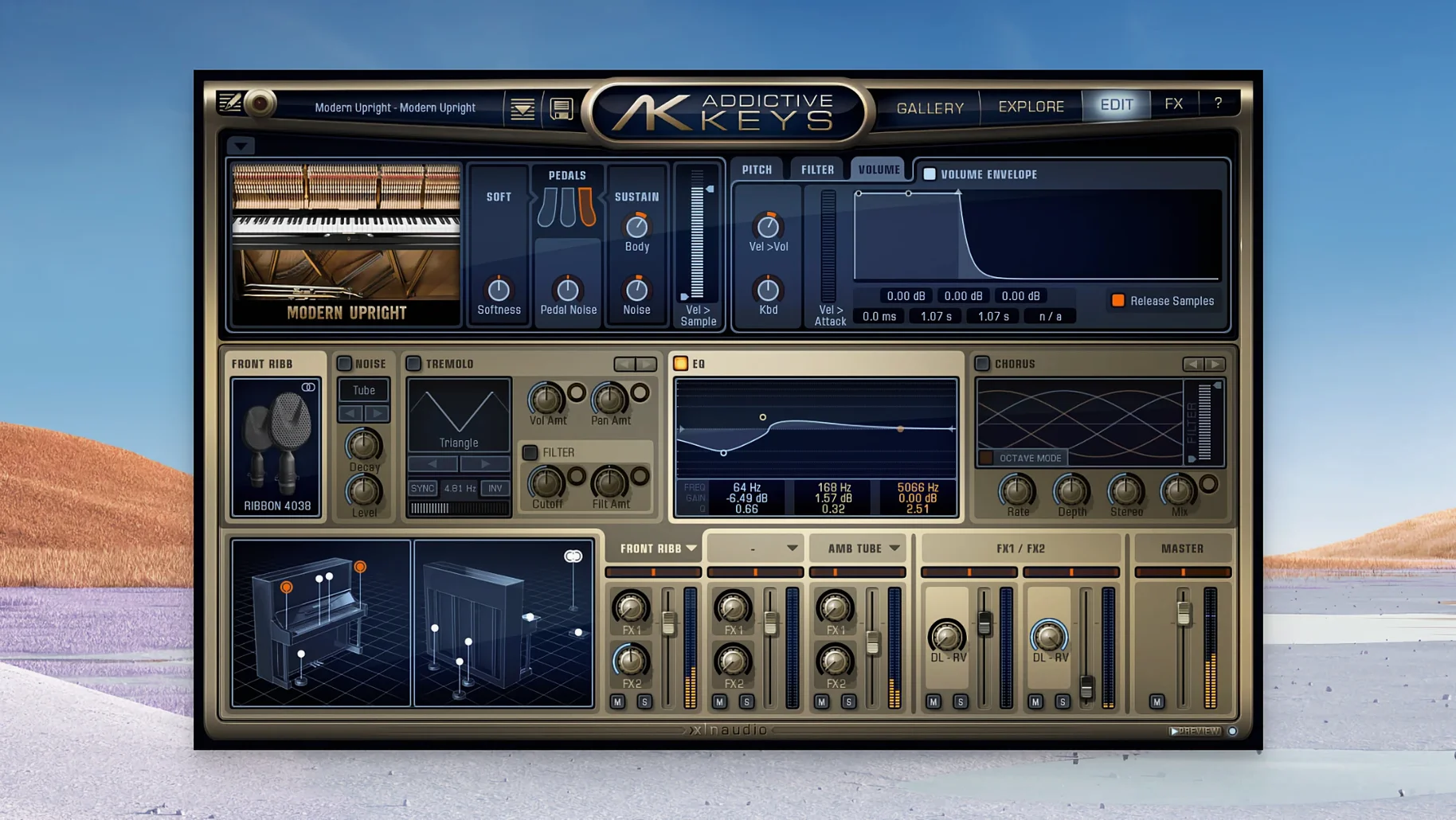
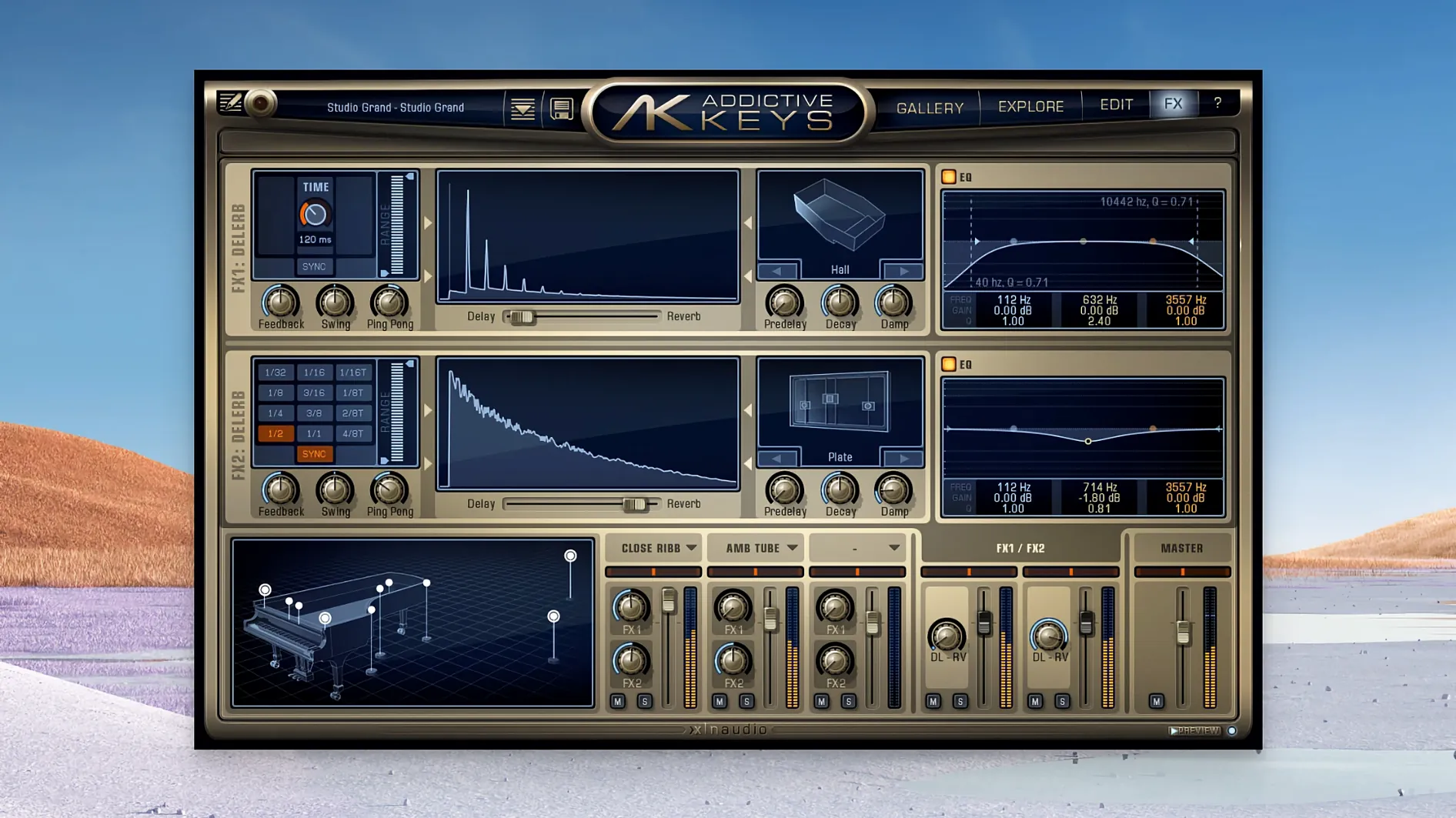
The mic perspective faders let you blend close, room, and ambient signals—push up the room mics to place the piano in a space, or keep it dry and direct. A tone control shifts the overall color without needing a separate EQ, and the built-in effects section covers modulation, drive, and space so you can shape the sound from the plugin window.
How useful are the presets for real projects?
They're production-ready, not just flashy demos. You'll find settings tailored for cutting through a dense pop mix, sitting softly under a vocal, or delivering that moody, felt-damped piano texture. It's a genuine time-saver when you're chasing an idea and don't want to start from zero.
What changed for daily use in the last few updates
Version 1.7.3 didn't reinvent the wheel, but it tidied up the things that pull you out of a session. Native Apple Silicon support arrived, so if you're on an M-series Mac, the plugin runs without Rosetta — that means fewer CPU spikes when you're stacking instances in a busy project. The AU format joined VST, VST3, and AAX, which matters if you lean on Logic Pro and were tired of wrapper workarounds.
Loading times stayed snappy. The manual mentioned fast loading early on, and that held true through updates. You can pull up a preset mid-session and hear it within a second or two, even on older Macs still hanging onto macOS 10.13. Stability got the quiet treatment — no flashy announcements, just fewer unexplained dropouts when switching between the four pianos in the same track.
Mic blend faders hold the personality, not presets
The biggest one is treating Addictive Keys like a simple sample player. They load a preset, hit a chord, and move on. But the mic blend faders are where the personality lives — ignoring them leaves the sound flat because the default balance may not suit your arrangement. Push the room mics up for a ballad, pull them back for something that needs to cut through guitars.
Another slip: piling on external reverb before touching the built-in space effects. The onboard ambience was captured during the recording sessions with the same signal path, so it often sits more naturally than a third-party plug-in tacked on afterward. Try the internal options first, then add only what's missing.
People also overlook velocity response tweaks. If your MIDI keyboard feels too sensitive or too stiff, the plugin adjusts, but the setting isn't on the main panel — digging into it saves a lot of frustrated re-tracking. And a practical note: the addictive keys complete collection installs all four pianos at once, which can eat more drive space than expected. If you know you'll only use the Mark One and the Modern Upright, a selective install keeps your library tidy.
Swapping presets mid-playback rarely glitches
In everyday sessions, the plugin loads with the kind of immediacy that keeps momentum going. Browsing through the electric and acoustic models doesn't trigger the beach ball, and swapping presets mid-playback rarely glitches — even in dense arrangements with a dozen other tracks running. Memory use stays reasonable for a multi-sampled instrument; you'll notice a bump when loading the full key-range samples, but nothing that chokes an 8 GB machine on moderate projects.
CPU draw is modest for the sound quality you get. The Studio Grand and Electric Grand are a touch heavier than the Mark One, especially with all three mic channels active and the onboard effects engaged, but freezing or bouncing the track solves that in seconds. The plugin handles quick preset hopping without the audio engine stumbling — a small thing that matters when you're A/B testing sounds during a writing sprint.
If you're hunting for an addictive keys download that won't bog down an aging Mac, the minimum requirement of macOS 10.13 means it still runs on machines from 2017 onward. On Apple Silicon, it's genuinely efficient — no translation layer overhead, and the installer handles both architectures without confusing separate versions. In practice, that means one less thing to troubleshoot when a collaborator sends over a project and you need to match their piano sound fast.
- macOS 10.13 or later
- Intel and Apple Silicon Macs
- English interface
Questions from the stall
Does Addictive Keys work in any DAW?
Yes, it loads as a standard plug-in in most major DAW hosts on macOS 10.13 or later.
What's included in the complete collection?
The full line includes the Studio Grand, Modern Upright, Mark One, and Electric Grand instruments.
How were the pianos recorded?
XLN Audio used a combination of modern and vintage recording equipment to capture each piano's character.
Notes from other shops 0
Sign in or open a shop account to leave a note.
No notes yet. If you've used this on a shop Mac, tell me how it went.