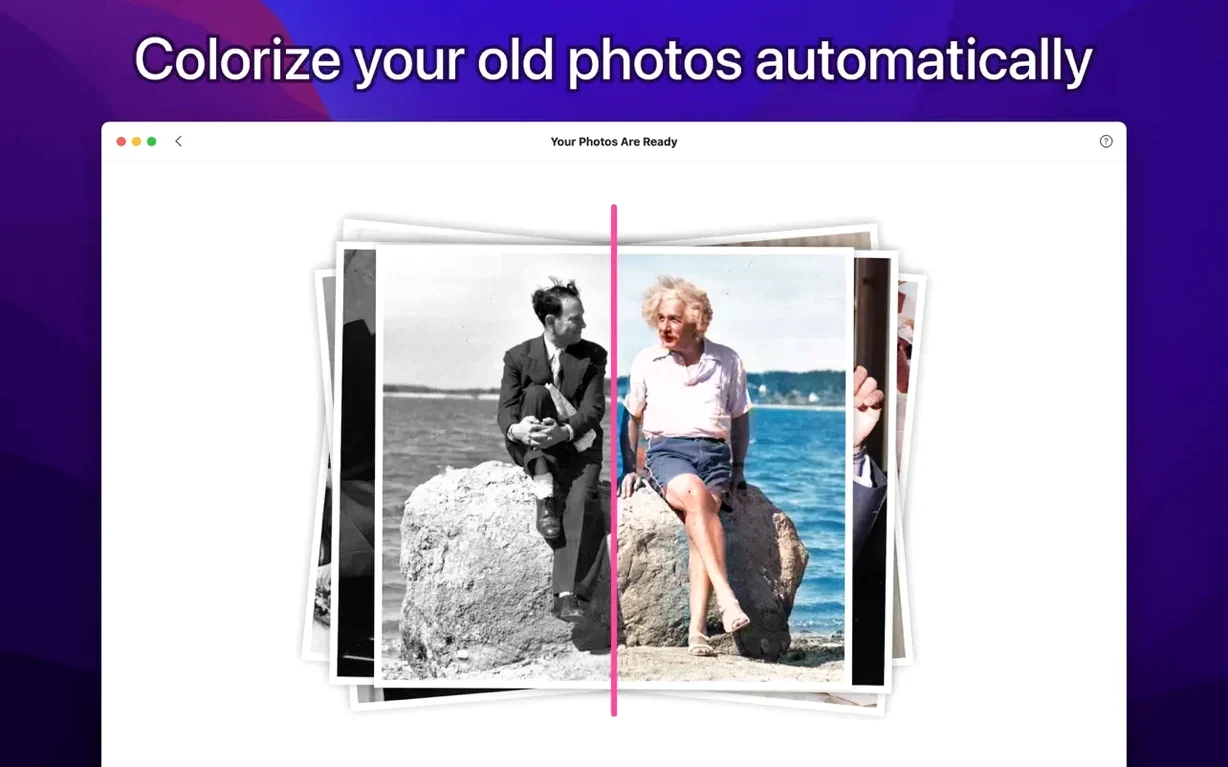
PhotosRevive is an app that uses artificial intelligence to automatically add color to black-and-white photos. Beyond the one-click magic, it includes a handful of tools for someone who wants more control over the final look.
Tools for a more deliberate result
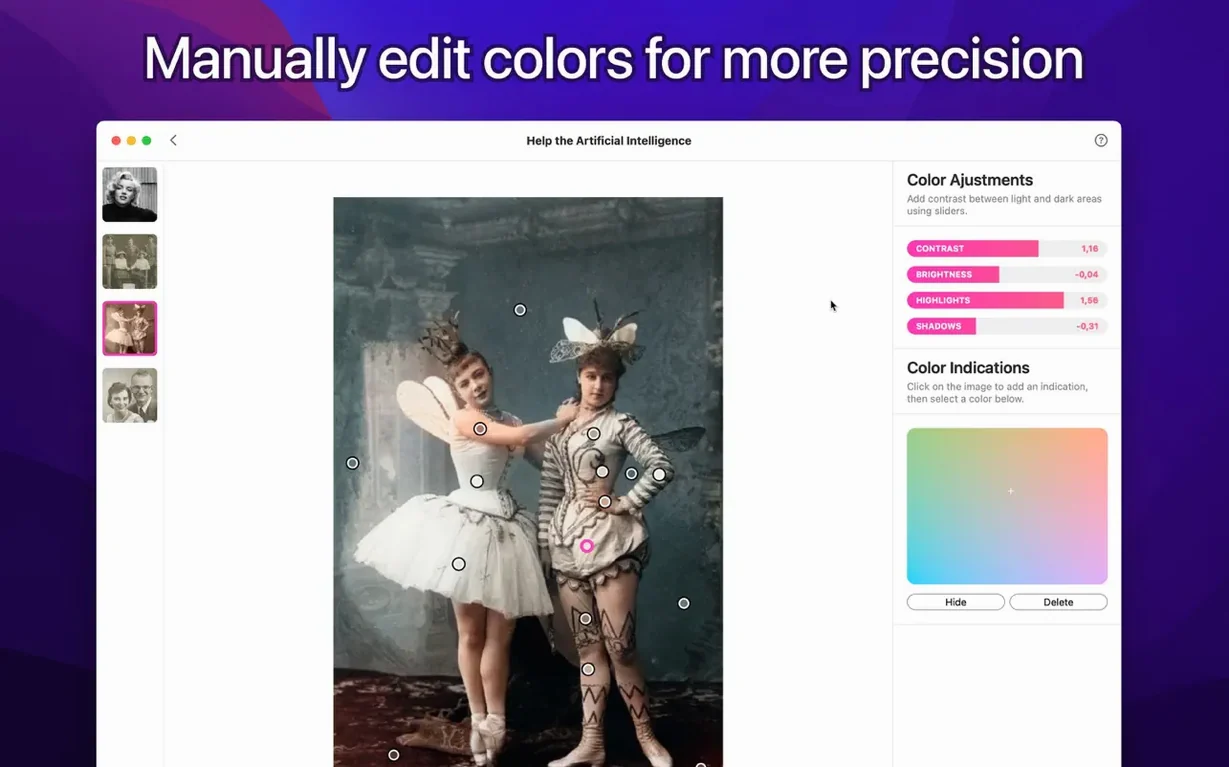
- Manual color hints. You can place small dots of color directly on the image to guide the AI. This is useful when a sweater needs to be a specific shade of green or a car should match a memory.
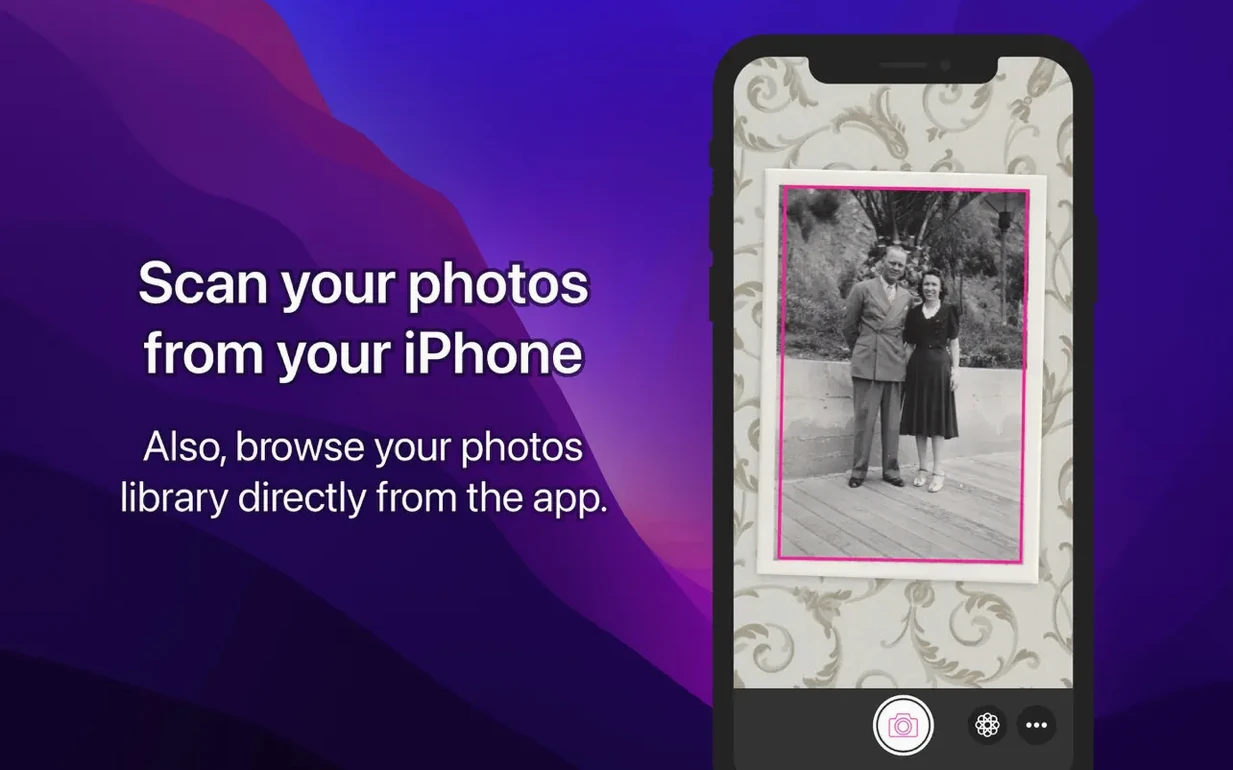
- Scan or import. The app lets you scan a physical print right from your scanner or import an existing file, so the starting point fits your workflow.
- Interface language support. The app speaks seven languages: English, German, Spanish, Italian, Simplified Chinese, French, and Japanese.
A deeper look at the color engine
The automatic colorization does the heavy lifting, but the real refinement comes from mixing that with a few well-placed hints. Rather than repainting an entire photo, you can nudge specific areas toward the right palette while the AI handles texture, gradients, and lighting. It is a small set of controls, but it keeps the process feeling like a craft project instead of a slot machine.
Running natively on Apple Silicon, no Rosetta needed
Does it work on a Mac with Apple Silicon? Yes, version 2.2.0 runs natively on both Apple Silicon and Intel 64-bit machines. There is no Rosetta translation layer involved, so the colorization steps feel quick even on larger scans.
What if I only have a black-and-white scan, not a faded sepia print? The app handles pure grayscale as comfortably as it handles tinted originals. People often ask whether skin tones come out looking natural — the AI was trained on a wide range of portraits, landscapes, and street scenes, so it usually gets the broad strokes right, and the manual color hints let you fix the rest without starting over.
Another question that comes up is whether the app works offline. Colorization happens entirely on your Mac; no image ever leaves your machine. For anyone restoring family archives or client work, that keeps the process private and predictable.
Colorize right from the Photos edit panel
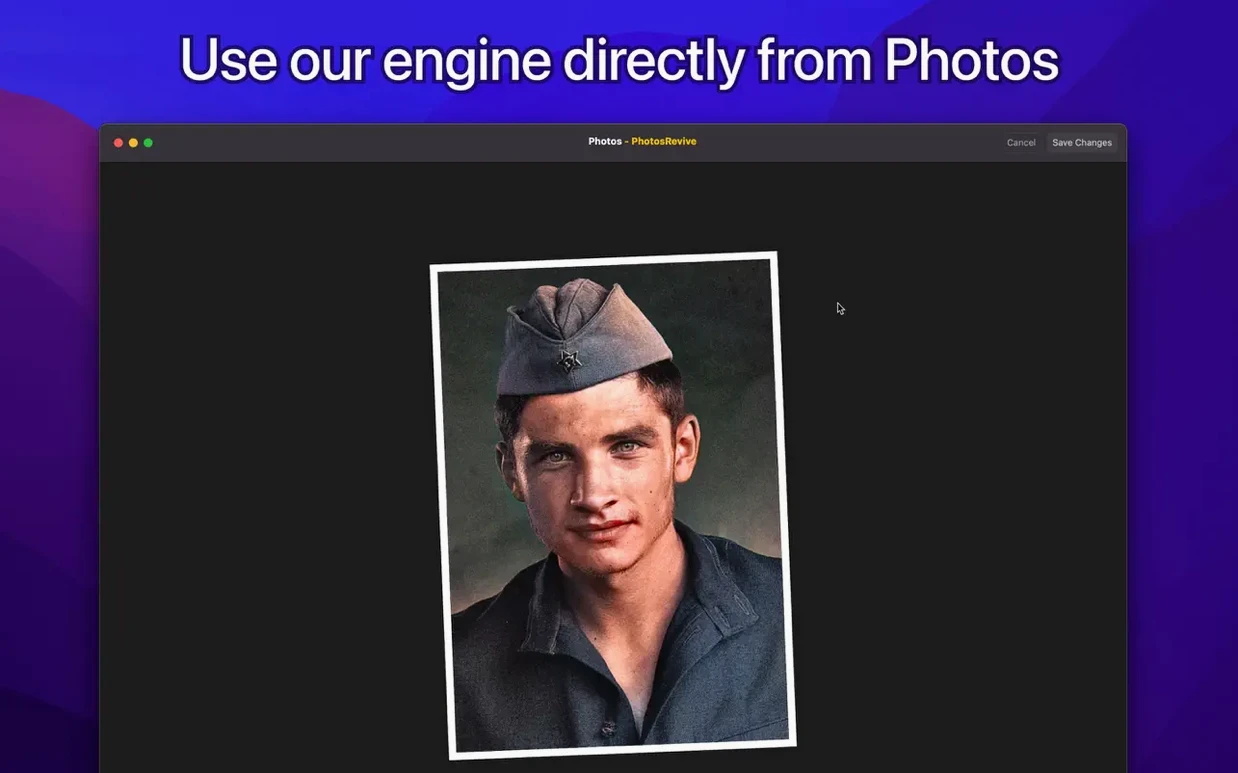
- Photos extension. You do not have to leave the Photos app to colorize an image. Once the extension is enabled, a black-and-white shot sitting in your library can be colorized right from the edit panel — fewer export steps, less clutter.
- Drag-and-drop workflow. The app window accepts dragged images from the Finder. If you have already scanned a batch of prints into a folder, you can drop them one by one without navigating an open dialog every time.
- Hint opacity trick. A semi-transparent hint dot tends to blend more gently with the AI’s interpretation than a fully opaque one. When you need a subtle shift — say, warming a sky just slightly toward a remembered sunset — a lighter touch often looks more convincing.
- Batch mentality. While PhotosRevive processes one photo at a time, the drag-and-drop acceptance and the Photos extension together make a smooth repetitive flow. Keep the app open alongside a Finder window, and a stack of old prints turns into a manageable afternoon project.
Tip: If you are curious how the app handles a tricky portrait, search for an old public-domain black-and-white headshot and run it through before committing a precious family photo. A quick photosrevive macos free search can surface community examples that show how different image types respond to the automatic pass.
- macOS 11 or later (including macOS 26 and above)
- Works on both Apple Silicon and Intel 64-bit Macs
Questions from the stall
Can I influence the colors PhotosRevive chooses?
Yes. You can add manual color hints directly onto the photo to guide the artificial intelligence toward specific colors for clothing, objects, or backgrounds.
Is PhotosRevive only available for Mac?
No, the developer also offers versions for iPhone and iPad, so you can colorize photos across your Apple devices.
What languages does the app support?
The interface is available in English, German, Spanish, Italian, Simplified Chinese, French, and Japanese.
Notes from other shops 0
Sign in or open a shop account to leave a note.
No notes yet. If you've used this on a shop Mac, tell me how it went.