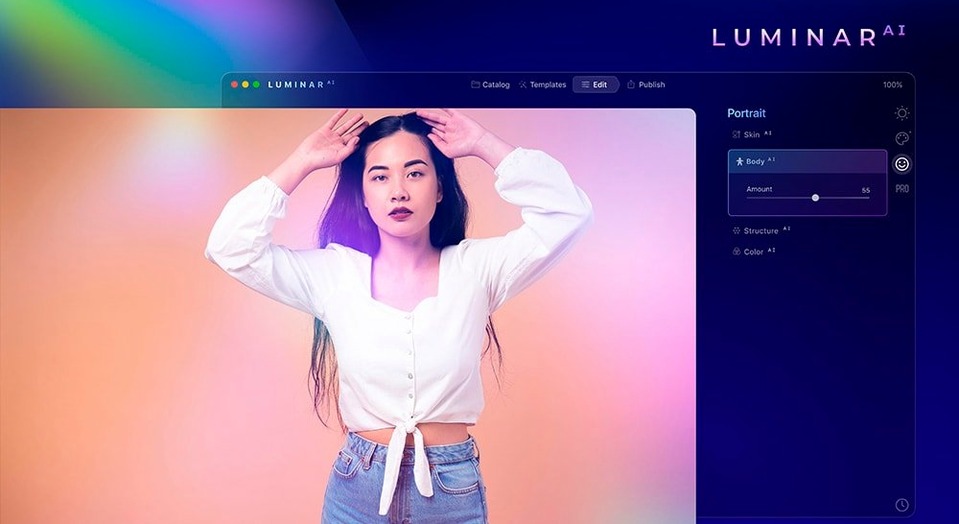
Over 90% of my product shots are taken against a plain wall. Sometimes that wall looks great. Other times, a bit of sky would sell the item faster. Luminar AI is built for exactly that kind of fix—an AI-first editor that handles sky swaps, face retouching, and detail work without layer stacks.
- Open the shot and let Sky AI work. I drag in a photo of a ceramic mug on a plain background. The app detects the blank area and offers a one-click sky. I pick a soft sunset, and it masks the mug handle cleanly—no manual brushing needed.
- Enhance the subject with Structure AI. I switch to the Edit panel and add a little Structure AI, keeping the slider low so the mug’s glaze looks crisp but not gritty. The tool recognises it as an object and avoids the sky layer.
- Crop with Composition AI. I hit the crop tool and let Composition AI suggest a frame based on rule-of-thirds placement. It tightens the shot around the mug and shifts it slightly off-center, which works better for an online listing.
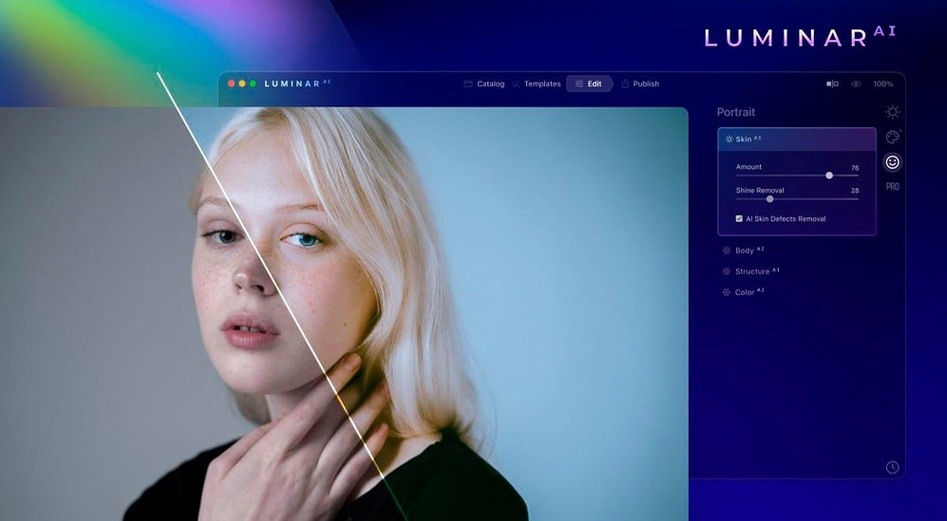
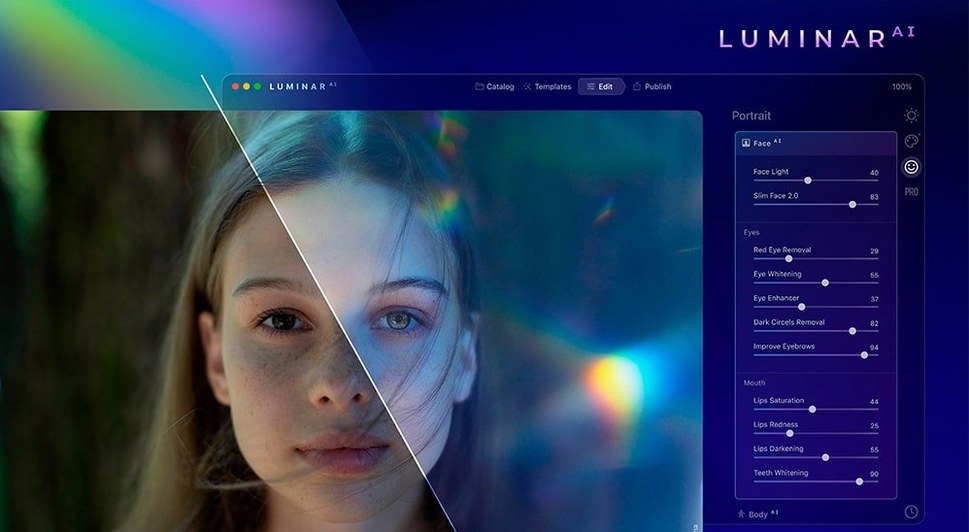
- Quick face retouch for a team photo. I open a second image—a staff picture for the shop’s about page. Face AI lightens dark circles and evens out skin tone in two clicks. Not a full beauty retouch, just enough for a friendly, professional look.
Used as a standalone editor or a plugin, Luminar AI cuts a handful of common editing tasks down to single sliders. For shop owners who need presentable images without a photography background, that’s a practical time-saver.
Questions I get before installing
People email me three things about Luminar AI, and they're always the same. Does it need an internet connection? Once it's installed and activated, no. You can edit offline. The AI models run locally on your Mac, so you're not uploading client photos to a cloud somewhere. If you're working from a café or a market stall with spotty Wi‑Fi, the editing panels open just fine.
Will it slow down an older Mac? It likes a decent amount of RAM—8 GB is comfortable—but I've seen it run on a 2017 MacBook Air without crashing. Sky AI takes a few extra seconds to render on integrated graphics, and I'd close other apps if you're batch-editing, but it's not a resource hog the way some 3D software is. The native Apple Silicon support helps a lot on M1 and M2 machines.
Can I use it alongside Lightroom or Photoshop? You can launch it as a plugin from either, which means one round-trip to swap a sky or clean up skin, then back to your usual workflow. It also works standalone, so you're not forced into a subscription ecosystem just to get at the AI tools. For shops that already own an Adobe plan, it slots in as an extra tool rather than a replacement.
Editing fifty mini-sessions with Face AI in one morning
Imagine a family photographer who shoots fifty mini-sessions in a weekend. Monday morning, she has a folder of raw files and a tight turnaround. She opens Luminar AI, drags in the first shot, and lets Face AI handle the under-eye shadows on the mom while Skin AI smooths the kids' cheeks without erasing freckles. She doesn't need to mask anything—the tool finds the faces and applies the tweaks she set as a starting point.
She moves to an outdoor frame where the sky blew out. Sky AI replaces the white patch with a pale blue sky and some wispy clouds, and the tree line masks itself cleanly. A quick nudge on Accent AI balances the exposure across the whole image. She exports a proof gallery in under an hour, not three. For volume portrait work, that kind of speed is the difference between a sane Monday and a late night. She runs the same session on a MacBook Pro while the laundry spins, no cloud uploads involved.
Sky AI now catches hair and fine branches without halos
Version 1.5.5 tightened a few things that matter in daily use. The Sky AI masking got better at handling thin, messy edges—hair against a sky background, or fine tree branches. I used to spot a faint halo around leaves in earlier builds, and that's mostly gone now.
Apple Silicon support is native, so the app launches faster and the heavier tools—Body AI and Bokeh AI especially—feel snappier on M-series machines. The team also fixed a handful of crashes tied to batch exports, which makes a difference if you're processing a full product shoot in one go. Nothing flashy in the update notes, just the kind of stability work that keeps the app from tripping you up mid-edit.
Tip: If you're searching for luminar ai download mac or a luminar ai mac build that runs on both Intel and Apple Silicon, this version covers both architectures without separate installers. No need to hunt for a luminar torrent or a luminar mac torrent that matches your specific chip—the same disk image works for everything from a 2014 Mac mini to a Mac Studio.
- macOS 10.13.6 or later
- Runs on Intel and Apple Silicon Macs
Questions from the stall
Can I use Luminar AI as a plugin with other photo editors?
Yes, Luminar AI works as a plugin alongside its standalone app, so you can access its AI tools from within other editing software you already use.
Notes from other shops 0
Sign in or open a shop account to leave a note.
No notes yet. If you've used this on a shop Mac, tell me how it went.