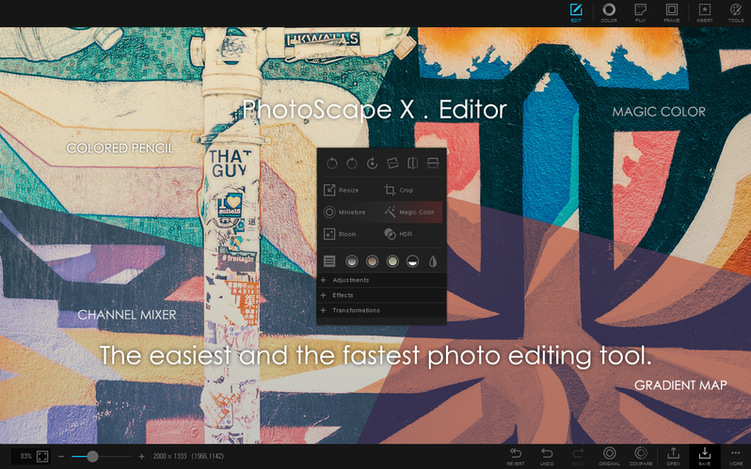
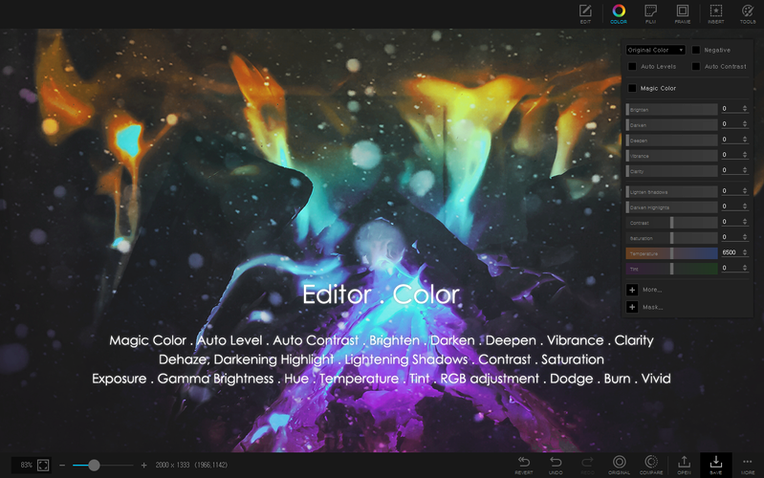
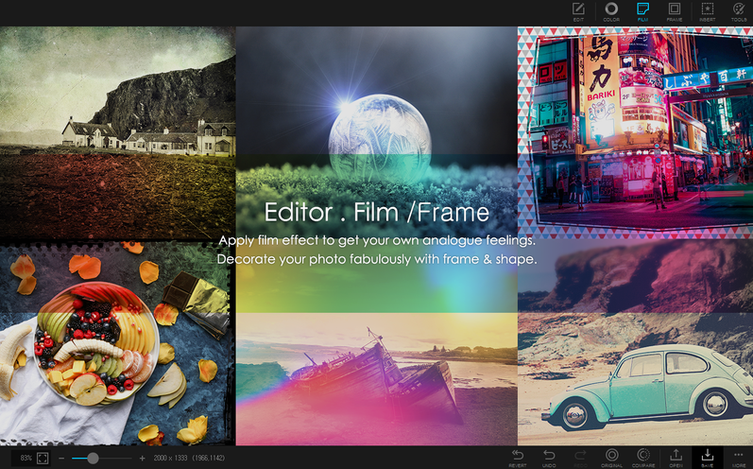
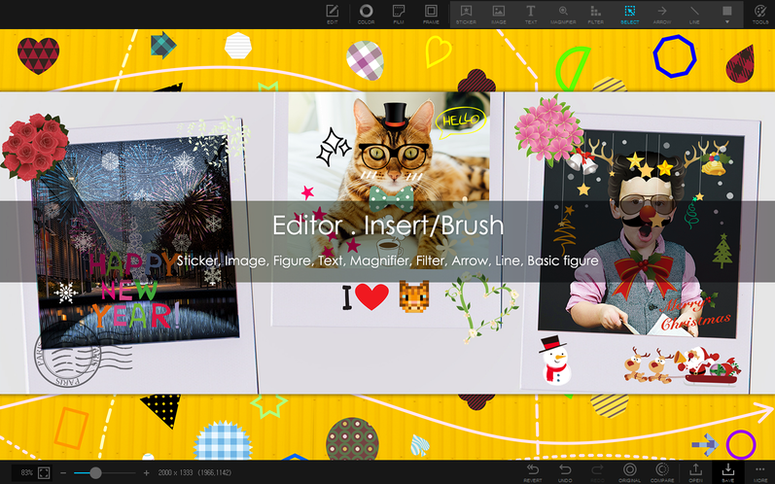
Over a thousand filters live inside the editor, plus 240 figures and 290 frames waiting in the object panel. That volume of built-in content means less time hunting for add-ons and more time fine-tuning an image. For anyone who has pushed past the basics of brightness and crop, PhotoScape X Pro rewards a closer look.
Tools that go beyond quick fixes
- Background removal with three methods — the magic eraser handles clean edges fast, while the lasso and brush tools let you trace tricky shapes like hair or fur. Switching between them mid-edit keeps the workflow flexible.
- Batch operations for the heavy lifting — rename, resize, and convert format across whole folders at once. A product shoot with fifty RAW files can become a set of web-ready JPEGs in one pass.
- Collage and GIF creation — the collage tool snaps multiple photos into adjustable grid or freeform layouts. The GIF maker pulls frames from stills or video clips, with frame-rate and size controls that keep the output smooth.
- Built-in asset library — 1000+ stickers, 240+ shapes, and all those frames and filters live inside the app. No separate downloads, no scattered resource packs.
Why the full toolkit matters for a shop
Running a small handmade-goods business means wearing the photographer and the designer hat on the same afternoon. The color picker lets me match product tones across a batch of listing photos without guessing hex codes. When a new item arrives, I can shoot, crop, remove the background, apply a consistent frame, and output resized versions for the website and social media — all without opening a second program. The screenshot tool even grabs supplier color charts straight from the screen. It is not the lightest editor on the Mac, but the depth of the toolkit means fewer apps to juggle.
A baker’s Monday photo routine with uneven light and cluttered counters
Imagine a weekend baker who sells sourdough and pastries at a farmers’ market. Every Monday, she shoots thirty photos of that week’s specials on a kitchen counter. The lighting is warm but uneven, and the backgrounds are cluttered with flour jars. In PhotoScape X Pro, she opens the first shot, crops it square for Instagram, and grabs the magic eraser to clear the countertop — a few clicks, and the loaf sits on a clean white field. She applies the same filter from the 1000+ library to the whole set, then lines up six images in a collage for a “this week’s menu” post. The batch resizer shrinks the rest to email-friendly sizes for a wholesale list. By lunch, the photos are ready, and she never left one application.
Fixing the jumpy loupe view that fires on hover
A few friction points show up early. The first is the loupe view in the browser. It pops up on hover by default, which can feel jumpy when you are skimming a folder. Head into the viewer preferences and switch it to click‑only — the change sticks instantly and makes browsing much calmer. Another common head-scratcher is the background removal tool leaving a faint halo on soft-edged subjects. Instead of pushing the magic eraser harder, switch to the brush tool, reduce the brush hardness to about 30%, and gently trace the edge. The softer transition blends the cutout into a new background without that telltale rim. When batch renaming, people sometimes overwrite files because they forget to set a unique prefix. A quick habit: always include a date string at the start — something like 2025-04_bread_ — so no two batches ever collide.
Filling your favorites panel with the ten frames you actually use
Spend the first afternoon loading your own frequently used frames and shapes into the favorites panel. The 290 built-in frames are great, but dragging the ten you actually reach for into a shortlist saves real minutes. Next, run a small batch test on copies of your files — not the originals — to get comfortable with the resizing and format‑conversion dialog. Check the “keep aspect ratio” box once and see how the width slider behaves; that one setting prevents a lot of squashed product shots later. If you are curious about the GIF tool, start with three stills shot from a tripod, set the delay to 0.5 seconds, and export at 480 pixels wide. That modest test teaches you the timing and size trade‑offs before you spend an hour on a longer sequence. Many Mac users first discover PhotoScape X Pro mac through word of mouth or a photoscape x torrent search, but the installer itself is a straightforward drag‑into‑Applications affair. Once the app lives in your dock, pin the batch‑rename and collage tools as your first two go‑to modules — they will handle the bulk of the repetitive work while you explore the deeper editor at your own pace.
Version 4.3 is a maintenance fix that keeps things running smoothly on Apple Silicon Macs.
- macOS 13 Ventura or later
- Runs on Apple Silicon Macs
Questions from the stall
Does PhotoScape X Pro handle batch file conversions?
Yes, the batch tool can rename, resize, and convert image formats across multiple files at once, which saves time when prepping large photo sets.
Notes from other shops 0
Sign in or open a shop account to leave a note.
No notes yet. If you've used this on a shop Mac, tell me how it went.