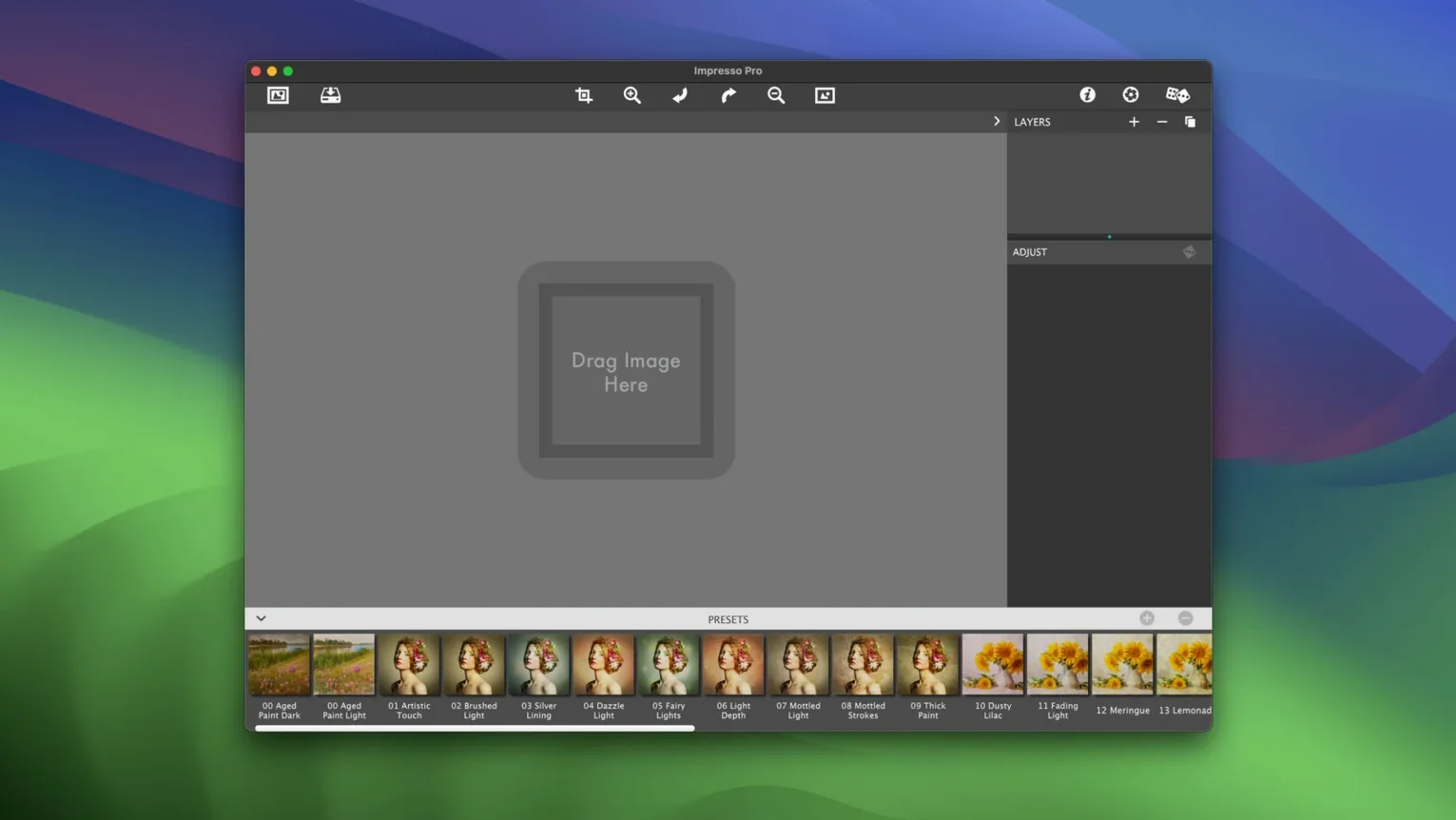
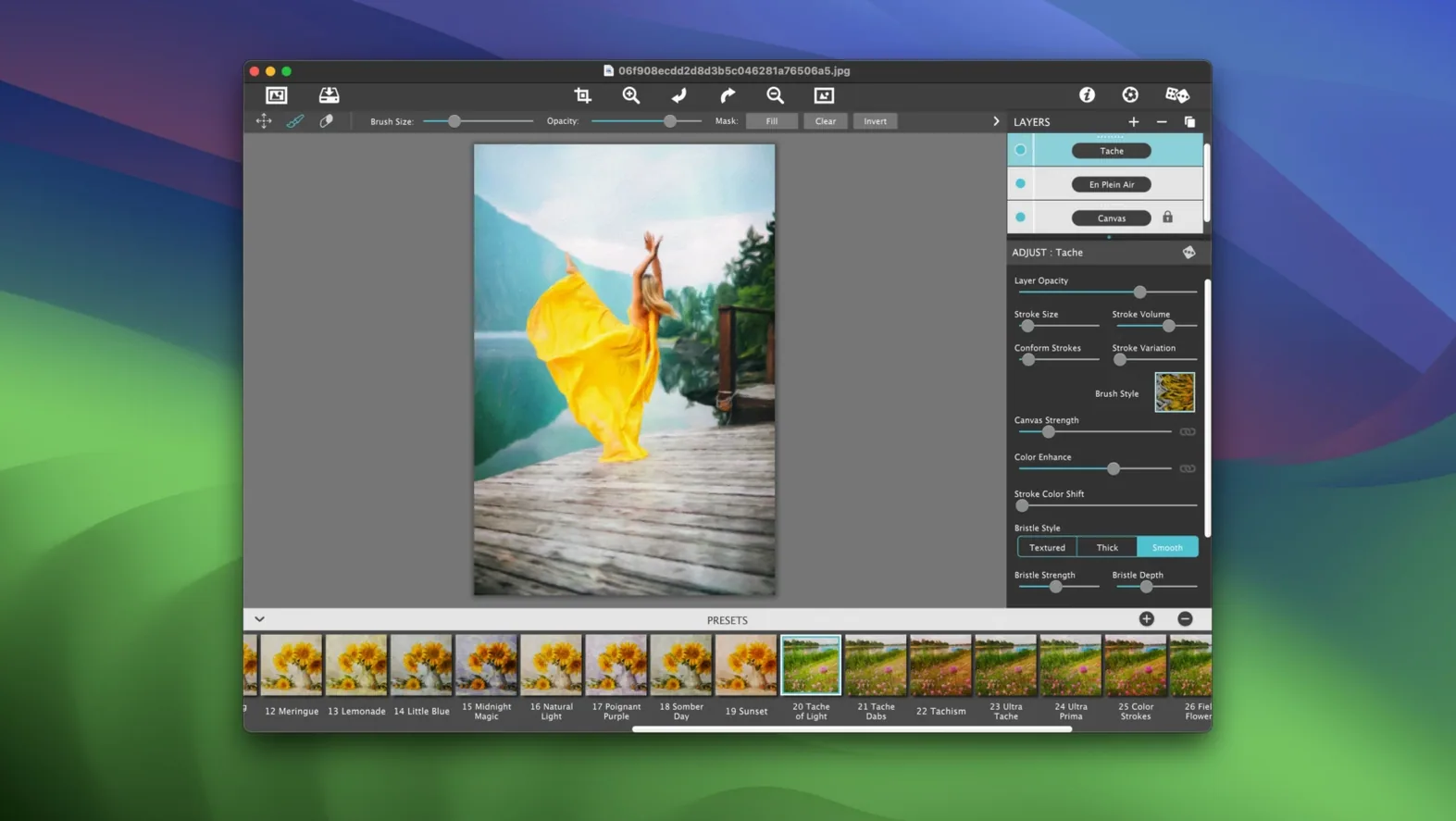
If you've ever used the oil paint filter in another editor and wished for more control, Artista Impresso Pro is where you'll end up. It's a dedicated photo-to-painting app from JixiPix that focuses on impressionist styles, giving you real brushwork rather than a one-click gimmick.
| What it is | What you'll need |
|---|---|
| Photo-to-painting Mac app | macOS 10.7 or later, Intel |
| Version 1.8.29 | Works as a standalone or Photoshop plugin |
The app is built around Smart Layers and a set of brushes that let you build up a painting in passes. Painted Edges keep your subject from looking cut out, and blending effects let washes of color sit naturally against the canvas texture. For a small shop owner putting together product art or a handmade lookbook, the batch processing support is a quiet time-saver. It also handles transparency, so you can drop a painted element onto a card design without a white box ruining the layout.
Six paint styles that stay smooth on older Intel Macs
Version 1.8.29 isn't a flashy rewrite, and that's part of why it runs well on older Intel Macs. What you notice day to day is that the six paint styles — Alla Prima, En Plein Air, Soft Paint, Background Paint, Aged Paint, and Tache — feel more distinct from each other than they did in earlier builds. The brush engine got small refinements that make layered strokes behave more predictably when you're combining, say, a loose En Plein Air base with tighter Aged Paint details on top.
A few practical improvements snuck in with the recent updates. The Smart Layers panel responds faster when you're toggling visibility on and off to compare versions, which matters when you're three layers deep and trying to decide if the Tache layer is helping or just making things noisy. Blending between layers also feels smoother — fewer abrupt transitions where one paint style ends and another begins. For anyone using the Photoshop plugin route, the handoff between apps has fewer hiccups than it used to. The plugin filters load without the occasional freeze that some users reported in older releases.
Batch processing got more reliable too. If you're running a folder of product shots through the same Aged Paint preset, the output is more consistent frame to frame. Earlier versions sometimes drifted on color temperature across a batch, which was frustrating when you wanted a uniform look for a catalog spread.
Why one-click presets leave you with flat results
The biggest one is treating it like a one-click filter. You pick a preset, it looks painterly, you export — and then wonder why the result feels flat compared to the sample images. Artista Impresso Pro rewards building a painting in passes, not hitting one button. Layering a soft Background Paint underneath a more textured Alla Prima pass, then dialing back opacity on the top layer, gets you depth that a single preset never will.
Another common slip: ignoring the Painted Edges feature entirely. Without it, your subject can look like it was pasted onto a canvas texture rather than painted into the scene. Beginners often leave edge treatment at zero, then feel the image doesn't cohere. A light touch on Painted Edges — not cranked all the way — blends the subject into the brushwork without losing the shape.
Overloading layers is the third one. Three paint styles stacked at full opacity turn into mud fast. A good rule of thumb: start with one dominant style, add a second for texture or highlights at 30–50% opacity, and use a third sparingly for small accents. Less is usually more here.
Tip: If the app opens with a security warning, mount the disk image and run the Open Gatekeeper friendly script first. Then press Enter in Terminal when prompted — that clears the block without digging into System Preferences.
Small-shop owners making product cards that skip the stock-photo look
Small-shop owners who make their own visuals get a lot of mileage here. If you're designing product cards, lookbook pages, or social media banners and want art that doesn't scream "stock photo with a filter," the impressionist look gives you something distinctive. The transparency support means you can paint a background element and drop it onto a card layout without white edges breaking the design.
Illustrators and mixed-media artists who already work in Photoshop tend to use the plugin side heavily. They'll rough out a painted base in Artista Impresso Pro, bring it into Photoshop as a smart layer, and then blend it with vector work or hand-drawn line art. Having the app available as a plugin filter inside Photoshop, Lightroom, and Elements keeps the workflow from bouncing between too many separate programs.
Users on older Intel Macs also benefit — the app's 64-bit Intel build runs fine on machines that can't move past macOS 10.7, which many newer graphics tools have left behind. If your workshop Mac is a trusty older machine that still handles photo editing, Artista Impresso Pro won't be the thing that forces you to upgrade.
Version 1.8.31 is out with the developer's latest fixes and improvements.
- macOS 10.12 or later
- Intel 64-bit processor
Questions from the stall
Does Artista Impresso Pro work as a Photoshop plugin?
Yes, it includes a plugin that lets you use its impressionist brushes and layers directly inside Photoshop.
Can I process multiple photos at once?
It supports batch processing, so you can apply the same painted look to a whole folder of images in one go.
Notes from other shops 0
Sign in or open a shop account to leave a note.
No notes yet. If you've used this on a shop Mac, tell me how it went.