DxO Wide Gamut is the new working color space from the ground up in version 6. That one fact shapes every RAW file this tool touches before you even open Lightroom or Photoshop.
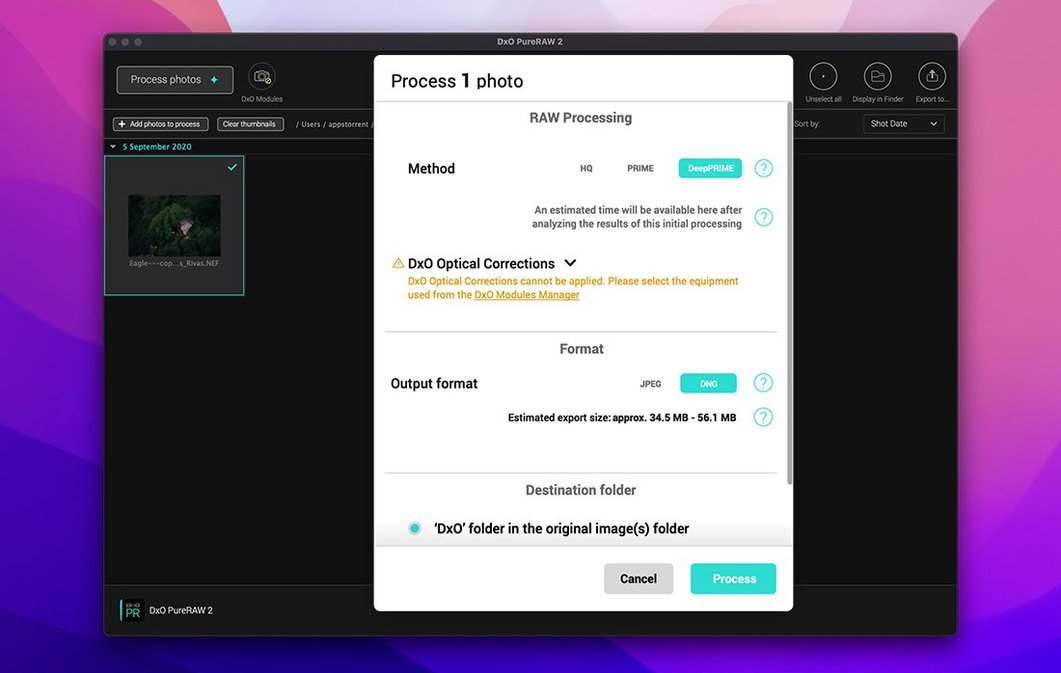
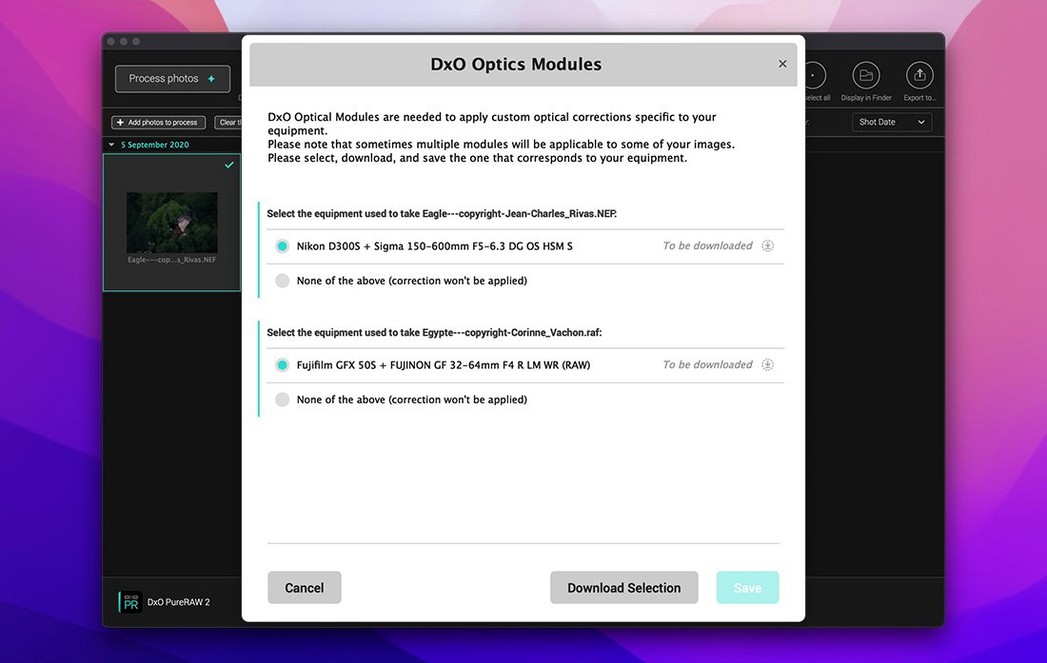
- Load your RAWs. Drop a folder or a handful of shots straight into the window. The app reads the camera and lens profile automatically.
- Let the corrections run. Optical flaws, sensor noise, and lack of sharpness get cleaned in one pass. AI-based dust spot removal scrubs out sensor spots without you circling a single one.
- Process in batches. Parallelization kicks in for high volumes, so a full wedding or event card finishes while you make coffee.
- Export clean DNGs. You get a linear DNG with all the corrections baked in, ready for cropping and grading in your regular editor.
The whole point is handing you a technically clean starting point, not a finished picture. If you'd rather spend your editing time on color and composition instead of chroma noise and corner softness, that's where this fits.
Little shortcuts I'd use every session
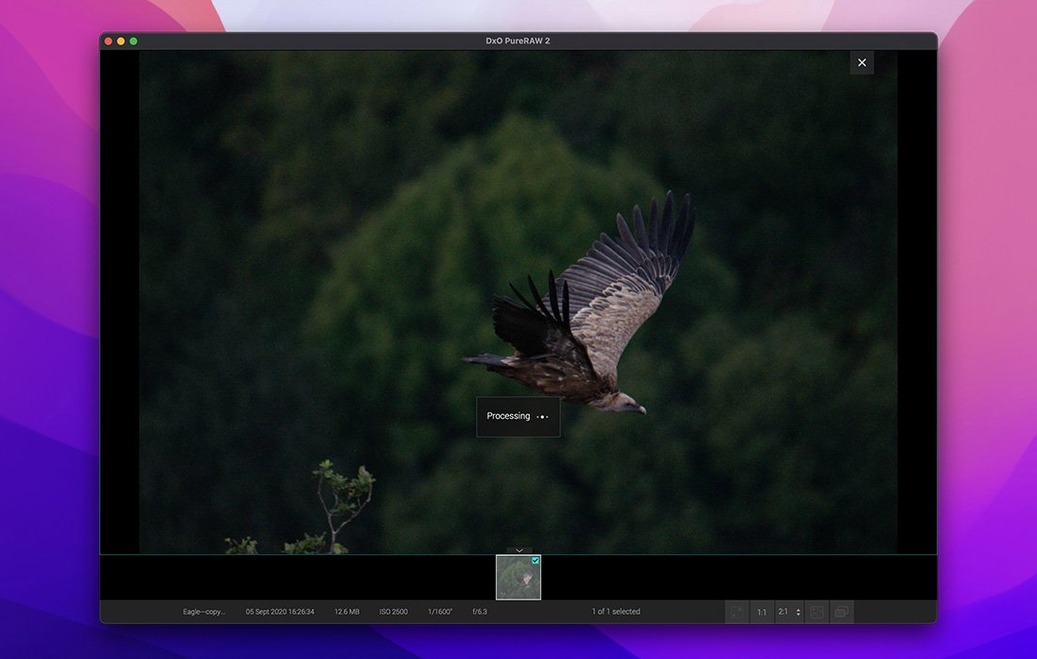
Some of the best bits in PureRAW are the ones that don't shout about themselves. Dragging a folder onto the dock icon processes its contents without even opening the main window—handy when you've just pulled a card and want to get straight to sorting. The loupe tool activates with a single click in the preview pane, and it shows the DeepPRIME effect at 100% so you can check what the noise reduction actually did before committing to a full export.
Output naming is another quiet time-saver. You can set a custom suffix that gets appended automatically, which means no renaming batches later. I'd pick something short like _clean and not think about it again. Also worth knowing: if you hold Option while clicking the process button, the app skips the confirmation dialog and runs with your last-used settings. One less click per batch adds up fast when you're working through a few hundred frames.
A pre‑processor, not a Lightroom replacement
Does it replace Lightroom or Capture One? No, and it's not trying to. PureRAW sits before your editor, not instead of it. You feed it RAW files, it hands back a DNG with noise, softness and optical issues already sorted. Color grading, cropping and local adjustments still happen in whatever app you normally use. Think of it as a pre-wash cycle for your sensor data.
Will it slow down an older Mac? It depends more on the GPU than the age of the machine. The minimum asks for an M1 or a Radeon Pro RX5700, and that's not arbitrary—DeepPRIME XD3 leans hard on the graphics chip. On a machine that meets that floor, batch parallelization keeps things moving. On something below it, expect processing times that make coffee breaks look short.
What if I shoot both Bayer and X-Trans cameras? The same DeepPRIME XD3 engine handles both sensor types, so you're not juggling two different noise reduction profiles. Drop in files from a Fuji and a Nikon in the same batch and the output looks consistent. People searching for dxo pureraw 6 macos free often wonder if one version covers both sensor layouts—it does, no separate download needed. And if you've stumbled across a dxo pureraw 6 torrent while looking around, those builds are worth checking for the full lens-profile database so the optical corrections work properly.
- macOS 15.7 Sequoia or later
- Apple Silicon or Intel Mac with AMD Radeon Pro RX5700
- 8 GB RAM
- 6 GB available disk space
- 1280 × 768 display
Questions from the stall
What does DxO Wide Gamut actually change?
It gives the processing pipeline a much larger color container, so saturated tones that used to clip stay intact when the file moves to your main editor.
Can my Mac run DxO PureRAW 6 comfortably?
You'll want 8 GB of RAM, 6 GB of free disk space, and macOS 15.7 Sequoia on an Apple Silicon or Intel Mac with a modern AMD Radeon Pro GPU.
Does it work with my camera's lens profile?
Yes, it reads the camera model and lens from the RAW metadata and applies the matching lab-measured correction automatically.
Notes from other shops 0
Sign in or open a shop account to leave a note.
No notes yet. If you've used this on a shop Mac, tell me how it went.