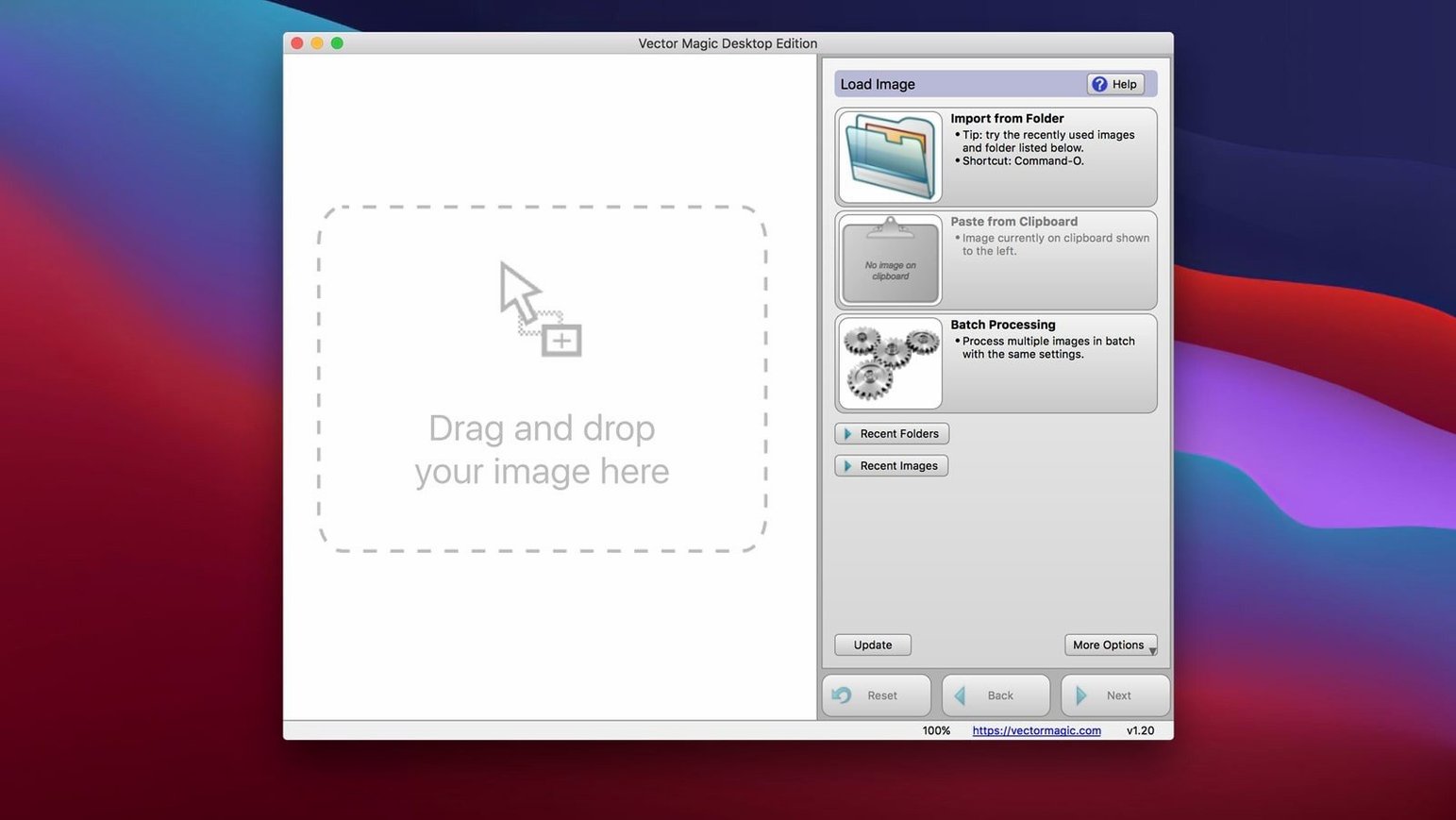
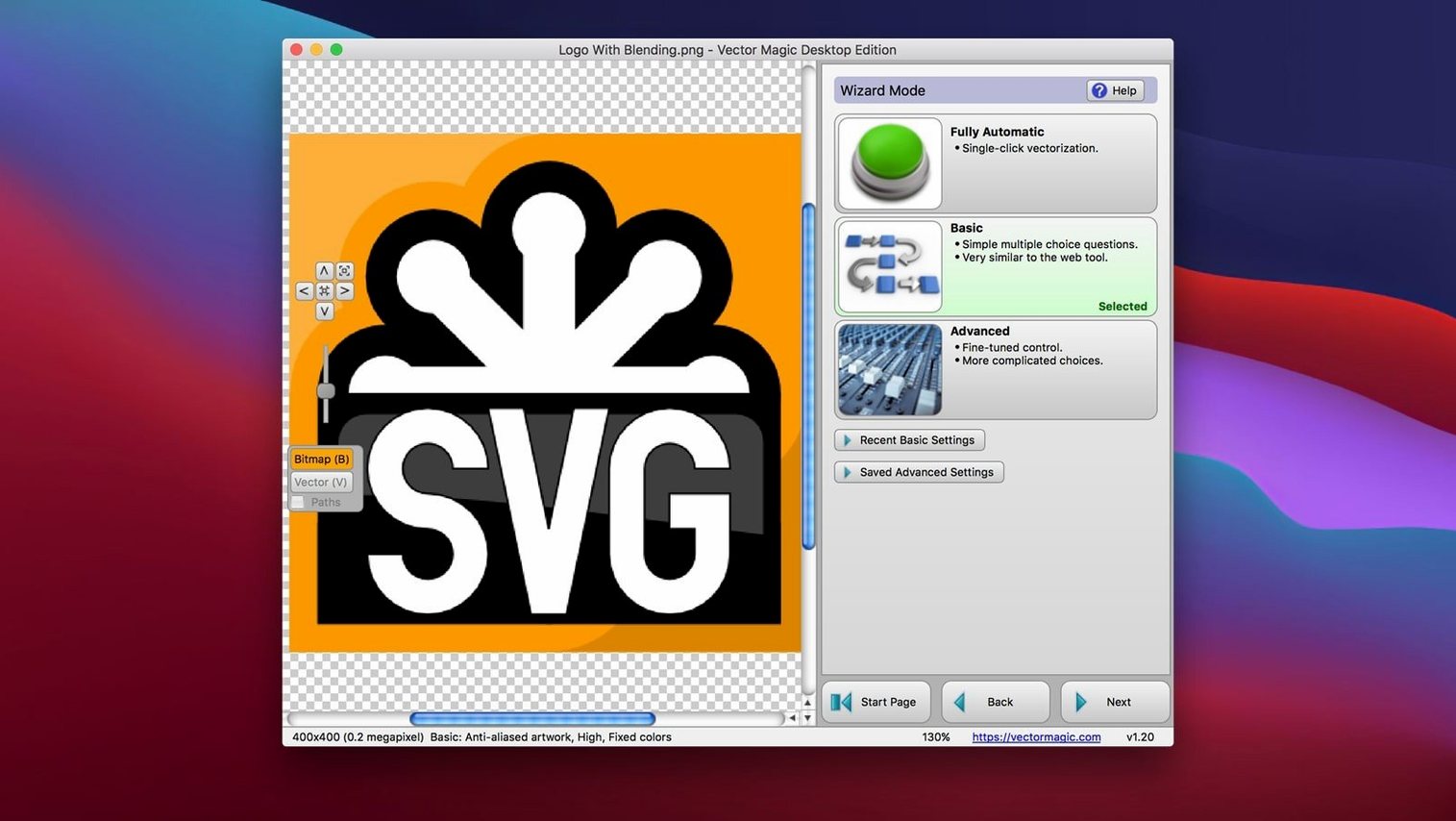
You have a client logo that only exists as a small, fuzzy JPEG, but the printer needs a clean, scalable EPS file by the end of the day. That's the kind of tight spot where Vector Magic on Mac steps in. It's a desktop tool built to trace bitmaps into vectors without sending your artwork to a web server.
The tracing that handles real-world mess
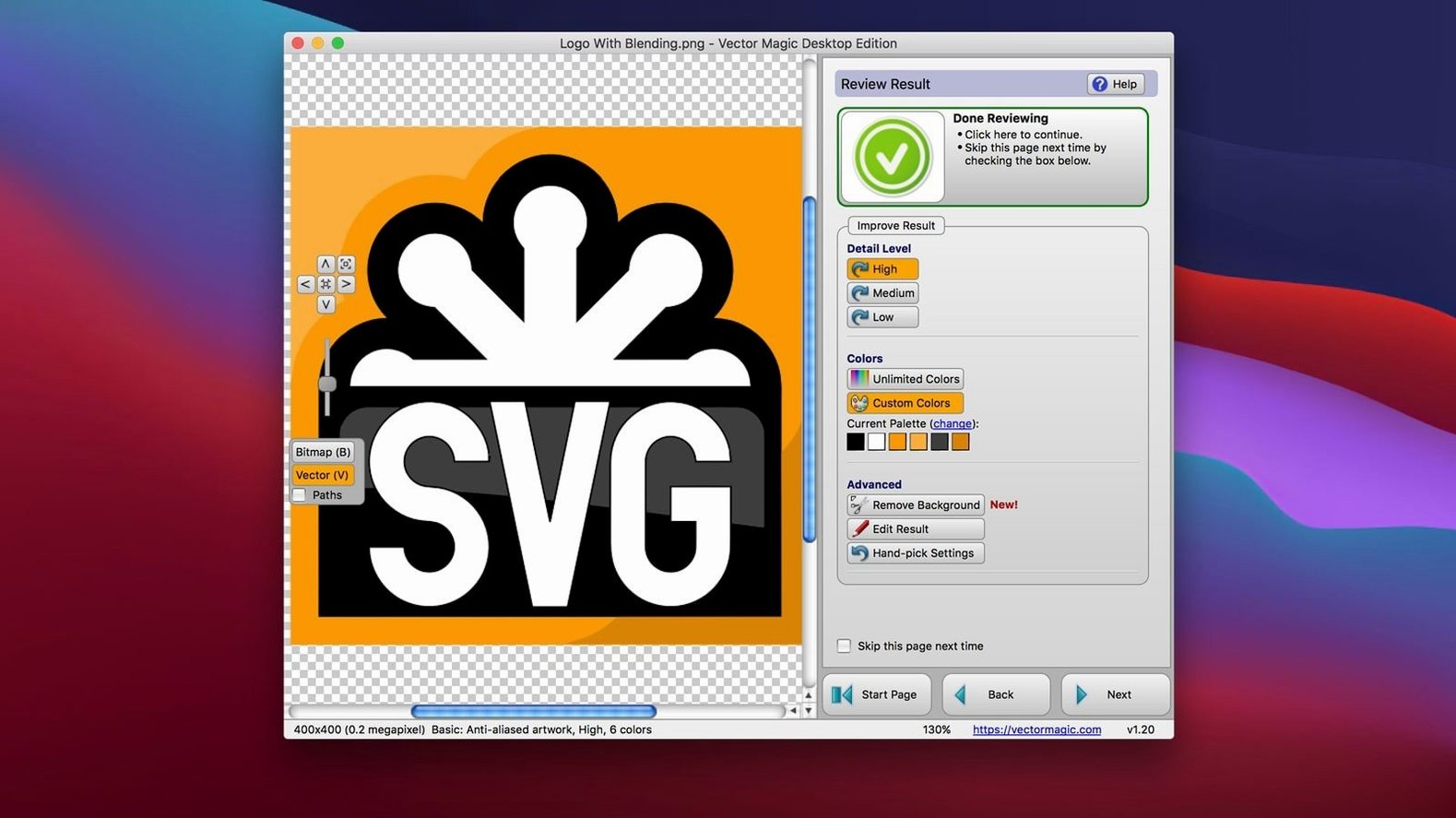
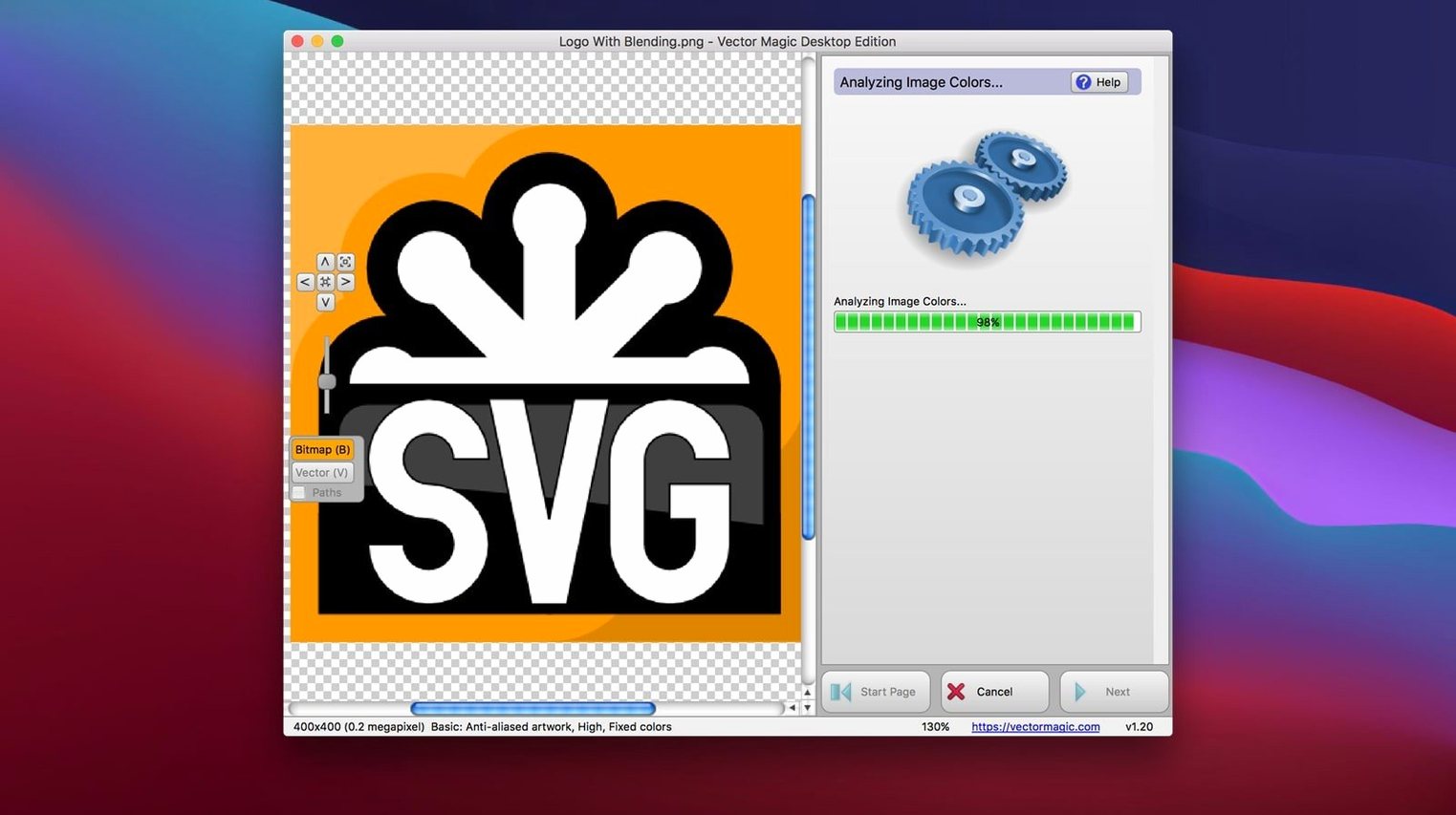
What separates this from the auto-trace buried in a general illustration suite is how it reads a picture. It doesn't just look for edges — it figures out the underlying shapes, even when anti-aliasing has left soft, multi-pixel transitions. You can drag in a JPEG, GIF, PNG, BMP, TIFF, or a layered PSD, and the engine pieces together continuous curves and flat color regions. That means a scanned ink drawing comes out as actual strokes, not a million tiny zigzags. When you need to lift a product photo off a busy background, the built-in removal tool lets you knock out the surroundings before tracing, so the final vector is just the subject on a transparent canvas.
Manual mode when the automatic pass needs a tweak
For most images, the default analysis gets it right. But when you're working with a noisy old scan or a heavily compressed web graphic, switching into Manual Mode gives you a set of sliders for color count, detail level, and grouping. The preview updates live, so you can watch a band of gradient simplify into clean, separate shapes as you drag. Large files aren't a problem — it handles images up to 10 megapixels, and the whole process runs offline on your Intel Mac. Once you're happy, the result exports as a true vector that you can scale to billboard size without a single jagged edge.
Cleanup time separates it from Illustrator's auto-trace
Most Mac users end up comparing Vector Magic with the auto-trace in Illustrator and with a handful of free utilities. The difference comes down to how much cleanup you want to do afterward. Illustrator's Image Trace is capable, but it's built for people who already live in that ecosystem and enjoy experimenting with threshold and path settings. Vector Magic tends to produce cleaner curves on the first pass, which matters when you're converting a logo at 4 p.m. and the client is waiting.
Free online converters are tempting, but they usually limit file size and hand you results that need serious node cleanup. A desktop app doesn't have those upload limits — as long as your image stays under 10 MB and 10 megapixels, it traces locally. That's also why people look for a vector magic para mac solution rather than a browser tab: you can batch a folder of product shots, keep artwork offline, and not worry about a server timing out.
Compared with Inkscape's trace tools, Vector Magic is less about manual fiddling and more about getting a usable path quickly. Inkscape gives you fine control if you know exactly what you're doing; Vector Magic gives you a predictable result if you don't want to learn six parameters first. For a small shop, that's often the better trade.
Tracing runs fully offline on your Mac
People ask whether it works without an internet connection. Yes — the tracing engine runs entirely on your Mac, so a client's confidential artwork never leaves the machine. The only time you'd need a connection is for ordinary things like checking help resources.
Another common question is whether it replaces Illustrator or CorelDRAW. It doesn't, and it isn't meant to. Think of it as a front-end tool: you prepare the vector here, then move it into your main design app via copy-paste or drag-and-drop. The EPS, SVG, PDF, AI, and DXF exports drop into most workflows without fuss.
Some folks also wonder if the 10 MB file limit is a problem. For logos, icons, scanned sketches, and web graphics, it rarely is. If you work with massive photos, you may need to crop or downscale first — but honestly, a 10-megapixel ceiling covers most tracing jobs a shop actually gets.
A clean logo traces in seconds, noisy photos take longer
On an Intel Mac running a modern macOS, single-image traces feel quick. A clean 800-pixel logo usually finishes in a few seconds; a noisy photo with background removal takes longer because the app is doing more analysis. Batch processing a folder of small web icons is where the desktop edition earns its keep — you set the mode, point it at the folder, and let it grind through while you answer email.
Memory use stays modest. It's not one of those apps that balloons to 4 GB just because you opened a PNG. The 64-bit Intel build is stable, and during long batch runs I haven't seen it stumble on mixed input formats. If you're on an older Mac that meets the OS X 10.7 minimum, expect longer waits on high-detail images, but no crashes to speak of.
Where the app feels most comfortable is as a helper, not a main canvas. You won't be drawing in it. You'll be dropping in scans, tracing, fixing a few segments, and copying the result into your design app. That lean focus keeps the interface from getting in the way.
Set your default export to SVG or EPS immediately
The defaults are sensible, but three tweaks save time. First, check the output format you use most — SVG or EPS — and set it as your default export, so you're not picking it from a menu every time. Second, if your work involves photos rather than flat logos, spend ten minutes in Manual Mode with the color count slider. Lowering it a little often turns a muddy trace into clean, print-ready shapes. Third, turn on the segment editing visibility early. Seeing the nodes while you tidy up corners makes the whole process less guesswork.
One more tip: if you regularly trace images with white backgrounds, make the background removal tool part of your routine rather than an afterthought. Tracing first and removing later means fixing stray paths around the edges. Removing first gives the engine a cleaner starting point, and the final vector comes out tighter.
- macOS 10.7 or later
- Intel 64-bit processor
- Maximum file size: 10 MB
- Maximum image size: 10 megapixels
Notes from other shops 0
Sign in or open a shop account to leave a note.
No notes yet. If you've used this on a shop Mac, tell me how it went.