Garden Planner runs on any Mac with OS X 10.7 or later, and it supports both Apple Silicon and Intel 64-bit processors. If your machine meets that bar, you're all set.
Test the layout in 2D
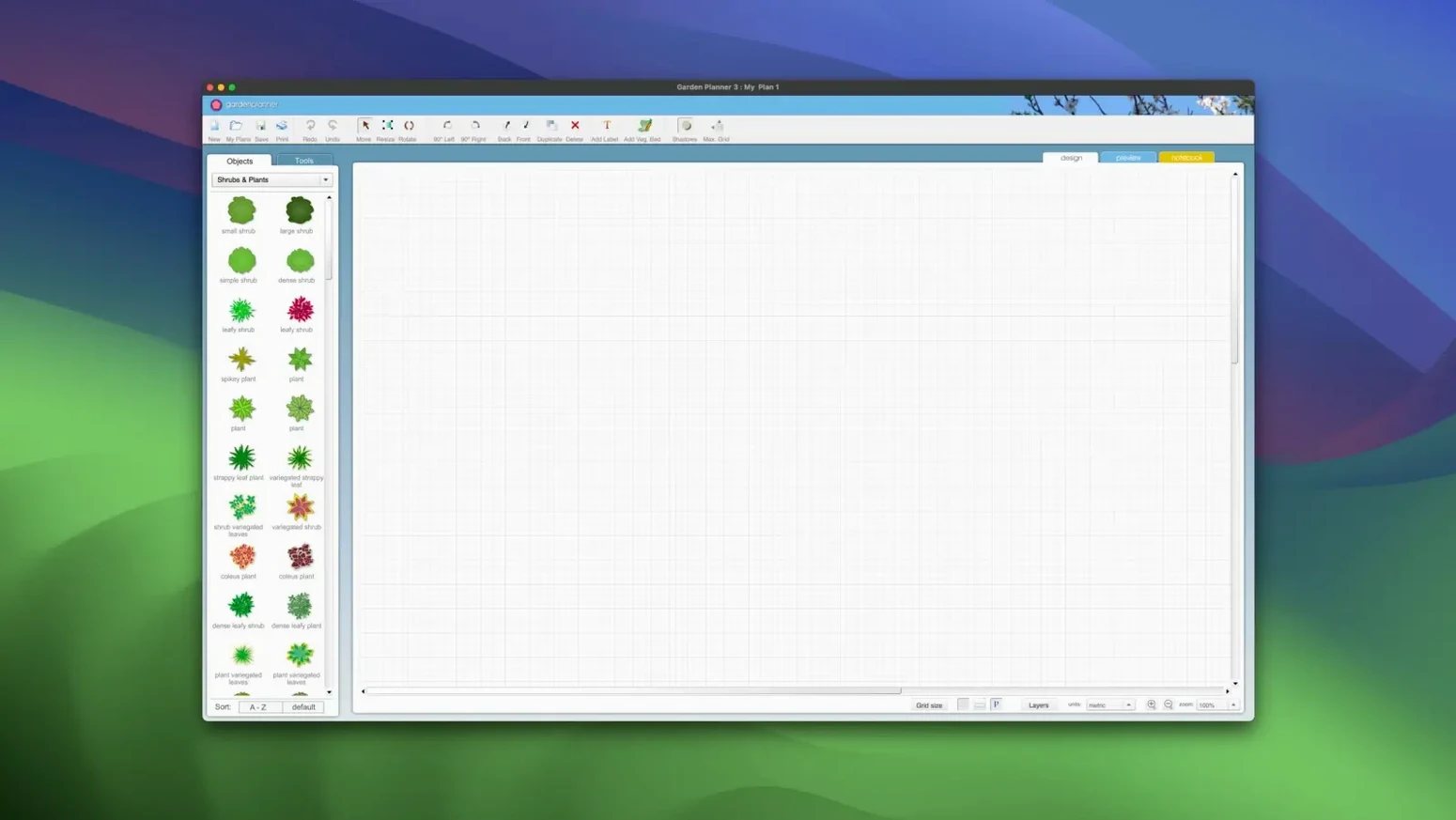
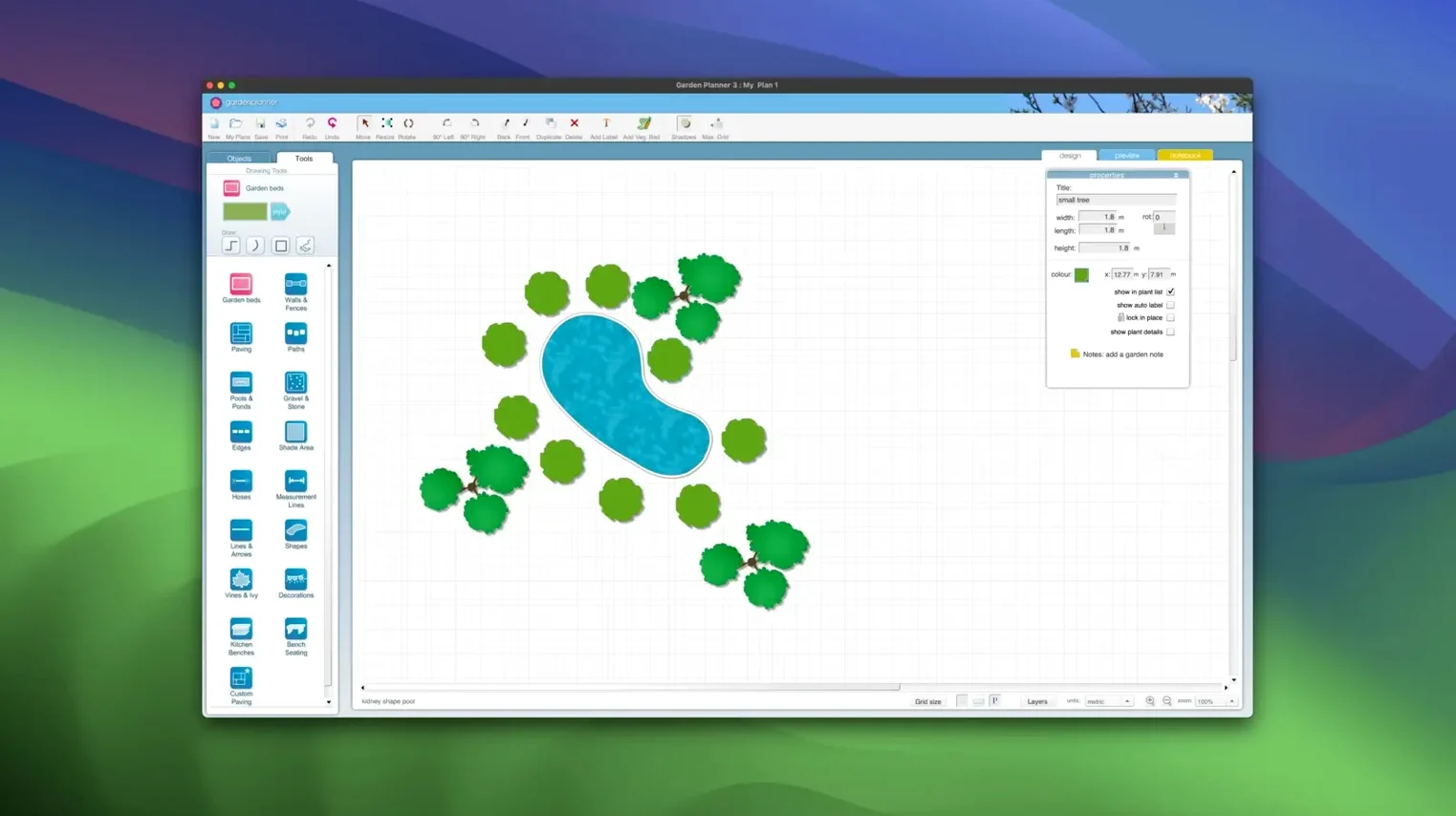
Drag and drop plants, trees, buildings and objects onto the canvas to build your garden plan. Drawing tools let you trace paths, paving, walls, fences, pools and ponds without leaving the app.
Walk through in 3D
Switch to the 3D view and you can explore the space from ground level. It's a practical way to check sight lines and proportions before a single shovel hits the dirt.
Print or share the finished plan
Export your design as a JPEG or PNG, or use the high-quality print preview. The object report can be saved as CSV or TXT, which is handy when you need a plant list to hand to a supplier.
Laying out a kitchen garden
A home grower who wants a productive veg patch without wasting space can start with the shape tools. Draw one rectangular bed, duplicate it twice, and set the gap between them wide enough for a wheelbarrow. From the built-in library of more than 1,200 plants, drag in tomatoes, chard and a row of marigolds along the edge. The scale slider keeps everything proportioned, so you don't accidentally place a pumpkin where it'll shade out the carrots come July.
Once the beds are placed, switch to the 3D view and crouch the camera low. You'll spot that the compost bin blocks the path to the shed — a detail that's easy to miss on a flat plan. Shuffle the bin to the far corner, check again, and call it done. The whole layout took about twenty minutes, and the object report prints a tidy list of everything you've planned, ready for a seed order.
Hold Option to outsmart the alignment guide
Objects snapping where you don't want them. The alignment guide is useful until it grabs a shrub and sticks it to the wrong edge. Hold the Option key while dragging to temporarily disable snapping and nudge things into place.
3D view feels sluggish. On older Macs, the walkthrough can stutter if you've loaded the plan with dozens of high-detail trees. Drop the preview quality a notch in the view settings, or work in smaller zones. The 2D view stays snappy regardless.
Exported JPEG looks blurry. The print preview is the better gauge of final quality. If you need a crisp image for a client email, bump the canvas size before exporting. The app renders at whatever dimensions you set, so a larger canvas yields a sharper file.
Path styles not updating. Version 3.8 added new path styles, but existing paths don't automatically adopt them. Select the path, open the style palette and pick the updated look manually. It's a one-click fix per path.
3D walkthroughs and plant reports for client proposals
Landscape designers who need to show a client a concept before quoting will lean on the 3D walkthrough and the high-quality print preview. The object report doubles as a bill of materials, and because it exports as CSV, you can pull it straight into a spreadsheet for costing. No redrawing on paper, no separate inventory list.
Home gardeners planning a single border or a full backyard redesign benefit from the drag-and-drop speed. You don't need to learn CAD conventions — if you can arrange furniture in a room planner, you can place a hedge here. The library covers ornamentals, edibles and hardscape items, so a 5d planner approach works for both a rose bed and a patio with a fire pit.
Allotment holders and community garden volunteers often work with odd-shaped plots. The drawing tools handle curves and irregular boundaries without fuss, and the ability to rotate and reshape every element means you can match the actual contours of the land. A quick PNG export shared in a group chat keeps everyone on the same page before workday Saturday.
Tip: If you're juggling several garden options, save each as its own project file. The undo history doesn't stretch across sessions, so a clean copy of version one saves rework when a client changes their mind.
Version 3.8.86 adds a handful of new path styles, along with the usual round of improvements and bug fixes.
- OS X 10.7 or later
- Apple Silicon or Intel 64-bit processor
Questions from the stall
Does Garden Planner work on Apple Silicon Macs?
Yes, it runs natively on both Apple Silicon and Intel 64-bit Macs.
Can I export my garden plan to an image file?
You can export the finished project as a JPEG or PNG file straight from the app.
Notes from other shops 0
Sign in or open a shop account to leave a note.
No notes yet. If you've used this on a shop Mac, tell me how it went.