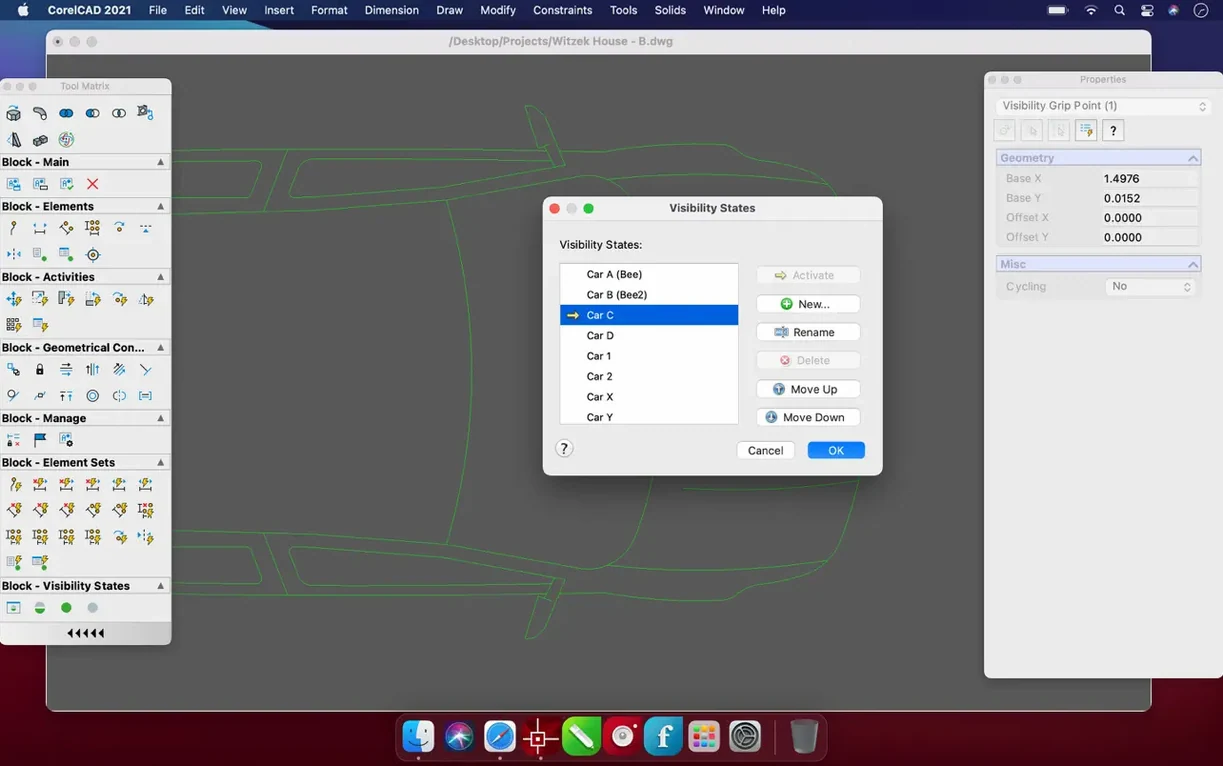
Keeping technical drawings compatible with suppliers, engineers, or architects who use AutoCAD is a daily reality for many small shops. Bringing that workflow to a Mac used to mean clunky workarounds. CorelCAD steps into that gap with an interface that feels at home on macOS and a file format that doesn't need converting.
Draft DWG natively and turn 2D plans into 3D models on your Mac
- Drafting in the native DWG format without leaving your Mac.
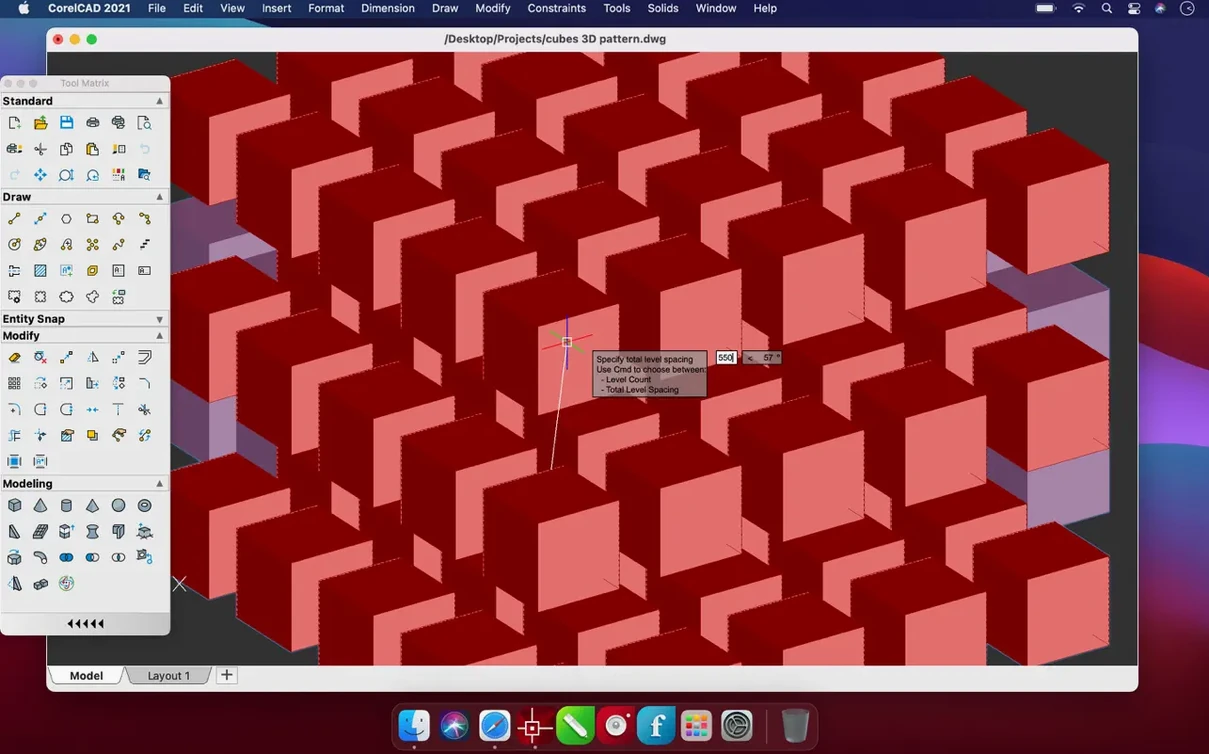
- Turning 2D floor plans or part drawings into basic 3D models with a few clicks.
- Preparing designs for a 3D printer using straightforward STL export.
- Fitting into a toolset alongside vector apps and layout software you already use for presentations.
Requires a modern macOS and a mindset for precision drafting
- It needs macOS 10.14 or later, so it won't run on older systems.
- It is a precise drafting environment—casual sketching is better left to a different kind of app.
Feels like a real Mac app, not a ported afterthought
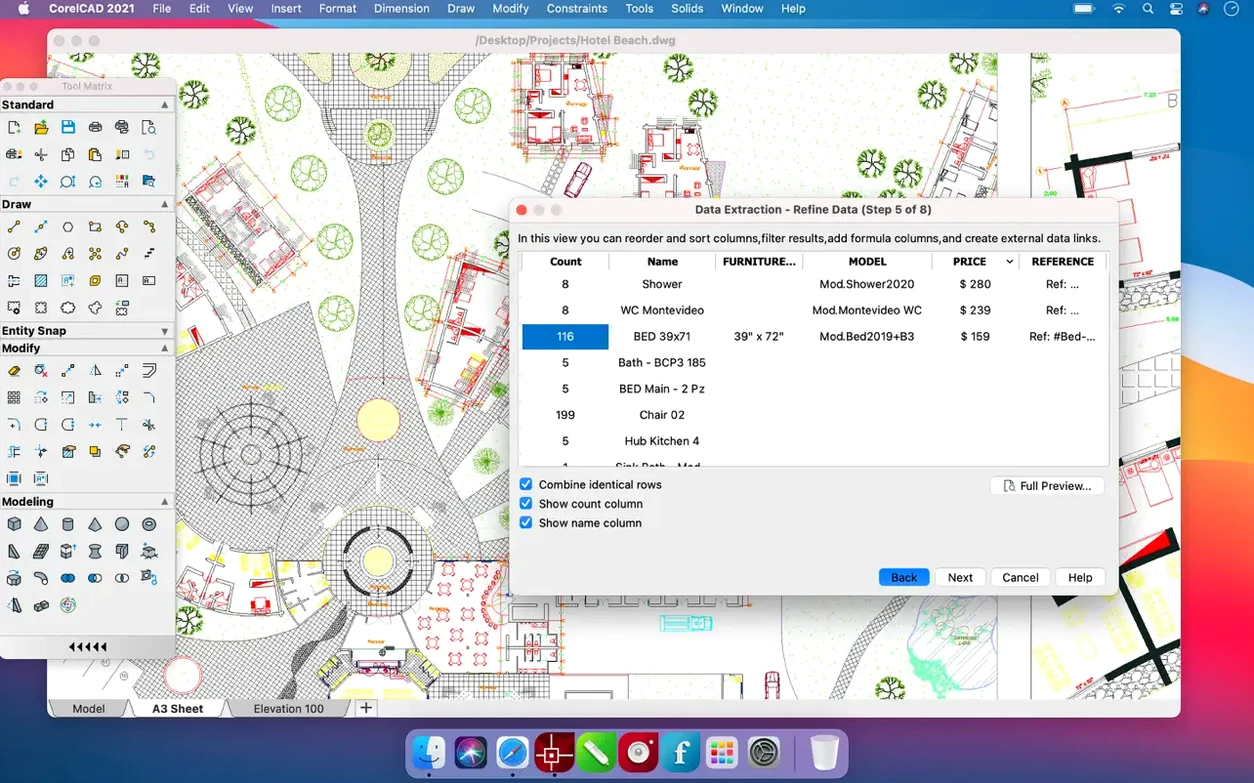
One of the first things I hear from fellow small-shop owners is whether CorelCAD feels like a second-class citizen on macOS. It doesn't. The interface looks and behaves like a Mac app, with palettes you can dock or float, trackpad gestures that work the way you expect, and menu layouts that match the platform rather than a ported Windows mindset. If you have ever struggled with a CAD tool that fights your operating system, you will notice the difference right away.
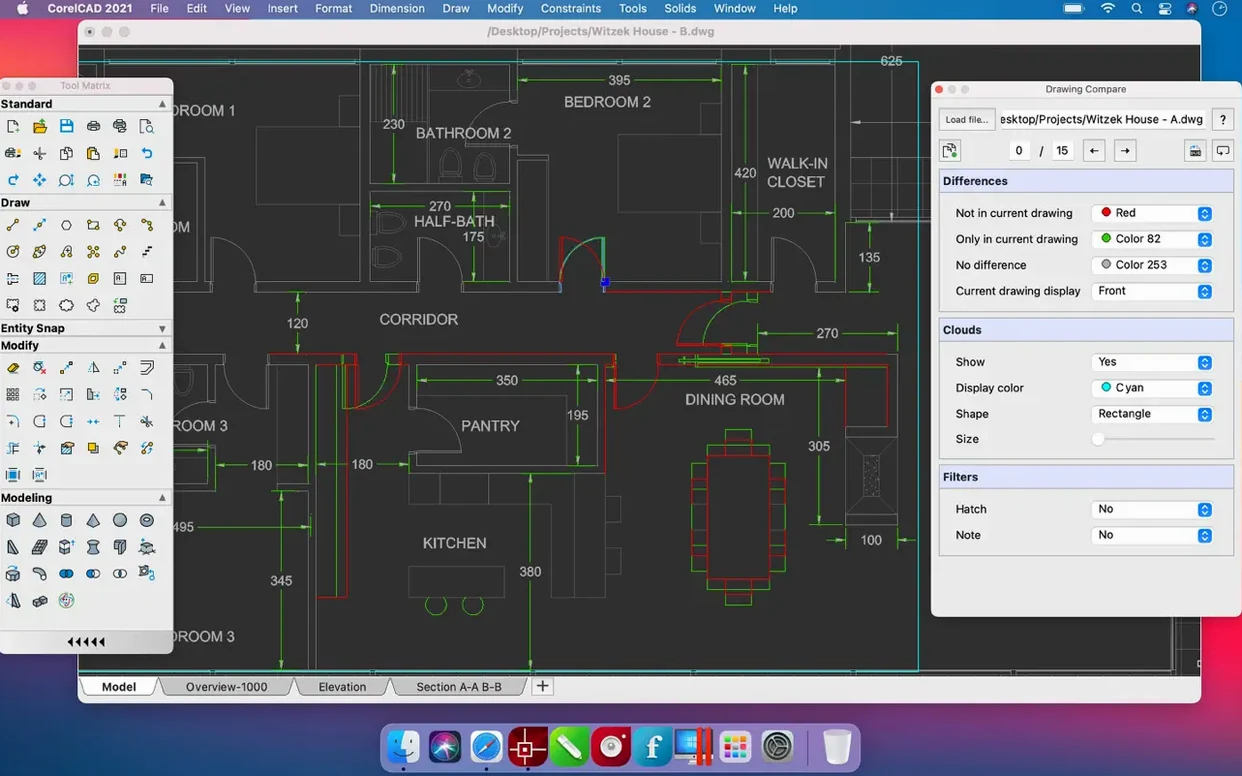
The other big question is about DWG compatibility. Since this is the native format, files open and save without an import step. I keep a handful of test drawings from an architect friend who uses AutoCAD on Windows, and round-tripping annotations, layer states, and dimension styles has been clean in my experience. For anyone sending files back and forth with contractors or consultants, that alone removes a lot of friction.
People also wonder about the 3D side. CorelCAD gives you solid modeling tools, not just extruded outlines. You can loft, sweep, and revolve profiles, then export an STL straight to your slicer. It is not a substitute for a dedicated solid modeler if you need generative design or advanced surface continuity, but for furniture components, enclosures, or fixture layouts it covers plenty of ground.
Tighten the autosave interval to match your cloud-synced workflow
The defaults are sensible, but a few tweaks make daily work smoother. Head into preferences and look at these early on:
- Autosave interval. The default feels wide for anyone used to cloud-synced apps. Tighten it to ten minutes. CorelCAD creates backup files with a
.bakextension in the same folder, so a crash rarely means losing a whole session. - Background color for model space. If you prefer a dark canvas for long drafting stretches, switch it before you build muscle memory around the light default. The dark mode respects your macOS system setting, but the drawing area color is separate.
- Right-click behavior. By default a right-click repeats the last command, which surprises people coming from other CAD tools. You can set it to show a context menu instead. Personally I keep the repeat behavior for drafting speed, but it is worth knowing the option exists.
- File format for new drawings. Set it to the DWG version your collaborators use. CorelCAD defaults to its latest one, and older AutoCAD versions sometimes complain about newer file tags. Picking a slightly earlier format avoids an extra "save down" step on deadline days.
- Snap and grid spacing. The grid is on by default, which helps when you are placing your first lines. Once you get comfortable, dial it to a finer increment or turn it off entirely so it does not distract from dimension-heavy layouts.
DWG editing on Mac feels different across AutoCAD, BricsCAD, and LibreCAD
If you are looking at a corelcad mac setup, you have probably also come across BricsCAD, AutoCAD for Mac, and maybe even LibreCAD. They overlap in the DWG space but feel quite different in daily use.
AutoCAD for Mac is the obvious reference point. It shares the same DWG core and has a familiar command line. CorelCAD mirrors that command-line workflow closely, so switching between the two is less jarring than you might think. Where CorelCAD carves out its own path is in the trim package—the 3D modeling tools, the print preparation for 3D, and the lack of feature gating you sometimes hit in lower-tier AutoCAD subscriptions. It also feels lighter on system resources, which matters when you are running it alongside a browser full of material specs and a few image editors.
BricsCAD takes a more aggressive approach to 3D and parametric modeling. For someone who builds complex assemblies with many interdependent constraints, BricsCAD pulls ahead. CorelCAD stays closer to the straightforward "draw it, dimension it, maybe extrude it" philosophy. That makes it approachable if you are not a full-time CAD specialist but still need accurate output.
LibreCAD is free and handles 2D well enough, but it stops there. No 3D, no STL export, no native DWG write support—only DXF. If your world is entirely 2D and budget is zero, it works. For anyone who occasionally needs a 3D view or sends files to a print shop that insists on DWG, LibreCAD leaves you reaching for a second tool.
I have also seen people search for a CorelCAD torrent to try before committing. If you go that route, just be aware that version mismatches and missing service packs can affect drawing stability, so it's worth checking which build you're getting. The build floating around is often older and lacks the stability fixes in the current release, so a drawing that crashes once an hour on a patched copy might run all day on the real thing.
Version 2022.5 brings several smaller enhancements along with performance and stability improvements to keep things running smoothly.
- macOS 10.14 or later
- Runs on Intel and Apple Silicon Macs
Questions from the stall
Can CorelCAD open AutoCAD DWG files on a Mac?
Yes, it supports the native DWG format for both opening and saving, so files move back and forth between CorelCAD and AutoCAD without conversion.
Does CorelCAD handle 3D printing?
It does. You can design a 3D model and export it as an STL file, which works with most slicing software and 3D printers.
Notes from other shops 0
Sign in or open a shop account to leave a note.
No notes yet. If you've used this on a shop Mac, tell me how it went.