Set natural light and a quick perspective
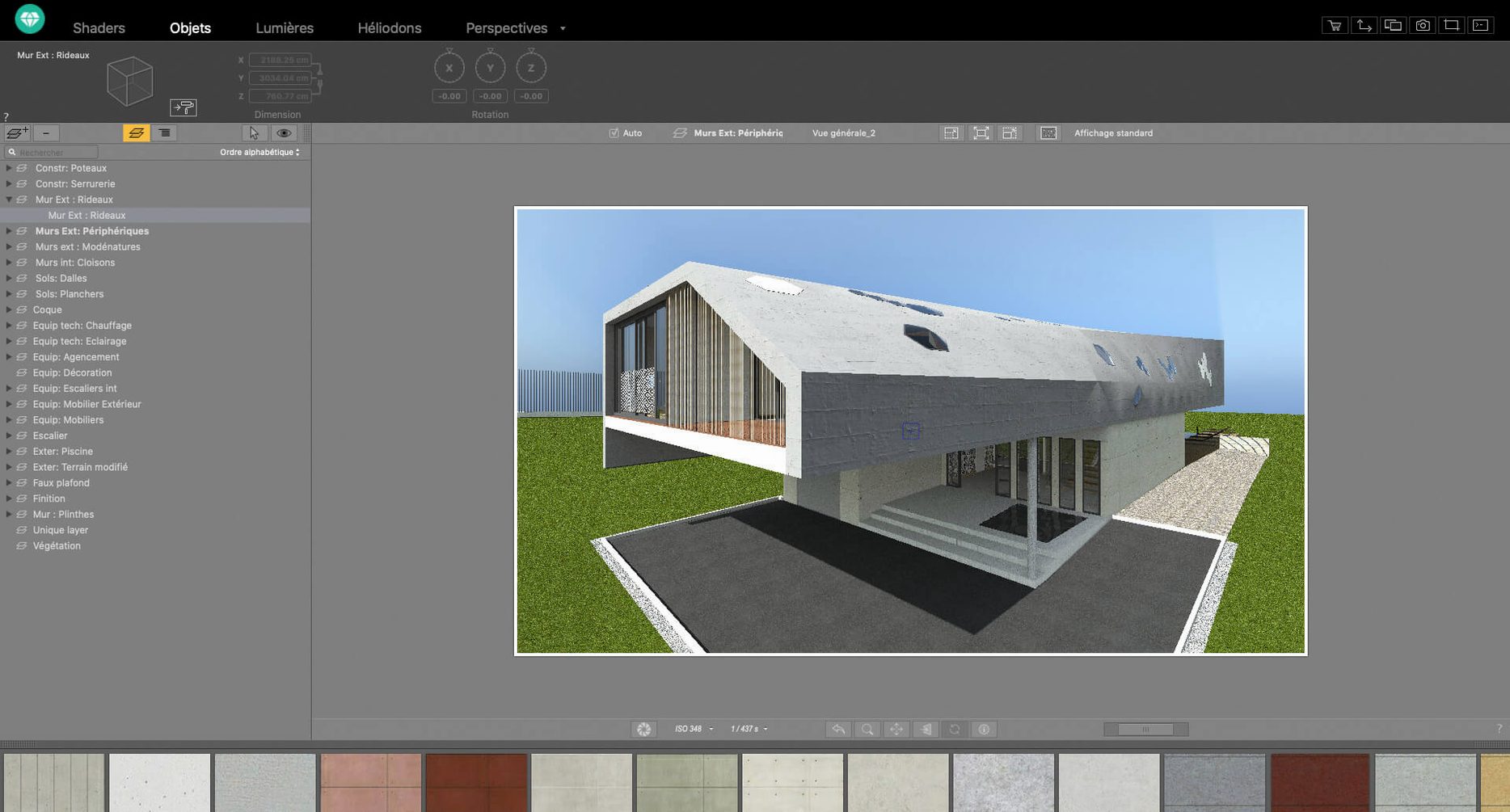
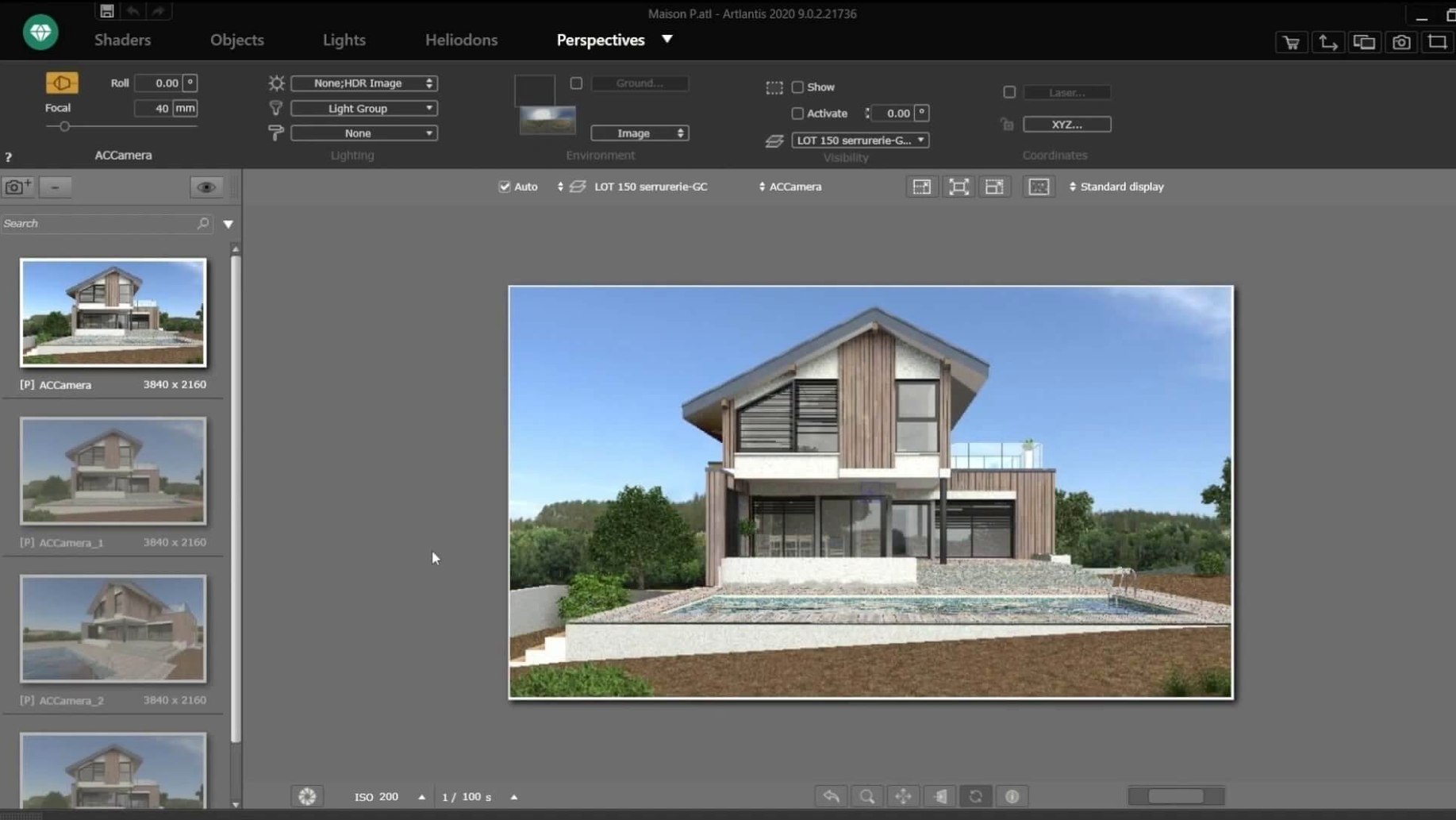
Open the Heliodon tool first — it’s the fastest way to give a bare 3D scene some life. Drag the sun angle until the shadows feel right, then pick a camera preset that frames the model without fuss. Light and viewpoint together make even a quick test render worth saving.
Turn your own photo into a surface material
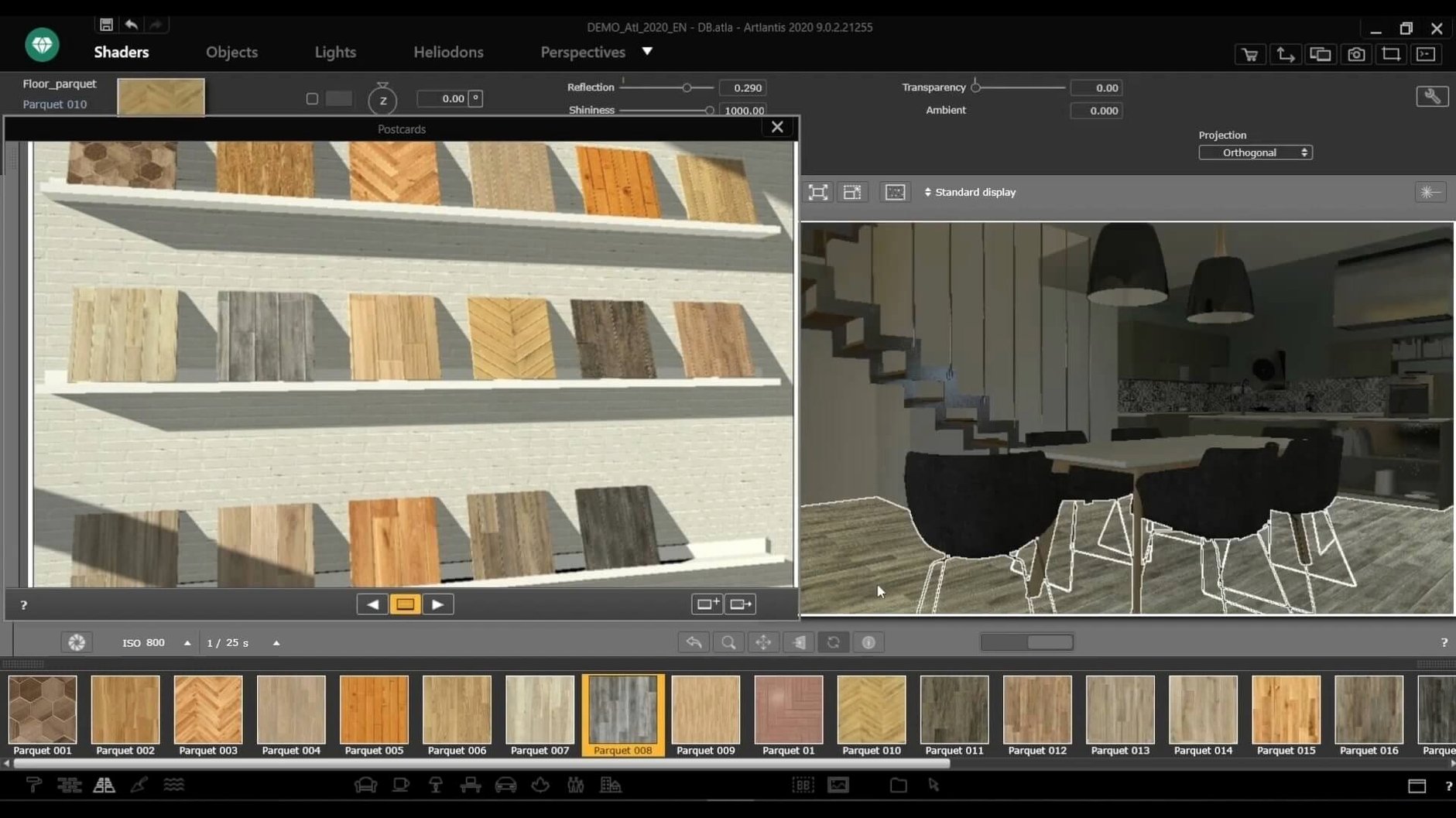
The shader tools aren’t just for tweaking built-in textures. Drag one of your own images onto a wall or floor and the app maps it in real time. Adjust the roughness and reflection right there, and you’ve got a custom surface that looks like it belongs in the scene, not pasted on.
Make a short camera-move animation
No keyframe experience needed. Pick two camera positions, set them as waypoints, and let the motion path editor smooth out the movement between them. It’s a practical first animation test that helps you understand timing before you try anything longer.
Match the preview window to your actual screen resolution
Artlantis ships with sensible defaults, but a few tweaks early on save real time later. Open Preferences and head straight to the Display tab — switch the preview resolution to match your screen’s native size. The default is smaller and softer, which undersells your materials during setup. While you’re there, turn off the automatic thumbnail generation for unused shaders. The shader list stays snappier, especially when you’ve dragged in a dozen custom textures.
In the Save section, bump the auto-backup interval down to 10 minutes. Rendering apps don’t crash often, but when they do it’s usually after you’ve spent 40 minutes positioning three hundred tree proxies. Also worth doing: set your default image format to TIFF or PNG rather than JPEG. You can always export a compressed copy later, but having a clean master render with no compression artifacts gives you room to post-process in another app without visible banding in gradients.
Swap a material everywhere with one right-click
The shader catalog has a right-click menu most people discover by accident. Right-click any material thumbnail and you can replace all instances of a surface in the scene at once — no need to hunt through the object list. It’s the quickest way to swap out a placeholder brick for the final stone texture across an entire facade.
In the 2D view, holding Option while dragging a light source duplicates it with all its settings intact. Handy when you’re placing a row of downlights along a corridor and want consistent intensity and color temperature without re-entering numbers each time.
The numeric fields for position, rotation, and scale accept simple math. Type +0.5 after a coordinate to nudge something half a meter, or /2 to halve a dimension. It feels obvious once you know it, but the interface never nudges you to try.
One more: the render window’s progress bar is actually a pause button. Click it mid-render to freeze the image and inspect what the engine has resolved so far. If your lighting is clearly wrong, you’ve saved yourself waiting for the full pass to finish.
How Artlantis fits with other apps and macOS features
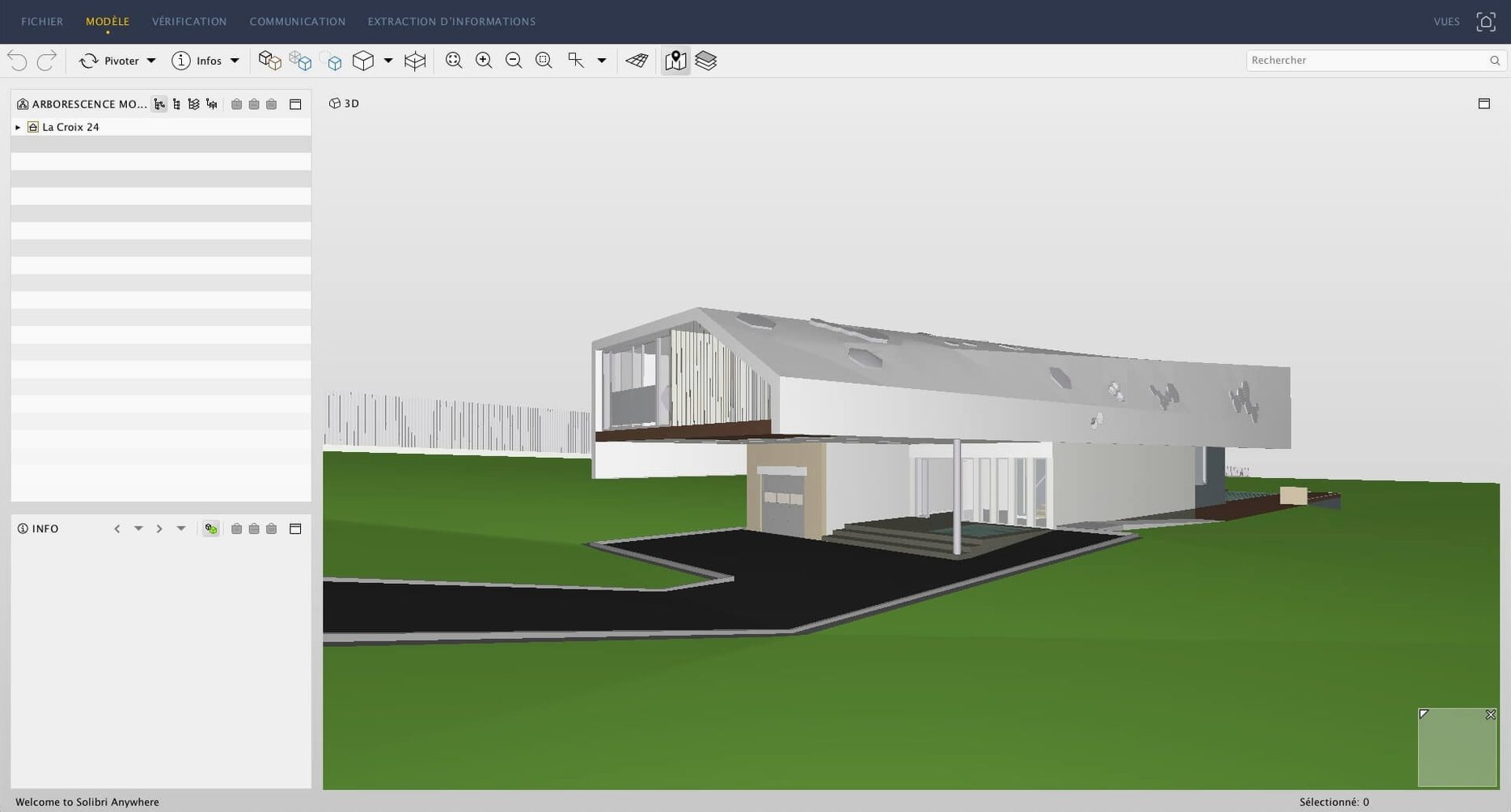
The direct exchange with ArchiCAD and VectorWorks gets mentioned in feature lists, but the practical side is simpler than it sounds: save your model in the CAD app, switch to Artlantis, and the geometry appears with material names preserved. No intermediate export, no lost layers. If you work in SketchUp instead, the plug-in workflow is nearly as smooth — just keep your component names clean on the SketchUp side and they’ll stay grouped in Artlantis for individual surface edits.
For post-processing, Artlantis writes 16-bit TIFFs that open directly in Affinity Photo or Photoshop without conversion fuss. The brightness and contrast controls built into Artlantis are fine for quick balancing, but the real flexibility comes from rendering a slightly flat image on purpose and grading it elsewhere. Export a separate alpha channel pass from the render settings, and you’ve got a clean mask for sky replacement without touching the building edges.
On the macOS side, Quick Look handles Artlantis project thumbnails — press Space in Finder to preview a scene file without launching the app. It’s a small thing, but when you’ve got twenty project variants in a folder, spotting the right one by thumbnail beats opening each in turn. The app also respects standard macOS color pickers, so any palettes you’ve saved system-wide are available for light and material tints without re-creating them.
- macOS 10.13 or later
- 64-bit Intel processor
Notes from other shops 0
Sign in or open a shop account to leave a note.
No notes yet. If you've used this on a shop Mac, tell me how it went.