
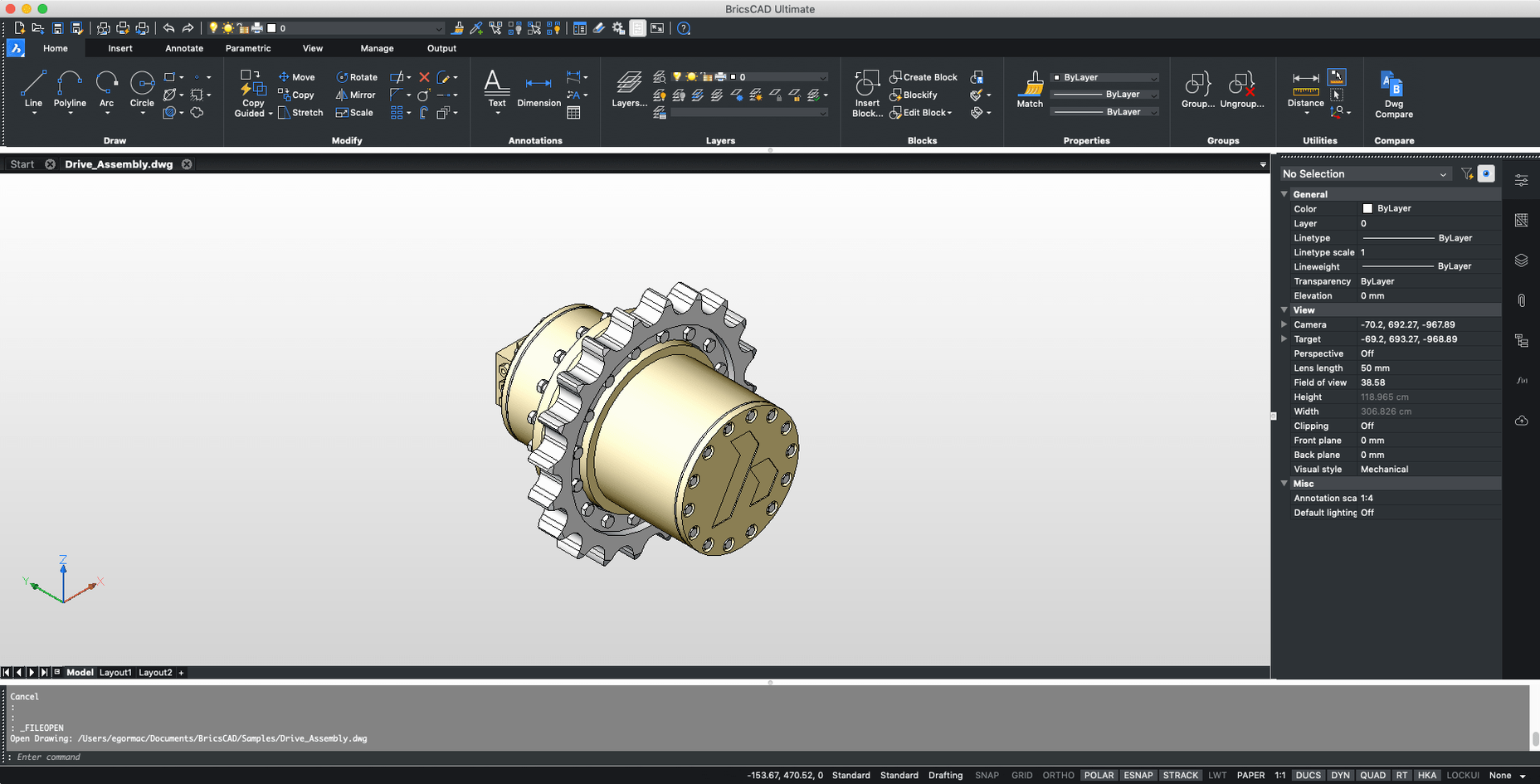
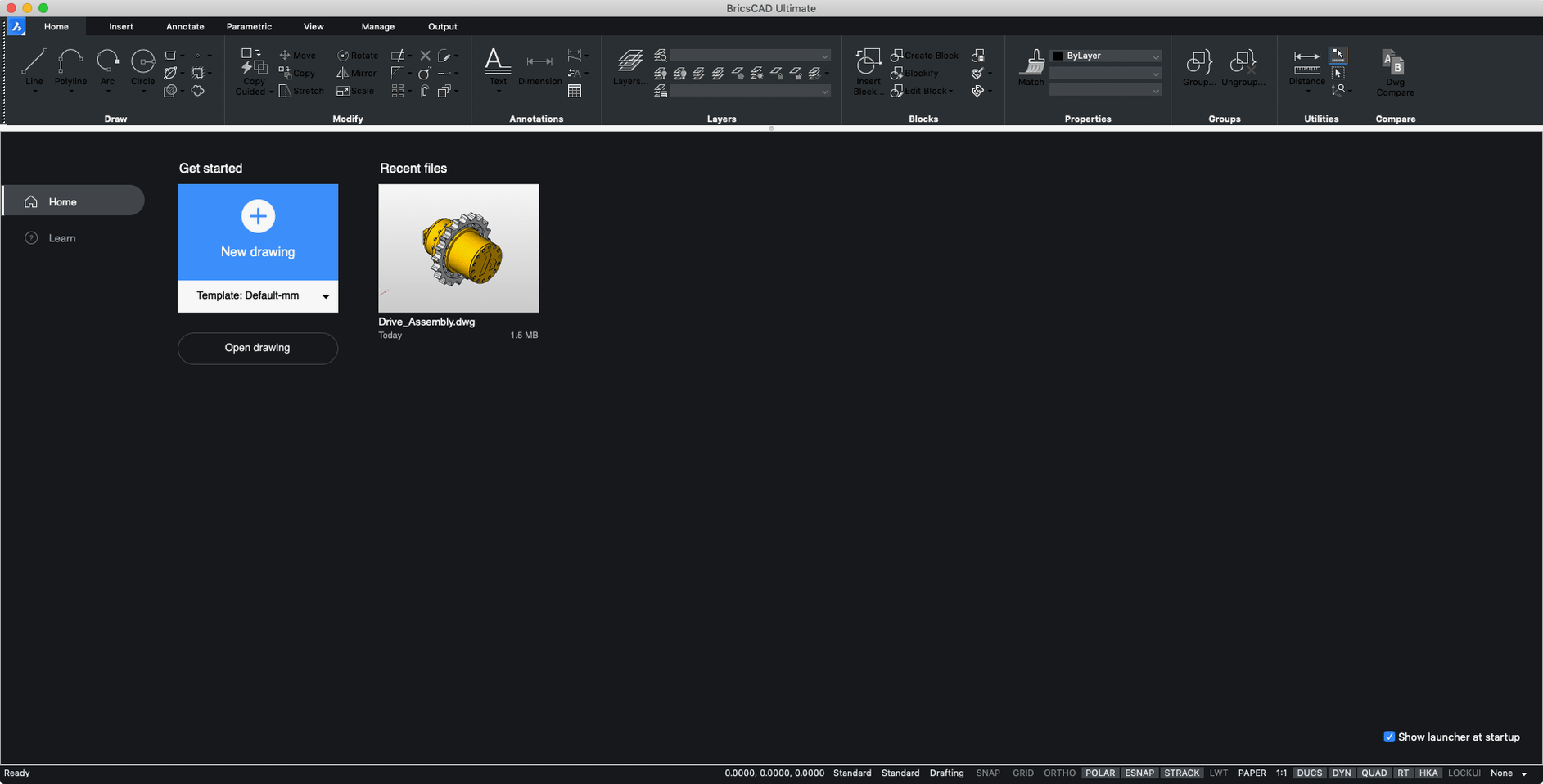
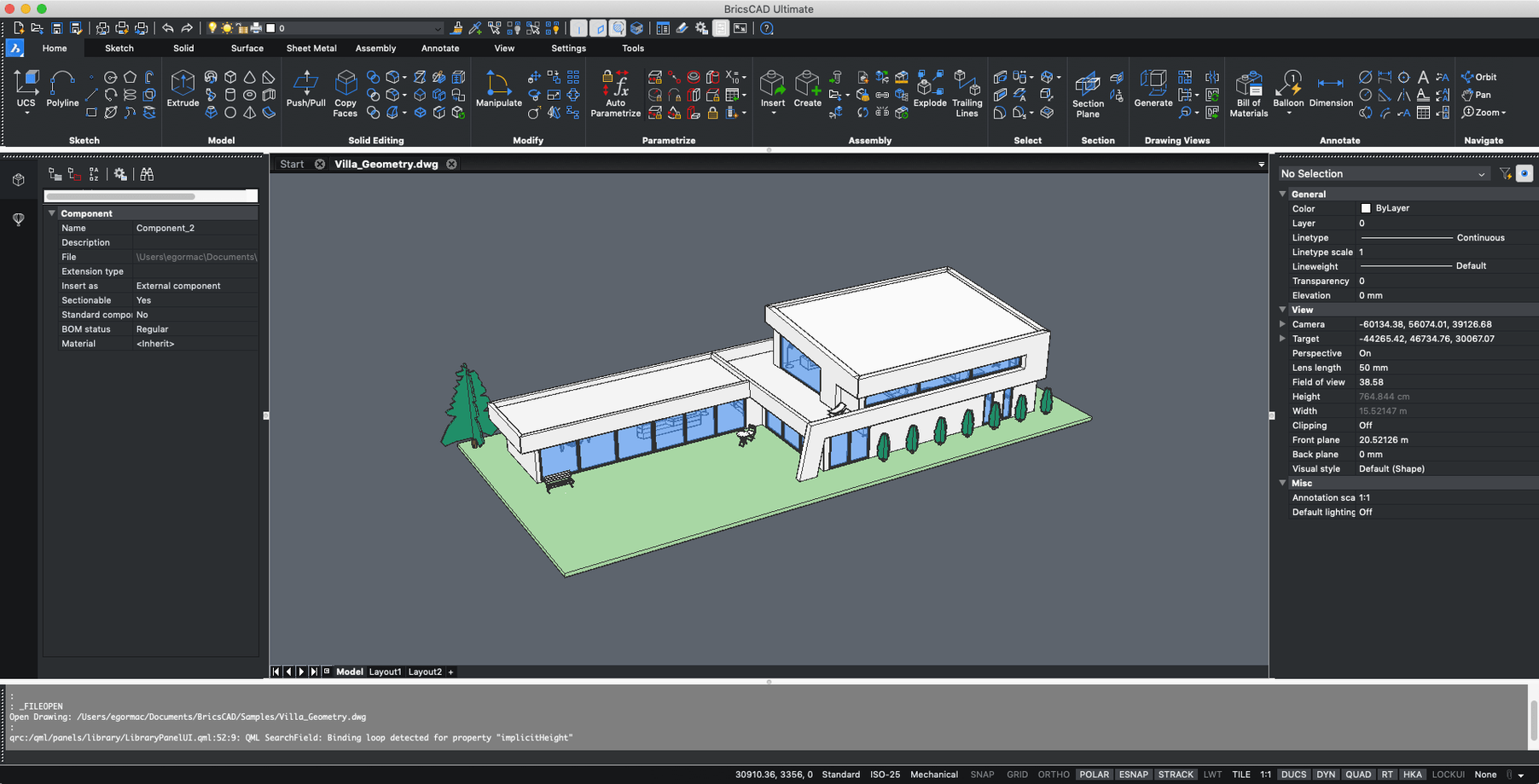
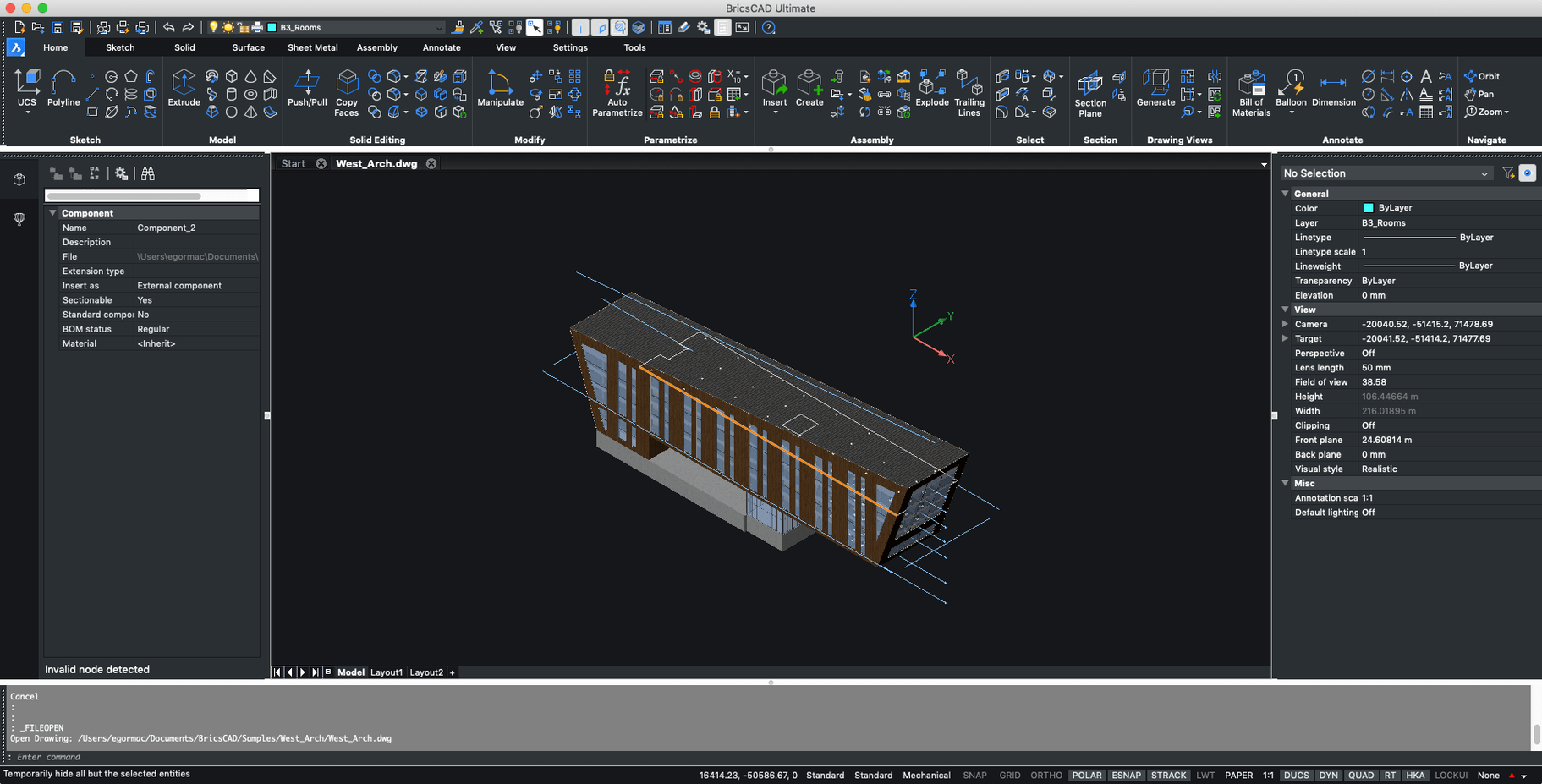
Version 24.2.04-05-1 ships as a 64-bit x86 build, so the first question is always whether your Mac can run it comfortably.
macOS support — macOS 12 or higher is officially supported.
Apple silicon — Runs through Rosetta 2 on M-series Macs since version 21.2.06.
Edition — The installer contains Shape, Lite, Pro, Mechanical, BIM, and Ultimate editions in one package.
Workflow fit — It reads AutoCAD custom menus, toolbars, scripts, and snaps, which eases switching from other CAD tools.
Right-click repeats your last command
After a few weeks with BricsCAD, you'll stumble on things that aren't in the toolbar but make the day smoother. Here are a few worth knowing about early.
- Right-click repeats the last command. Instead of typing
LINEagain or hunting for the icon, a right-click in the drawing area cycles your last command. It sounds tiny, but when you're nudging dimensions into place for the twentieth time, it saves real minutes. - Quad cursor — not just a gimmick. Hover over an entity and a small palette of commands appears near the crosshair. It predicts what you're likely to do next based on what's under the cursor. For me, it cuts down trips to the ribbon by about half. You can tune its size and delay in settings if it feels pushy at first.
- Manipulator widget. Select an object and the on-screen gizmo lets you move, rotate, scale, or mirror without launching a formal command. Click the colored arrows to constrain movement along an axis, or grab the arc segments to rotate by eye. It's the kind of thing that, once you get used to it, you miss immediately in older CAD tools.
- Dynamic UCS. Hover over a face of a 3D solid and the coordinate system temporarily snaps to that plane. Start drawing — a circle, a cutout, whatever — and it lands exactly on that face. No manual UCS rotation required. It works quietly in the background and saves a startling amount of alignment time on mechanical parts and furniture models.
- Quick select by property. The Properties panel has a filter icon most people ignore. Click it, pick a property like "Layer" or "Color," and BricsCAD selects every entity that matches. Cleaning up a messy file from a collaborator becomes a two-click job instead of a box-select chore.
DWG thumbnails show up right in Finder
BricsCAD isn't an island. It plays well with the rest of your Mac setup, and knowing those connections makes the whole workflow more fluid.
Finder and file handling. DWG files carry a preview thumbnail that Finder displays natively. When you're digging through a project folder, you can actually see what's inside each drawing. Quick Look doesn't render DWGs by itself, but once BricsCAD is installed, hitting the spacebar on a DWG shows a clean preview. For those grabbing bricscad mac builds to replace an older setup, this alone eases the transition from Windows workflows where file previews are expected.
Copy and paste between apps. Copy a drawing area in BricsCAD and paste it into Pages, Keynote, or an email as a vector PDF. It stays crisp when scaled. In the other direction, you can paste text from a spec document straight into a multiline text block — rich text and all. It's a small bridge between CAD and office work that saves a surprising amount of retyping.
PDF underlays. Import a scanned floor plan or a consultant's schematic as a PDF underlay, scale it to match known dimensions, and trace over it. The PDF sits on its own layer, so you can dim it, lock it, or flip it off when you're done. Architects working from old paper drawings — this one's for you.
Apple Silicon and Rosetta. Since version 21.2.06, the Intel build runs under Rosetta 2 on M-series Macs. It's a translated app, not a native one, so don't expect the efficiency of Metal-native rendering. But for drafting and moderate 3D work, it holds up well. The bricscad macos experience on Apple silicon has been stable across Sonoma, Ventura, Monterey, and Big Sur — enough that most people stop thinking about the translation layer after day one.
Fixing the blank startup screen
No CAD tool is completely frictionless. Here are the trouble spots that come up most often — and what to do about them.
The cursor feels sluggish on a 4K display
This sometimes happens on Retina screens with the default graphics settings. Head to Settings > Program Options > Graphics and switch the display engine from "Modern" to "Classic" if you're on older hardware. Also, reduce the crosshair aperture size a few pixels — it lightens the redraw load without affecting precision. Restart the app, and the cursor usually snaps back to responsive.
AutoCAD menu files won't load
BricsCAD supports custom menus, toolbars, and scripts from AutoCAD, but the file paths sometimes trip people up. If your .cui or .mnu file isn't recognized, make sure it's placed in the ~/Library/Application Support/Bricsys/BricsCAD/V24/support/ folder — not the application bundle itself. Then run the MENULOAD command, browse to the file, and load it. The macOS Library folder is hidden by default, so use Finder's Go > Go to Folder menu to get there.
Hatch patterns print solid black
This one catches people who print directly from model space. Switch to a layout tab, set up a viewport, and print from paper space. If that's not an option, check the hatch's transparency setting in the Properties panel — a value of 0 can sometimes confuse the macOS print driver. Set it to 1, and the pattern renders correctly on paper.
The installer includes multiple editions — which one do I open?
The package contains Shape, Lite, Pro, Mechanical, BIM, and Ultimate. On first launch, BricsCAD asks which edition you want to run. If you're coming from a background in 2D drafting, start with Pro — it covers both 2D and 3D without the specialized tool palettes of Mechanical or BIM. You can switch editions later by holding the Option key while launching the app and selecting a different one from the dialog. Your workspace customizations follow you across editions, so experimenting costs nothing.
Snap tracking feels off-center
If object snap tracking seems to pull your cursor slightly off the point you expect, check that OSNAPZ is set to 1. When it's 0, BricsCAD tries to project snap points into 3D space, which can misalign with your current UCS in a 2D view. Setting it to 1 locks snap tracking to the Z-plane of the current coordinate system, and the cursor lands exactly where you want it.
Turning a rough DWG into a clean floor plan
Here's what a typical afternoon might look like — not a tutorial, just a sketch of how the pieces fit together when you're actually getting work done.
You've got a DWG from a colleague — a rough floor plan drawn in another tool, layers a bit chaotic, some blocks exploded for reasons unknown. You drop it into a project folder and double-click. BricsCAD opens it directly; no import wizard, no file conversion step. The drawing fills the screen, and the layer list in the left panel already tells you what you're dealing with: walls on one layer, dimensions scattered across three others, furniture blocks on something called "Layer 7."
First move: you click the layer filter icon, select every entity on "Layer 7," and assign them to a properly named "Furniture" layer. Then you purge the empty layer with PURGE to keep the file clean. A quick AUDIT catches three orphaned block references — fixed with a single click.
Now the actual work. A client wants to see what the kitchen looks like with an island. You trace the wall boundary with POLYLINE, offset it inward by 900mm for counter depth, and use the Quad cursor
Scope — Handles both 2D drawings and 3D models, with the interface available in Russian and English.
- macOS 12 or higher
- Intel processor, or Apple silicon via Rosetta 2
- 64-bit x86 build
Questions from the stall
Does BricsCAD Mac run on Apple silicon?
Yes, it runs on Apple silicon through Rosetta 2, as supported since version 21.2.06.
Notes from other shops 0
Sign in or open a shop account to leave a note.
No notes yet. If you've used this on a shop Mac, tell me how it went.