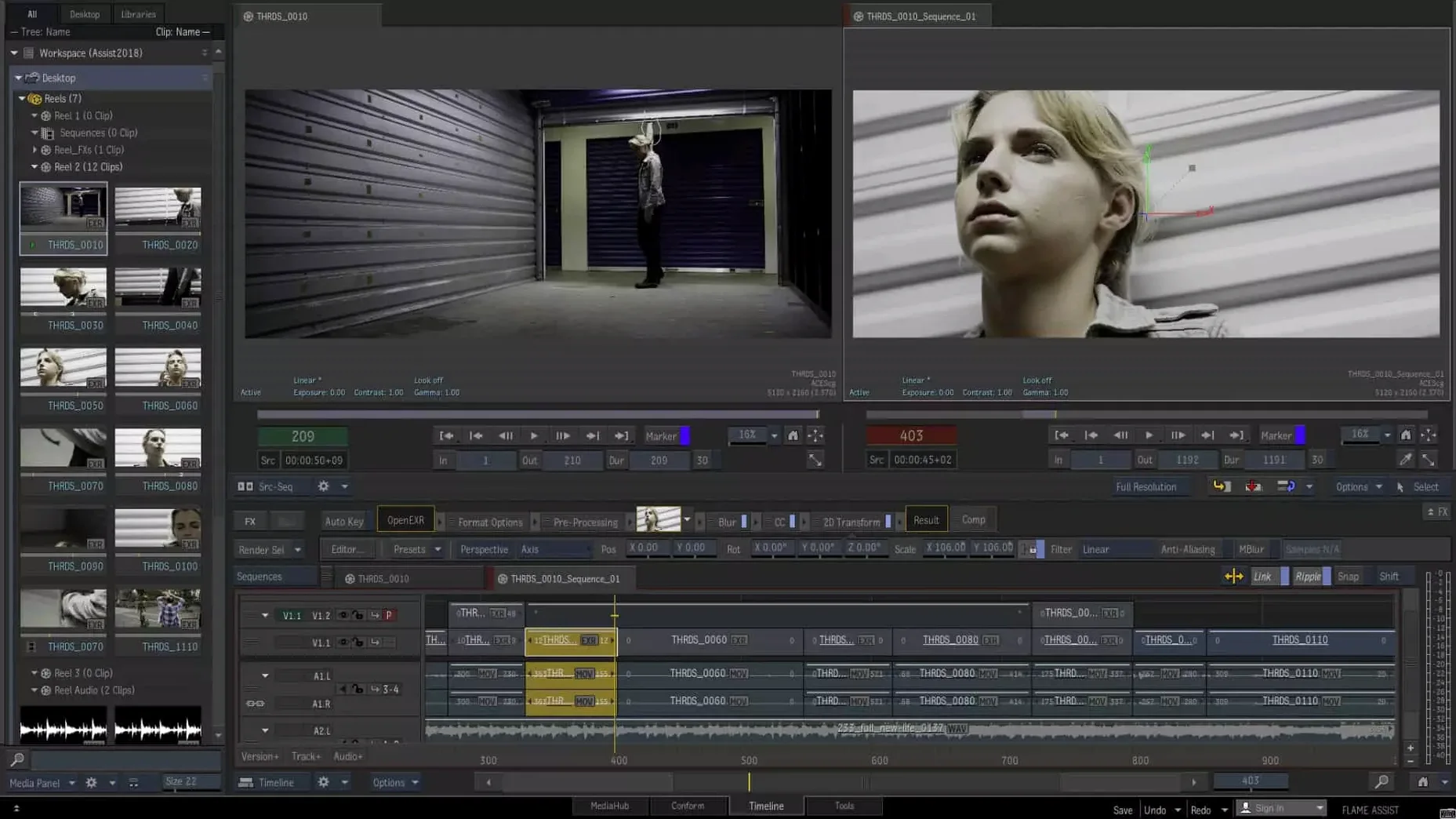
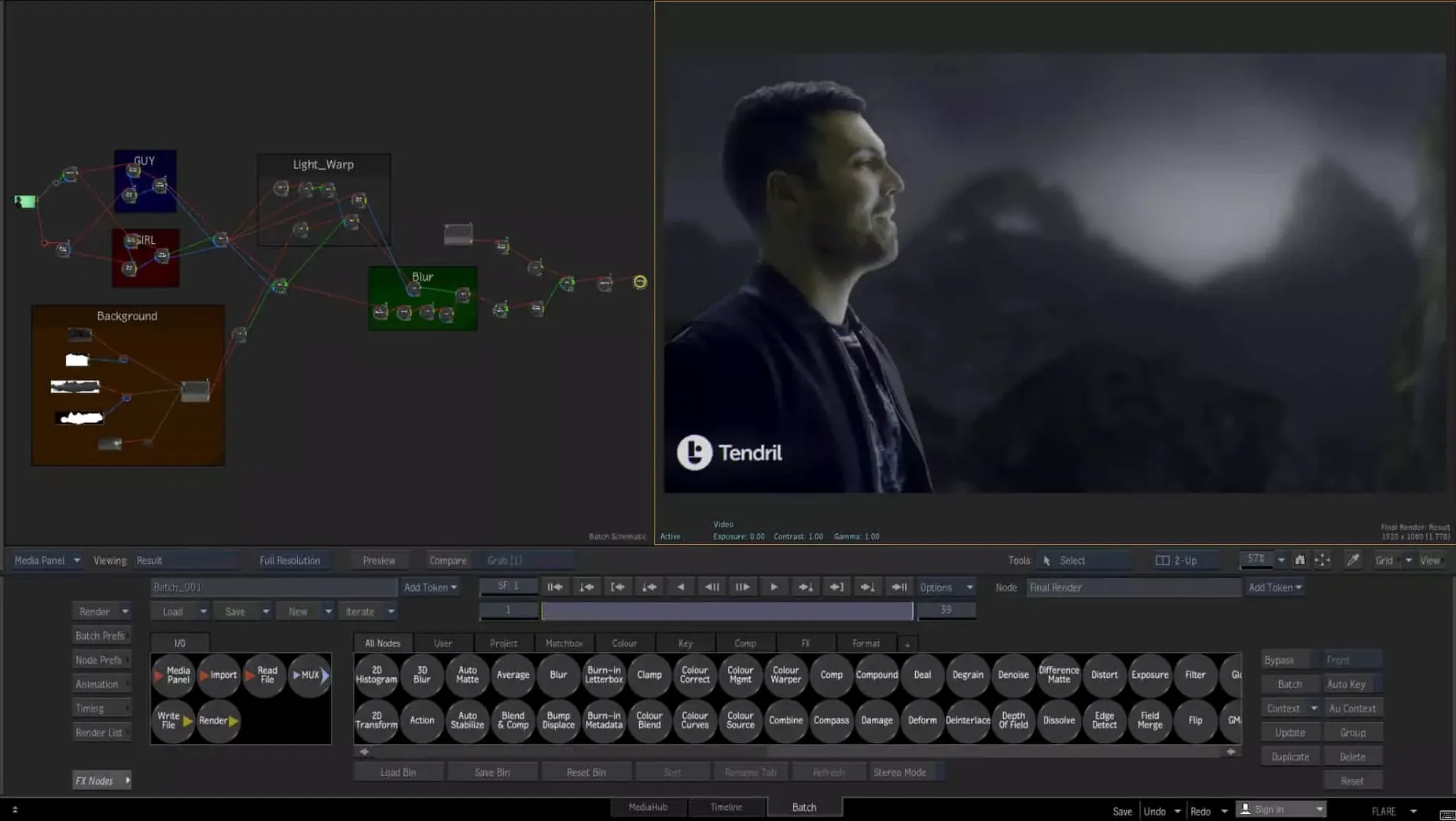
The 2027.1 update brings three changes worth knowing about before anything else: an Isolate tool, ProRes RAW clips in MediaHub, and OpenTimelineIO support. If you work with mixed camera formats or need cleaner plates for compositing, those are the ones you'll notice first.
Questions I'd ask before committing disk space
- Will it run on my Mac? Only macOS 14 Sonoma or newer, on Intel or Apple Silicon. You also need 20 GB free just for the download and install.
- Does it handle 3D and stereo work? Yes. It includes tools for visual effects and finishing in stereoscopic 3D projects, plus 3D effects on video.
- Can I work with other systems? The Connected Conform workflow helps with shared media management, sorting, and syncing across sequences. Scripting hooks let you process images through external renderers.
- What about machine learning? It has live scene depth recovery, which is handy for quick depth-based grading or effects without a separate pass.
One thing to know before you start
System Integrity Protection must be disabled for installation. That's not a small setting to flip, so make sure you understand what that means for your machine before proceeding. The package includes the installation and activation instructions.
Complex node trees play back smoothly on a well-equipped Mac
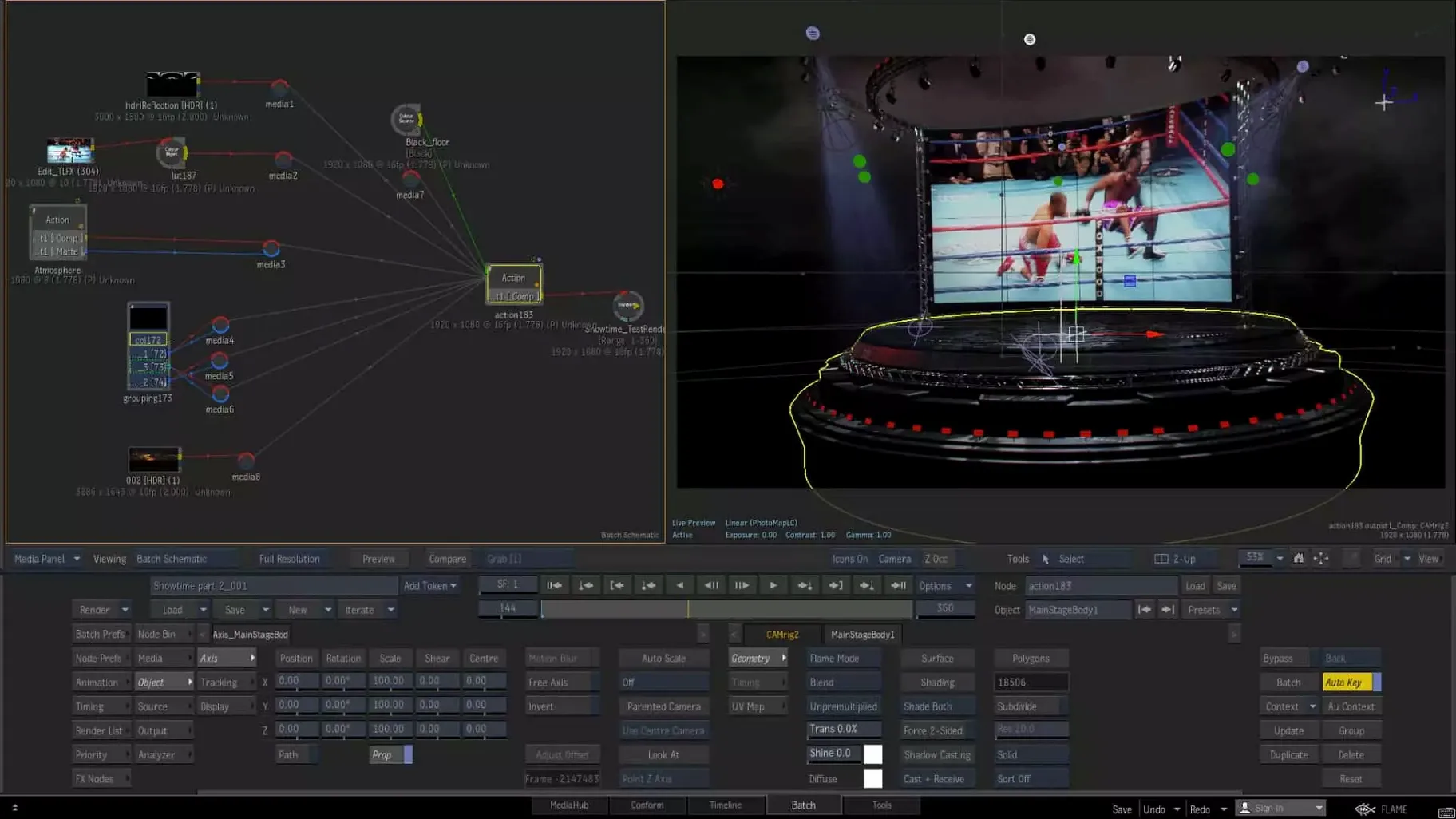
Flame has always been a workstation-class application, and the 2027.1 release carries that weight without apology. On a well-configured Mac with enough RAM, the Batch environment feels responsive even with complex node trees. Playback in the timeline stays smooth when you're reviewing graded and 3D shots together — the kind of real-time feedback that keeps you in a creative flow instead of staring at a render bar.
Memory pressure is the main thing to watch. Flame wants headroom, and once you start stacking machine learning depth recovery with a heavy MasterGrade session, you'll feel the difference between 32 GB and 64 GB of RAM. The app doesn't stumble quietly — when resources get tight, you'll know. That said, I haven't seen the kind of random crashes that would make me nervous about client-attended sessions. Autosave is frequent enough that even if something goes sideways, you're rarely losing more than a few minutes of work.
Disk I/O matters too. Working with ProRes RAW clips in MediaHub, especially longer timelines, benefits from fast internal storage. An external Thunderbolt drive handles it fine, but USB 3 starts to wheeze with multiple streams. For a finishing tool of this caliber, that's expected rather than a flaw.
Conforming messy camera originals into a morning timeline
Let's walk through a morning with Flame, the way it actually plays out when a client sends over messy camera originals and expects a polished deliverable by end of day.
First, I pull everything into MediaHub. With the new ProRes RAW support, there's no transcoding dance — the clips just show up and play. I sort them into folders, flag the takes I know we'll use, and sync a reference audio track against the camera scratch. Connected Conform means the assistant editor's sequence structure from the offline is already waiting for me; I match it and the timeline populates with the correct clips, graded and 3D shots aligned.
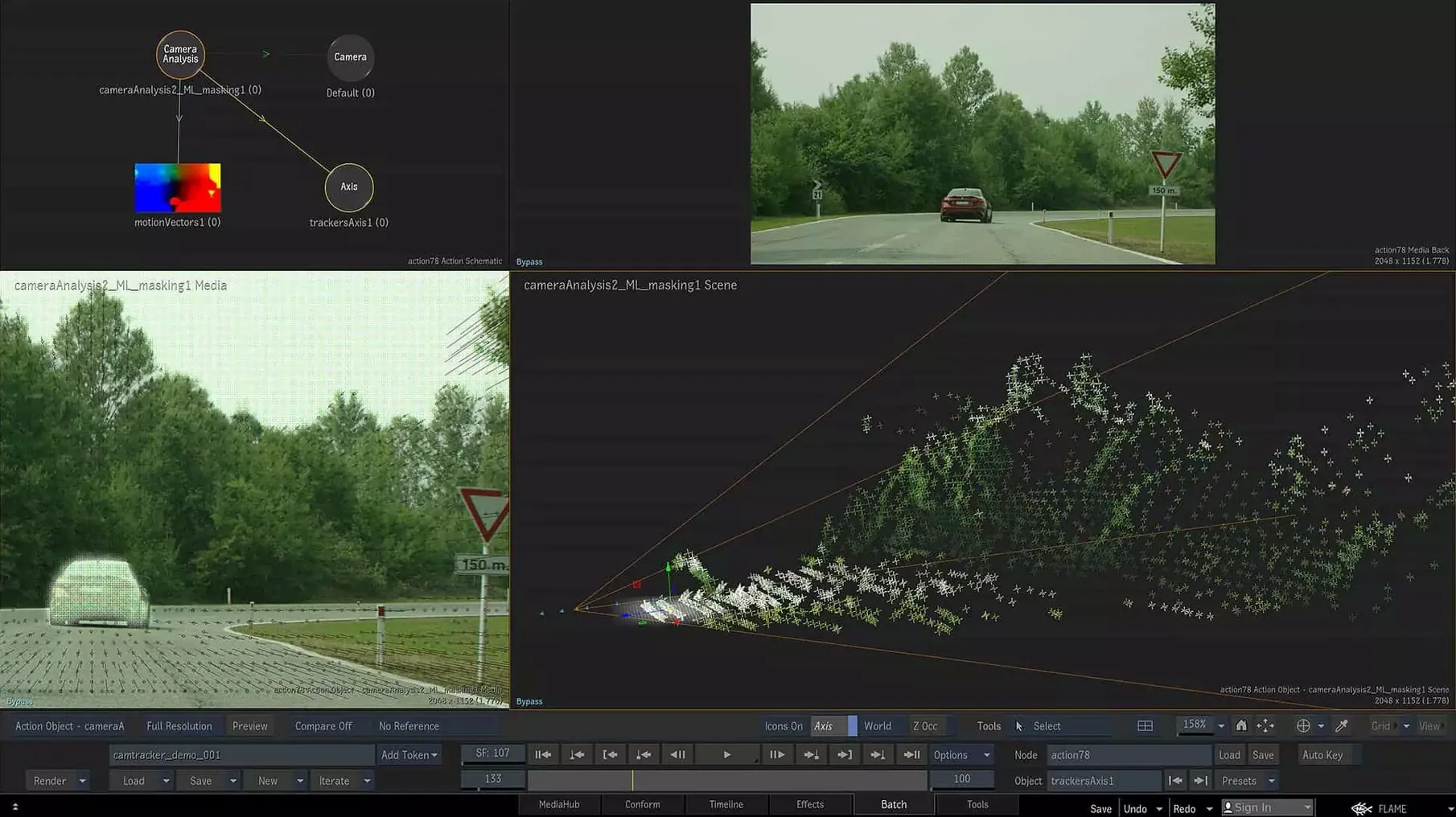
Next I jump into Batch for the heavy compositing work. A node-based setup lets me stack keyers, roto, and the new Isolate tool on a problem shot where foreground separation was giving us trouble. Isolate pulls a surprisingly clean matte on a character with flyaway hair against a busy background — the kind of shot that used to eat an hour of manual roto. I pipe that result into a relief map generated by the machine learning depth recovery, tweak the Z-depth blur, and send a slap comp to the client for approval while the timeline updates in the background.
Color work comes last. I open MasterGrade in its linear mode for the RAW-originated shots, balance the sequence, and copy the grade across matching angles using the batch editing tools. Clip-level color-space tracking from source to screen means I don't have to babysit transforms. By lunch, the timeline is playing back in real time and I'm watching it through the AJA output, not the GUI viewer — that's the finishing mindset Flame rewards.
Three additions stand out in 2027.1:
- Isolate tool — for pulling elements out of a shot without rebuilding your whole comp.
- ProRes RAW in MediaHub — useful if you're bringing in footage straight from camera cards.
- OpenTimelineIO support — easier exchange with other timeline-based tools.
- macOS 14 Sonoma or newer
- Intel or Apple Silicon Mac
- 20 GB free disk space for download and installation
Questions from the stall
Does Autodesk Flame support OpenTimelineIO?
Yes, OpenTimelineIO support was added in version 2027.1, along with the Isolate tool and ProRes RAW clips in MediaHub.
Notes from other shops 0
Sign in or open a shop account to leave a note.
No notes yet. If you've used this on a shop Mac, tell me how it went.