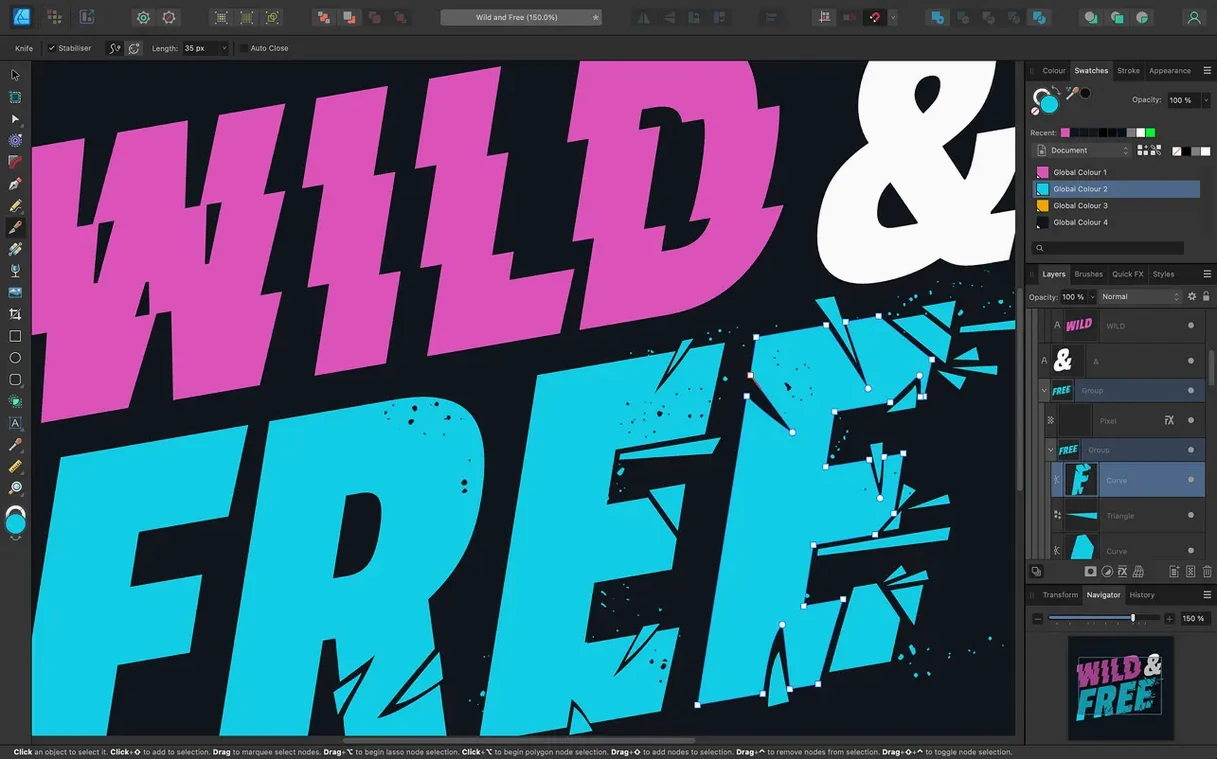
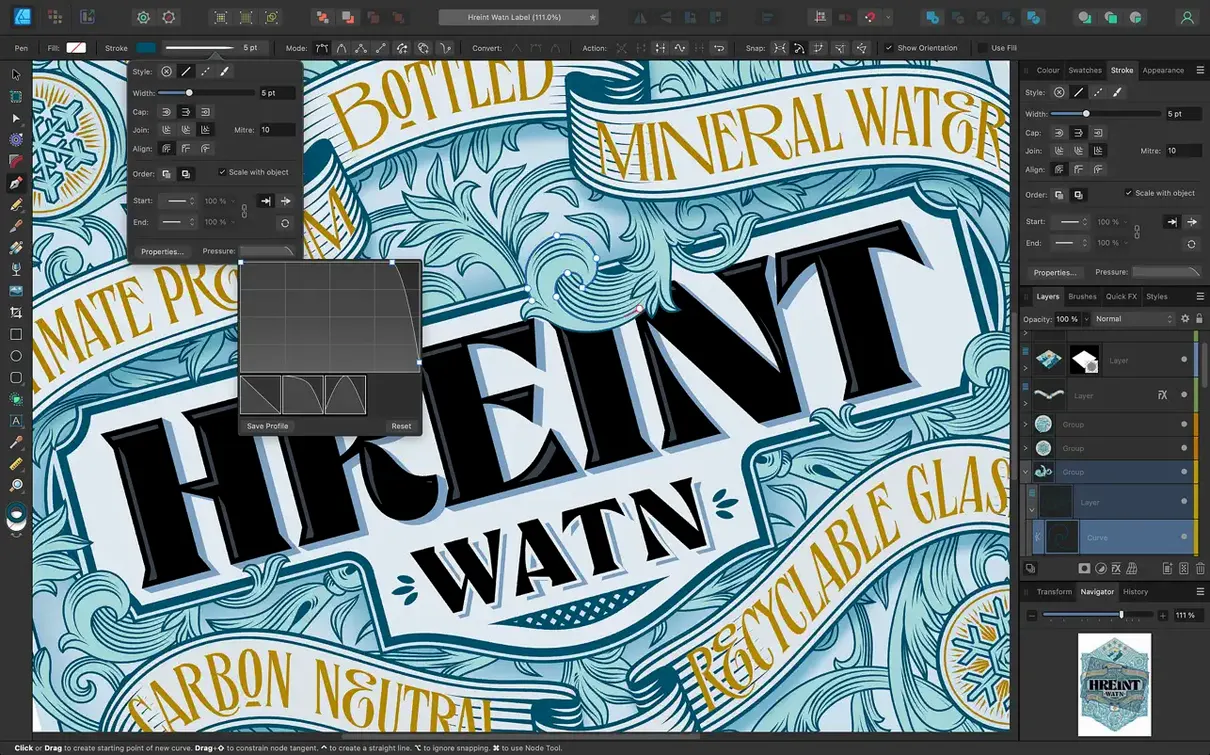
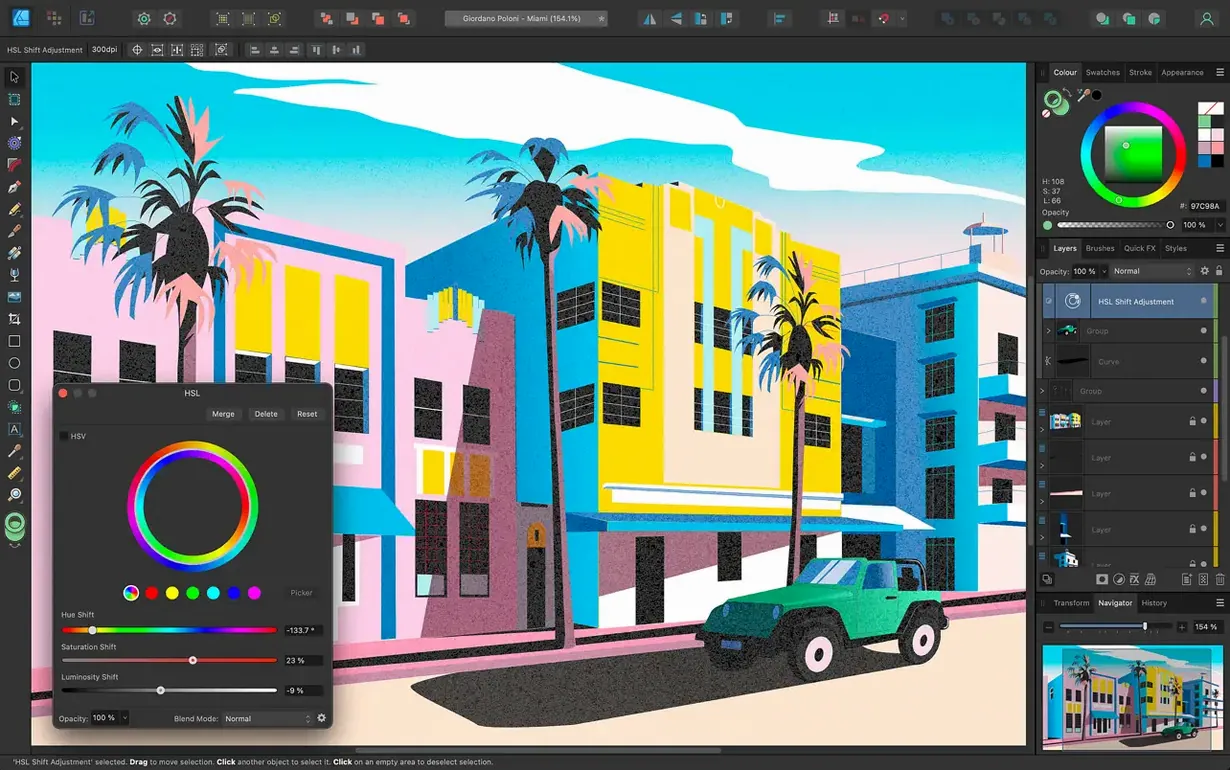
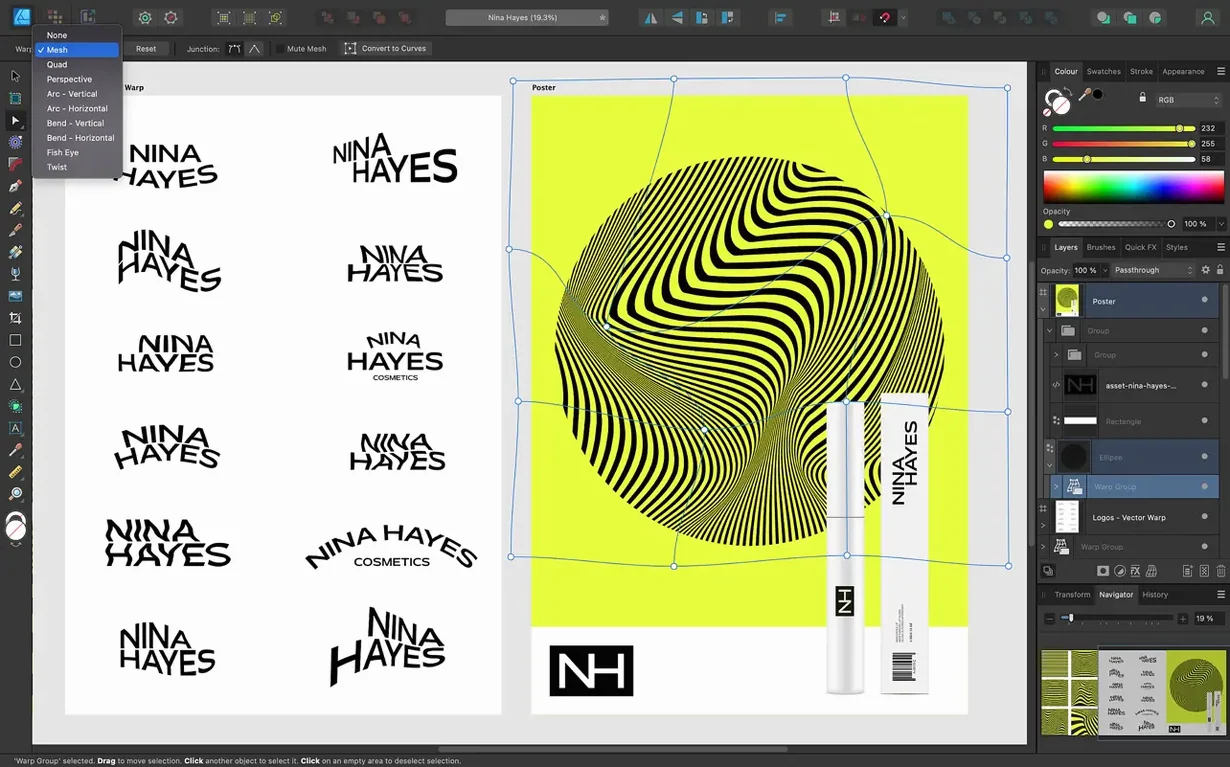
The Stroke Width Tool profiling improvements landed quietly in version 2.6, and they typify why this app sticks with me. You draw a tapered stroke, adjust the pressure profile by dragging points on a curve, and the line weight shifts exactly where you want it. Hit Reset Profile and you are back to a clean slate in one click. It is a small fix that removes friction from everyday illustration work.
| Detail | Info |
|---|---|
| Current version | 2.6.5 |
| Architecture | Apple Silicon & Intel 64-bit |
| Minimum OS | macOS 10.15 |
| Color models | CMYK, LAB, RGB, Grayscale |
What I would use it for: building a full brand kit from scratch. You start in the vector workspace for the logo — clean geometric shapes, text on a curved path, precise boolean operations — then switch into the raster persona to paint a subtle paper texture overlay without ever leaving the file. The same document handles both worlds. The new Command-toggle for marquee selection intersection makes picking apart complex overlapping shapes feel less like guesswork. Combine that with brush stabilization for smooth freehand curves, 16-bit per channel editing for gradient-rich poster art, and solid PSD, AI, PDF and SVG round-tripping, and you have a design tool that fits a one-person shop's reality: you wear all the hats, and your software should too.
Building a café sticker set with artboards and die-cut shapes
I am working on a small café's window sticker set — six die-cut shapes, bold typography, warm colors. Here is how the session usually unfolds.
I open a blank document with four artboards set to the sticker dimensions. The artboard tool lets me duplicate and rearrange them as I go, so I add two more partway through without breaking anything. I name them by flavor — Matcha, Hojicha, Genmaicha — because it keeps my layers sane.
On the first artboard I block out a rounded rectangle, then switch to the Pen tool for the tea leaf silhouette. The Pencil tool improvements from 2.6 show up here: I sketch a rough leaf shape freehand with my tablet, and the curve comes out cleaner than it would have a year ago. I adjust a few nodes, pull the pressure profile on a stroke to taper the leaf vein, and call it done.
I drop the café's wordmark onto a curved path — artistic text following a gentle arc above the leaf. OpenType alternates give the 'a' a softer terminal that matches the owner's print menu. I switch to CMYK early because the stickers are headed to a local print shop, and I want the rich blacks to stay rich without surprises.
Halfway through the chai artboard, I decide the background needs a soft watercolor bloom behind the type. I tap into the raster persona, grab a textured brush with low opacity, and paint a few warm washes directly on a new pixel layer. I blur it slightly with a live filter. No round‑tripping to another app, no export‑import dance. The vector lettering sits sharp on top, untouched.
Before I wrap up, I select a few overlapping decorative circles and hold Command while dragging a marquee. The intersection toggle lets me grab only the pieces I want without deselecting the rest. Small thing, but it saves me from zooming in and shift‑clicking nodes one by one. I export the set as a six‑page PDF with bleed and crop marks, then save a copy as an affinity file for future seasonal variants.
Canvas stays smooth even with dozens of artboards and live gradients
On an Apple Silicon Mac, the canvas pans and zooms at a smooth clip — Serif advertises 60 fps and it feels like it. Complex documents with dozens of artboards, live gradients and adjustment layers stay responsive. I have thrown a forty‑artboard packaging project at it and the only sign of strain was a slightly longer autosave pause.
Memory use in daily work sits around 1.5 to 2.5 GB for moderately heavy files. It is not featherweight, but for the vector‑raster hybrid it runs, that is reasonable. I rarely see swap pressure unless I am also running a raw photo editor and twenty browser tabs. Stability has been uneventful on version 2.6.5 — the release notes mention bug fixes and stability improvements, and I have not hit a crash during an export or a complex boolean operation in weeks.
The Metal‑backed rendering keeps gradient previews live and accurate. I can drag a gradient stop across a large shape and watch the blend update in real time without redraw flicker. OpenGL and Core Graphics fallbacks are there for older Macs, and the app still runs on Intel machines from the macOS 10.15 era without feeling abandoned.
Pencil tool now gives cleaner freehand curves with fewer nodes
The 2.6 cycle was not a flashy redesign, and that suits me. Three things landed that I touch regularly.
- Pencil tool improvements. Freehand curves come in with fewer extraneous nodes, which means less cleanup after a sketching session. The smoothing feels tighter without turning every line into a mushy approximation.
- Stroke Width Tool profiling and Reset Profile. Adjusting a variable‑width stroke is more predictable now — the profile curve responds to small drags without jumping. And Reset Profile is a one‑click escape hatch when I over‑tweak a stroke and want the plain uniform line back.
- Marquee select intersection toggle. Holding Command (or Ctrl) while dragging a marquee now inverts the selection behavior, so I can grab only overlapping objects. When I am working with dense icon grids or tangled decorative elements, this cuts selection time noticeably.
Version 2.6.5 is a maintenance release — bug fixes and stability polish. No new feature to describe, but the export dialog feels snappier and I have not seen a font‑cache stall that used to pop up occasionally in 2.5.
Opening your old PSD files with blending modes intact
Does it open my old Adobe files cleanly? PSD, AI, and PDF import is solid for most practical purposes. Layered PSDs come in with blending modes intact. AI files open as editable vectors when saved with PDF compatibility — text may need re‑flowing, but shapes, paths and gradients translate well. EPS and SVG are similarly workable. If you are moving a decade‑old archive, expect some manual tidying on complex files, but casual interchange is smooth.
Can I really switch between vector and raster work inside the same app? Yes — the Persona switcher moves you between the vector workspace and a raster painting environment without creating a new document. Pixel layers, brushes, and filters live alongside your curves and text frames. It is not a replacement for a dedicated photo editor in heavy retouching work, but for texture painting, simple masking and spot image edits it covers a lot of ground.
Will it run on an older Mac? macOS 10.15 is the floor, and the binary runs natively on both Apple Silicon and 64‑bit Intel. People on Catalina through Ventura with Intel hardware report workable performance for all but the largest multi‑artboard files. Metal acceleration helps, but the OpenGL fallback keeps older machines usable.
Is the learning curve steep for someone coming from another vector app? The toolset will feel familiar — Pen, Node, Shape, Gradient, and Text tools behave close to what you expect. Keyboard shortcuts differ, and the Studio panel system takes a day or two to arrange to your liking. The affinity of the interface to a traditional design workflow is strong enough that most people produce decent work within the first afternoon.
How does type handling hold up for print work? Artistic text, text frames, and text‑on‑a‑path are all present. OpenType features are accessible through a typography panel. You can convert text to curves for final output, or keep it live with ICC color management and proper bleed settings for press‑ready PDFs. I have sent sticker sheets, business cards and small posters to print without a complaint from the shop.
Version 2.6.5 is a housekeeping release with bug fixes and stability improvements. The preceding 2.6 update brought the real treats: refined Pencil tool behaviour, Stroke Width Tool profile adjustments with a handy Reset Profile option, and a Command or Ctrl toggle for marquee select intersection so you can grab overlapping shapes without hunting through layers.
- macOS 10.15 or later
- Apple Silicon or 64-bit Intel processor
- Touch Bar and Force Touch trackpad supported
Questions from the stall
Can I open Adobe Illustrator files in Affinity Designer?
Yes. It imports AI files along with PSD, PDF, EPS, SVG, JPG, TIFF and EXR, so moving between tools is straightforward.
Does it work on older Macs?
It requires macOS 10.15 or later and runs on both Intel 64-bit and Apple Silicon Macs with Touch Bar and Force Touch trackpad support.
What languages does the interface support?
The app is available in English, German, Spanish, Italian, Simplified Chinese, Portuguese, French and Japanese.
Notes from other shops 0
Sign in or open a shop account to leave a note.
No notes yet. If you've used this on a shop Mac, tell me how it went.