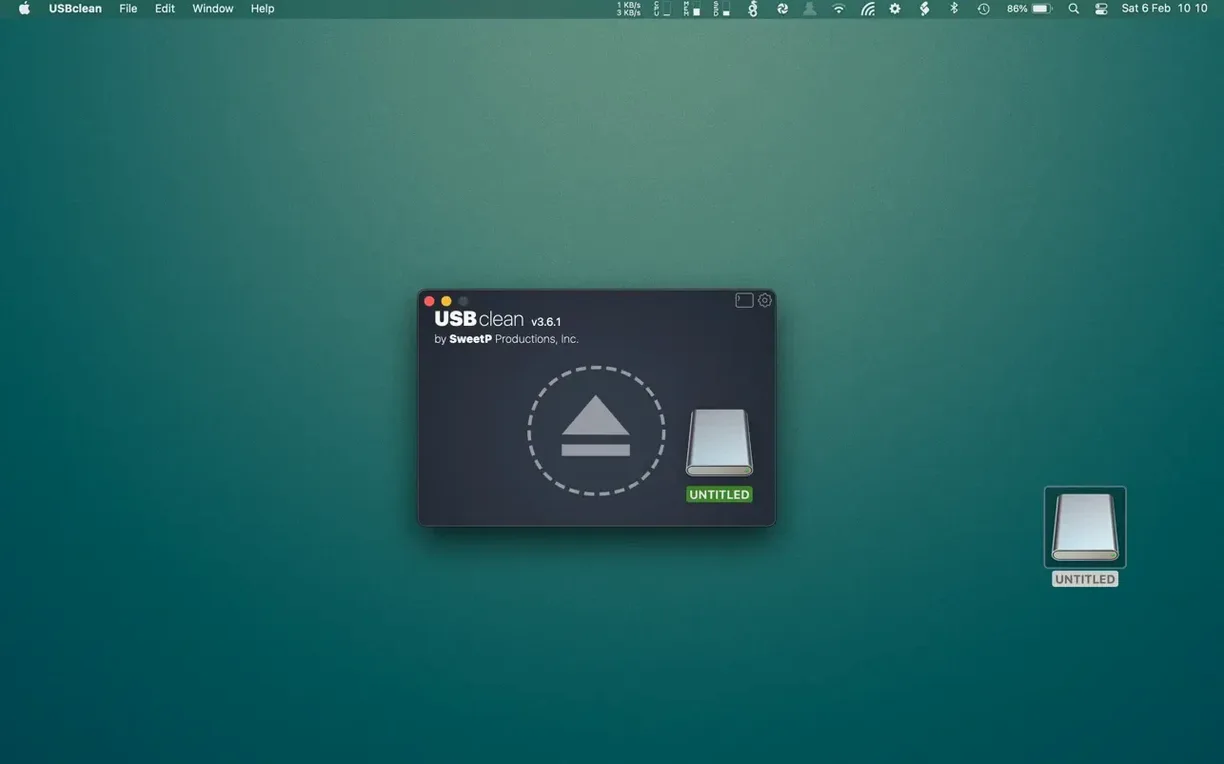
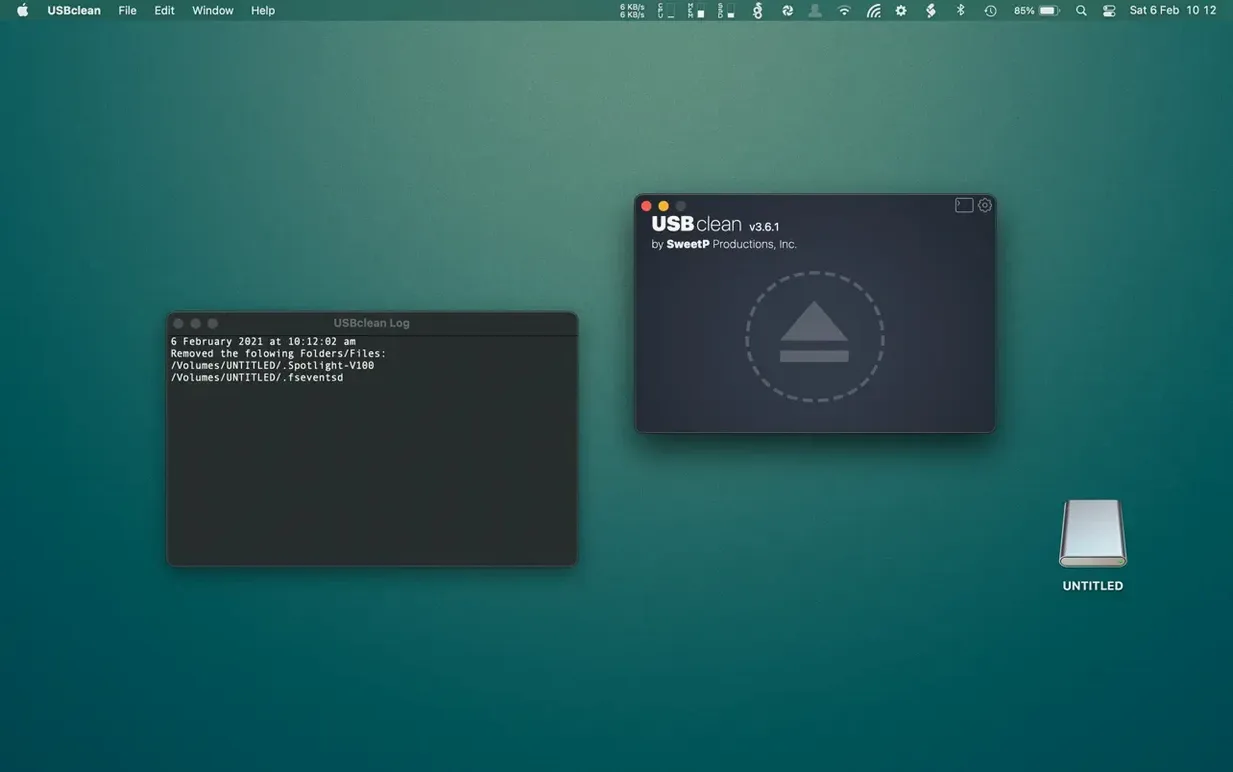
You plug a client's USB stick into your Mac, copy the files you need, and eject it. Later, they call to say the drive is full of strange folders with names like .DS_Store and ._ files. That hidden Mac housekeeping debris is exactly what USBclean handles.
What makes USBclean different from a general Mac cleaner?
It doesn't touch your internal drive. USBclean targets external volumes—thumb drives, memory cards, portable hard disks—and scrubs only the Mac-specific files that Windows and Linux users never asked for.
How do you run a scan without opening the main window?
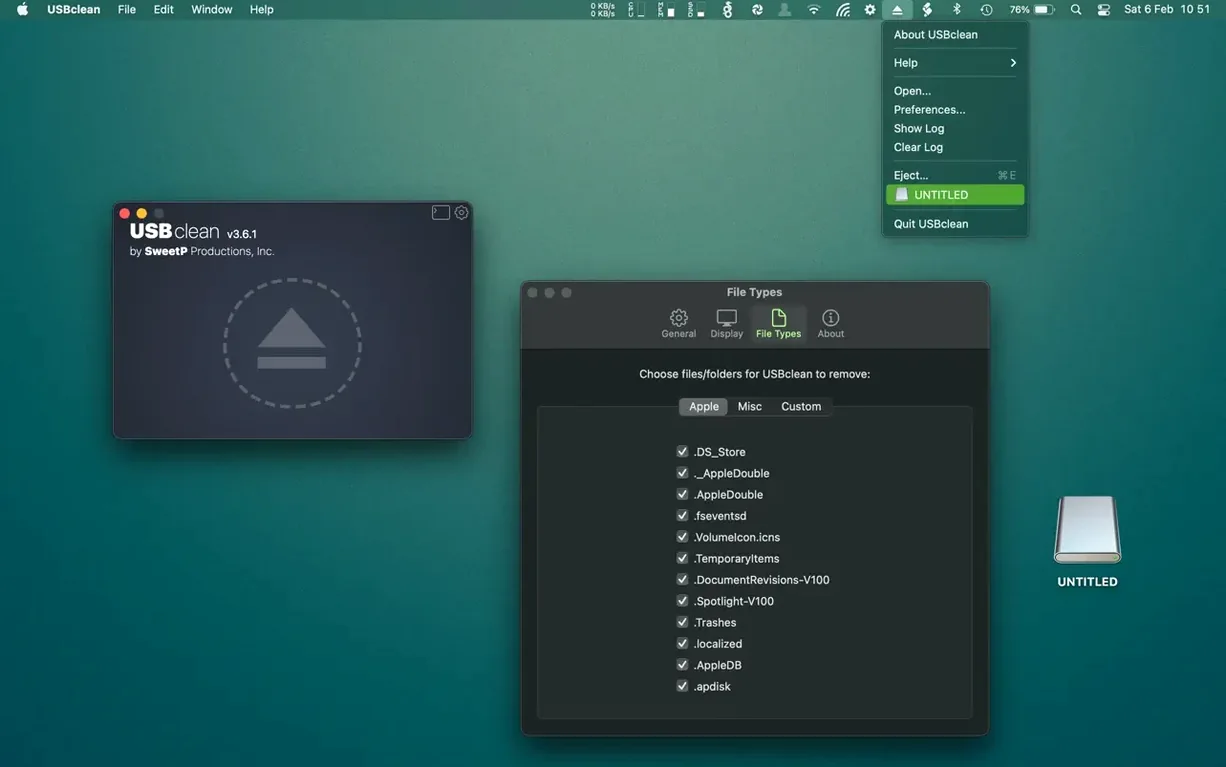
Right-click any connected drive in the Finder and choose USBclean from the context menu, or keep it tucked in the menu bar for one-click access. It works without pulling you out of whatever you're doing.
Can I control which file types get removed?
Yes. Beyond the standard Mac droppings like .DS_Store and Spotlight indexes, you can add custom extensions to the hit list. If a project folder always collects .tmp or .bak files, tell USBclean to clean those too.
Switching languages in a shared studio
It runs on any Intel or Apple Silicon Mac with macOS 11 or later, and the interface switches between English, German, Traditional Chinese, Simplified Chinese, Portuguese, and French—handy in a shared studio.
Drag-and-drop drive cleaning needs a proper mount
One recurring hiccup: you drag a drive onto the USBclean window and nothing happens. Nine times out of ten, the drive wasn't properly mounted. Eject it, unplug, wait a beat, then reconnect and try again. The app relies on a clear mount point, and macOS sometimes holds onto a disk identifier after a hasty unplug.
Another gotcha is the Gatekeeper hurdle on first launch. If you see a warning that the app can't be opened, right-click the USBclean icon and pick Open, then confirm the dialog. That's a one-time dance—subsequent launches are smooth.
The custom extensions list catches people out too. Type the extension without the dot and USBclean skips right past those files. Always include the period—.bak works, bak doesn't. Double-check the list before running a deep scrub on a drive you haven't cleaned before.
Tip: If you're cleaning a shared drive and the Windows machine still sees leftover Thumbs.db files, make sure you've ticked the Windows junk option in preferences—it's off by default.
Right-click ejection from Lightroom or DaVinci Resolve
USBclean slots neatly into a Finder-heavy workflow. The context menu integration means you can right-click a drive directly after copying assets out of Lightroom or DaVinci Resolve, without ever switching windows. It also plays nicely with Apple's built-in Shortcuts app—drop a USBclean action into a shortcut that fires when you connect a specific drive, and cleanup becomes automatic.
If you use a tool like Hazel to keep folders tidy, USBclean complements it rather than fighting with it. Hazel watches for file-level changes on your Mac; USBclean sweeps up the invisible system litter on external media. They don't step on each other's toes because they operate in different spaces.
Search queries like usbclean torrent mac suggest people keep looking for straightforward ways to grab the latest build—SweetP Productions updates quietly, so the newest version often adds quiet fixes for a specific macOS point release. Worth keeping an eye on if a system update breaks the drag-and-drop behavior.
For anyone juggling a mix of Mac and Windows machines on the same set of thumb drives, running USBclean before ejecting is a small habit that eliminates the "why is my drive full?" phone calls entirely.
USBclean 4.6 ships with the developer's most recent batch of bug fixes and internal tune-ups.
- macOS 11 or newer
- Works on both Apple Silicon and Intel Macs
Questions from the stall
Does USBclean delete files from my Mac's internal hard drive?
No, it's built exclusively for external drives. It scans connected USB sticks, memory cards, and external disks, leaving your internal macOS installation alone.
Notes from other shops 0
Sign in or open a shop account to leave a note.
No notes yet. If you've used this on a shop Mac, tell me how it went.