CleanMyMac runs on Apple Silicon and 64-bit Intel Macs with macOS 11 or later. If you're opening it for the first time, here are a few terms worth knowing before you click around.
System Junk — temporary files, caches, and leftover bits from apps and the system itself. This is usually the biggest space saver right out of the gate.
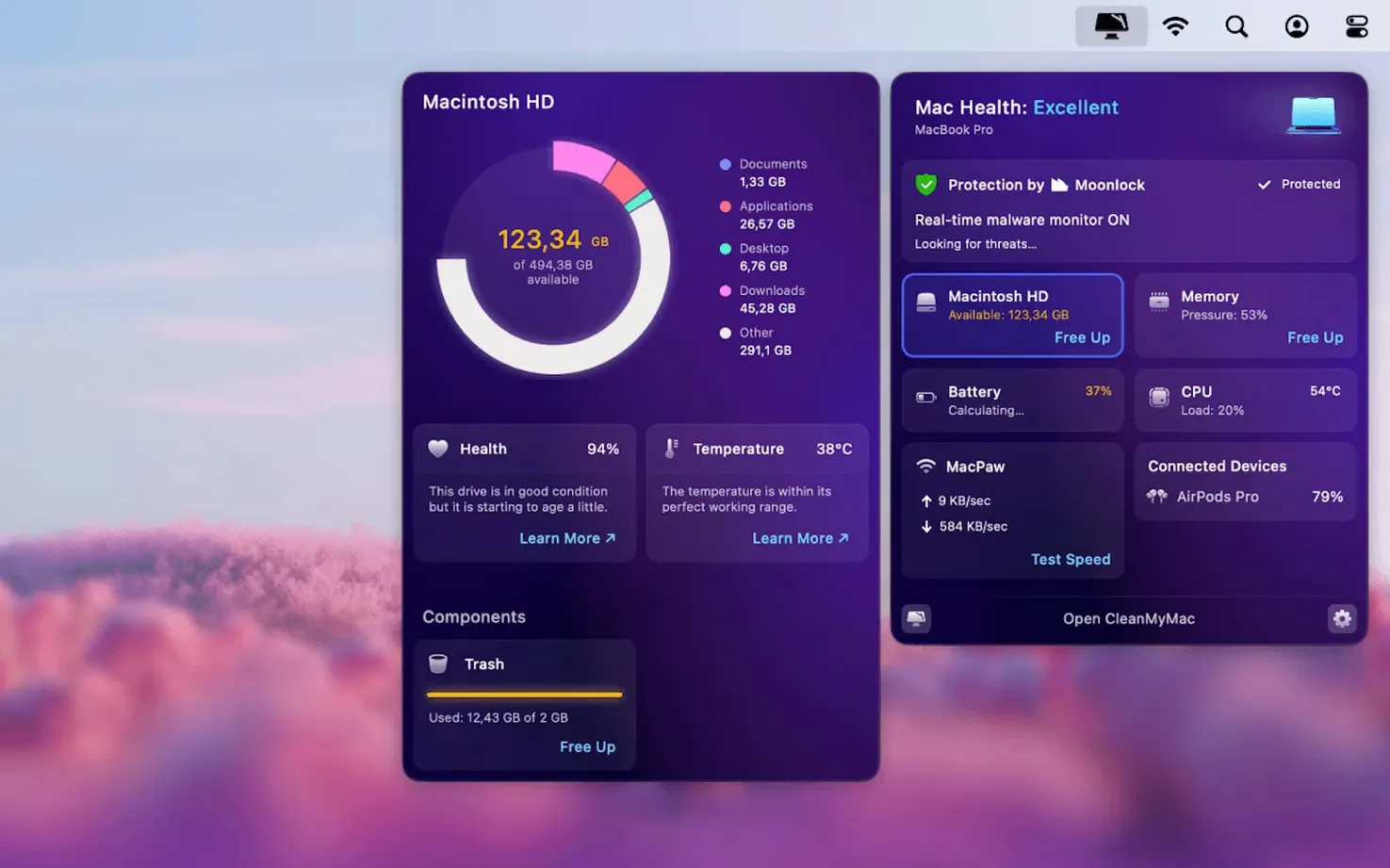
File Scope — a memory-friendly way to see what's eating your drive. It maps your storage visually so you can spot chunky folders you forgot about.
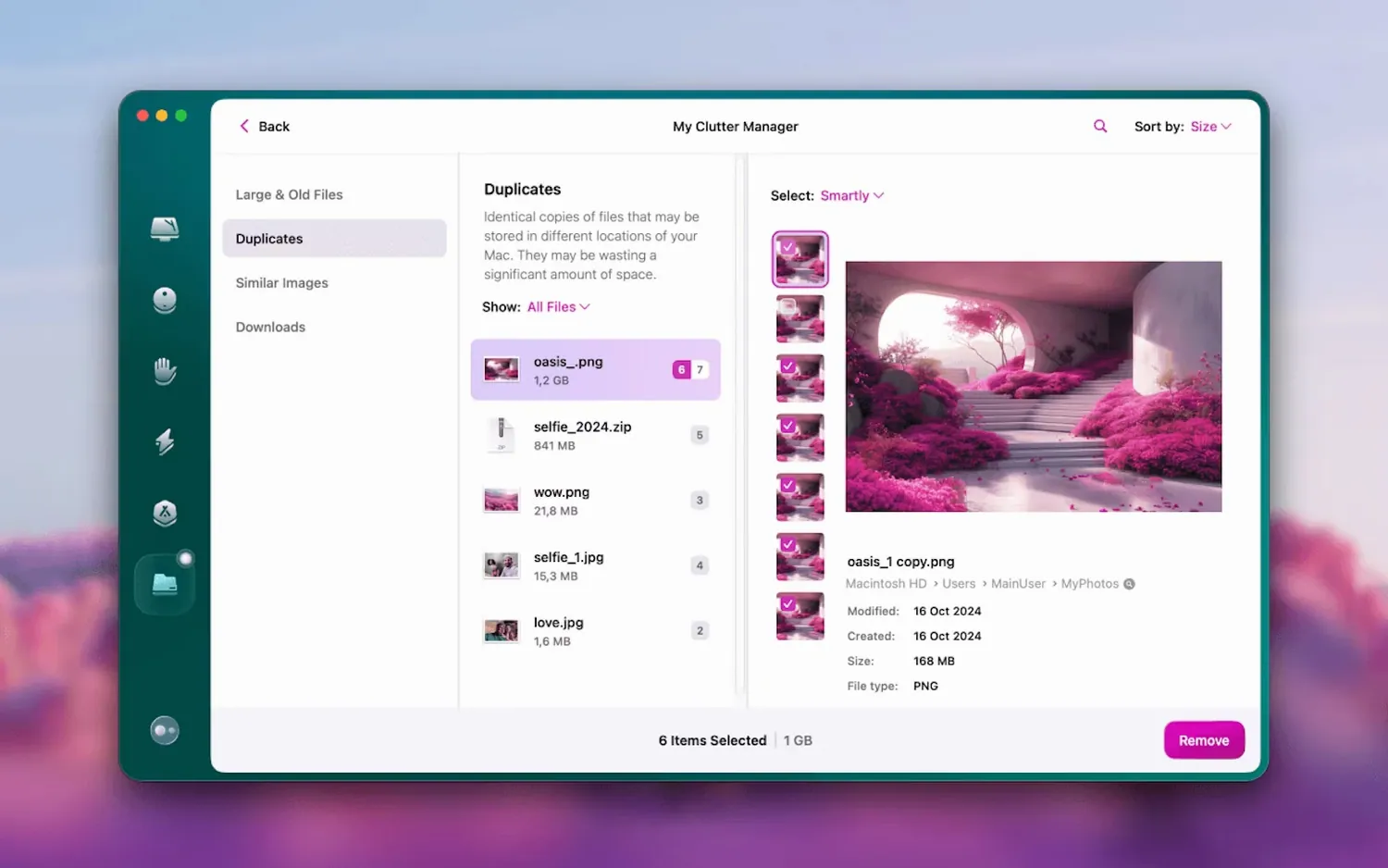
Large & Old Files — a dedicated tool for hunting down space hogs. You can sort by size, date, or type and decide what stays and what goes.
Shredder — for files you want gone for good. It overwrites data so it can't be recovered with ordinary tools.
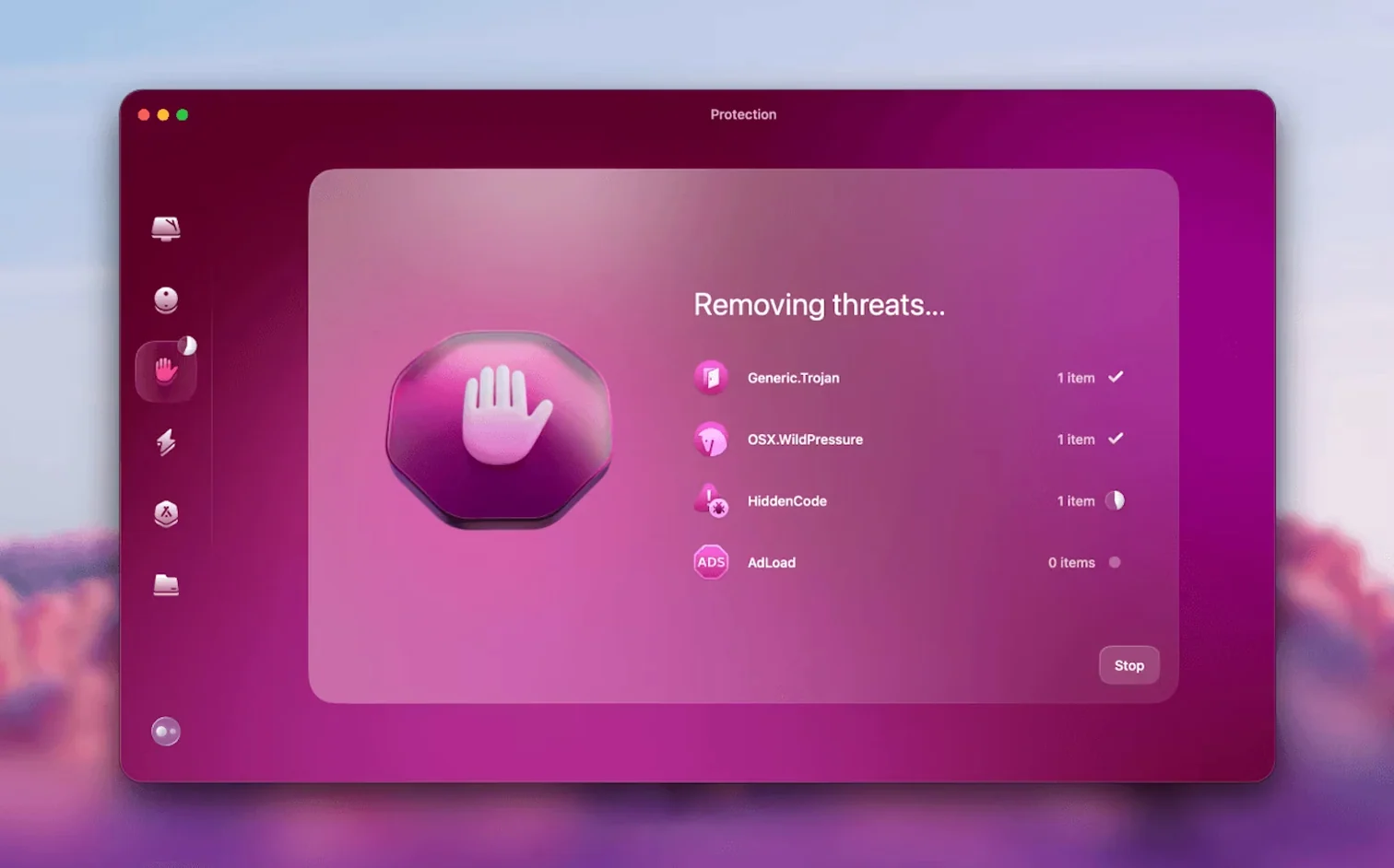
Malware Removal — a lightweight protection module that scans for known threats. It's not a full antivirus, but it catches the usual suspects that sneak onto a Mac.
On macOS Ventura and later, the app will ask for full disk access before it can do its job. That's normal for any cleaner that needs to scan system folders.
Scan, then quit—how it plays with Spotlight
CleanMyMac isn't the kind of app you leave open all day. I run a scan, deal with the results, and quit. But when it is running, it plays nicely with a few things I already use.
Spotlight and Finder. When you delete a large file through the Large & Old Files tool, it disappears from Finder instantly — no phantom entries lingering in search results. That matters if you've ever hunted for a file Spotlight insisted was still there.
Mail.app and Gmail. Version 5.7.0 brought email cleanup into the mix, and it hooks into Gmail directly rather than messing with Apple Mail. That keeps things tidy on the web side without tangling your local mail setup. If you use Apple Mail for other accounts, the two stay separate.
Uninstaller vs. dragging apps to Trash. macOS lets you drag an app to the Trash, but leaves behind preference files, caches, and support folders in ~/Library. CleanMyMac's uninstaller finds those stragglers. I use it every time I'm trying out a new invoicing tool and decide it's not for me — it's faster than hunting through Library folders by hand.
Time Machine. One thing worth knowing: files you shred with the Shredder won't be recoverable from Time Machine either, because they're overwritten before the system ever logs the deletion. If you're the cautious type, do a manual backup before shredding anything you might second-guess later.
Clean your Gmail without opening a browser
Version 5.7.0 added tools for cleaning and managing Gmail right from the app. In practice, that means you can scan for old attachments, large threads, and stale messages without opening a browser tab. For anyone whose Gmail storage has crept up toward the 15 GB cap, it's a quicker path to freeing space than clicking through Gmail's web interface.
The email cleanup sits alongside the existing maintenance tools rather than replacing anything. It doesn't touch your local Mail.app archives, so there's no risk of accidentally deleting downloaded messages you still want offline. I appreciate that separation — it means I can be aggressive with Gmail without worrying about my local records.
Skip the full scan and run System Junk first
When you install CleanMyMac, the instinct is to run every tool at once. Here's what I'd suggest instead for the first few days.
- Start with System Junk only. It's safe, it's fast, and it gives you a feel for how the app reports results. You'll likely free up a few gigabytes without touching anything personal.
- Review before you clean. The scan results are clickable — you can expand categories and see exactly which files are flagged. Spend two minutes looking. Uncheck anything you're unsure about.
- Skip the Shredder on day one. Get comfortable with the app's regular deletion first. Shredder is permanent, and you want muscle memory for double-checking before you use it.
- Grant full disk access when prompted. On newer versions of macOS, the app can't scan system folders without it. The prompt appears on first launch, and the process takes under a minute.
Tip: If you're grabbing a cleanmymac free download to test the waters, the System Junk scan and the Large & Old Files browser are the two spots where you'll see the most immediate payoff. Start there and explore the rest at your own pace.
A workflow: reclaiming space before a big project
Last month my photo library ballooned after a weekend shoot, and I needed to clear room for a batch of product edits. Here's the sequence I followed, start to finish.
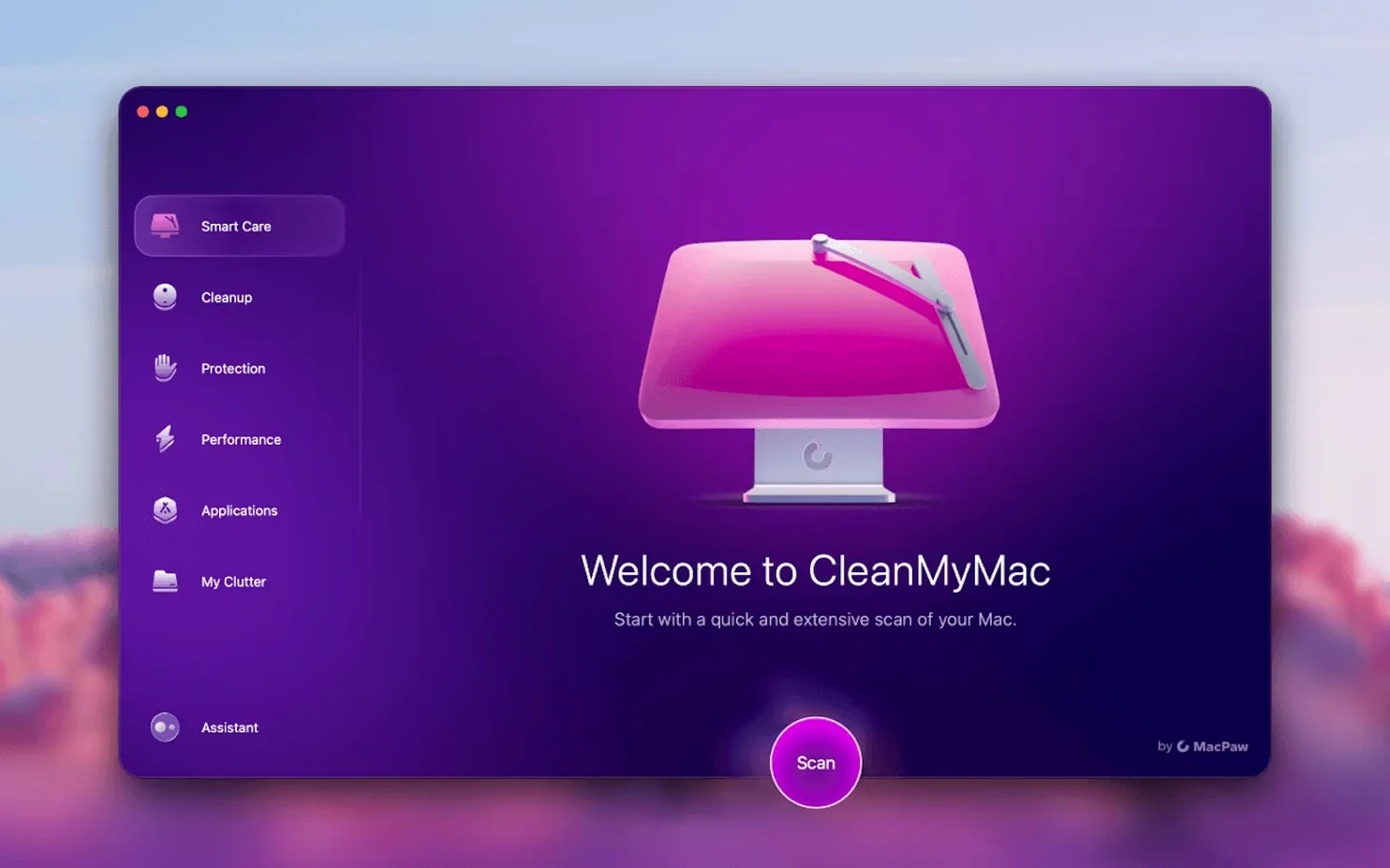
- Run System Junk. Opened CleanMyMac, clicked Scan, and waited about 90 seconds. The scan found 4.2 GB of caches and temporary files from Lightroom and Photoshop. I reviewed the list quickly — all safe to remove — and hit Clean.
- Open Large & Old Files. Sorted by size, descending. Spotted a 12 GB screen recording I'd forgotten about from a tutorial session months ago. Also found a cleanmymac x dmg I'd left in Downloads from an earlier version. Both went to the Trash.
- Check File Scope. Switched to the treemap view to see if anything else was hiding. A folder called "Client Backups" from 2023 was taking up 8 GB. I moved that to an external drive instead of deleting it — File Scope made it easy to drag the folder right out of the map into a Finder window on my external SSD.
- Shred the leftovers. A few old invoices with client details needed to go permanently. Dragged them into the Shredder, confirmed the warning, and they were overwritten in seconds.
- Run the Gmail cleanup (new in 5.7.0). Signed into my Gmail account through the app. It flagged 1.1 GB of attachments from newsletters and old order confirmations. I skimmed the list, deselected two threads I wanted to keep, and cleaned the rest. All done from the Mac, no browser tab open.
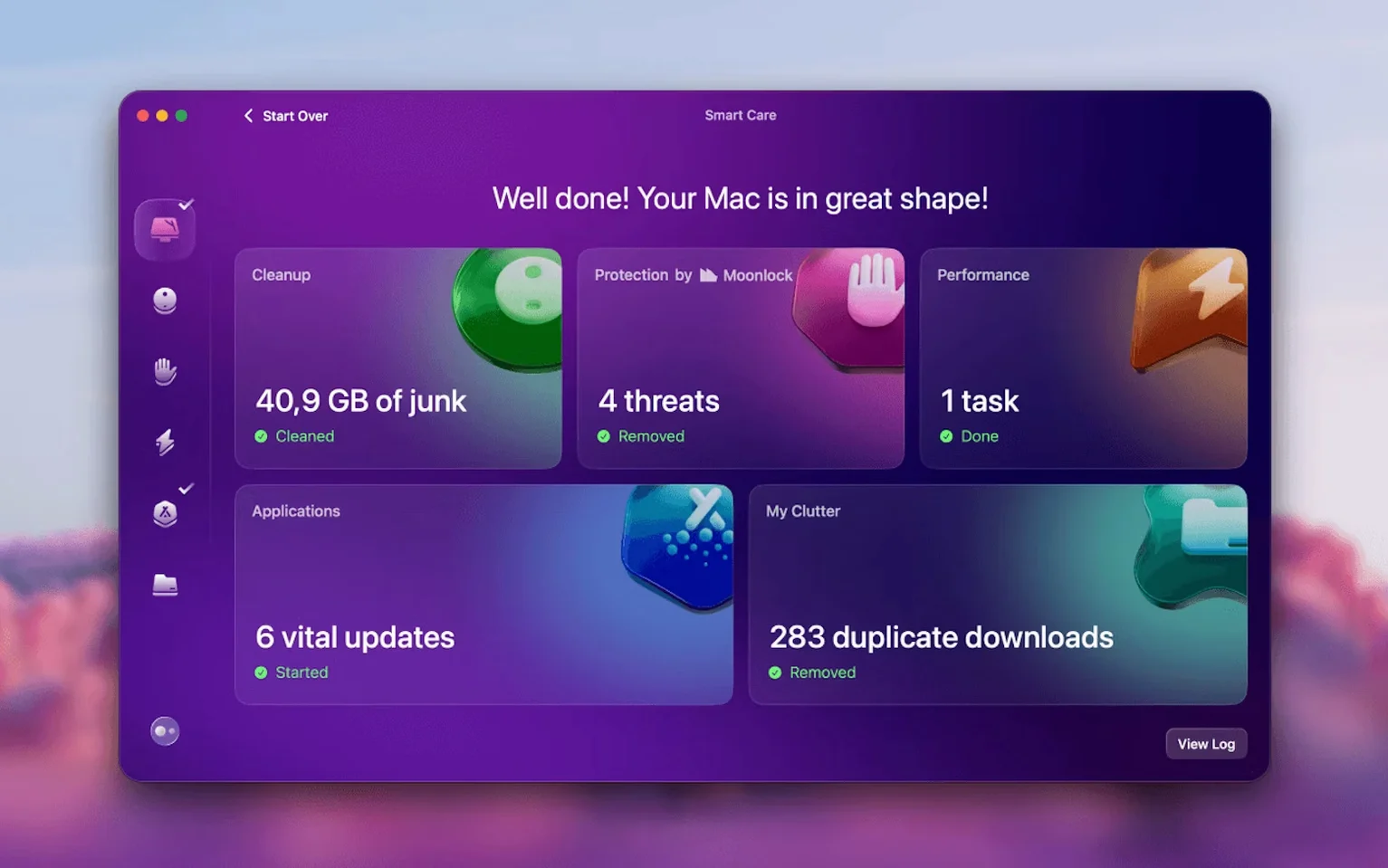
Total time: under 15 minutes. Total space reclaimed: just over 25 GB. The project files fit comfortably, and I didn't have to play the "what can I delete" guessing game mid-edit.
If you're working with a cleanmymac x free download, the same flow works — the Gmail tool and the Shredder are included, and the whole sequence runs without any extra setup beyond that first full disk access prompt.
Version 5.7.0 adds cleanup tools for Gmail. You can now clear out old attachments and stale messages right from the app's mail module.
- macOS 11 or later
- Apple Silicon or 64-bit Intel processor
Questions from the stall
Does CleanMyMac work on Apple Silicon Macs?
Yes. The current version runs natively on Apple Silicon and 64-bit Intel Macs with macOS 11 or newer.
What languages does CleanMyMac support?
The interface is available in Russian, English, German, Spanish, Italian, Simplified Chinese, Korean, Dutch, Polish, Ukrainian, French, and Japanese.
Notes from other shops 0
Sign in or open a shop account to leave a note.
No notes yet. If you've used this on a shop Mac, tell me how it went.