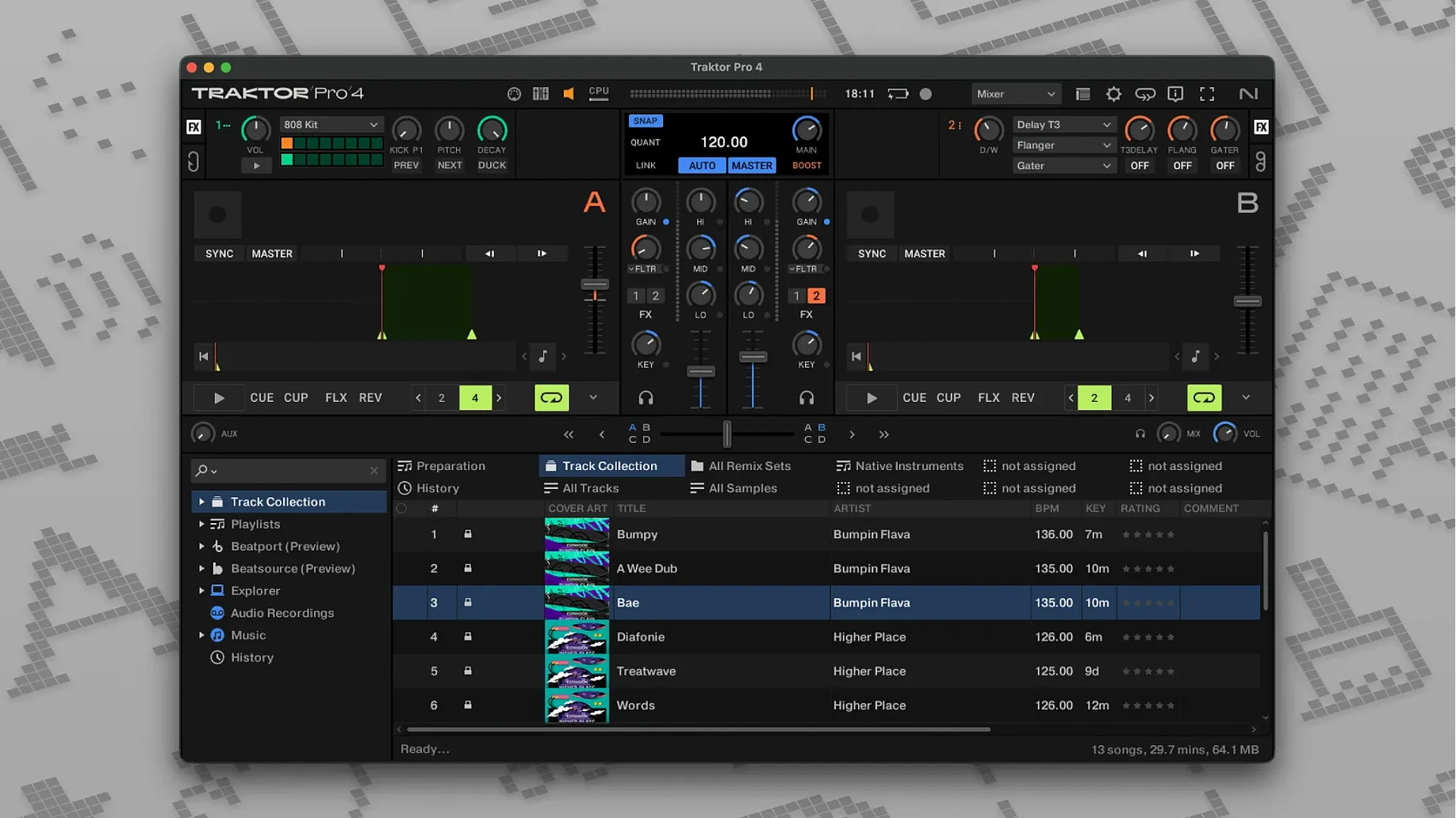
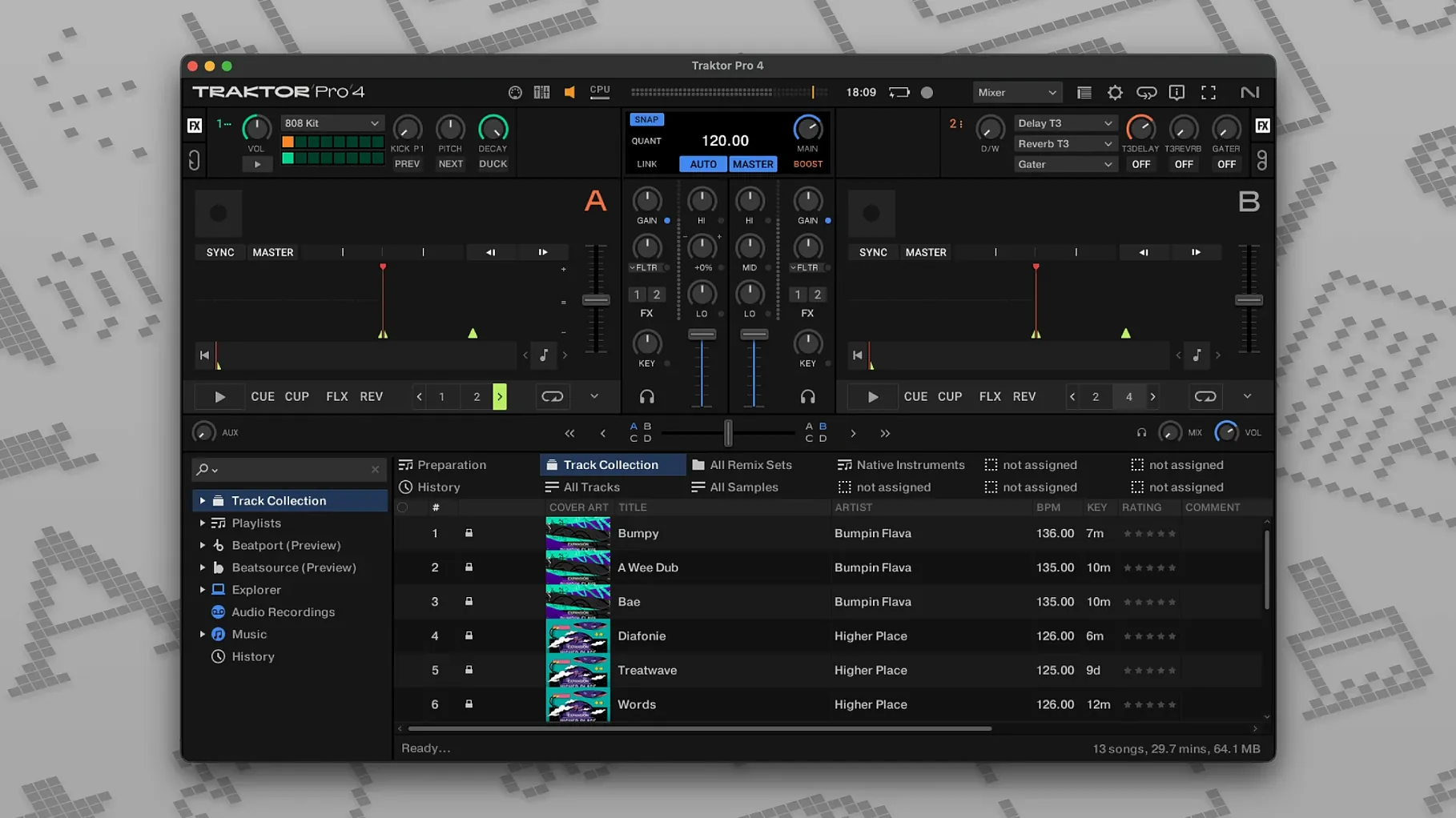
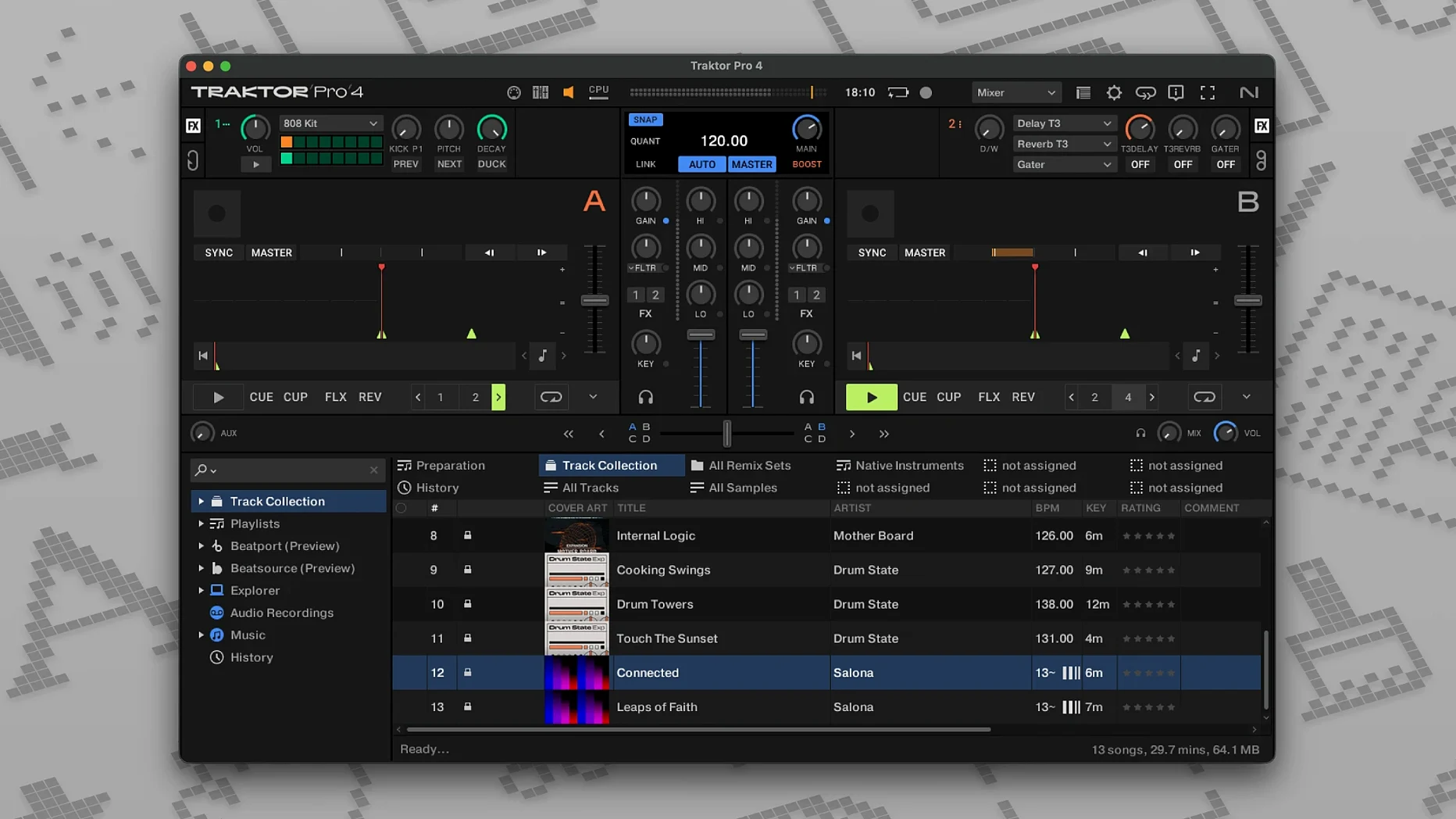
A two-deck setup works fine until you need to blend a third track into the breakdown, drop an acapella over the bridge, or tease the next record while the current one still holds the floor. That's where Traktor Pro earns its place. Four virtual decks let you build layered mixes that feel alive, and the toolset underneath is what keeps experienced users coming back.
Stems and deck types worth learning
Stem separation changes how you mix. Pull the drums out of a classic funk break and slide them under a house track, or kill the vocal on a pop tune and let the instrumental ride under a capella from the Remix Deck. Traktor Pro gives you four ways to load a deck: Track Deck for standard playback, Stem Deck for real-time part isolation, Remix Deck for one-shot samples and loops, and Live Input for routing external gear straight into the mixer. That flexibility means you can treat a drum machine like a fifth deck or grab a live mic feed without leaving the software.
Tricks that tighten a set
Reverse playback is one of those tools you reach for when a transition needs a dramatic lift—spin a vocal backward just before the drop and the floor reacts. MIDI control opens the whole app to your existing hardware, so faders and knobs map exactly where you want them. Beatport streaming integration means you can pull tracks from the catalogue without leaving the browser, and when the set is done, exporting as WAV or AIFF gives you a clean recording to share or master later. Paired with a Traktor Kontrol controller, the whole rig feels like an instrument rather than a playlist player.
How Traktor Pro sits alongside other DJ tools
A lot of DJs land on Serato DJ Pro before they try anything else, especially if they started with vinyl. Serato's waveform display is famously clear, and its crates workflow makes library management feel natural for people who think in playlists. Where Traktor pulls ahead is deck flexibility—Serato sticks closer to a two-deck mental model with four-deck support that feels added on, while Traktor's four-deck mixer with stem control and remix slots makes layering feel native. If you perform with a laptop keyboard, Traktor's custom mappings and shortcuts give you more control without extra hardware.
Then there's rekordbox, which dominates club booths because of Pioneer DJ's hardware ecosystem. Rekordbox's strength is export-mode preparation—you can build playlists, set cue points and beat grids on a laptop at home, then walk into a club with a USB stick and plug straight into CDJs. Traktor doesn't chase that workflow. What Traktor does instead is turn the laptop itself into the performance hub, with OSC and MIDI Clock output letting you sync lighting rigs, drum machines, or a second laptop running Ableton Live. If you treat a DJ set like a live electronic performance rather than a playlist delivery, Traktor makes more sense.
Virtual DJ gets brought up often because it runs on nearly anything and handles video mixing alongside audio. Traktor doesn't touch video, and it isn't trying to. Virtual DJ's broad format support means it opens files other apps choke on, but Traktor's stem separation algorithms sound cleaner in a club system—fewer artifacts when you isolate a bassline or pull a vocal. For audio-only mixing where sound quality under load matters, Traktor holds an edge.
Pre-install worries to settle first
Does it work if I don't own a Traktor controller?
Yes. You can mix entirely with the mouse and keyboard. Custom keyboard shortcuts cover transport controls, hot cues, loops, and effects, and the layout editor lets you resize and reposition decks to suit a screen-only setup. MIDI mapping also works with controllers from other brands—it takes some time to assign everything, but once mapped, a Pioneer DDJ or an Allen & Heath mixer talks to Traktor just fine.
Is stem separation fast enough for live use?
On Apple Silicon Macs, yes. Stem processing happens in real time and you can drop a track onto a Stem Deck while another track is playing without glitches. Intel machines handle it too, though older models may show a short processing moment when loading stems. For live sets, pre-analyse a batch of tracks during preparation so the stems are ready before you hit the booth.
Will my old Traktor Pro 3 library carry over?
Collections, cue points, loops and beat grids transfer without trouble. The app reads from the same collection structure, and your playlists and track metadata stay intact. Custom mappings need a re-check—some control assignments shifted between versions—but the mapping files can be imported and tweaked in the Controller Manager.
A remix-heavy set, start to finish
Here's a workflow for building and recording a four-deck session that leans on stems and a Remix Deck for texture, using only the laptop and an audio interface.
Prep phase. Pick twelve tracks that share a key range and sort them into a playlist. For four of them, right-click and choose to pre-compute stems—this takes about thirty seconds per track on an M-series Mac and saves processing during the set. Open the Remix Deck and load four one-shot samples: a riser, a downlifter, a short vocal chop, and a noise sweep. Set their trigger mode to gate so they play only while the pad is held.
Gain staging and layout. Switch to a layout with four deck slots visible and set the crossfader to a sharp curve for quick cuts. Assign Deck A and B to the left side, Deck C (a Stem Deck) and the Remix Deck to the right. Route all four channels to the internal recorder and set record level to peak around -6 dB so the WAV export has headroom.
Live set. Start Deck A with a groove-heavy track that rides for at least three minutes. Beat-match Deck B into the outro, then bring in Deck C with the drums stem muted—just the bass and synth from a different track layered under. Tap the riser sample on the Remix Deck four bars before the next transition, then cut Deck A out as the riser peaks. Route Deck B's bass through the filter on a slow sweep while Deck C takes over the mids. Record the whole thing, then export the master as a 24-bit WAV.
After the set. Trim the recording in any audio editor, add track markers if you want to split it later, and drop the file into your library with ID3 tags intact so Traktor's browser indexes it alongside your other tracks.
Five percent CPU with two decks and effects
On an Apple Silicon Mac running macOS 14, Traktor Pro 4.5 loads in under ten seconds and sits at around five to eight percent CPU with two decks playing and effects running. Stem analysis bumps the CPU briefly but doesn't interrupt playback, and memory use stays under 800 MB even with a large collection indexed. Intel Macs handle the same tasks with slightly higher CPU numbers—expect around fifteen percent on a 2019 iMac—but still within comfortable headroom for a four-deck set.
Stability is where the software shows its years of refinement. Crashes are rare during playback, and the audio engine recovers quickly on the odd occasion a corrupt file causes a hiccup. Beatport streaming relies on a steady internet connection; on a wired or solid Wi-Fi connection, tracks load as fast as local files and waveform generation keeps pace with playback. Over a spotty connection, buffering pauses happen, so downloading the tracks you plan to play is the safer move for gigs.
Resource use stays efficient enough that a MacBook Air handles a full four-deck set without the fan spinning up—something that matters when you're recording in a quiet room. The app leaves room to run a lightweight DAW alongside it if you want to route audio between programs, and the OSC sync keeps timing tight when external gear is chasing Traktor's clock. For a piece of software that packs stem separation, streaming, and multi-deck routing into one window, it runs leaner than expected.
- macOS 12 or later
- Runs on both Intel and Apple Silicon Macs
- Interface language: English
Notes from other shops 0
Sign in or open a shop account to leave a note.
No notes yet. If you've used this on a shop Mac, tell me how it went.