



Version 26.04.01337 is out, and if you just grabbed the XMind for Mac download, here's where I'd begin.
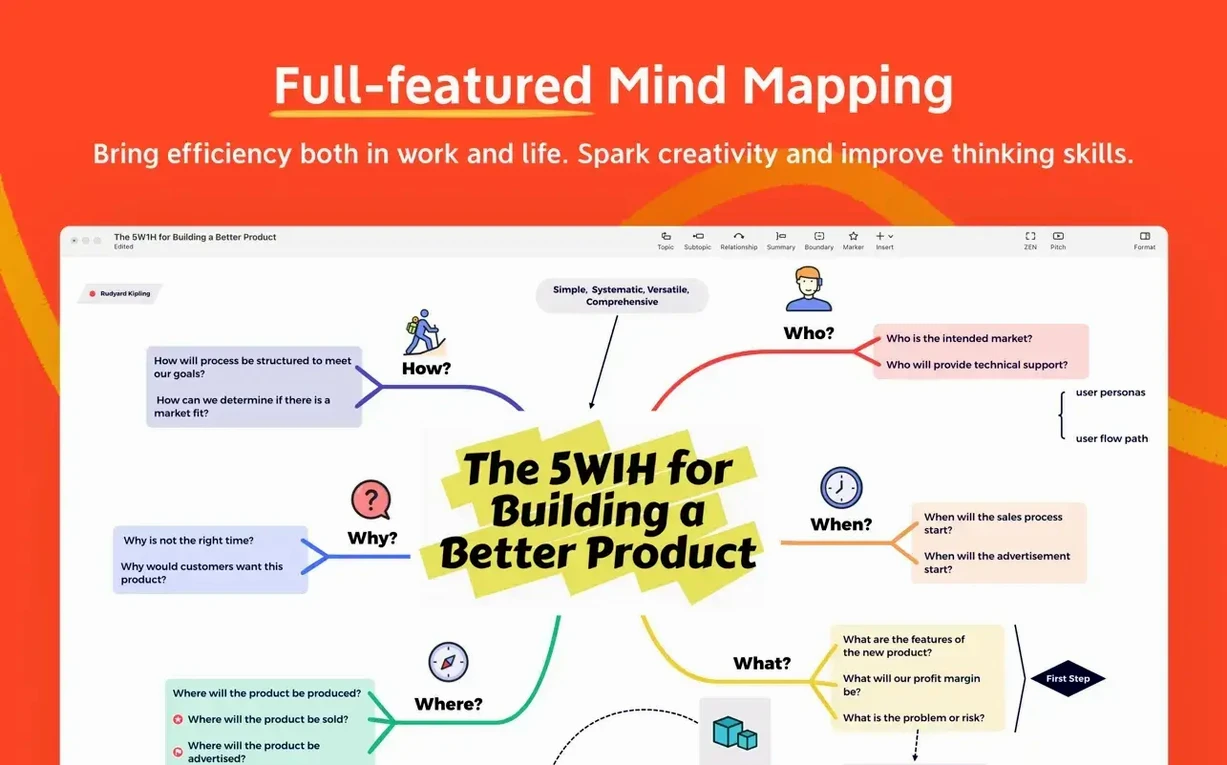
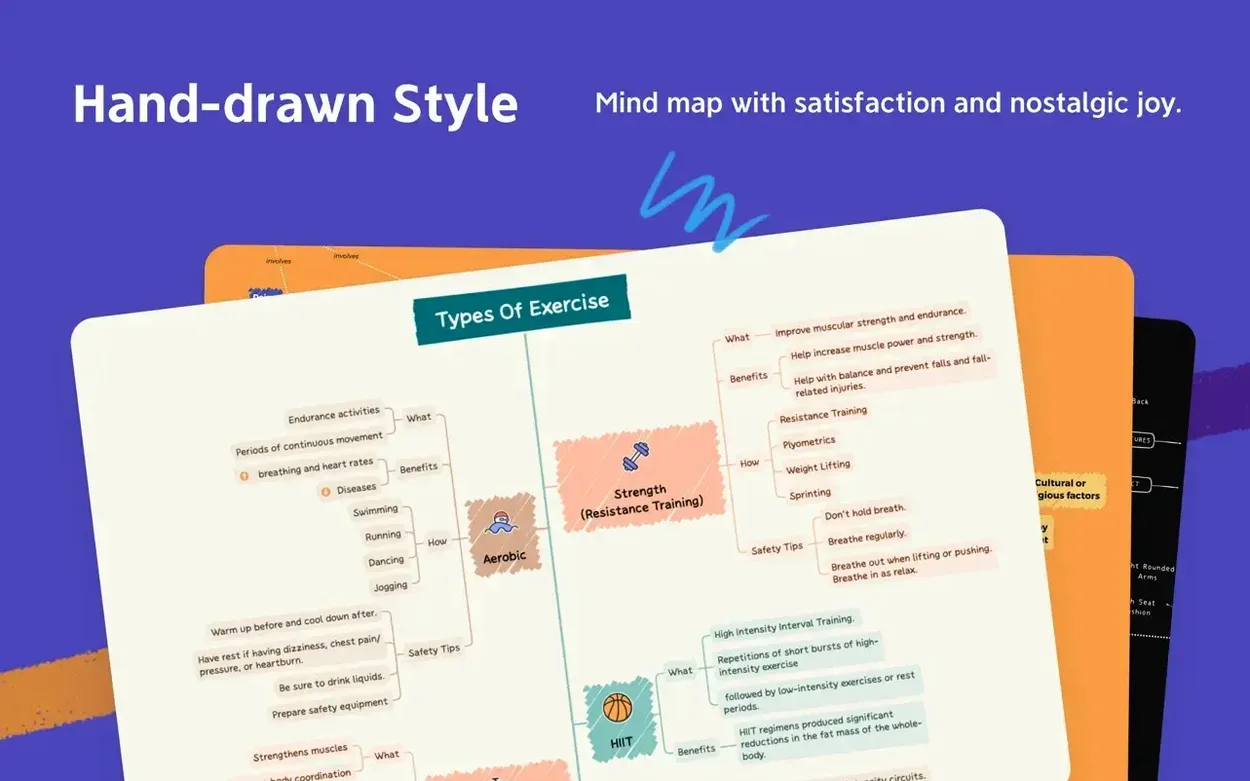
Mind map — the default canvas. Drop in a central idea and branch out with topics and subtopics. It's the fastest way to think on screen.
Outliner — the same map collapsed into a tidy, indented list. Great when you need to review structure without the visuals getting in the way.
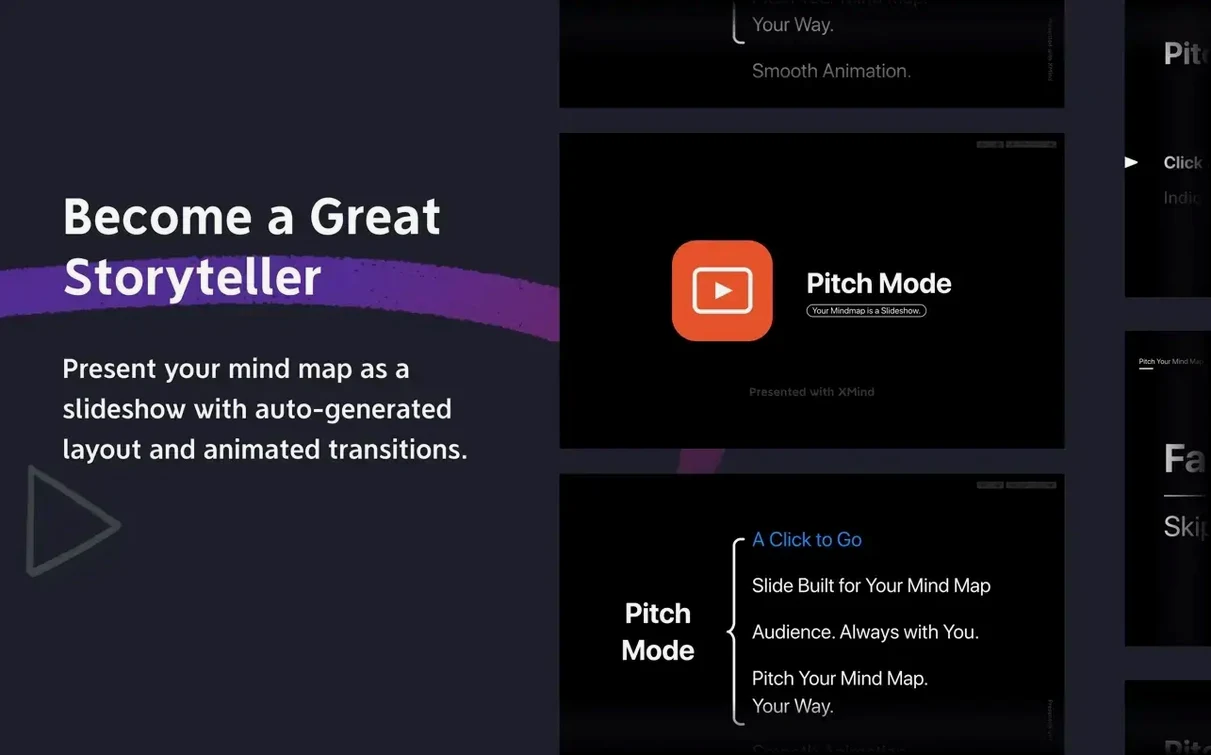
Pitch mode — turns a branch into a clean, full-screen slide sequence. Perfect for walking a client through your thinking without leaving the app.
Ishikawa diagram — a fishbone layout for cause-and-effect. I'd use this to trace why a product launch ran late or a supply order went sideways.
Solo makers who juggle ideas, vendors, and timelines
Not every mind-mapping tool fits every brain, but a few groups consistently gravitate toward XMind Pro and stick with it.
- Solo business owners and makers who juggle product ideas, vendor lists, and launch timelines. They tend to live in the mind-map-plus-outliner combo, sketching broad plans then collapsing them into checkable steps.
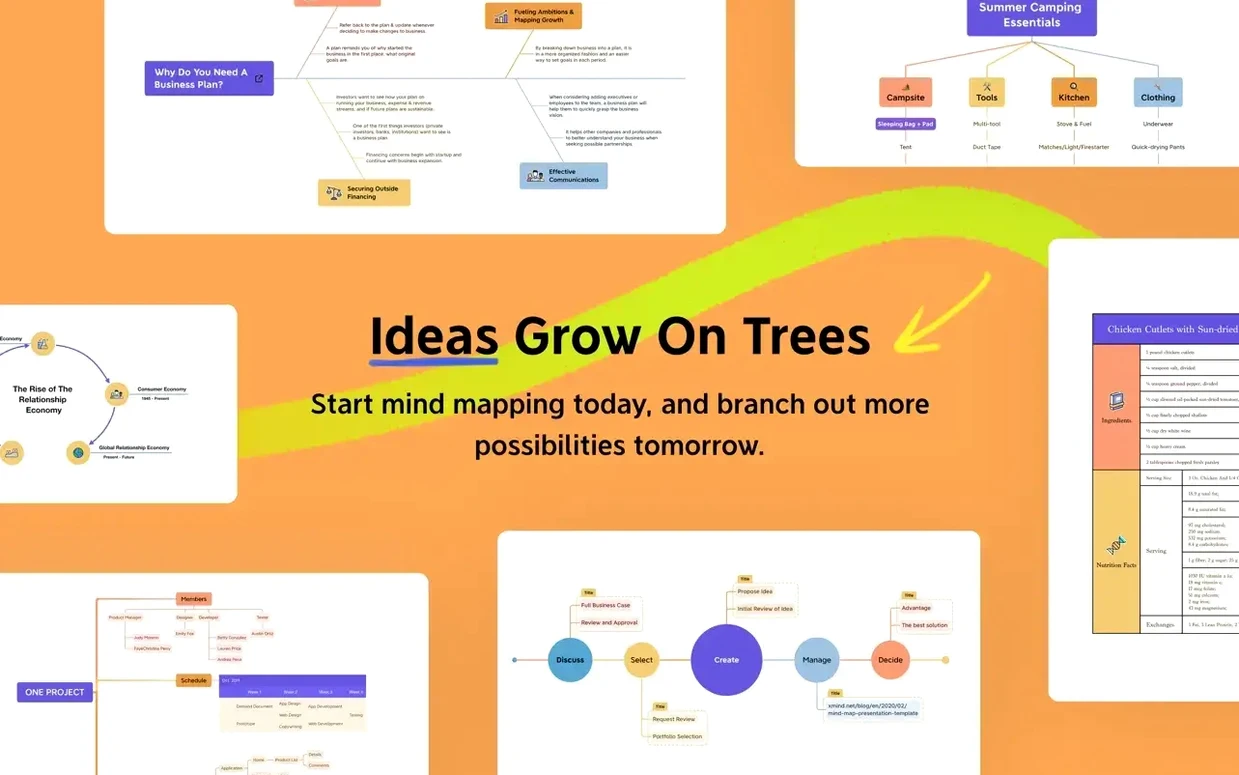
- Students and researchers wrangling dense material. The logic-chart and tree-diagram views give them a way to map arguments and evidence that a flat document never quite captures.
- Meeting facilitators and consultants who need to capture live discussion and instantly reframe it. Pitch mode saves them from exporting to a slide deck just to share a thought with the room.
- Quiet planners — the kind of person who thinks better when they can see the shape of an idea. They might never open the collaboration features, but they'll build elaborate personal knowledge maps that grow over months.
What ties these groups together isn't job title; it's the need to move between freeform thinking and structured output without switching tools. If your work bounces between brainstorming and delivering something concrete, you're in the sweet spot.
A ceramics studio tackles a custom wholesale order
Picture someone who runs a tiny ceramics studio. A wholesale order just came in — forty pieces, custom glazes, a deadline six weeks out. She opens XMind Pro and drops a center node: Spring wholesale order.
First pass, pure brain dump. Branches for clay suppliers, glaze tests, firing schedules, packing materials, shipping labels. A few sub-branches get little question-mark icons — things she needs to confirm by email. The Ishikawa diagram view helps her trace a recurring problem: the last two orders ran late because glaze drying overlapped with kiln maintenance. She drags a couple of nodes around until the cause-and-effect chain makes sense, then screenshots it for her production notebook.
She switches to the outliner, scans the list, and assigns rough dates by dragging topics into order. It's not a project plan, just a map of what needs to happen and what depends on what. Twenty minutes, and the panic has a shape. That's the thing about a good mind-mapping session — it turns a cloud of worry into something you can point at and say, "Okay, that first."
Export paths that hand off to your calendar or task manager
XMind Pro doesn't try to replace your calendar or task manager, which is honestly a relief. It plays well with the Mac ecosystem in a few practical ways.
Export options cover the common hand-off points: you can send a map to FreeMind format if you're sharing with someone on open-source tools, or grab a branch as plain text and drop it into Apple Notes or Bear. The image export is clean enough that I've seen people paste map snippets directly into Keynote or Pages instead of building diagrams from scratch.
On the macOS side, the app supports standard system services — so you can select text in Safari or Mail, right-click, and send it straight to a new XMind topic via the Services menu. It's a small thing, but if you're researching and mapping at the same time, it cuts out a lot of copy-paste friction.
For anyone who grabbed the xmind pro mac build specifically for the advanced layouts, the file format is self-contained — .xmind bundles that you can store in iCloud Drive and open on another Mac, or on the iOS version if you're reviewing a map on the go. No export-import dance required between your own devices.
Two-second launch and quiet memory use on Apple Silicon
On an Apple Silicon Mac, the app launches in about two seconds and stays responsive even with several large maps open. I've left it running alongside Safari, Pages, and a lightweight accounting app without noticing any memory pressure — Activity Monitor usually shows it hovering in the 200–300 MB range with moderate use.
Maps with hundreds of nodes can slow zooming and panning a little, especially if you've added images or heavy formatting. Toggling to the outliner view usually smooths that out when you need to keep working at speed. On Intel Macs from the last few years, performance is similar, though you might feel a slight hesitation when pitch mode renders a complex branch as a slide for the first time.
Stability-wise, version 26.04.01337 has been uneventful in the best way. No crashes during regular use, no corrupted files after sleep-wake cycles. The autosave is quiet and reliable — I've force-quit the app mid-session a couple of times to test it, and the recovered map matched what I had seconds before the quit.
Tip: if you're working on a map that you'll revisit daily, pin it in the recent-files list. XMind reloads it with your last view state — same branch expanded, same zoom level — so you pick up right where your brain left off.
- macOS 11 or later
- Works on Apple Silicon and Intel 64-bit Macs
Questions from the stall
Can I share an XMind file with someone who uses FreeMind?
Yes, XMind Pro is compatible with FreeMind, so you can open and export maps in that format for easy sharing.
Notes from other shops 0
Sign in or open a shop account to leave a note.
No notes yet. If you've used this on a shop Mac, tell me how it went.