
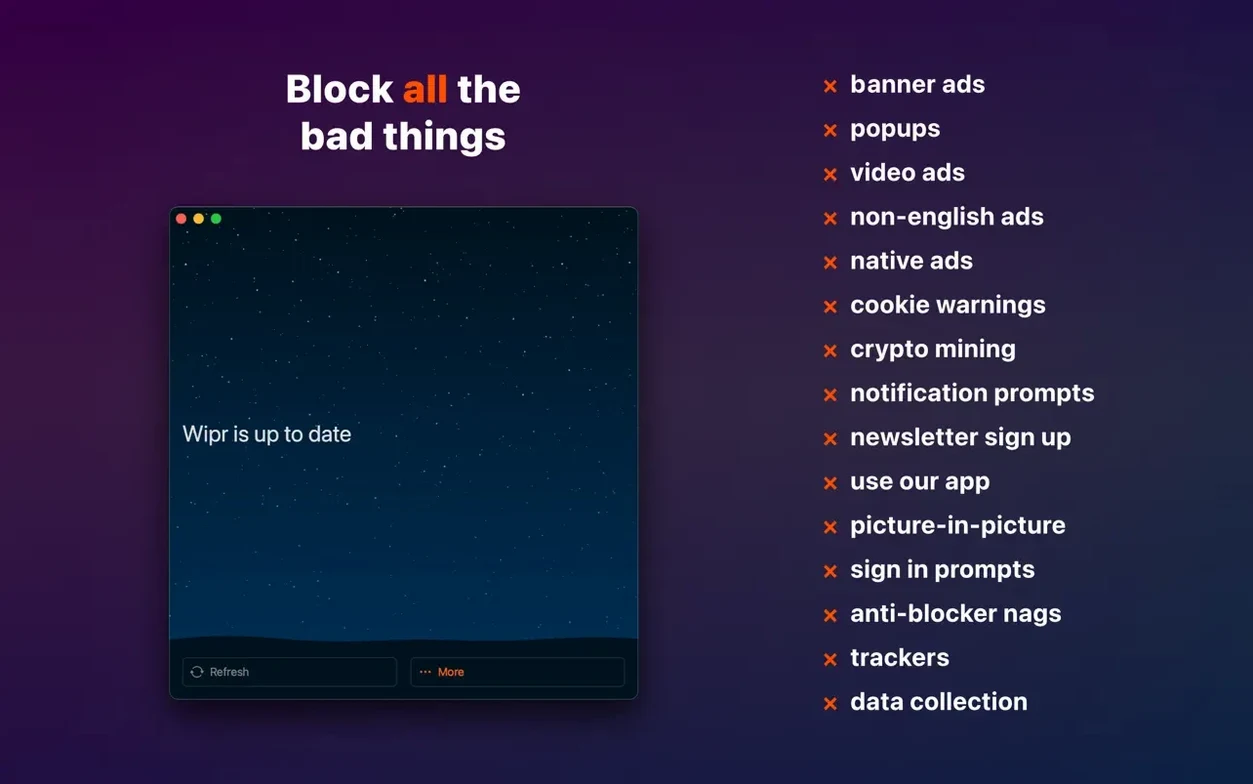
The Extra improvements keep getting better at quieting those cookie consent pop-ups that pile up on every site. Wipr 2 is a Safari content blocker that handles ads, trackers, and those notices without you having to tweak a single setting. The blocking list refreshes twice a week, so it stays current as trackers change their tactics.
| Detail | What you need |
|---|---|
| macOS | 14.0 or later |
| Architecture | Apple Silicon & Intel 64-bit |
| Devices | Mac, iPhone, iPad, Vision Pro |
It's a universal app, so the same Wipr 2 runs across all your Apple devices. On the privacy side, it stops trackers from building a profile of your browsing, and the recent accessibility improvements make it easier to use if you rely on assistive tools. No configuration panels, no whitelist to manage — just a quiet, cleaner web.
Treating Wipr like a per-site toggle switch
New users sometimes treat Wipr like a traditional ad blocker with a power button you toggle per site. That's not how it works here. The extension is either on or off inside Safari's settings, and there's no per-site switch. If a site seems broken, the instinct is to disable everything — but you only need to untick a few blocker categories in Safari's extension preferences to narrow down what's causing trouble.
Another slip I see is leaving other content blockers running alongside Wipr. Safari lets you stack extensions, but two blockers fighting over the same page can slow things down or produce odd layout gaps. If you're moving from a different blocker, remove its extension entirely before installing Wipr. The same goes for VPN apps that inject their own filtering — they can step on Wipr's toes without any obvious error message.
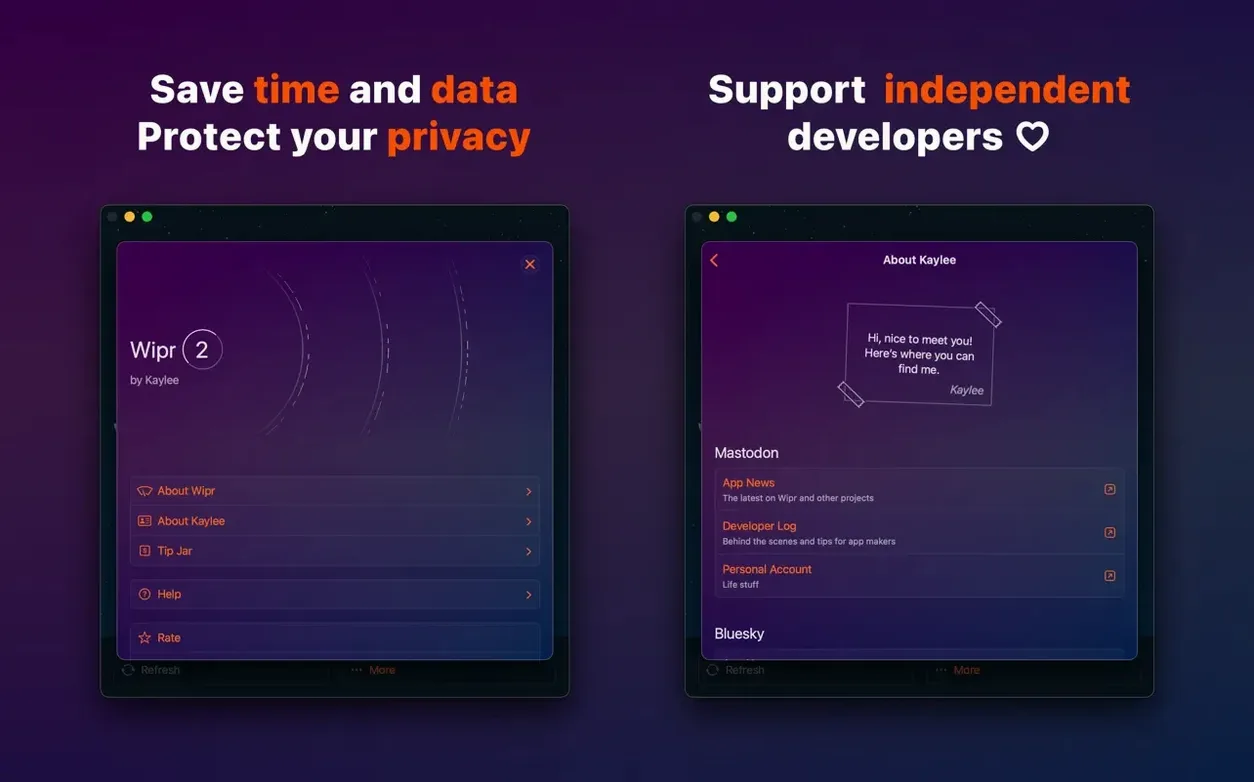
People also assume Wipr needs constant attention after setup. It doesn't. The twice-weekly list updates happen silently in the background. Opening the app to "refresh" it manually isn't necessary, and poking around the macOS app expecting a dashboard of blocked items will leave you staring at a nearly empty window. That's by design.
Page loads feel faster, not slower
Does Wipr slow down Safari? It's the opposite in practice. By stripping out ad scripts, autoplay videos, and heavyweight trackers before the page even renders, most sites load noticeably faster. The extension itself has a tiny footprint — it feeds Safari a set of rules, and Safari's own content-blocking engine does the heavy lifting. You're not running a separate proxy or a background daemon chewing through CPU cycles.
Do I need to configure anything? No. There's no allowlist, no filter-selection screen, no "aggressive versus balanced" slider. The design philosophy is that you shouldn't have to become a privacy expert just to browse without annoyance. That said, if you ever do want to see what's happening under the hood, Safari's Web Inspector can show you which resources were blocked — but you'll never need to open it.
What happens with sites that detect blockers? Some sites throw up a "please disable your ad blocker" wall. Because Wipr doesn't offer per-site controls, you can't simply whitelist them. The workaround is to keep a second browser — Firefox or Orion, for instance — with no content blocker installed, and use that for the rare site that digs its heels in. It's a minor inconvenience weighed against the privacy you get everywhere else.
Fixing blank pages by unchecking one category at a time
Blank pages or broken layouts. Occasionally a site's core scripts get caught in Wipr's net. Open Safari's Settings, go to the Extensions tab, click the information icon next to Wipr, and temporarily uncheck one category at a time — usually "General" or "Annoyances" — then reload the page. Once you identify which category caused the break, you can leave it unchecked or wait for the next list update, since the blocking rules are adjusted twice a week.
Wipr doesn't appear in Safari's extensions. After dragging the app to Applications and launching it, you still need to enable the extension manually. Go to Safari > Settings > Extensions and tick the box next to each Wipr component. On a fresh macOS install, Gatekeeper might also block the extension until you approve it in System Settings > Privacy & Security.
Cookie notices still pop up. The Wipr Extra component handles the majority of consent banners, but no blocker catches every single one — especially on smaller regional sites that use custom implementations. The list improves steadily, and the 2.38 release pushed Wipr Extra improvements across many more sites. If a particular notice keeps appearing, it's often gone after the next refresh cycle.
SIP-related confusion. The disk-image installation doesn't require disabling System Integrity Protection. The brief mention of SIP in older documentation applied to legacy setups — Wipr 2 runs inside Safari's native extension framework, which needs no low-level system changes.
Workflow: stripping a heavy news site down to clean reading
Let's walk through what a typical session looks like once Wipr is installed and enabled. Say you land on a popular news site with auto-playing video, a sticky ad banner at the bottom, and a cookie consent overlay that dims the entire page. Without a blocker, you'd dismiss the cookie notice, pause the video, and try to scroll past the ad while the page stutters under the weight of a dozen tracking scripts.
With Wipr active, the sequence changes. You click the link — the page paints almost immediately. The cookie overlay never appears because Wipr Extra strips it before the DOM finishes. The video player loads as a static placeholder, waiting for you to click if you actually want to watch. The sticky banner is simply absent; the article text occupies the full width of the window. You scroll straight into the first paragraph without touching anything.
If something feels off — maybe an embedded chart is missing — you can pop open Safari's Develop menu (enable it in Settings > Advanced if you haven't already), open the Web Inspector, and glance at the Console or Network tab. Blocked requests show up in red, but more often than not the chart was loaded by a third-party script that also happened to be a tracker, and Wipr made the right call. Copy the chart's URL, open it in a private window if you really need it, and carry on.
That's the whole workflow: open a page, read it, and forget the blocker is even there. The twice-weekly updates keep that experience consistent without you lifting a finger. For anyone hunting down a quiet Safari companion, phrases like wipr 2 download and wipr 2 macos point toward the same universal app that runs on your Mac and phone alike. If you've been looking for wipr free alternatives in the past, Wipr 2 fills that privacy gap on modern macOS without subscriptions or added complexity.
Here's what changed in version 2.38:
- Wipr Extra improvements now cover many more websites.
- Accessibility improvements for assistive tools.
- macOS 14.0 or later
- Apple Silicon or Intel 64‑bit Mac
- English interface
Questions from the stall
Will Wipr 2 run on my older Intel Mac?
Yes, as long as it's a 64-bit Intel Mac running macOS 14.0 or later. Apple Silicon Macs are also fully supported.
Notes from other shops 0
Sign in or open a shop account to leave a note.
No notes yet. If you've used this on a shop Mac, tell me how it went.