Zipx compression is still the quiet workhorse in this version, catching duplicate files automatically so you don't send the same thing twice. It's the kind of detail that helps when you're trying to keep a client folder tidy or squeeze an email attachment under a size limit without thinking too hard about it.
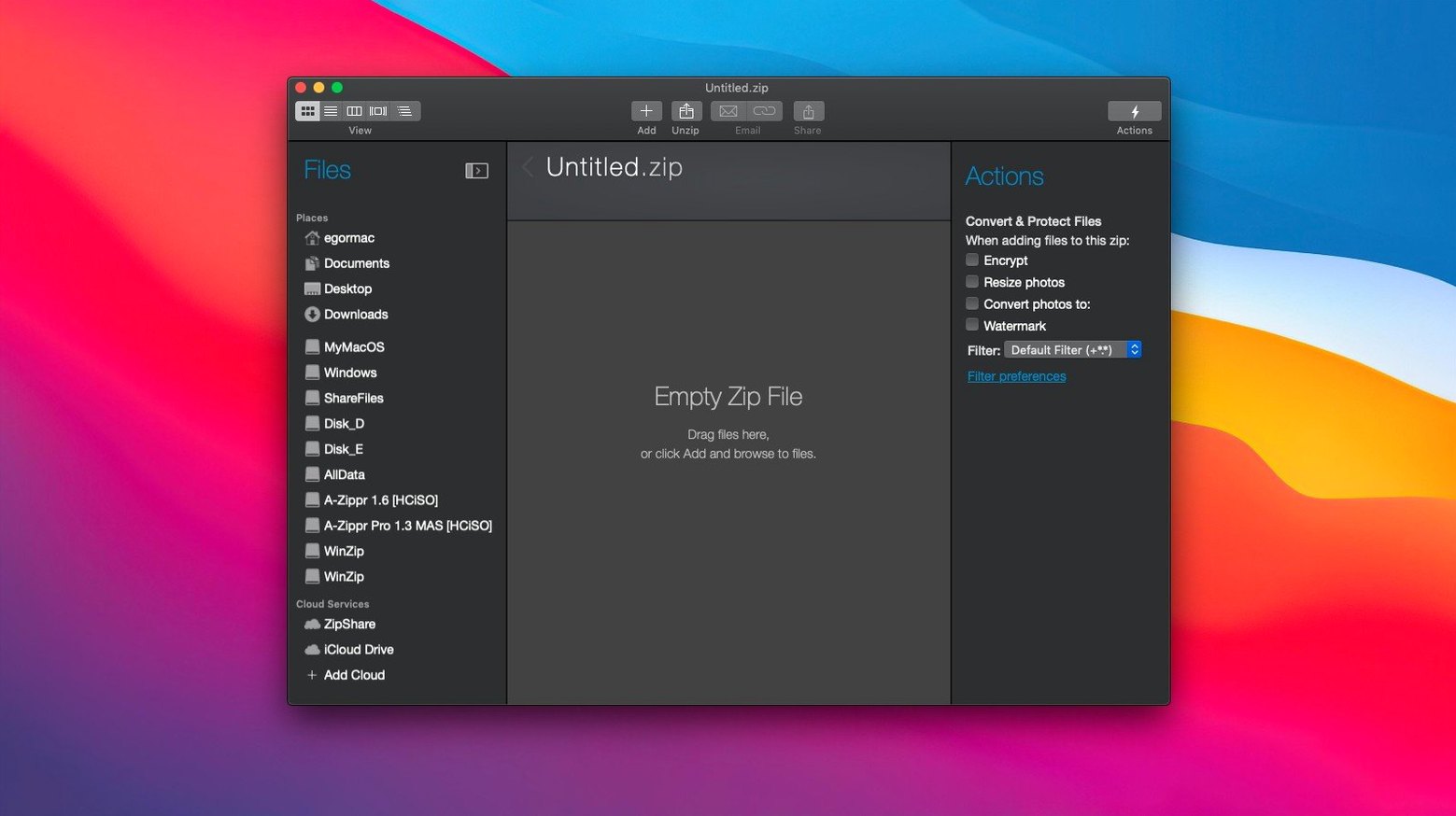
The cloud connections haven't gone anywhere—you can pull from iCloud Drive, Dropbox, or Google Drive right inside the app. For a shop like mine, where product photos and supplier sheets live across three different services, dragging them straight into a zip without downloading everything first still saves real time.
Mac clipboard support continues to earn its keep. Copy a few files, paste them into a new Zip or Zipx archive, and you've got a clean package ready to go. No hunting through Finder, no duplicate folders cluttering your desktop afterward.
Under the hood, the requirement stays at macOS 10.15 or later, and it runs on both Intel and Apple Silicon Macs. The interface is English only, and the installer walks you through the setup—nothing extra to chase down. It's still the same straightforward archiving tool, just keeping pace quietly.
Spend ten minutes now so it fades into the background
After installing, I'd spend ten minutes setting it up so it fades into the background later. The app can do more than right-click archiving, but it won't push that on you—you have to poke around a little.
Three things I'd do right away:
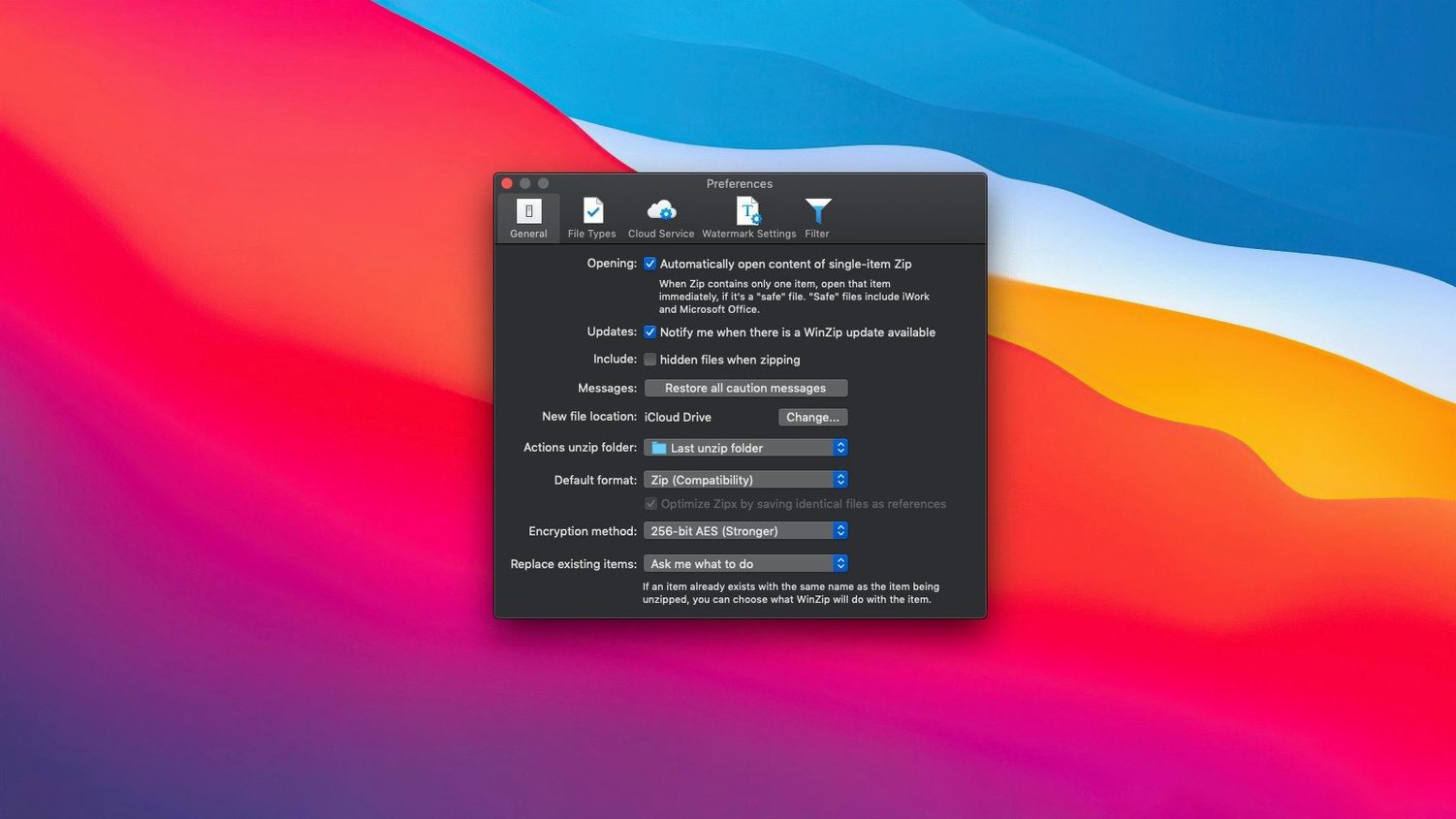
- Set the default compression to Zipx. The app might default to standard Zip. Zipx is the newer format and handles duplicate files automatically. For shop files—where I often have the same product photo in three folders without realizing it—that alone saves space and keeps archives cleaner.
- Connect one cloud service. Pick whichever you use most. The connection lives in the sidebar, and once it's there, you can browse your cloud folders without opening a browser. I'd start with just one so the sidebar doesn't get crowded while you're learning the layout.
- Create a test archive and encrypt it. Even if you don't need encryption daily, knowing where the password prompt lives and how the app behaves when you reopen an encrypted file is worth the five minutes. The encryption uses AES, and it's baked into the compression step—you don't need a separate tool.
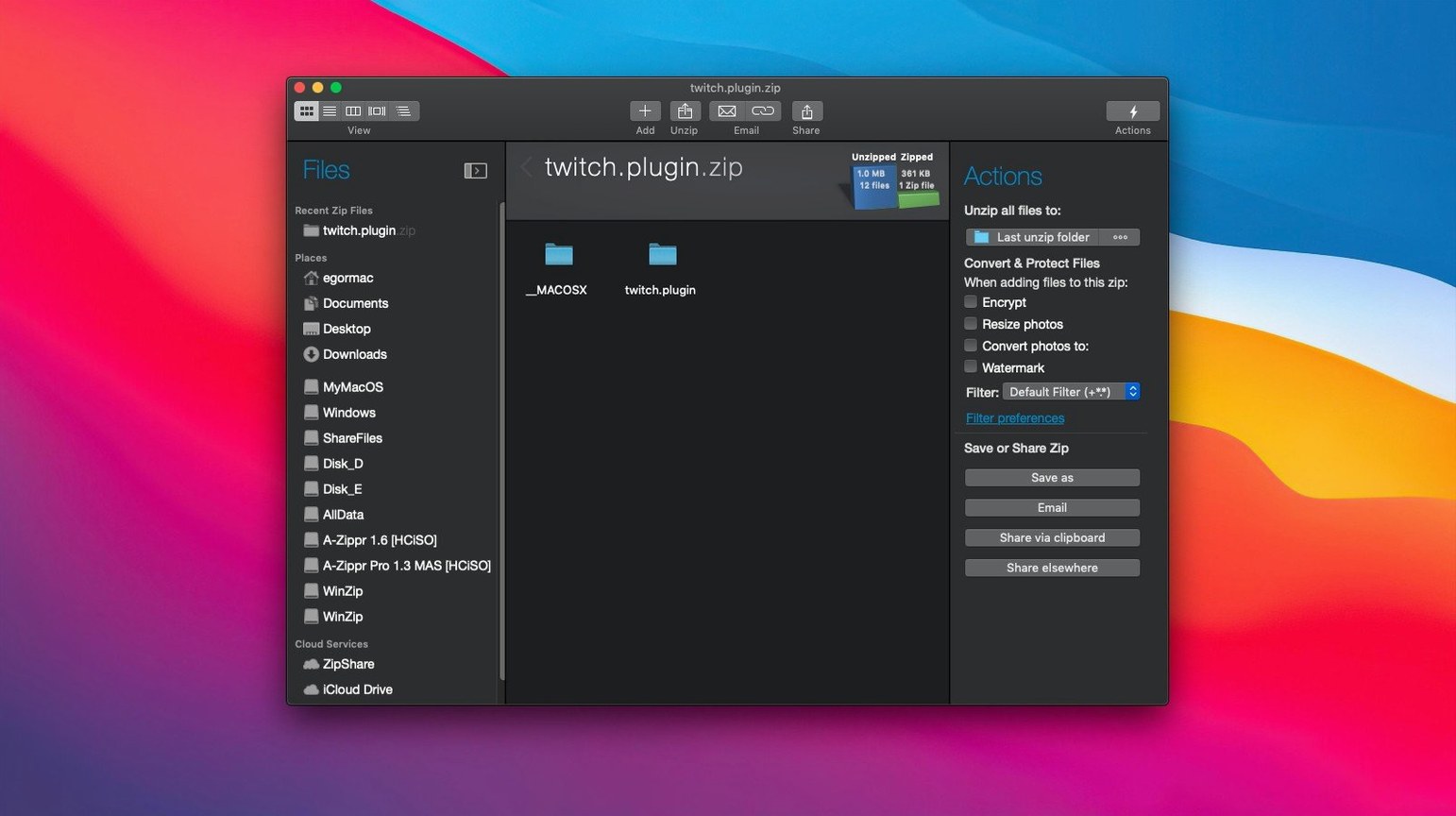
Tip: drag a folder from your desktop into the WinZip window instead of using the "New Archive" button. The drag-and-drop behavior is snappier, and the app guesses the archive name from the folder name, which is usually what you want anyway.
Small-shop owners and freelancers sending client files
It's not for everyone, and that's fine. The Mac already unzips files natively, so casual users who compress two folders a year won't notice a difference. But a few groups will feel the upgrade immediately.
Small-shop owners and freelancers who send client deliverables by email. The duplicate-file detection and Zipx compression keep packages under attachment limits without manual cleanup. You stop getting those bounce-back messages about file size, and you stop wondering whether you already included the logo file.
People who live across cloud services. If your files are split between iCloud, Dropbox, and Google Drive, the direct cloud browsing cuts out the download-middle step. You're not downloading a folder just to re-upload it somewhere else. That loop gets old fast when you handle it daily.
Anyone who handles archives from other platforms. The instant conversion of RAR, 7Z, LZH, and a dozen other formats into Zip or Zipx is the quiet killer feature. You don't need a collection of unarchivers. You just open, convert, and move on. If you get files from Windows users or from older backup formats, this alone justifies the space on your dock.
Encryption and cloud links the built-in tool skips
Macs come with Archive Utility built in, and that handles basic zip and unzip for free. The native tool is fine for quick compressions, but it doesn't encrypt, doesn't convert other formats, doesn't connect to cloud storage, and doesn't catch duplicates. It's a hammer. WinZip Mac Pro is a small toolbox. If you only ever need the hammer, the built-in tool is enough.
Compared to The Unarchiver, which many Mac users grab for opening RAR and 7Z files, WinZip Mac Pro goes the other direction: it compresses, encrypts, and packages, not just extracts. The Unarchiver is great at one thing—opening everything. WinZip Mac Pro is built more for the person creating the archive and deciding what goes in it and how it's protected before it leaves their machine.
Then there's Keka, which is a capable compression tool with its own fanbase. Keka supports a wide range of formats and offers encryption too, but the interface is sparser and the cloud integration isn't there. WinZip Mac Pro puts more emphasis on the sharing side of archiving—the cloud connections, the clipboard workflow, the duplicate detection. Keka compresses well; WinZip Mac Pro tries to shorten the whole send-and-share routine.
If you regularly search for something like winzip for mac, it's worth knowing what you're getting beyond the name: this version is built to feel like a Mac app, not a port. The interface isn't a transplanted Windows window. That matters when you're in and out of it all day.
Pick a compression level that balances speed and size
The defaults are sensible, but a few tweaks make the app fit your workflow instead of the other way around.
Compression level. The app offers a range from faster to better compression. For daily email attachments, the middle setting balances speed and size well. For long-term storage of old project folders, bump it to maximum. The difference in time is noticeable on large archives, so don't set it to max for everything unless you enjoy watching progress bars.
Encryption method. Under preferences, you can pick between Zip 2.0 encryption (older, weaker, more compatible) and AES (stronger, modern). For anything client-related or financial, AES is the obvious choice. The app remembers your preference per session, so set it once and forget it.
Post-archive action. You can tell the app to do nothing, open the archive folder, or email the archive immediately after creation. If you're compressing specifically to attach to an email, enabling the email action saves two clicks every single time. It's a small thing that compounds when you send five or six archives a day.
Sidebar layout. If you connected multiple cloud services, reorder them so the one you use most sits at the top. The sidebar is drag-reorderable. A tidy sidebar means less scanning when you're in the middle of something else.
If you found this page while looking for a winzip download mac option or a winzip for mac free setup, these settings are what turn the app from a generic tool into something that fits the way you actually work. Take the few minutes upfront.
- macOS 10.15 or later
- Intel 64-bit or Apple Silicon Mac
- Interface language: English
Questions from the stall
Does WinZip Mac Pro work with cloud storage?
Yes, it connects directly to iCloud Drive, Dropbox, and Google Drive so you can add files to an archive without downloading them to your Mac first.
Can WinZip Mac Pro help reduce file sizes for email?
It optimizes attachments and uses Zipx compression to shrink files, plus duplicate detection keeps you from sending the same file twice.
What macOS version does the current WinZip Mac Pro require?
The current version requires macOS 10.15 or later and supports both Intel and Apple Silicon processors.
Notes from other shops 0
Sign in or open a shop account to leave a note.
No notes yet. If you've used this on a shop Mac, tell me how it went.