Version 2026.2.3 arrived on September 17, 2026, with build 262.10968.77 and native TypeScript 7 support. It's a macOS IDE built on the IntelliJ Platform for JavaScript and TypeScript work, from small scripts to larger client-side projects.
Everyday editing and Git are already built in
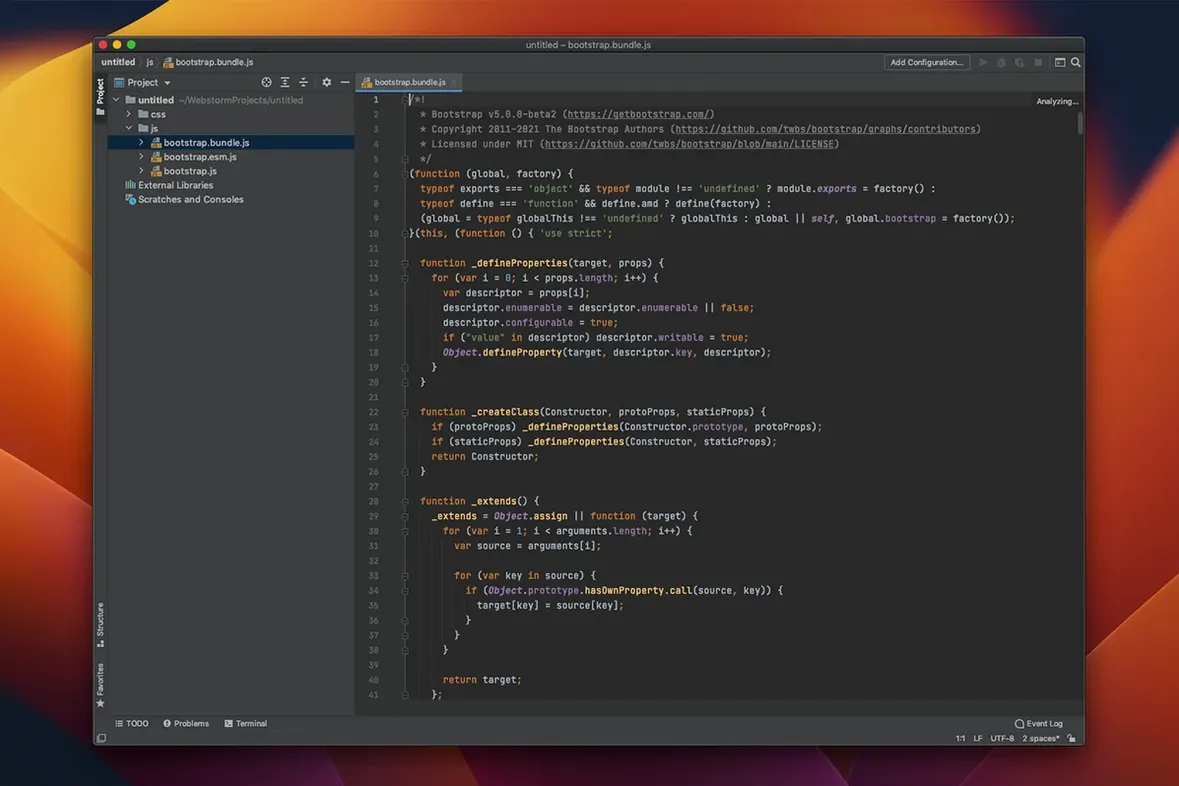
The first question is usually whether it handles everyday editing well. It does: JavaScript, HTML, and CSS editing sit alongside code analysis, fast navigation, and refactoring tools. Git, GitHub, and Mercurial support are included, and the IDE ships with a REST client, linters, build tools, and test runners. Debugging happens inside the same window, which keeps things tidy. The 2026.2 release also adds an agent skills manager and native GitHub Copilot integration for people who want assistance while they work.
What fits a small setup
WebStorm runs on macOS 12 or later, on both Intel and Apple Silicon Macs. The interface is in English. For a shop owner or solo developer, the useful part is that code analysis and refactoring happen while you edit, so problems surface before a build. If your work leans on TypeScript, the TypeScript 7 support in this release is the headline feature. Keep the system requirements in mind, and you will know fairly quickly whether it fits your machine.
VS Code lets you assemble a toolset; WebStorm bundles one opinion
People sometimes wonder whether WebStorm, VS Code, and Nova (from Panic) are trying to solve the same problem. They overlap, but they feel different in daily use. VS Code is lighter and leans heavily on extensions. If you enjoy assembling your own toolkit from plugins, that can be appealing. WebStorm takes the opposite approach: deep JavaScript and TypeScript understanding ships out of the box, and the code analysis catches mistakes that a more generic editor might miss until you run a linter.
Nova is a native Mac app that feels at home on macOS in a way neither WebStorm nor VS Code quite matches. It's fast, polished, and pleasant for HTML and CSS work. Where it pulls back is in large TypeScript codebases — refactoring across dozens of files is not its strength. WebStorm handles multi-file renames and structural changes with a confidence that comes from an IDE that has been indexing your project since you opened it. The trade-off is resource use; WebStorm works harder, and you will hear the fans on an Intel Mac during a full project scan. On an Apple Silicon machine, it settles down once indexing finishes.
If your work mixes front-end markup with Node.js endpoints, WebStorm's unified debugging environment starts to make sense. You set breakpoints in client code and server code and step through both without leaving the window. That is harder to set up neatly in VS Code without several configuration files, and Nova does not attempt it. For a small shop maintaining a React front end and a handful of API routes, having one tool that understands both sides saves a surprising amount of time.
Plain HTML and CSS work great without a framework
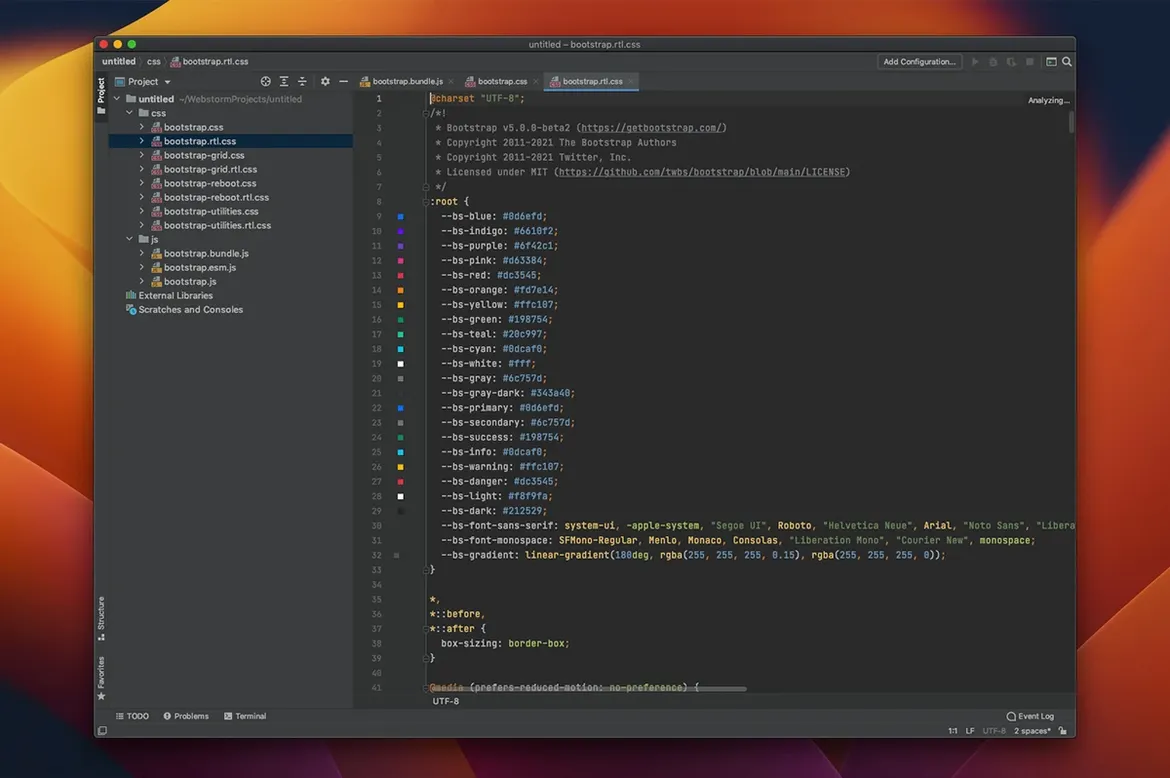
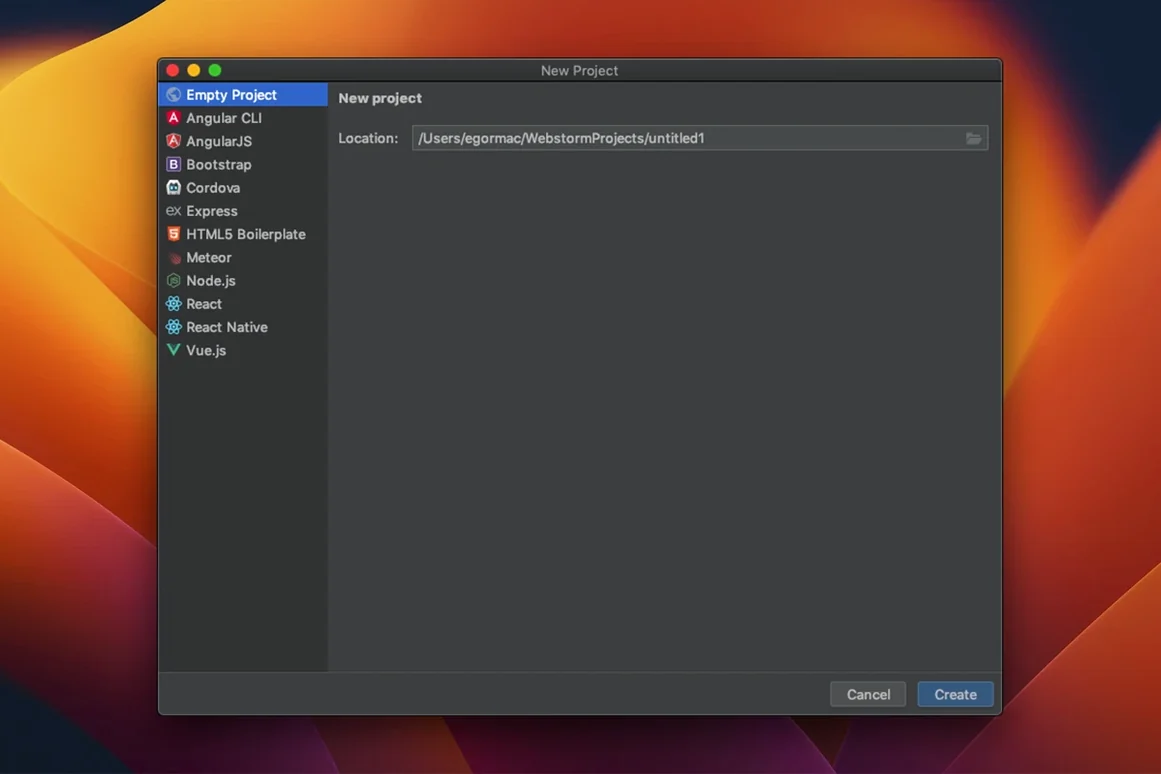
Can I use it for plain HTML and CSS without a JavaScript framework? Yes. The HTML and CSS editing is solid on its own, with completion, previews, and Emmet support. You do not need to install a framework or configure a project to get value from it — just open a folder and start typing. The IDE adds more help when it detects a framework like React or Angular, but it does not push you toward one.
Does the AI assistant get in the way? With the native GitHub Copilot integration in the 2026.2 release, suggestions appear inline as you type. You can accept or ignore them with a keystroke. If you prefer to work without it, you can disable it entirely. The agent skills manager lets you control what the assistant is allowed to do, which is useful if you want completions but not automatic file edits.
What about projects that mix TypeScript and plain JavaScript? The IDE handles both side by side without friction. The TypeScript 7 support in this version improves inference in complex generics and catches more errors during editing. You can migrate a file from .js to .ts and WebStorm immediately applies stricter checks to that file while leaving the rest of the project untouched.
A few practical changes landed in the 2026.2 release line:
- TypeScript 7 support, so newer syntax and tooling work in the editor.
- Native GitHub Copilot integration for inline coding help.
- An agent skills manager to organize automated assistance.
- Version 2026.2.3 ships as build 262.10968.77.
- macOS 12 or later
- Runs on Intel and Apple Silicon Macs
- Interface language: English
Questions from the stall
Does WebStorm include debugging tools?
Yes, debugging tools are built into the IDE, so you can step through JavaScript and TypeScript without leaving the editor.
Which version control systems does WebStorm support?
It supports Git, GitHub, and Mercurial directly in the IDE.
Notes from other shops 0
Sign in or open a shop account to leave a note.
No notes yet. If you've used this on a shop Mac, tell me how it went.