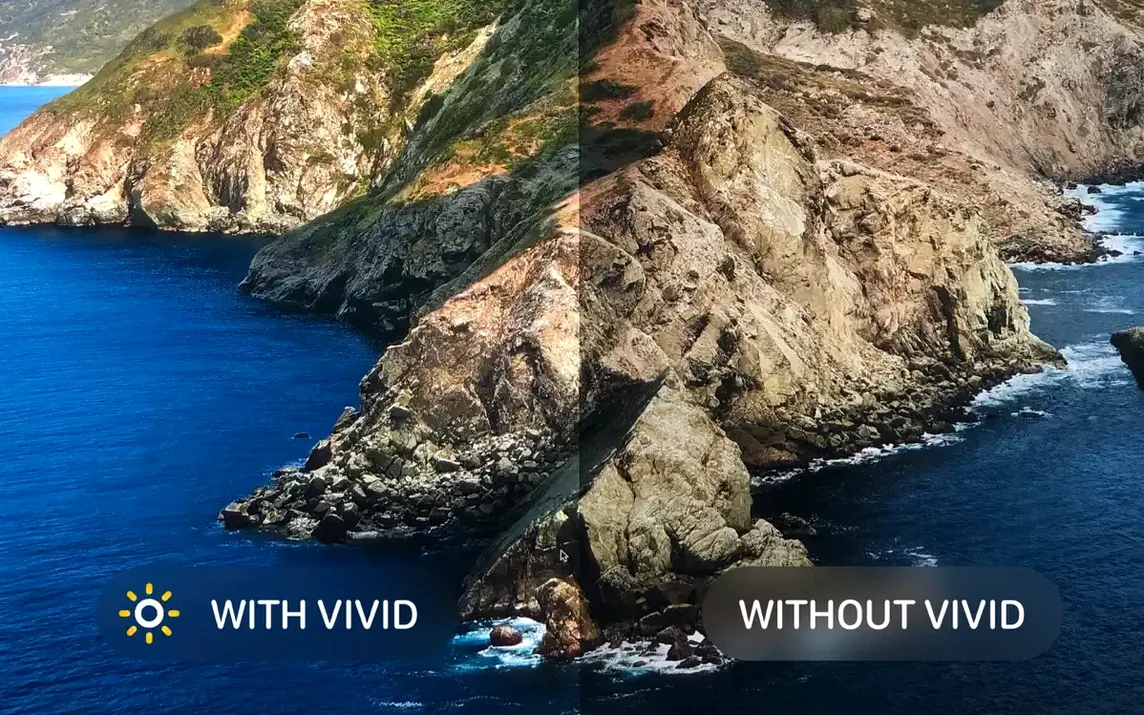
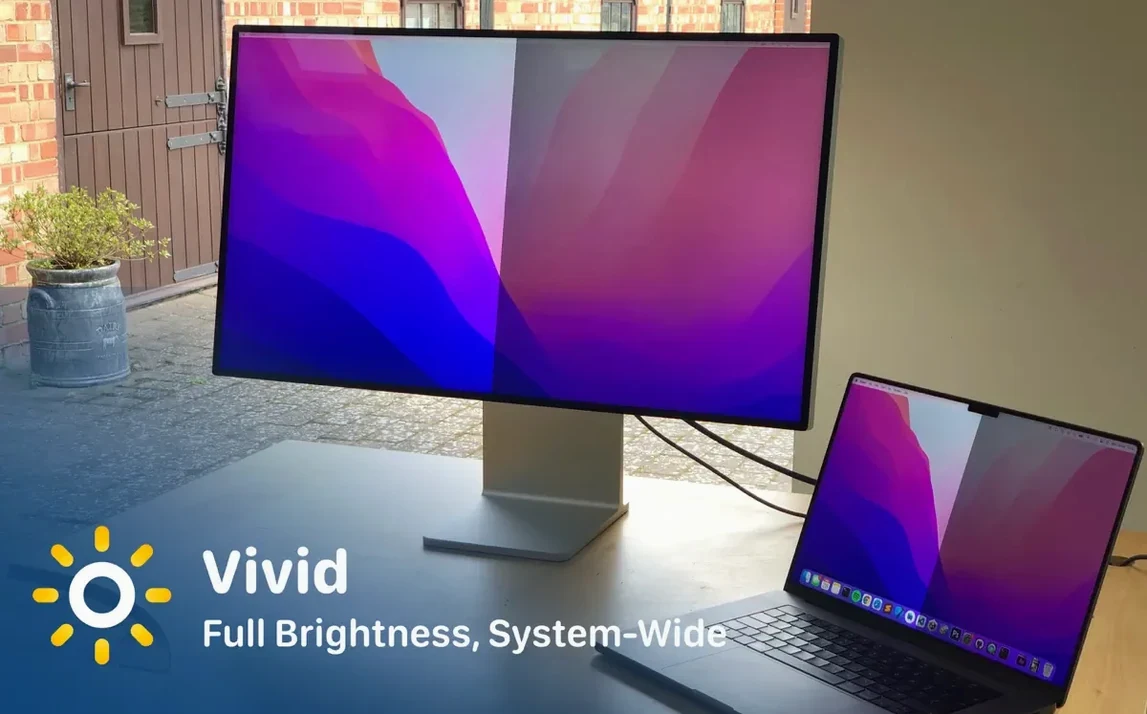
You sit down by a window on a sunny afternoon, open your MacBook Pro, and the screen looks dim next to the daylight. That is the moment Vivid was made for — it pushes supported Apple displays past their usual brightness ceiling so the screen stays readable without squinting.
Check the new display support
Version 2.18.1 adds support for the Apple Studio Display XDR. If you run a Mac mini or Mac Studio with one of these panels, the update also includes fixes aimed squarely at that setup.
Keep an eye on battery behavior
Battery monitoring got attention in this release, so the extra brightness should play more predictably with your MacBook's power state.
Use what already worked
Why full brightness ruins your export
The most common slip is leaving Vivid cranked up while editing photos or video. The screen looks gorgeous, but you are seeing brightness the rest of the world will not see on their own displays — your export ends up darker than you expected. Switch back to standard brightness before color-critical work.
Another one: people install it, double the brightness, then forget the setting persists across restarts. If you open your MacBook in a dark room late at night and the screen blasts you awake, that is Vivid doing exactly what you told it to do. Dial it down before closing the lid for the evening.
Mac mini and Mac Studio owners sometimes assume the app will not do much for them. The 2.18.1 fixes changed that — if you have an XDR display attached, the extra headroom is there regardless of which Mac drives it.
Read your screen on a café patio
Say you want to take your MacBook Pro to a café patio and actually see your writing app without hunching over the keyboard.
- Open Vivid from Launchpad — it lives in the menu bar once launched.
- Click the menu bar icon and slide brightness to around 80%. Full double brightness can be overkill on a partly cloudy day, and your battery will thank you for a little restraint.
- Open System Settings > Displays and disable auto-brightness. The ambient sensor fights Vivid otherwise, dimming the screen right when you need the opposite.
- Position yourself so the sun hits your back, not the screen. Glare still beats any brightness boost.
- Work in light mode if your app supports it — dark interfaces wash out faster under direct light, even with the luminance Vivid provides.
- When you pack up, drop brightness back to normal. The menu bar slider remembers your last position, so this takes one drag.
Find Vivid in Launchpad after a clean drag
- Launchpad integration after a clean drag. You do not need to hunt for the vivid mac app in Finder — once you drag it to Applications, Launchpad picks it up and you can start it like any other tool.
- No extra preference panes. Everything lives in the menu bar. There is no digging through System Settings for a hidden extension; it keeps its footprint small.
- The READ!!! file activation route. People skip the included readme, then wonder why things do not light up. The file walks you through it in seconds, and it is the same straightforward step every time you set up a vivid mac os installation from the disk image.
- Keyboard-free battery awareness. The 2.18.1 battery fixes mean you are less likely to discover your MacBook drained itself silently — the brightness ceiling scales back before things get critical, without you babysitting a percentage readout.
- XDR-wide support, not just one panel. Whether you are on a Pro Display XDR, a MacBook Pro screen that supports the extended range, or the newly supported Studio Display XDR, the same slider controls all of them. Some users grab vivid macos free from a quick search, try it on one display, and only later realize their second monitor works too.
Tip: If you use f.lux or Night Shift, set Vivid's brightness first and let the warmer color shift layer on top. The order matters less than you would think, but doing brightness first avoids a brief flash of full-blue light when adjustments overlap.
The core idea has not changed: system-wide brightness control for MacBook Pro and Pro Display XDR screens, with the same straightforward launch-from-Launchpad workflow.
Version 2.19.0 is here with the developer's latest fixes and improvements. You can find the full details on the Lumen Digital site.
- macOS 12 or newer
- Works on both Apple Silicon and Intel 64‑bit Macs
Questions from the stall
Which Apple displays does Vivid support?
Vivid works with MacBook Pro displays, the Pro Display XDR, and — as of version 2.18.1 — the Apple Studio Display XDR.
Notes from other shops 0
Sign in or open a shop account to leave a note.
No notes yet. If you've used this on a shop Mac, tell me how it went.