
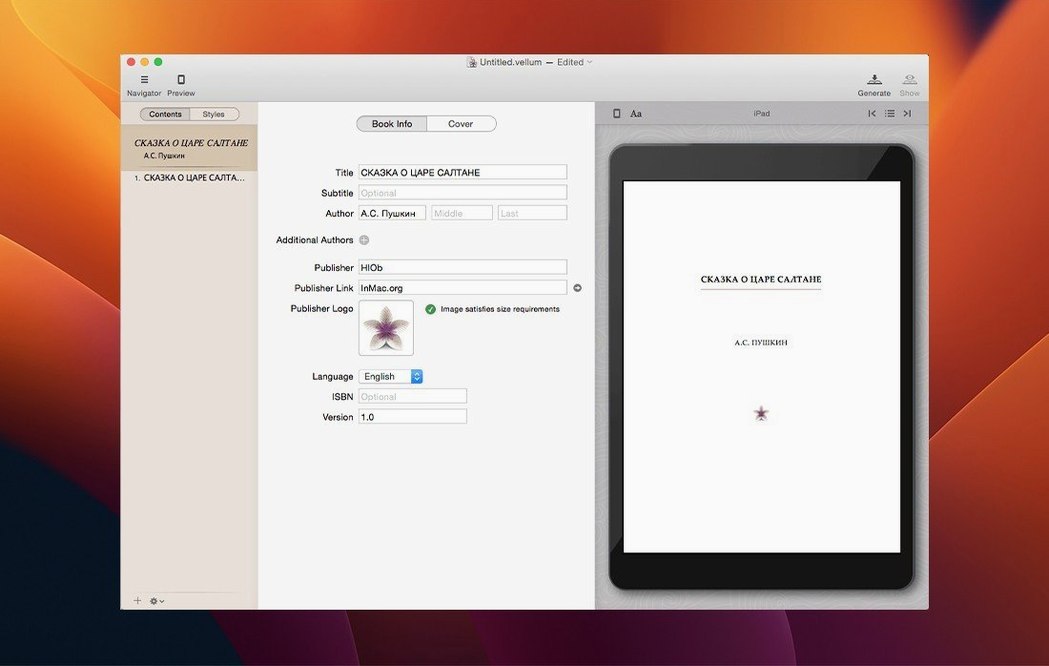
If you cut your teeth on a word processor, you know the pain of a single line of text stranded at the top of a page. Vellum handles widows and spread balancing quietly, keeping your pages tight without you nudging each line by hand. That alone feels like a step up from the layout engines most of us started with.
The real staying power, though, is in how it treats a project as a whole. Add a new chapter and it inherits the style you've already set—no reapplying, no hunting for a rogue style override. You can build a boxed set from multiple finished books, managing the whole collection as one clean file, which is a genuine time-saver if you sell direct bundles. And when you need to tweak the copyright page, you do it right inside the app, not by editing a separate template.
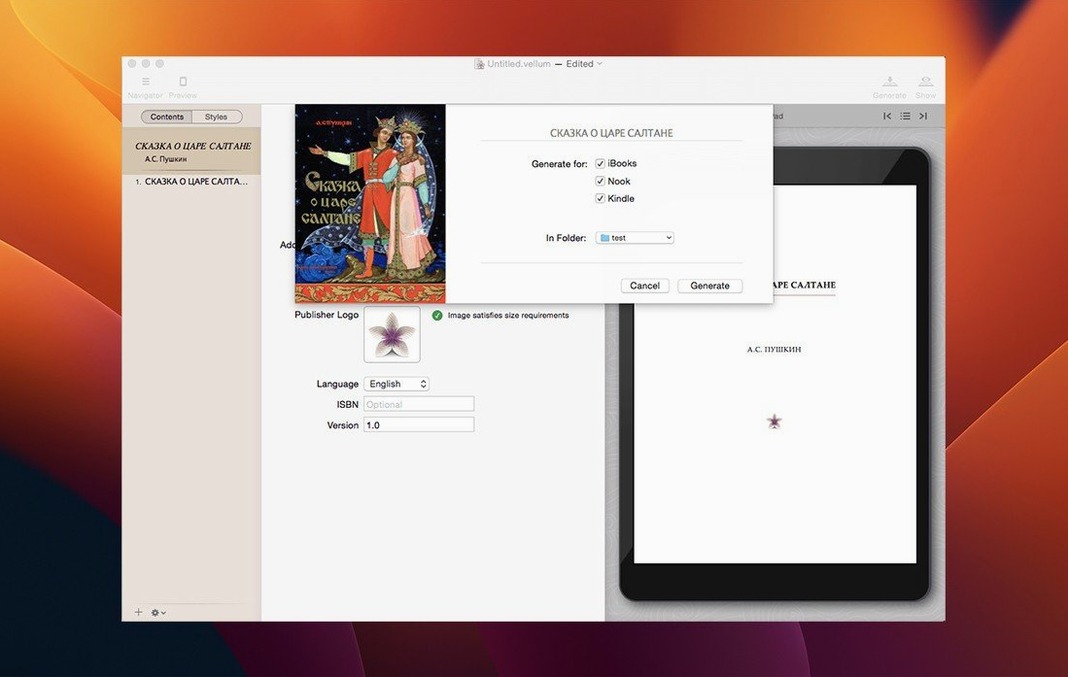
Output covers Kindle, Kobo, and Apple Books, but the detail I keep returning to is the dual print and ebook generation. Keeping both editions in sync, from the same project, cuts out the drift that happens when you update one format but forget the other. The instant preview updates also make fine-tuning a visual, relaxed process rather than a compile-and-guess routine.
Tip: Run the preview often while adjusting spread settings. A small tweak to your justification can fix a stubborn widow without affecting the rest of the chapter.
What trips up imports from messy Word files—and the fix
Most friction I hear about comes from the import step. Drop in a messy Word file with direct formatting, manual tabs, and five layers of heading styles, and Vellum has to guess what's a chapter and what's a subtitle. The fix is simple but dull: strip your manuscript down to plain body text and one heading style before importing. Ten minutes of cleanup saves an hour of untangling chapters inside the app.
Another common one: the preview shows blank pages between chapters when you're building a print edition. That's usually the spread-balancing engine adding a filler page to ensure new chapters start on the right-hand side. If you don't need that for your trim size, open the print settings panel and toggle the Chapters start on right page option. The blank pages vanish.
If you're working with a boxed set and one book's styling feels slightly off from the rest, check whether that component book uses a different heading mapping. Each title in a boxed set can carry its own import history, and Vellum won't override it unless you manually reapply the set-level style. A quick pass through the component's chapter list usually shows the mismatch.
Settings I'd change first
Before you format a single page, there are three defaults worth a look. First, head to the print settings and lock in your trim size early. Switching from 6×9 to 5×8 halfway through means rechecking every page break and orphan line. Vellum recalculates margins and headers automatically, but your eye will still want to re-scan the flow.
Second, decide how you want the Table of Contents to behave. The app generates one from your chapter headings by default, but you can exclude front-matter entries like the copyright page or dedication from the listing with a checkbox per element. It's a small detail that keeps the TOC feeling professional rather than cluttered with noise.
Third, set your preferred preview devices right away. The preview panel can show Kindle, Kobo, Apple Books, and a generic print layout, but toggling through all of them each time slows you down. Pick the two you actually ship to and leave the rest unchecked. The preview updates instantly as you edit, so having your real outputs visible side by side makes catching line-wrap issues much faster.
Scrivener helps you draft, Vellum polishes what’s already written
Next to Scrivener, the difference comes down to focus. Scrivener is a drafting and research tool that can compile an ebook as an export step; Vellum is purely a formatter that expects a finished manuscript. If you're still shuffling scenes and corkboarding plot points, Scrivener is where you live. Once the text is locked, Vellum takes over and handles the typography with far less fuss. Plenty of writers use both, exporting from Scrivener into Vellum for the polish phase.
Compared with Calibre, the gap is wider. Calibre is a free, do-everything library manager with an ebook editor bolted on—it converts formats, strips DRM, and edits HTML-level code if you're comfortable poking around. Vellum doesn't touch any of that. What it does instead is produce retail-ready files that need zero manual CSS tweaks. If you enjoy fine control over every line of code, Calibre gives you that. If you'd rather never see a stylesheet, Vellum is the more practical choice for a small shop shipping books to multiple storefronts.
Ulysses occasionally comes up in this conversation too, though it's really a writing environment with a basic ebook export. Its output is clean but simple—no spread balancing, no print edition, no boxed-set logic. It works for a quick ePub draft, but it doesn't replace the layout features you get once a book is ready for sale.
- macOS 11 or later
- Intel 64-bit
Notes from other shops 0
Sign in or open a shop account to leave a note.
No notes yet. If you've used this on a shop Mac, tell me how it went.