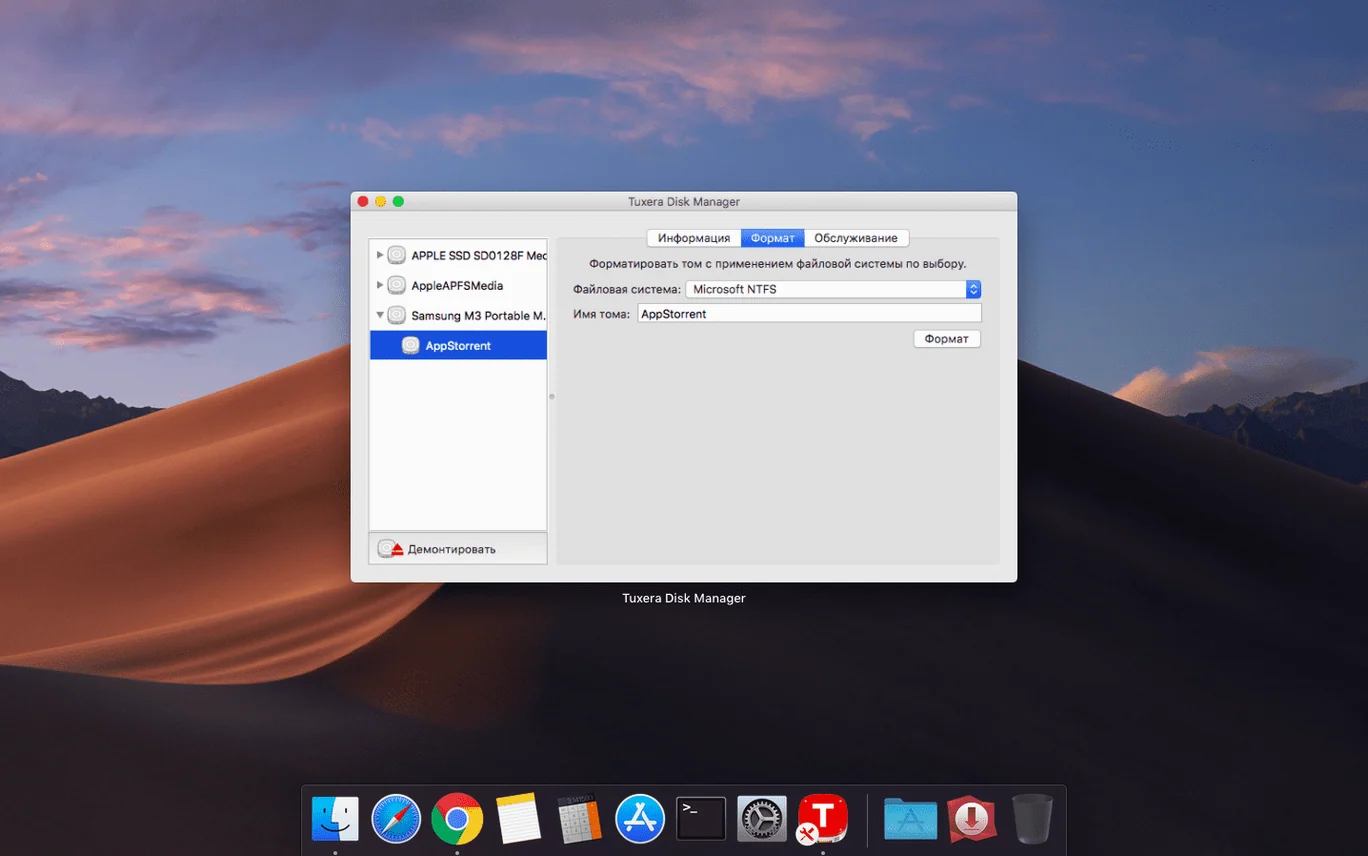
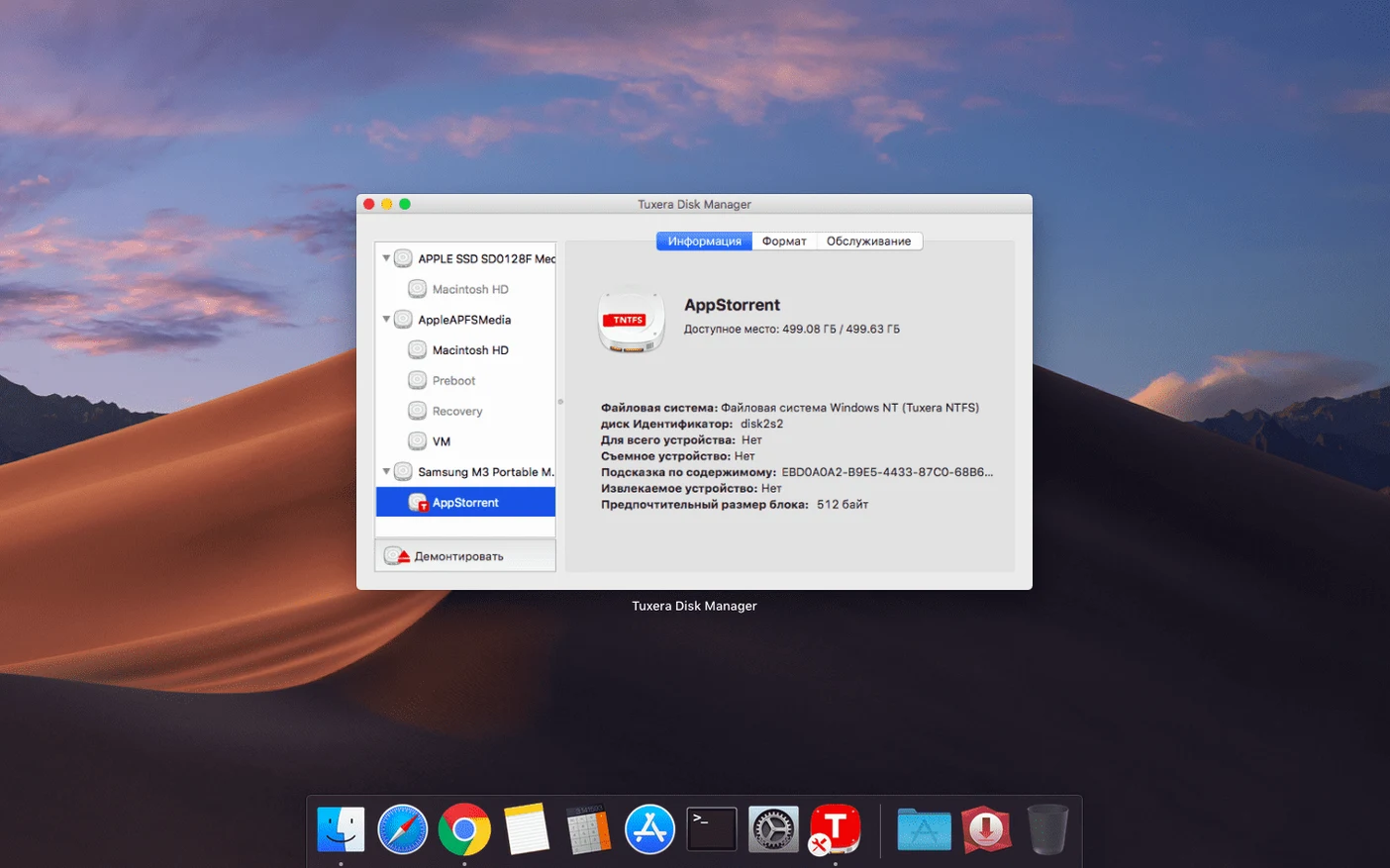
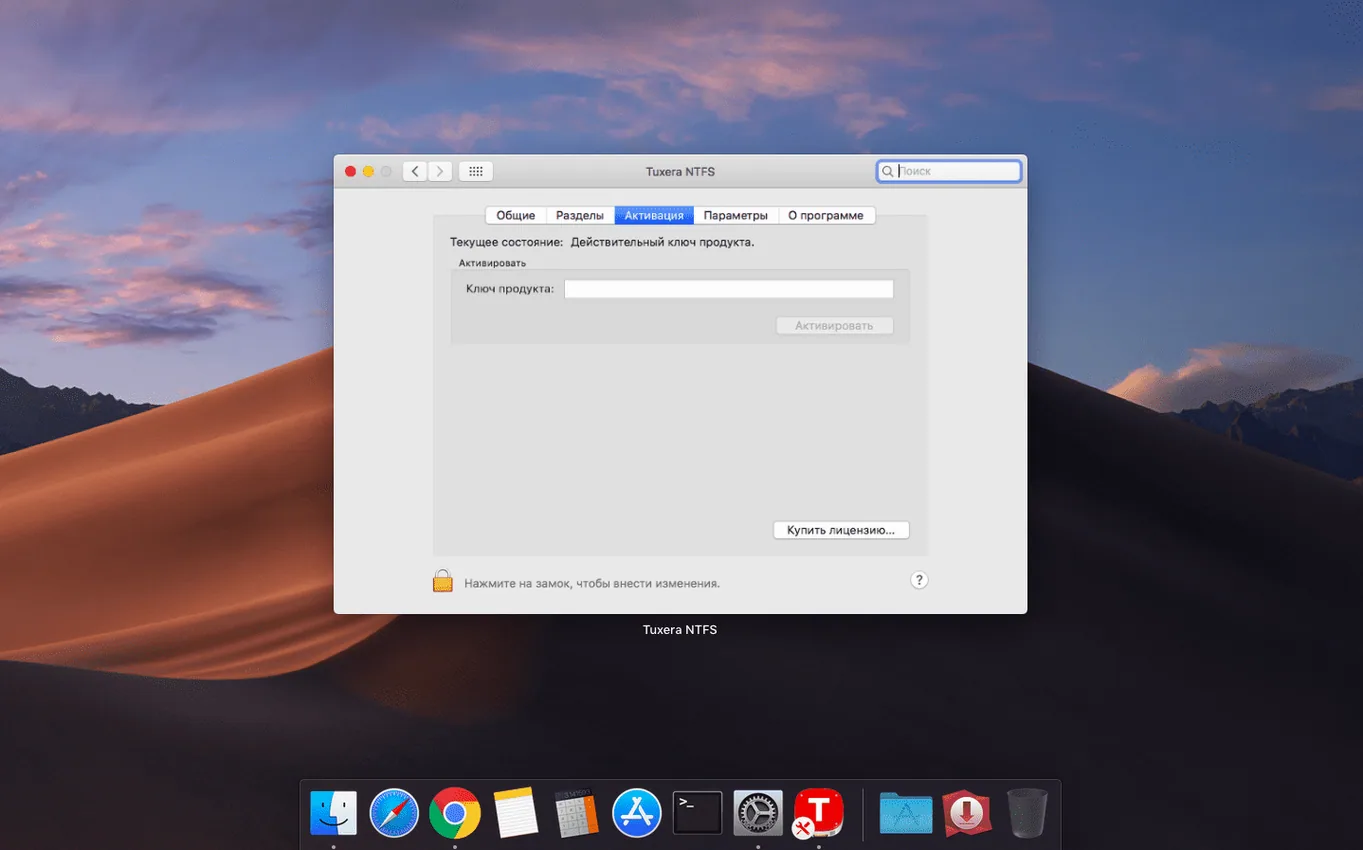
Finder already sees your Windows drives. It’s built-in—plug a USB stick and the files show up. But the moment you try to rename a folder or drop a presentation onto it, macOS taps the brakes. It can read NTFS-formatted drives but won’t let you edit, copy, move, or delete anything without extra help. That’s the gap Tuxera NTFS fills.
- Check your macOS version. You’ll need OS X 10.9 or newer. It runs on both Intel and Apple Silicon Macs.
- Connect any external USB drive or partition that was formatted in Windows. The driver supports all versions of NTFS.
- Get to work right in Finder. You can open, edit, copy, move, and delete files just as you would on a native Mac volume. No separate app window to manage.
- Run a repair when a volume acts up. Tuxera includes a tool to verify and fix NTFS drives, which is handy if you dual-boot or swap drives often.
The 2023.1 update fixed a stubborn date-stamp bug—files copied to NTFS volumes now keep their correct timestamps. If you regularly move projects between Windows and macOS on the same machine, that detail matters for version tracking.
Unplugging without ejecting can corrupt your drive
Most of the trouble I see isn't with the driver itself—it's with habits carried over from working on Windows-only setups.
Unplugging without ejecting. On Windows, people yank USB drives constantly and get away with it. An NTFS drive written to from a Mac is less forgiving. Pulling the drive mid-write can leave the file system in a state where Windows wants to run chkdsk next time you plug it in. Use the Finder eject button or hit Cmd-E before you unplug. The half-second it takes saves a repair cycle later.
Assuming all NTFS drives are the same. Some drives come with factory partitions that include manufacturer recovery software, often tucked into a hidden NTFS slice. Beginners plug one in, see it mount, and panic when the recovery partition doesn't show up the same way it did on their PC. The driver handles standard NTFS volumes fine, but oddball hybrid partitions—especially those with proprietary boot loaders—may need a different approach. Plain USB sticks and external hard drives you formatted yourself rarely cause grief.
Forgetting that permissions don't translate cleanly. NTFS and macOS use completely different permission models. A file that was "read-only" under Windows won't always appear locked on your Mac, and vice versa. If you share drives between OSes, check file attributes on both sides before you assume something is broken. It usually isn't—it's just two systems interpreting ownership differently.
Letting Spotlight loose on a giant NTFS drive right after install. The driver lets Spotlight index NTFS volumes. That's useful, but the moment you connect a 4TB external with years of accumulated files, Spotlight can peg the drive for twenty minutes indexing everything. If you don't need instant search on that volume, add it to Spotlight's privacy list in System Settings before you plug it in. You can always re-enable it later.
Skipping the repair tool because "the drive works fine." I get it—if Finder reads and writes without complaints, why run a check? But minor NTFS metadata inconsistencies accumulate silently, especially on drives that bounce between Windows, macOS, and a virtual machine. Running the built-in verify pass once a month catches small corruptions before they turn into unreadable folders. It takes under a minute on most drives.
Create a formatted NTFS disk image from the preference pane
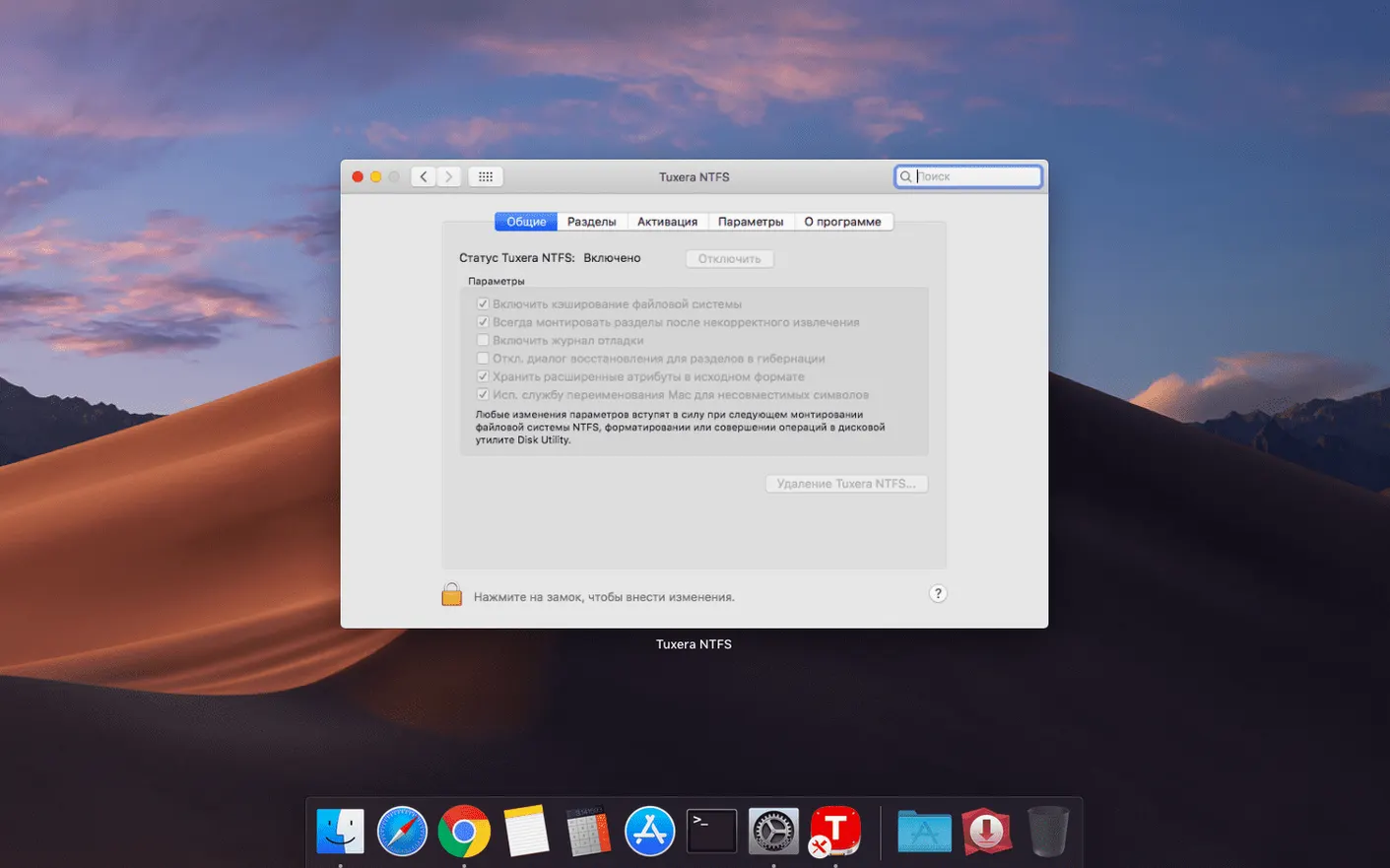
The installer puts a preference pane in System Settings and then mostly gets out of your way. That's the whole point. But a few things are tucked in there that aren't obvious on day one.
Disk image creation. You can create new NTFS-formatted disk images right from the preference pane—no Windows VM required. If you need to hand off a bundle of files to someone who only uses Windows and want to keep the NTFS metadata intact, build a sparse image, copy your files in, and send that. It mounts like a drive on their end.
Volume naming in your own language. The driver respects extended characters in volume names. If you work across multiple languages—the app itself ships in thirty-plus localizations—you can label a drive in Russian, Chinese, or Finnish and it'll show up correctly on both Mac and Windows. Not every cross-platform tool gets Unicode volume labels right.
The repair tool works on drives that won't even mount. If a volume refuses to appear in Finder, the verify-and-repair utility can still see it at the device level. It's accessible from the preference pane and doesn't require the Finder to recognize the drive first. That's saved me more than once when a virtual machine crashed mid-write and left the shared volume in a confused state.
No activation dance after updates. Official updates don't strip your registration. Install a point release over the top and it picks up your existing keys without asking. Small thing, but after years of software that makes you re-enter license codes for every minor bump, I notice when something doesn't.
Timestamps were wrong on every copied file
The headline fix for version 2023.1 sounds narrow: incorrect date and time stamps on files copied to NTFS volumes. In practice, that bug affected a surprising number of workflows.
Before the fix, a file copied from your Mac to an NTFS drive might show a creation date several hours off—sometimes a full day—when you later checked it on a Windows machine. For anyone syncing project folders or backing up time-sensitive work, that created confusion. Was this the Tuesday draft or the Wednesday revision? The file contents were fine, but the timestamp lied.
The 2023.1 release corrected the UTC offset handling in the copy routine. Now a file dragged into an NTFS folder at 3:14 PM on your Mac shows 3:14 PM when you plug the drive into a Windows laptop. It's the kind of fix that disappears into the background immediately—which is exactly what you want from a file system driver. You shouldn't have to think about it.
Beyond the stated fix, users in dual-boot setups reported fewer prompts from Windows to check the disk on boot after the Mac side had written files. Whether that's a direct result of the timestamp correction or quieter improvements to metadata flushing, Tuxera hasn't detailed. The practical outcome is less friction for the "shut down macOS, boot Windows" morning routine.
No menu bar icon or background process bloat
File system drivers live at a low level. A bad one can beachball your whole Mac. Tuxera's driver sits quietly in the background—no menu bar icon, no dock presence, no launch daemon that phones home. Activity Monitor shows a tiny kernel extension footprint; on my machine, it's typically under 40 MB of wired memory even with two NTFS drives mounted.
Transfer speeds depend almost entirely on your USB connection and the drive itself, not on the driver. A USB 3.0 SSD pushing 400 MB/s on Windows will hit roughly the same ceiling through Tuxera on macOS. The driver adds maybe a 3–5% overhead on sustained large-file writes compared to a native Windows transfer. For the kind of mixed small-file copying that small-shop work involves—folders of product photos, spreadsheets, design exports—the bottleneck is practically always the drive hardware, not the translation layer.
Stability has been uneventful in the best sense. The driver handles sleep-wake cycles cleanly; I've left NTFS drives connected through days of lid-closed naps and they reappear without complaint. Force-ejecting a drive while a write is in progress still makes macOS unhappy, but that's true of any volume. The driver itself doesn't panic or kernel-oops the way some earlier-generation NTFS solutions did on macOS Catalina and later.
If you're hunting for the latest version, you'll find the usual mix of download sources out there. Search terms like ntfs torrent or ntfs for mac torrent pull up plenty of results—some genuine, plenty not. The same goes for tuxera torrent, ntfs mac torrent, and tuxera ntfs torrent. A good practice is to check the hash of whatever you download against a known good copy, because a file system driver is exactly the kind of low-level software where you'll want to verify the build is clean and complete.
For daily use across a couple of external drives, the driver earns its keep by being boring. It mounts volumes, reads and writes without ceremony, and doesn't insert itself into your workflow. After the initial install, you forget it's there—and that's the highest compliment you can pay a piece of infrastructure software.
One fix worth noting: the 2023.1 update corrected a bug that gave files incorrect date or time stamps when they were copied to NTFS volumes.
- OS X 10.9 or later
- Supports Intel and Apple Silicon Macs
Notes from other shops 0
Sign in or open a shop account to leave a note.
No notes yet. If you've used this on a shop Mac, tell me how it went.