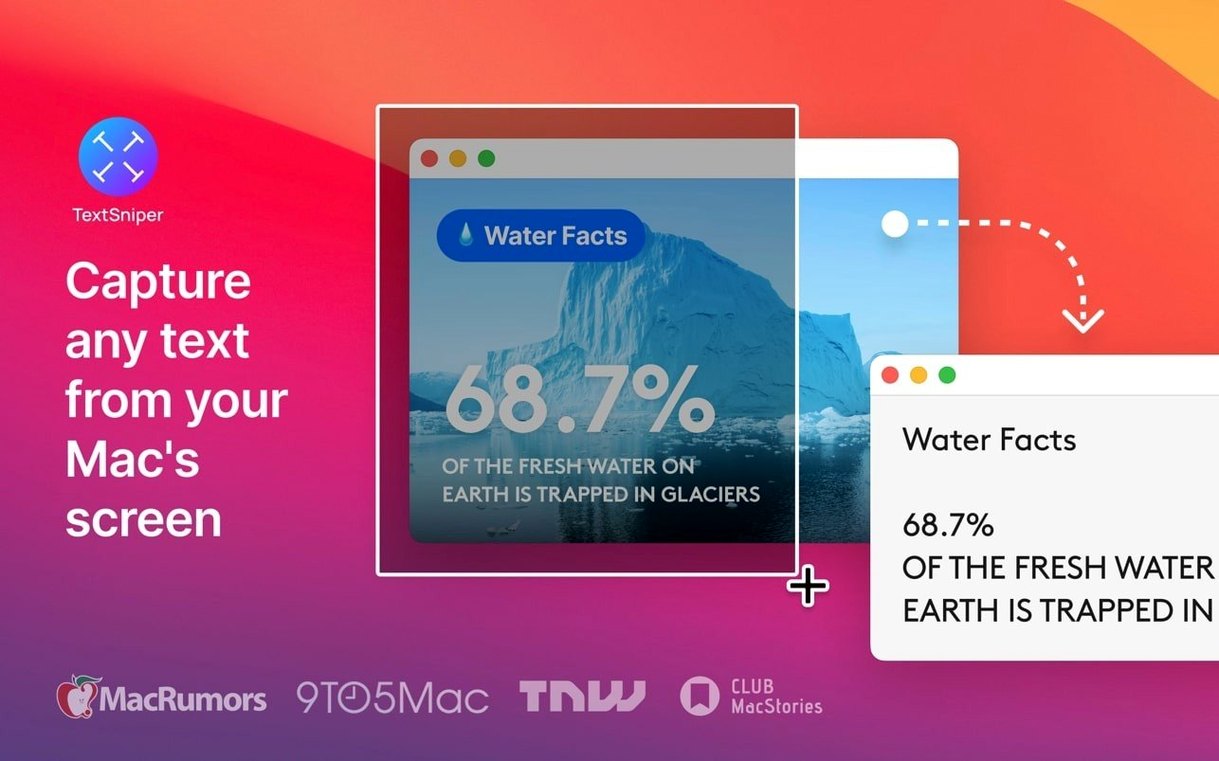
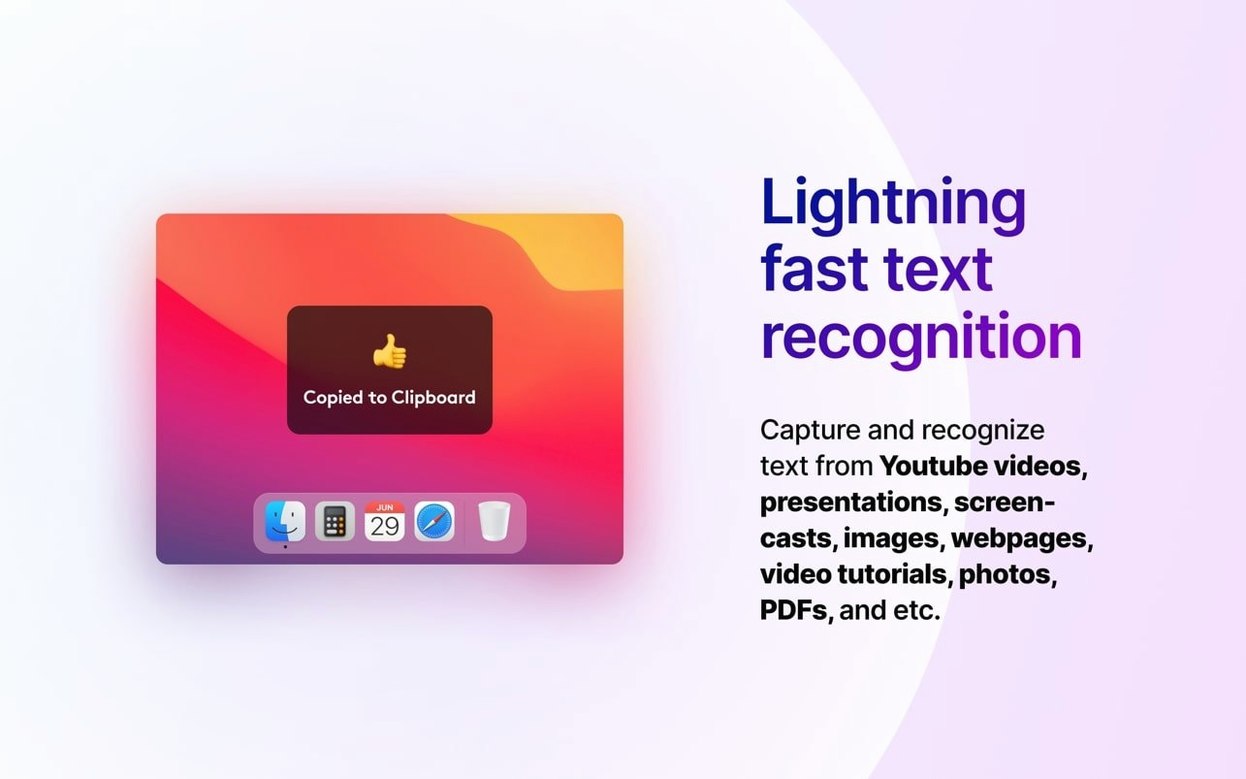
If you use the screenshot tool that comes with your Mac, you already know the muscle memory for selecting an area of the screen. TextSniper borrows that same instinct but grabs the words instead of the picture. Hit your shortcut, draw a box around a blocked quote in a scanned PDF, an error message inside a YouTube tutorial, or an address buried in an image file, and the recognized text lands straight on your clipboard.
You can set the keyboard combination to whatever feels natural, and a small toggle lets you decide whether to keep the original line breaks or smooth the text into a single paragraph. That choice alone saves me a quiet minute of manual reformatting when I pull copy from a narrow sidebar or a multi-column layout.
Because it works with whatever is visible on the screen—not just a single file type—it slots right next to your regular copy-paste routine. Snap a snippet from an online presentation to grab a stat, or lift a recipe from a cooking video that flashes the ingredient list for three seconds. The text goes where you need it without an extra export step.
Under the hood, the latest release adds recognition for Finnish, Hindi, and Marathi on the newest macOS, and the interface speaks English, German, Spanish, Italian, Traditional Chinese, Portuguese, and French. It runs on Apple Silicon and Intel Macs alike, so the shop’s old iMac and my MacBook Air both stay in the loop.
How TextSniper stacks up next to similar Mac apps
If you’ve looked around for a screen OCR tool, you’ve probably bumped into CleanShot X and Shottr. They’re both excellent, but they aim at different moments in a workday.
CleanShot X does OCR, yes, but it’s built as a full screenshot-and-annotation suite first. The text capture is one feature inside a much larger toolbox. That’s wonderful if you need scrolling captures and video recording alongside OCR, though it can feel heavier when all you want is to grab a sentence and move on.
Shottr is lighter on its feet. Its OCR works well and it’s quick to invoke. Where TextSniper pulls ahead for me is in the single-purpose focus. TextSniper doesn’t open an editor or a preview window after you make a selection — the text just hits the clipboard, silent and ready to paste. That one less click matters when you’re pulling fifteen snippets in a row from a training video or a design mockup.
Another option people search for is the built-in Live Text in macOS. It covers casual needs nicely, but it only works in certain contexts like Photos or Safari. TextSniper reaches into any pixel on the screen — a Zoom call, a Figma prototype, a locked PDF.
Swap the shortcut to Shift-Command-2 on day one
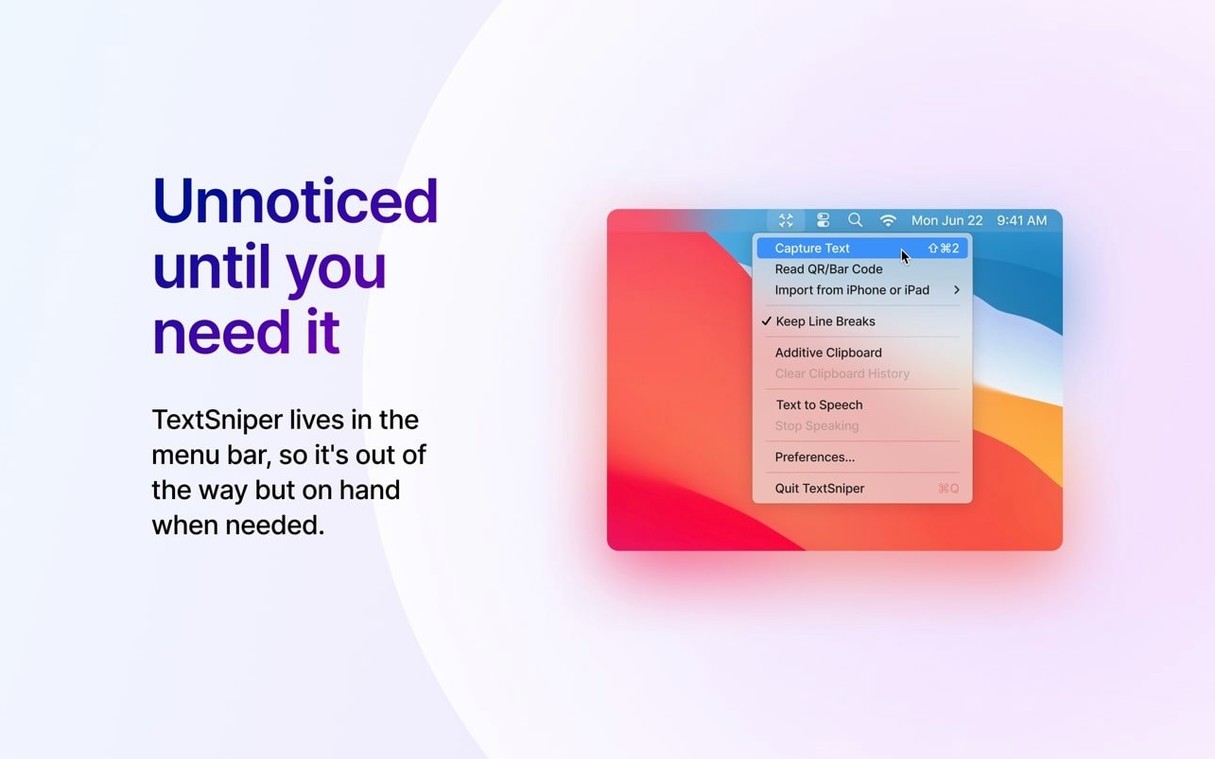
Start by swapping the default shortcut to something that won’t collide with your screenshot habit. I use Shift-Command-2 because my fingers already find the number row without thinking. The menu bar icon gives you a second way to trigger it while the muscle memory settles in.
Flip the line-break toggle a few times on the same chunk of text — pull a paragraph from a narrow sidebar once with breaks preserved, once without — so you learn which setting matches how you normally paste. I keep breaks off for emails and on for code snippets or addresses.
Run it through a few odd sources early: grab a line from a paused video, a slide in a live presentation, even an Instagram bio shown on your desktop. That builds trust in where it works, so when you’re in a hurry you reach for it without second-guessing.
A quiet trick: if you’re hunting for a textsniper mac download that fits a lean workflow, pairing the app with a clipboard manager like Maccy or Paste makes the snipped text searchable later. Snip once, and you can paste it again next week without re‑OCRing the same frame.
A few quiet improvements landed in this update:
- Full support for macOS 27 Golden Gate.
- New recognition languages on the latest macOS: Finnish, Hindi, and Marathi.
- A keyboard shortcut bug got squashed.
- A handful of small stability fixes keep things ticking along.
- macOS 12 or later
- Apple Silicon or Intel 64-bit processor
Questions from the stall
Can I use TextSniper to copy text from YouTube videos?
Yes. It reads text visible on your screen, so any frame of a video that contains words can be selected and recognized.
Does it keep the original formatting when I copy?
You have a choice. A setting lets you preserve the existing line breaks or flatten the text into a continuous block.
Which Macs does the current version support?
Version 1.13.0 works on macOS 12 and later, and it supports both Apple Silicon and Intel 64-bit Macs.
Notes from other shops 0
Sign in or open a shop account to leave a note.
No notes yet. If you've used this on a shop Mac, tell me how it went.