
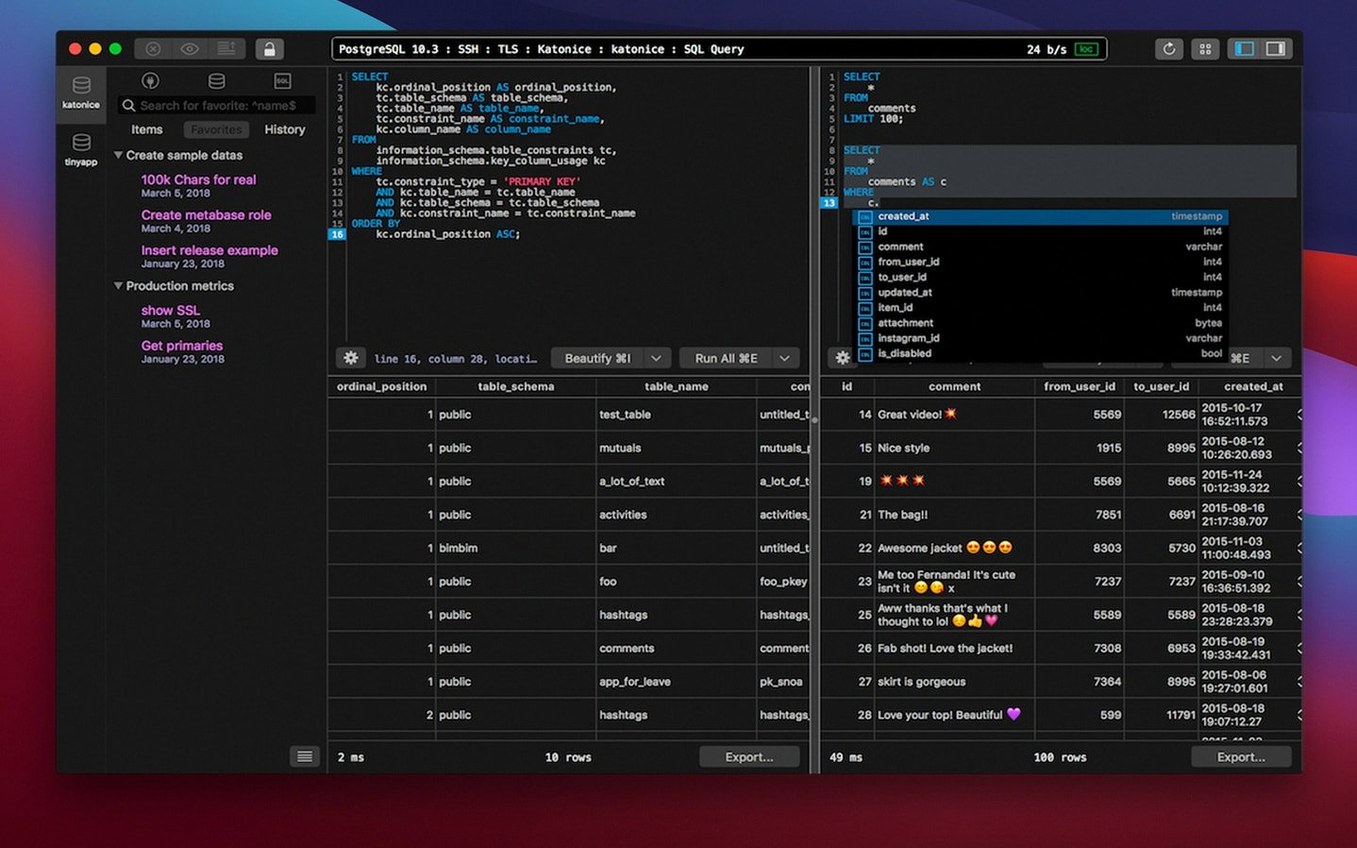
Query editor with error reporting
When you spend hours writing complex joins, a vague “syntax error” message wastes your day. TablePlus handles this with a script editor that pinpoints problems. Run a statement, and if something breaks, the error report highlights the offending line and explains what the parser expected instead. You fix it, re-run with ⌘R, and move on—without switching to a terminal.
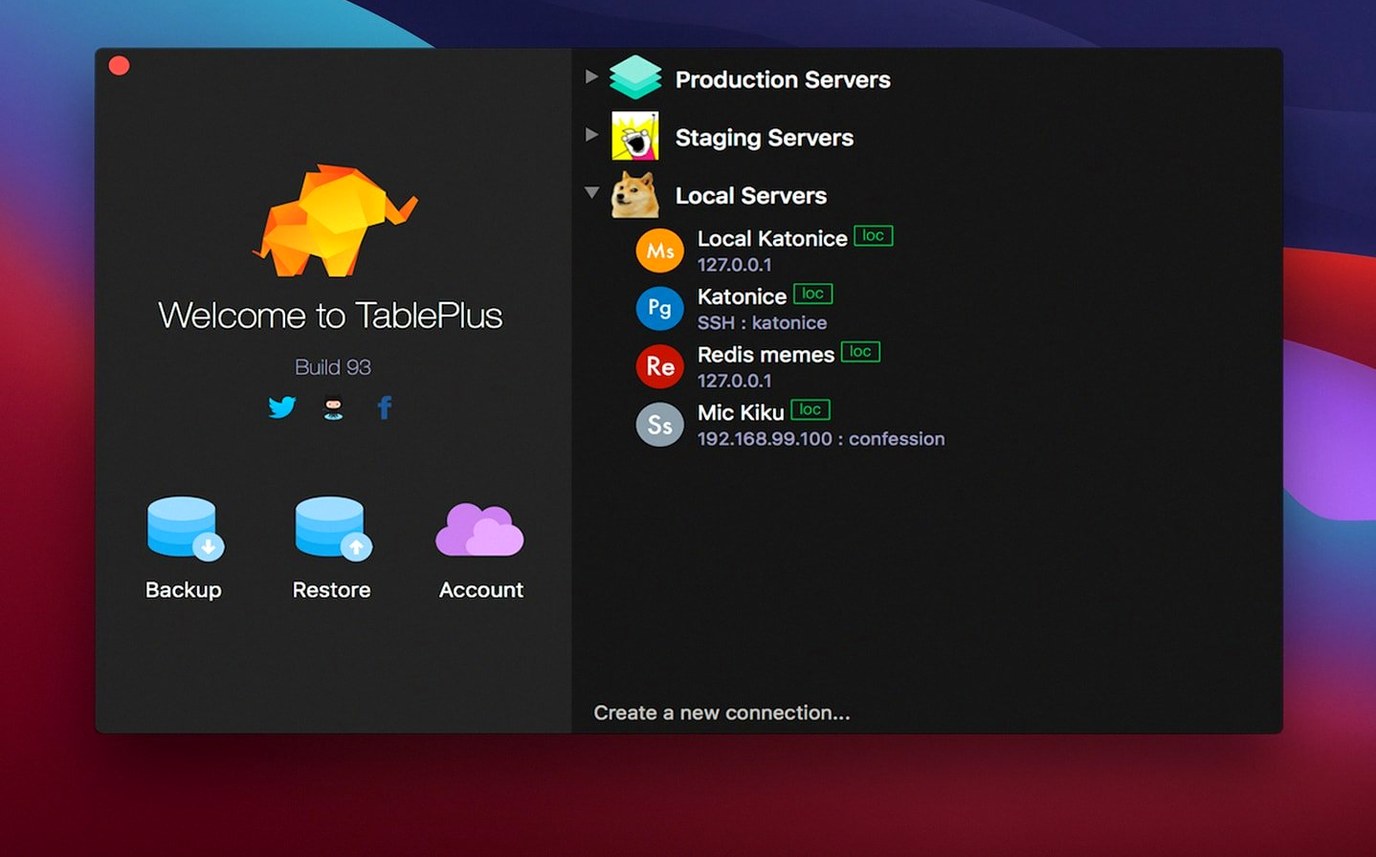
- Open a multi-tab workspace. Connect to a PostgreSQL instance in one tab, a MySQL server in another, and an SQLite file in a third. Each tab remembers its own query history and active schema, so you can copy a result set from one database and use it to filter records in another without losing context.
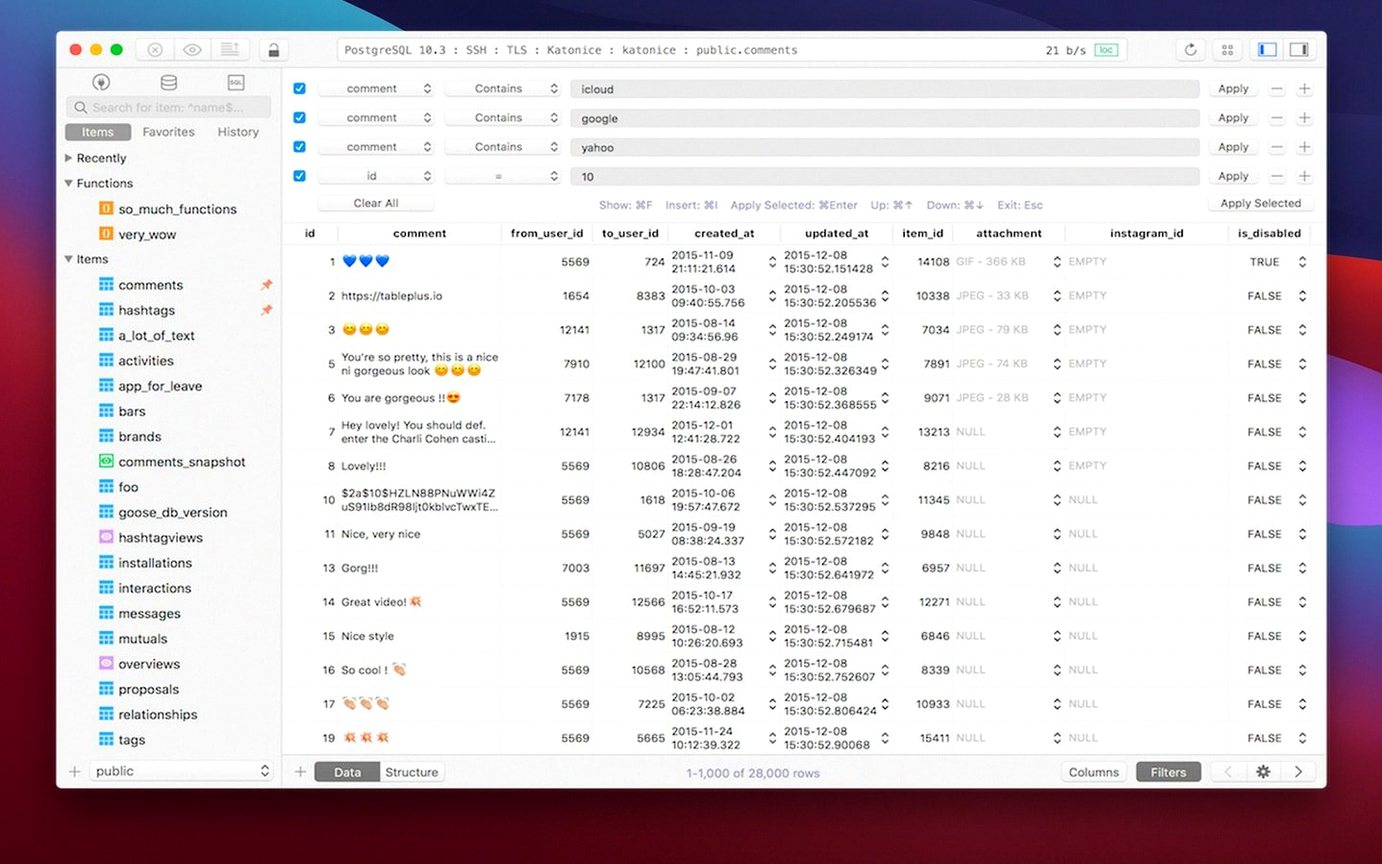
- Edit with native speed. The interface runs like a proper Mac app because it is one—not an Electron wrapper. Scrolling through thousands of rows stays smooth on Apple Silicon, and the inline filter bar lets you narrow results by typing a value directly above any column.
- Secure connections without extra setup. Adding a new Microsoft SQL Server host? The connection panel uses native libss and TLS. Tick the encryption checkbox, paste your certificate if needed, and you are done. No config-file hunting.
What I’d use it for: the daily rhythm of checking live data, editing stored procedures, and tweaking schema across projects. The multiple-window support means I can drag a query window to a second display while keeping the table structure view on the laptop screen—small things that reduce friction when you switch contexts a hundred times a day.
Connection refused and other quick fixes for real hiccups
Most problems are small configuration mismatches, not bugs. Here are a few I see crop up regularly and the quickest way past them.
- Connection refused on localhost. If MySQL or PostgreSQL won’t connect, check that the server is actually running. For a Homebrew-installed Postgres,
brew services listtells you in one line. Also double-check the port—TablePlus defaults to the standard port for each driver, but a custom install might use something else. The connection panel’s Test button is your friend; it shows the exact failure message without leaving the app. - Tabs go unresponsive on a slow query. A
SELECT *on a 20-million-row table can lock the UI briefly if you haven’t set a limit. TablePlus applies a default row limit, but you can lower it further in Preferences under Query. If a tab does freeze, ⌘. cancels the running query without killing the connection. - SSL handshake fails. When you tick “Use TLS” and get a cipher error, the server probably requires a minimum TLS version that the bundled library negotiates fine—unless a custom CA certificate is missing. Paste the certificate text into the SSL CA field rather than pointing to a file path; I’ve had fewer path-resolution quirks that way.
- Saved connections vanish after an update. The connection library lives in
~/Library/Application Support/com.tinyapp.TablePlus/. If you wipe preferences during a macOS cleanup or use a sandboxed version, links can disappear. Export your connection list from the File menu before any major system migration.
Carrying CLI habits that skip the tool’s guardrails
New users coming from a CLI or a heavier IDE sometimes carry habits that work against the tool’s design. Spotting these early saves a lot of head-scratching.
- Ignoring Safe Mode until it bites. Safe Mode sits in the toolbar as a little shield icon. With it off, a raw
UPDATEorDELETEwithout aWHEREclause executes immediately. Beginners who learned on phpMyAdmin’s confirmation dialogs can wipe rows by accident. Flip Safe Mode on while exploring a production dataset; it blocks dangerous statements unless you confirm them explicitly. - Typing everything instead of using the inline filter. New folks often write a fresh
WHEREclause just to spot-check a value. The filter bar above each column does the same job in two keystrokes—click the bar, typeberlin, and the row set shrinks instantly. It works on any result grid, even for read-only views. - Not pinning frequently used filters. You can save a filter combination as a pinned tab. Beginners tend to re-type the same filter criteria every morning instead of pinning a “pending orders” or “users without verified email” view once and clicking back to it.
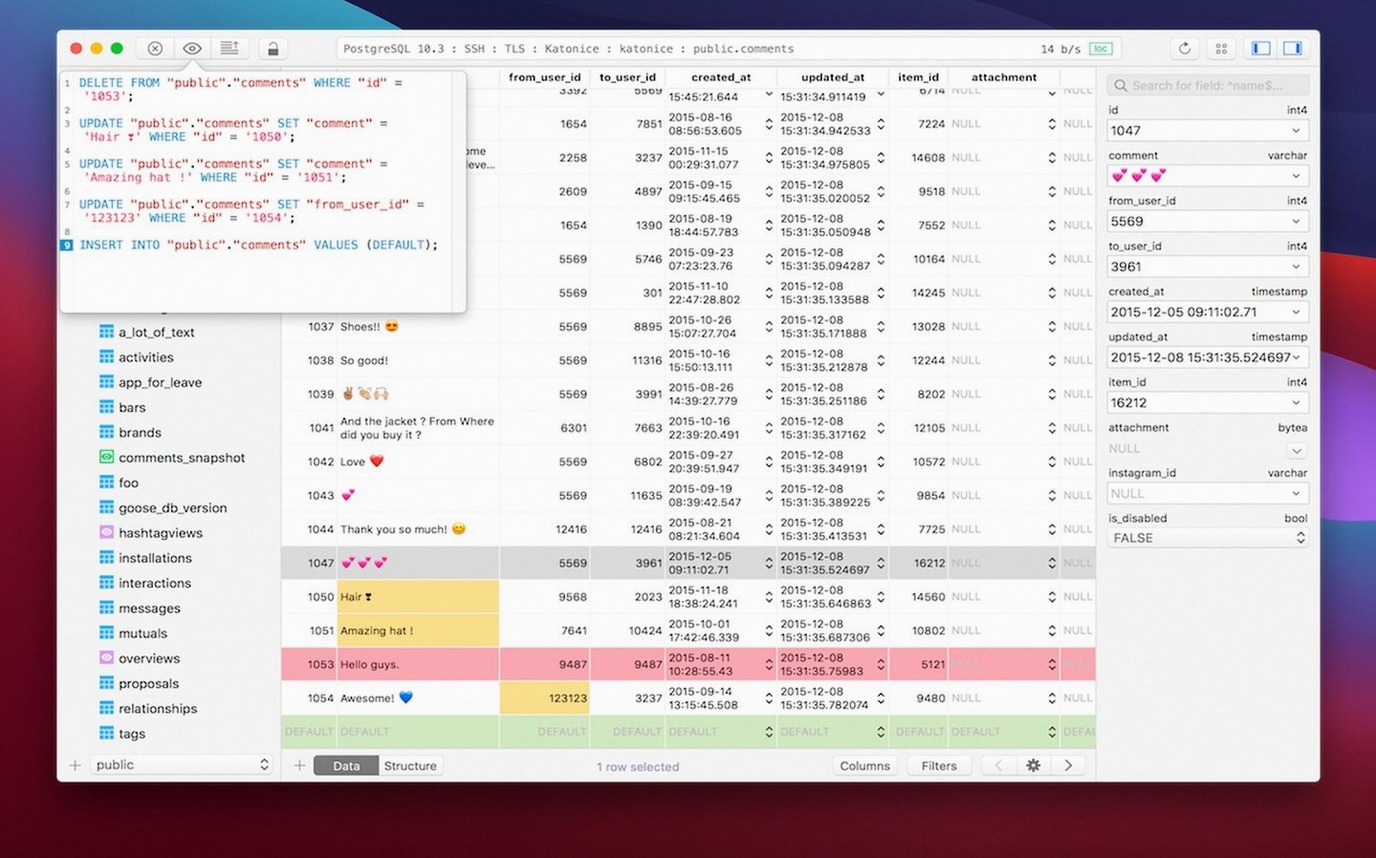
- Overlooking the code preview. The editor shows a preview of what a query will affect before you run it—handy when you’re composing a multi-table
JOINand want to sanity-check the row count. Skipping this step leads to “why did this touch 80,000 rows?” moments that are entirely avoidable.
Debugging a paid-vs-pending mismatch across Postgres and SQLite
Imagine a freelance iOS developer who inherited a backend that mixes PostgreSQL for user accounts and SQLite for an offline-first sync layer. She’s debugging a bug report: a customer’s order shows as “paid” on the phone but “pending” in the admin dashboard. She opens TablePlus and connects to the production Postgres instance with TLS, then drags a local .sqlite file from the Finder into a second tab. In the SQLite tab she finds the transaction row by filtering the order_id column. In the Postgres tab she runs the same ID against the orders table and spots a timestamp mismatch—the server’s updated_at is three hours behind because a timezone conversion failed in the API middleware. She copies the raw timestamps into a sticky note, writes a quick UPDATE script in the editor, checks the code preview to confirm it affects exactly one row, and commits the fix. The whole investigation stays inside one window, with no terminal, no separate SQLite browser, and no lost context between platforms.
- macOS 12.6 or newer
- Works on Intel and Apple Silicon Macs
- Interface language: English
Notes from other shops 0
Sign in or open a shop account to leave a note.
No notes yet. If you've used this on a shop Mac, tell me how it went.